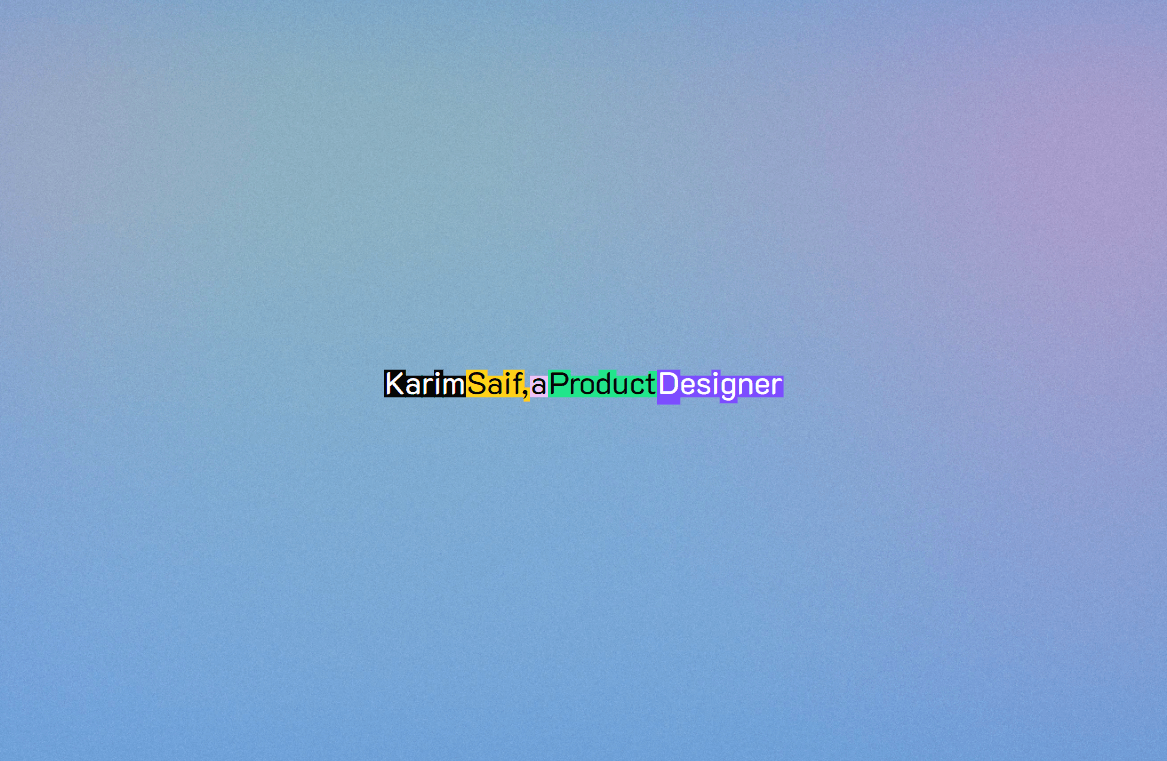
Design Tiles Text is a dynamic, typographic hero component that turns any headline into an interactive sequence of colorful, blocky text tiles. As visitors view or interact with the text, the background tile colors shuffle smoothly while letter blocks physically react to cursor hovering—creating a bold, memorable graphic statement.
Staggered Entrance Animation: Words reveal themselves sequentially from left to right with a smooth expanding tile animation.
Ambient Color Shuffling: Tile backgrounds continuously cycling through vibrant color combinations at random intervals, keeping your page feeling alive.
Interactive Letter Heights: As visitors move their cursor across individual letters, the background highlight blocks subtly expand in height beneath the pointer.
Hover Recolor: Hovering over any word instantly triggers a fresh color swatch shift.
Canvas & Reduced-Motion Safe: Automatically renders in a static preview state inside Framer Canvas and respects visitor system accessibility settings (prefers-reduced-motion).
Full control directly from Framer’s right-hand property panel — no code needed:
Text — Enter any sentence or phrase (each space-separated word becomes an interactive tile)
Font — Select any web or system typography family
Background — Set a custom container background color or leave it transparent
Questions or feedback? Reach out anytime at karimsaif010@gmail.com or on X @karimsaif0.

Design Tiles Text is a dynamic, typographic hero component that turns any headline into an interactive sequence of colorful, blocky text tiles. As visitors view or interact with the text, the background tile colors shuffle smoothly while letter blocks physically react to cursor hovering—creating a bold, memorable graphic statement.
Staggered Entrance Animation: Words reveal themselves sequentially from left to right with a smooth expanding tile animation.
Ambient Color Shuffling: Tile backgrounds continuously cycling through vibrant color combinations at random intervals, keeping your page feeling alive.
Interactive Letter Heights: As visitors move their cursor across individual letters, the background highlight blocks subtly expand in height beneath the pointer.
Hover Recolor: Hovering over any word instantly triggers a fresh color swatch shift.
Canvas & Reduced-Motion Safe: Automatically renders in a static preview state inside Framer Canvas and respects visitor system accessibility settings (prefers-reduced-motion).
Full control directly from Framer’s right-hand property panel — no code needed:
Text — Enter any sentence or phrase (each space-separated word becomes an interactive tile)
Font — Select any web or system typography family
Background — Set a custom container background color or leave it transparent
Questions or feedback? Reach out anytime at karimsaif010@gmail.com or on X @karimsaif0.