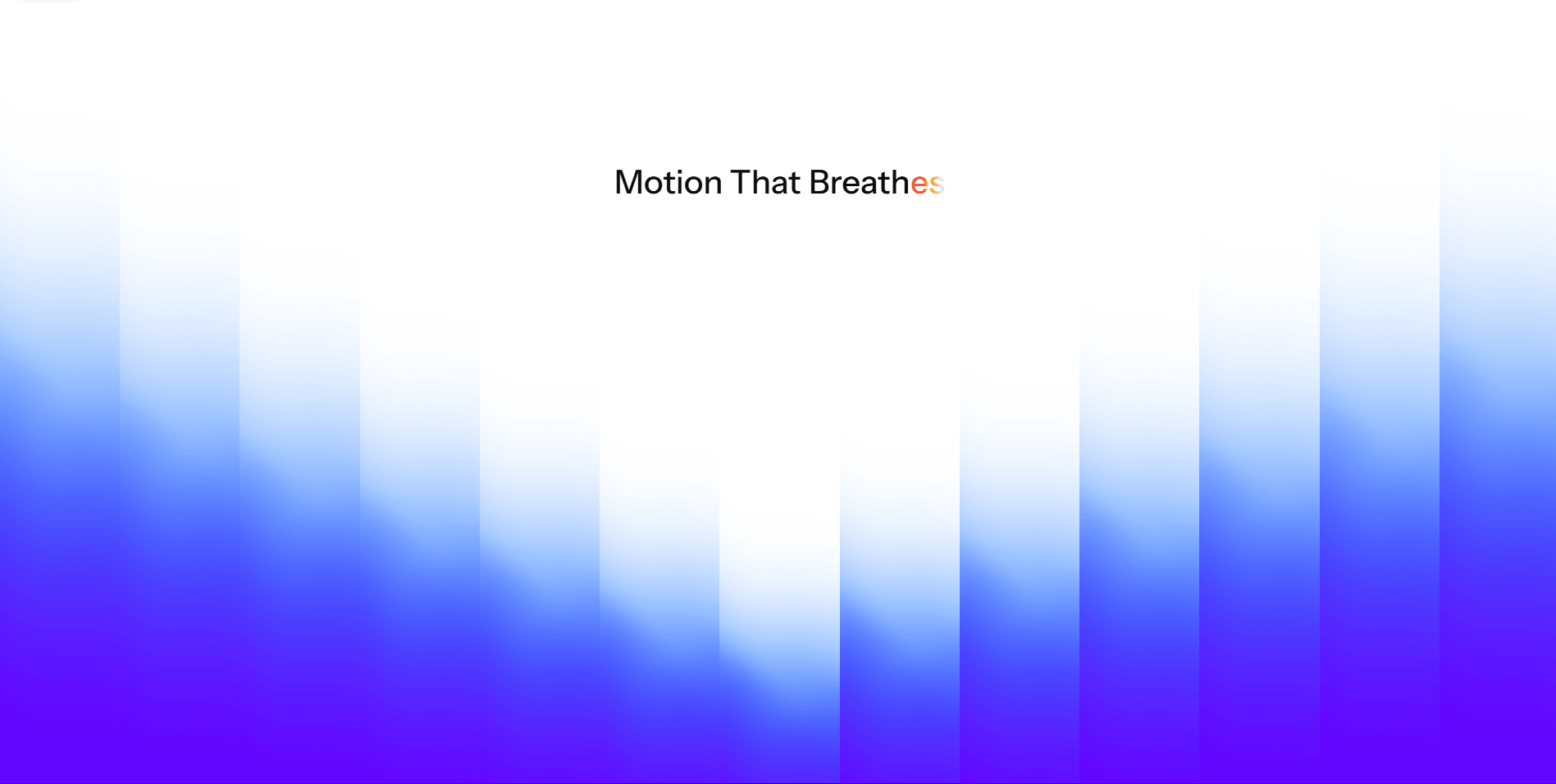
Dia Text Reveal is a premium animated typography component for Framer that makes it effortless to create smooth cyclic text reveal effects. Customize fonts, colors, gradients, easing, timing, stagger, direction, and triggers to match your brand. Whether you're building a SaaS landing page, portfolio, startup website, or personal brand, Dia Text Reveal helps your headlines feel dynamic, polished, and unforgettable.
Customizable Properties
Text: Set multiple words or phrases to cycle through.
Font: Choose any Framer font or typography style.
Base Color: Color of the static text.
Sweep Colors: Create multi-color sweep gradients with unlimited color stops.
Duration: Control the animation speed.
Delay: Set the pause between animation cycles.
Easing: Choose from different easing curves for the transition.
Cycle Text: Enable or disable continuous looping.
Stagger: Adjust the delay between each character's animation.
Trigger: Play on load, on scroll into view, or other supported triggers.
Play Once: Animate only once or loop repeatedly.
Direction: Change the sweep direction (Left → Right, Right → Left, etc.).
Overflow: Control whether animated content is clipped or visible.

Dia Text Reveal is a premium animated typography component for Framer that makes it effortless to create smooth cyclic text reveal effects. Customize fonts, colors, gradients, easing, timing, stagger, direction, and triggers to match your brand. Whether you're building a SaaS landing page, portfolio, startup website, or personal brand, Dia Text Reveal helps your headlines feel dynamic, polished, and unforgettable.
Customizable Properties
Text: Set multiple words or phrases to cycle through.
Font: Choose any Framer font or typography style.
Base Color: Color of the static text.
Sweep Colors: Create multi-color sweep gradients with unlimited color stops.
Duration: Control the animation speed.
Delay: Set the pause between animation cycles.
Easing: Choose from different easing curves for the transition.
Cycle Text: Enable or disable continuous looping.
Stagger: Adjust the delay between each character's animation.
Trigger: Play on load, on scroll into view, or other supported triggers.
Play Once: Animate only once or loop repeatedly.
Direction: Change the sweep direction (Left → Right, Right → Left, etc.).
Overflow: Control whether animated content is clipped or visible.