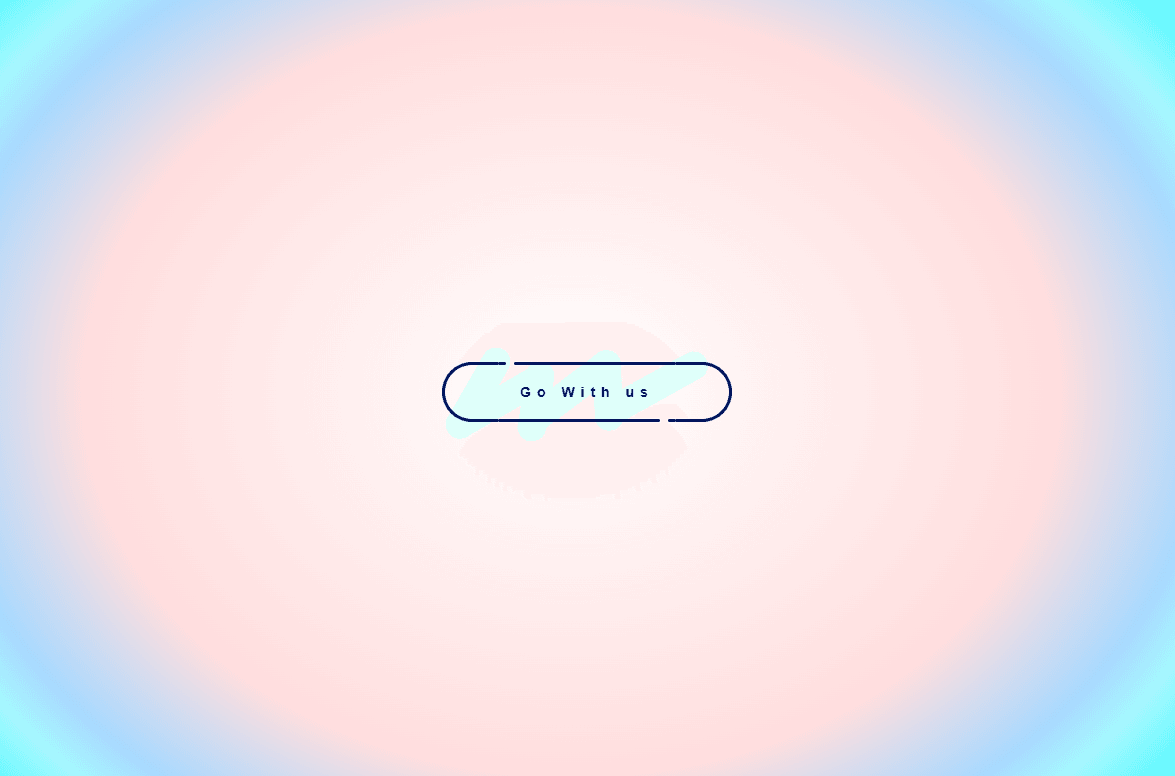
Draw Liquid Button is an eye-catching, interactive button component for Framer featuring a custom line-drawing liquid fill animation. Upon hovering, the button border dynamically unwinds as a multi-stage liquid drip keyframe effect flows in to paint the button background while seamlessly expanding the text tracking.
Built with clean CSS keyframe pipelines and semantic HTML tags, Draw Liquid Button brings high-energy micro-interactions to modern websites, creative portfolios, and landing page CTAs.
Sequential Liquid Line Drawing: Triggers a synchronized CSS animation sequence on hover that draws organic liquid strokes into the button body.
Dynamic Letter Spacing: Expands typography tracking smoothly on mouse entry for a responsive visual feedback effect.
Curated Color Presets: Comes with pre-configured color themes (Pink, Blue, Teal) alongside full custom color overrides.
Dual Element Tag Support: Automatically switches between native <button> and standard <a> hyperlink anchor tags depending on whether a destination link is supplied.
Full Accessibility & SSR Optimized: Includes static renderer fallbacks for Framer canvas exports, explicit ARIA attributes, disabled state handling, and keyboard interaction support (Enter / Space).
Everything is fully configurable directly from Framer’s right-hand property panel:
Text & Links: Set custom button text, destination URL, open-in-new-tab toggles, and accessible ARIA labels.
Themes & Palette: Select from built-in theme presets (Pink, Blue, Teal) or switch to Custom mode to control line stroke and background fill colors.
Liquid & Stroke Thickness: Adjust drip size and liquid fill thickness directly with step controls.
Hover Letter Spacing: Set exact target tracking distances on hover.
Have questions or feedback? Reach out anytime at karimsaif010@gmail.com or on X @karimsaif0.

Draw Liquid Button is an eye-catching, interactive button component for Framer featuring a custom line-drawing liquid fill animation. Upon hovering, the button border dynamically unwinds as a multi-stage liquid drip keyframe effect flows in to paint the button background while seamlessly expanding the text tracking.
Built with clean CSS keyframe pipelines and semantic HTML tags, Draw Liquid Button brings high-energy micro-interactions to modern websites, creative portfolios, and landing page CTAs.
Sequential Liquid Line Drawing: Triggers a synchronized CSS animation sequence on hover that draws organic liquid strokes into the button body.
Dynamic Letter Spacing: Expands typography tracking smoothly on mouse entry for a responsive visual feedback effect.
Curated Color Presets: Comes with pre-configured color themes (Pink, Blue, Teal) alongside full custom color overrides.
Dual Element Tag Support: Automatically switches between native <button> and standard <a> hyperlink anchor tags depending on whether a destination link is supplied.
Full Accessibility & SSR Optimized: Includes static renderer fallbacks for Framer canvas exports, explicit ARIA attributes, disabled state handling, and keyboard interaction support (Enter / Space).
Everything is fully configurable directly from Framer’s right-hand property panel:
Text & Links: Set custom button text, destination URL, open-in-new-tab toggles, and accessible ARIA labels.
Themes & Palette: Select from built-in theme presets (Pink, Blue, Teal) or switch to Custom mode to control line stroke and background fill colors.
Liquid & Stroke Thickness: Adjust drip size and liquid fill thickness directly with step controls.
Hover Letter Spacing: Set exact target tracking distances on hover.
Have questions or feedback? Reach out anytime at karimsaif010@gmail.com or on X @karimsaif0.


