About
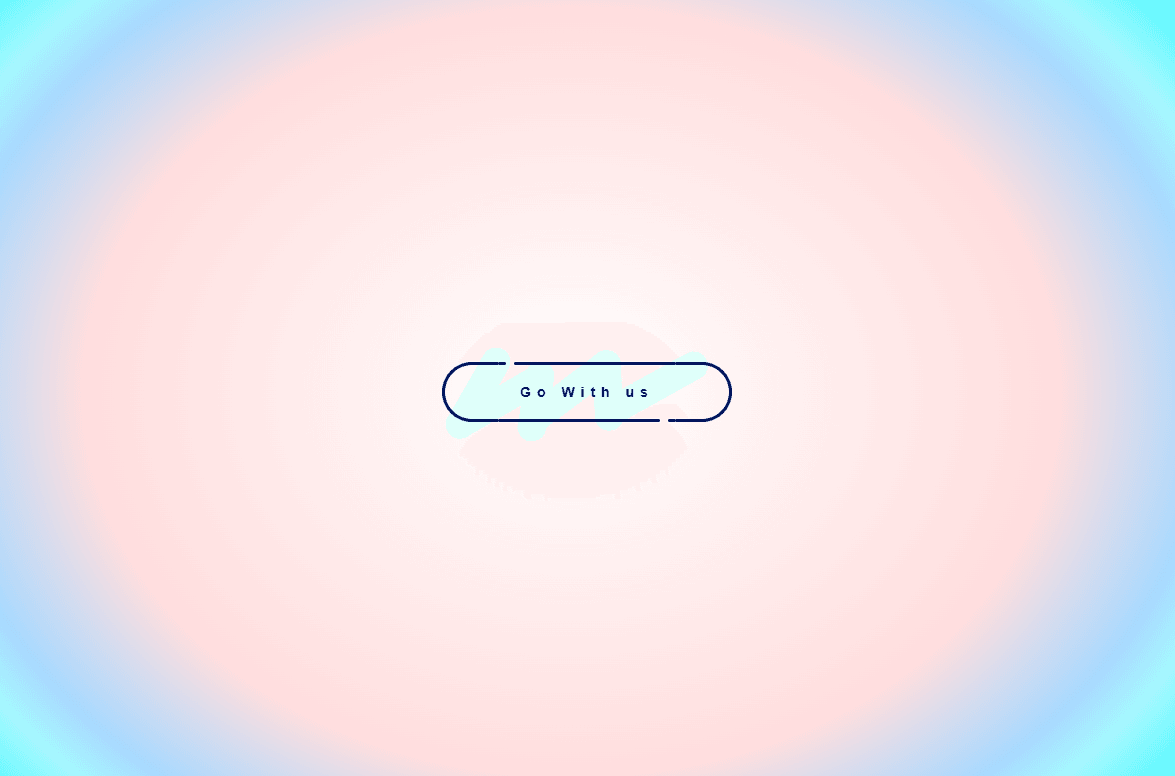
ASCII Button is a bold pill-shaped CTA button that uses ASCII-rendered images as its background. At rest it shows a dim, moody version of the image. On hover, it swaps to a bright high-contrast version creating a glowing reveal effect that feels raw, glitchy, and intentional.
What it does
On hover, the button background switches from a low-brightness ASCII image to a high-brightness one using Framer's built-in variant transition. The result is a smooth brightness reveal that feels like the button is lighting up from within no code, no plugins needed at runtime.
What you can customize
From the Framer panel: button text, text color, and border radius.
How to set up the images
The button comes with two variant states, Default and Hover. Each state has its own background image slot. To customize:
1. Select the button on the canvas and make sure you are on the Default variant
2. Click on the image in the panel, then go to Plugins and open the ASCII plugin
3. Apply it to your image and bring the Brightness down (around 20–40%) — this is your resting state
4. Switch to the Hover variant from the variant switcher
5. Add the same image again through the ASCII plugin, this time with Brightness turned up high (80–100%) — this is your hover reveal
That is it. Framer handles the transition automatically.
Great for (examples)
Use it anywhere you want a button that feels more expressive and textured:
* hero sections on dark or editorial layouts
* portfolio and creative studio sites
* brutalist and glitch-aesthetic pages
* product and launch pages
* SaaS websites with bold visual identity
* personal brand sites
* Framer template previews
Share your build
If you ship something cool with it, post it on X and tag me @karimsaif0, or send it over. I would love to see what you create.
Need help?
Questions or feedback? Reach me anytime: karimsaif010@gmail.com or on X @karimsaif0.

About
ASCII Button is a bold pill-shaped CTA button that uses ASCII-rendered images as its background. At rest it shows a dim, moody version of the image. On hover, it swaps to a bright high-contrast version creating a glowing reveal effect that feels raw, glitchy, and intentional.
What it does
On hover, the button background switches from a low-brightness ASCII image to a high-brightness one using Framer's built-in variant transition. The result is a smooth brightness reveal that feels like the button is lighting up from within no code, no plugins needed at runtime.
What you can customize
From the Framer panel: button text, text color, and border radius.
How to set up the images
The button comes with two variant states, Default and Hover. Each state has its own background image slot. To customize:
1. Select the button on the canvas and make sure you are on the Default variant
2. Click on the image in the panel, then go to Plugins and open the ASCII plugin
3. Apply it to your image and bring the Brightness down (around 20–40%) — this is your resting state
4. Switch to the Hover variant from the variant switcher
5. Add the same image again through the ASCII plugin, this time with Brightness turned up high (80–100%) — this is your hover reveal
That is it. Framer handles the transition automatically.
Great for (examples)
Use it anywhere you want a button that feels more expressive and textured:
* hero sections on dark or editorial layouts
* portfolio and creative studio sites
* brutalist and glitch-aesthetic pages
* product and launch pages
* SaaS websites with bold visual identity
* personal brand sites
* Framer template previews
Share your build
If you ship something cool with it, post it on X and tag me @karimsaif0, or send it over. I would love to see what you create.
Need help?
Questions or feedback? Reach me anytime: karimsaif010@gmail.com or on X @karimsaif0.