MORE FRAMER COMPONENTS LIKE THIS
✦ Browse +38 FREE + 85 premium components: https://frameze.com/components
✦ Card Bundle: https://frameze.com/components/category/card?ref=bundles
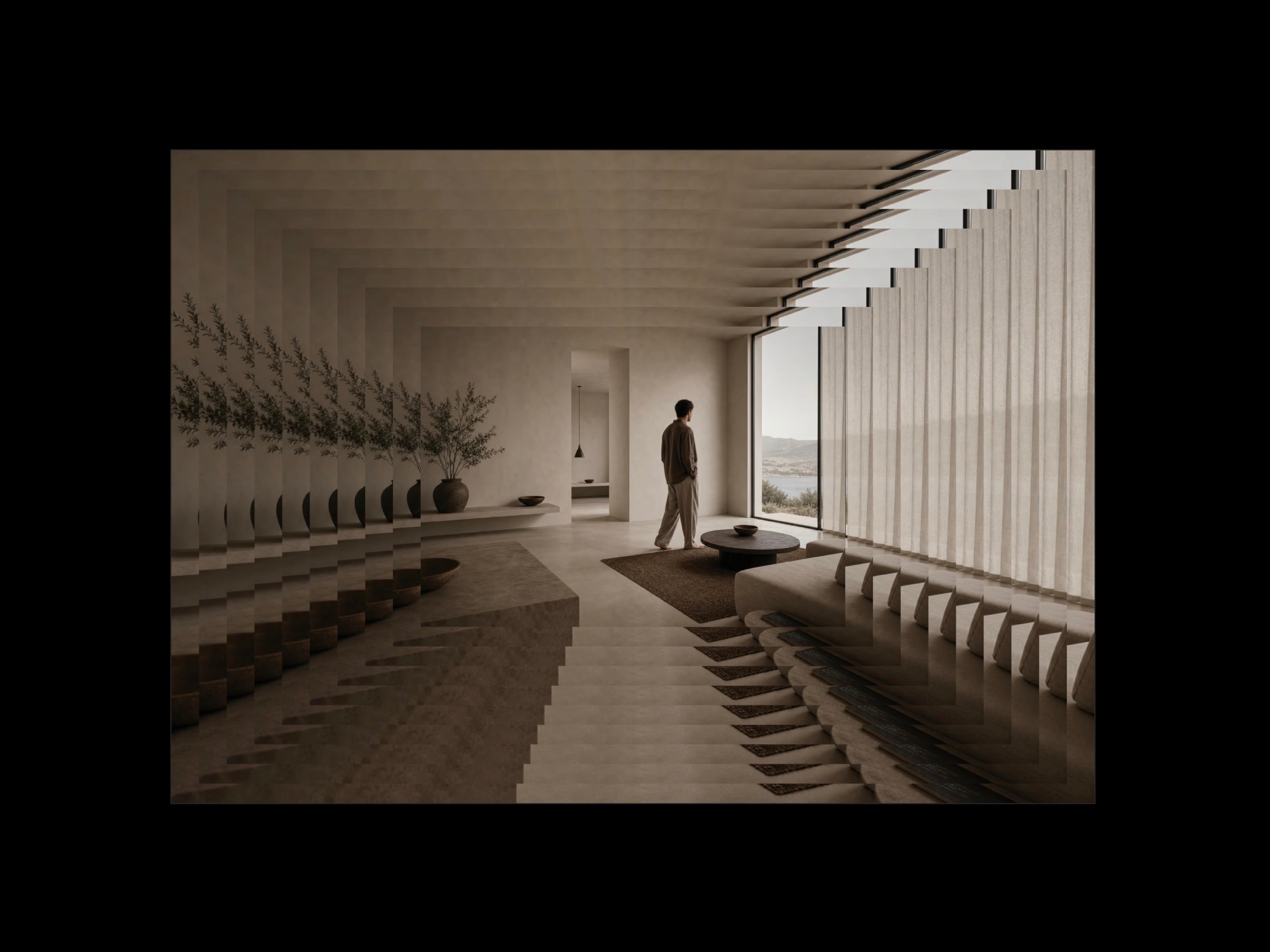
FocusFrame is an immersive video card component for Framer with smooth edge blur, vignette effect, and center focus. The video plays automatically in a loop while blurred edges create a natural image blur that draws the eye to the center — perfect for cinematic product showcases, editorial sections, and luxury brand experiences.
Live Preview: https://focusframe.framer.website/
The image focus effect works by applying a progressive blur from the edges inward, keeping the center sharp and clear. Adjust the blur amount, edge size, and overlay color to create anything from a subtle soft-focus look to a dramatic cinematic vignette.
Fully customizable via property controls — no code needed.
Key Features
Auto-playing looping video with center image focus effect
Smooth edge blur and image blur vignette
Adjustable blur amount and blur edge size
Dark overlay with custom color and opacity
Centered title and subtitle text layer
Customizable font family, size, weight, and color
Border toggle with color and width control
Adjustable border radius
Interactive demo component included
Best For
Luxury and beauty brand websites
Editorial hero and focus sections
Fashion and lifestyle landing pages
Product showcase and highlight cards
Portfolio feature sections
Cinematic and soft-focus storytelling layouts
Where to Use
Homepage hero sections
Product detail pages
Creative agency and portfolio sites
Fashion and beauty e-commerce
Visual storytelling and editorial layouts
How to Use
Add FocusFrame to your Framer canvas
Upload your video source
Adjust blur amount and edge blur size
Customize title text and font
Set overlay color and opacity
Toggle border on or off

MORE FRAMER COMPONENTS LIKE THIS
✦ Browse +38 FREE + 85 premium components: https://frameze.com/components
✦ Card Bundle: https://frameze.com/components/category/card?ref=bundles
FocusFrame is an immersive video card component for Framer with smooth edge blur, vignette effect, and center focus. The video plays automatically in a loop while blurred edges create a natural image blur that draws the eye to the center — perfect for cinematic product showcases, editorial sections, and luxury brand experiences.
Live Preview: https://focusframe.framer.website/
The image focus effect works by applying a progressive blur from the edges inward, keeping the center sharp and clear. Adjust the blur amount, edge size, and overlay color to create anything from a subtle soft-focus look to a dramatic cinematic vignette.
Fully customizable via property controls — no code needed.
Key Features
Auto-playing looping video with center image focus effect
Smooth edge blur and image blur vignette
Adjustable blur amount and blur edge size
Dark overlay with custom color and opacity
Centered title and subtitle text layer
Customizable font family, size, weight, and color
Border toggle with color and width control
Adjustable border radius
Interactive demo component included
Best For
Luxury and beauty brand websites
Editorial hero and focus sections
Fashion and lifestyle landing pages
Product showcase and highlight cards
Portfolio feature sections
Cinematic and soft-focus storytelling layouts
Where to Use
Homepage hero sections
Product detail pages
Creative agency and portfolio sites
Fashion and beauty e-commerce
Visual storytelling and editorial layouts
How to Use
Add FocusFrame to your Framer canvas
Upload your video source
Adjust blur amount and edge blur size
Customize title text and font
Set overlay color and opacity
Toggle border on or off