Unlock entire Depth library for $149. One price. Lifetime.
--------------------------------------------------------
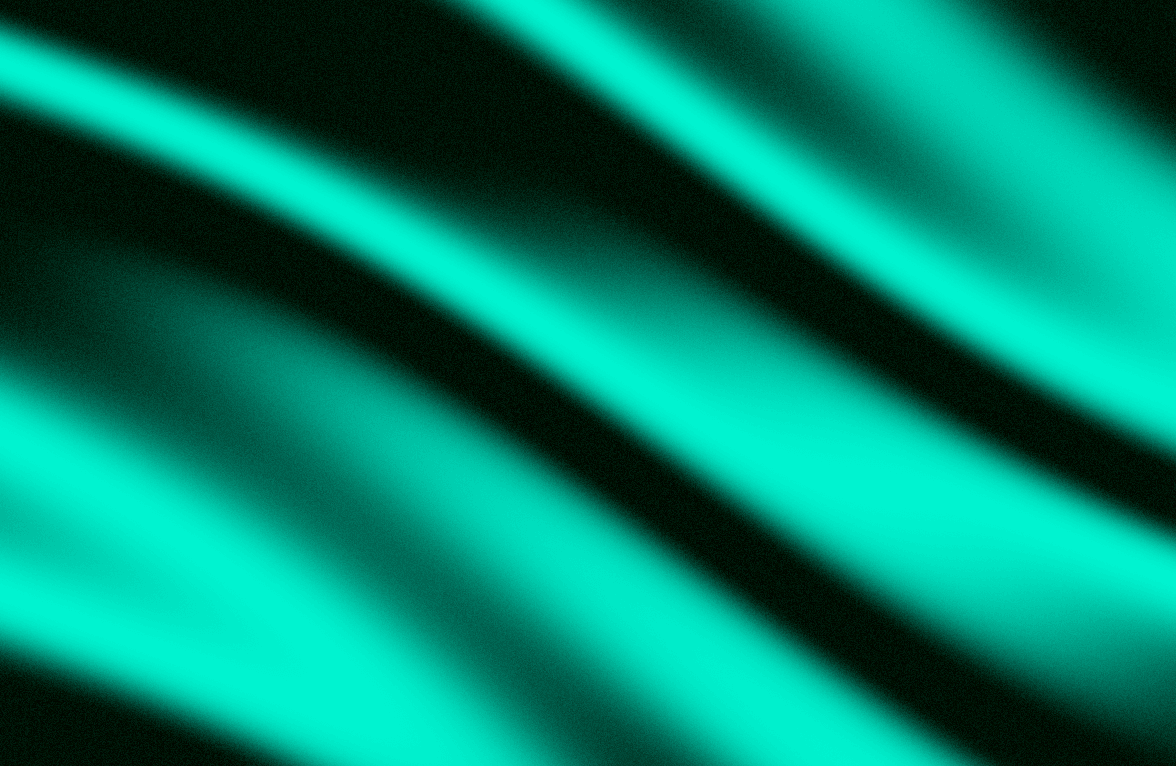
An animated, grain-textured gradient background — up to 7 colors blended into 7 different abstract shapes, from soft waves to a 3D sphere, all with a built-in noise overlay for a distinctly non-flat, organic finish.
Features
Up to 7 colors — build rich, multi-stop gradients instead of a flat 2-color fade
7 shape modes — Wave, Dots, Truchet, Corners, Ripple, Blob, and Sphere, each a completely different composition
Softness control — go from hard, poster-like color edges to smooth, blended transitions
Intensity control — adjust how much distortion happens between color bands
Built-in grain — a noise overlay baked directly into the gradient for texture, no separate grain layer needed
Fully animated — smooth, continuous motion by default, with full control over speed
Built in Paper style, running on a lightweight, zero-dependency shader engine for smooth performance
Controls
Colors
Background Color
Softness
Intensity
Noise
Shape
Speed
Scale / Rotation / Offset
How to use
Add the Grain Gradient component onto your canvas
Add up to 7 colors to build your gradient palette
Pick a Shape — Sphere and Blob work great as hero backgrounds, Truchet and Corners feel more geometric
Adjust Softness and Intensity to set how sharp or smooth the color transitions are
Dial in Noise for the amount of grain texture
Set Speed to control animation pace, or set it to 0 to freeze on a single frame
Shader powered by Paper Shaders.
Refund Policy: Due to the nature of digital products, all sales are final. Once purchased, this component is non-refundable. Please make sure it fits your needs before completing the checkout.
Support: hi@alicorak.com

Unlock entire Depth library for $149. One price. Lifetime.
--------------------------------------------------------
An animated, grain-textured gradient background — up to 7 colors blended into 7 different abstract shapes, from soft waves to a 3D sphere, all with a built-in noise overlay for a distinctly non-flat, organic finish.
Features
Up to 7 colors — build rich, multi-stop gradients instead of a flat 2-color fade
7 shape modes — Wave, Dots, Truchet, Corners, Ripple, Blob, and Sphere, each a completely different composition
Softness control — go from hard, poster-like color edges to smooth, blended transitions
Intensity control — adjust how much distortion happens between color bands
Built-in grain — a noise overlay baked directly into the gradient for texture, no separate grain layer needed
Fully animated — smooth, continuous motion by default, with full control over speed
Built in Paper style, running on a lightweight, zero-dependency shader engine for smooth performance
Controls
Colors
Background Color
Softness
Intensity
Noise
Shape
Speed
Scale / Rotation / Offset
How to use
Add the Grain Gradient component onto your canvas
Add up to 7 colors to build your gradient palette
Pick a Shape — Sphere and Blob work great as hero backgrounds, Truchet and Corners feel more geometric
Adjust Softness and Intensity to set how sharp or smooth the color transitions are
Dial in Noise for the amount of grain texture
Set Speed to control animation pace, or set it to 0 to freeze on a single frame
Shader powered by Paper Shaders.
Refund Policy: Due to the nature of digital products, all sales are final. Once purchased, this component is non-refundable. Please make sure it fits your needs before completing the checkout.
Support: hi@alicorak.com