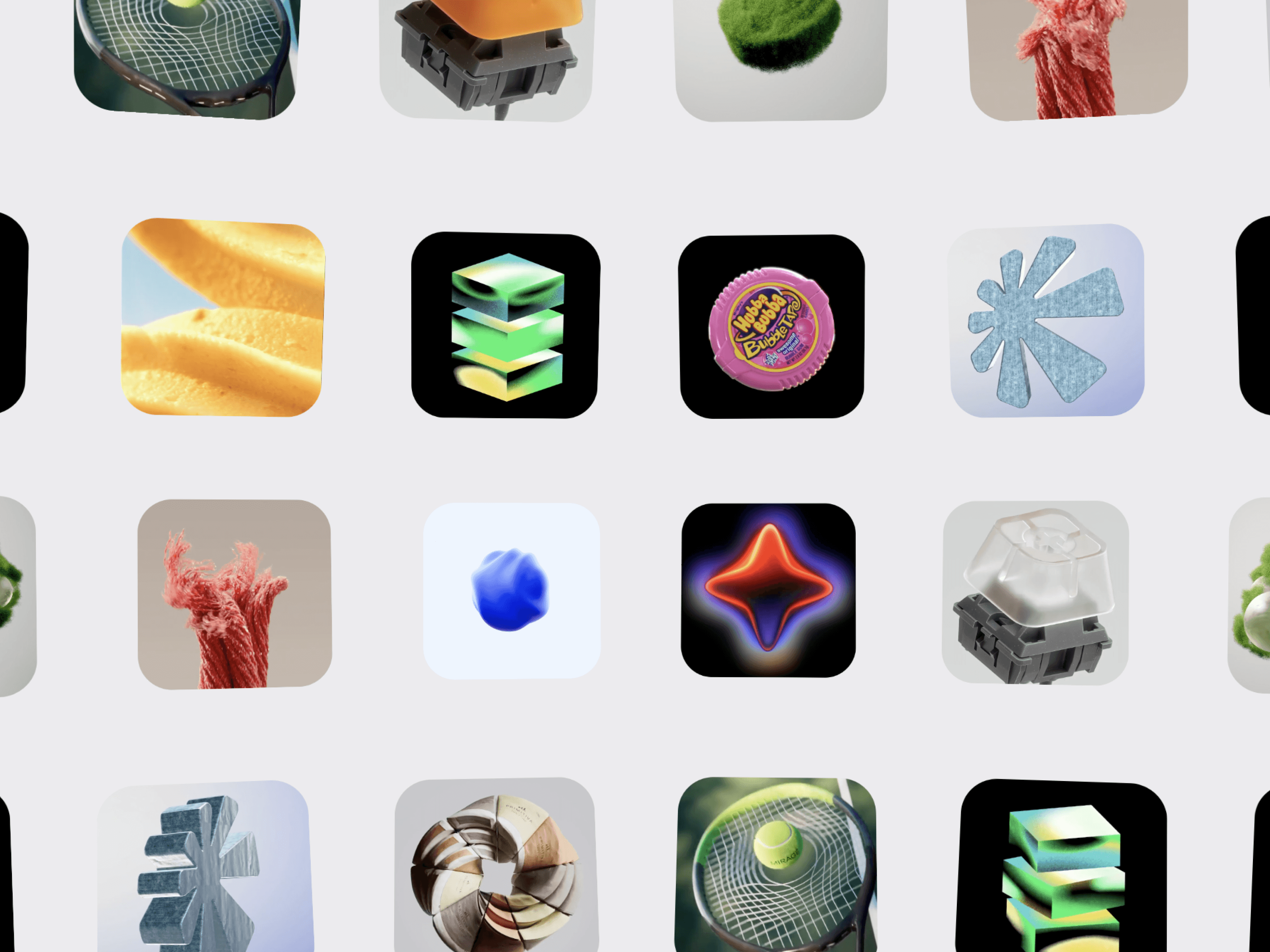
Image Globe Gallery is an immersive 3D image gallery for Framer that transforms your images into a dynamic, globe-inspired visual experience. Create a striking visual centerpiece for portfolios, creative studios, photography websites, agencies, and modern editorial layouts with smooth motion and interactive image exploration.
Globe-Inspired Layout — Arrange images into a dimensional, curved composition that creates a spherical visual effect.
Smooth Motion — Add fluid movement for a cinematic browsing experience.
Drag to Explore — Let visitors interact with the gallery and explore the images naturally.
Responsive Layout — Designed to adapt smoothly across desktop, tablet, and mobile screens.
Add multiple images directly through Framer.
Give each image its own link to create interactive project showcases.
Connect cards to pages, projects, case studies, or external URLs.
Choose whether links open in the same tab or a new tab.
Autoplay for continuously moving visual experiences.
Drag Interaction for hands-on exploration.
Pause on Hover for more controlled browsing.
Smooth transitions and polished hover effects.
Optimized for modern, interactive Framer websites.
Customize images, image size, spacing, gallery dimensions, movement, autoplay speed, direction, drag behavior, hover effects, card radius, borders, shadows, background, fade effects, and links directly from Framer's property controls.
Creative Portfolios · Photography · Design Studios · Agencies · Fashion · Art & Direction · Architecture · Product Showcases · Editorial Websites · Digital Experiences · Personal Websites · Framer Projects
Create a memorable visual experience and turn a standard image gallery into an interactive 3D globe-inspired showcase with Image Globe Gallery.

Image Globe Gallery is an immersive 3D image gallery for Framer that transforms your images into a dynamic, globe-inspired visual experience. Create a striking visual centerpiece for portfolios, creative studios, photography websites, agencies, and modern editorial layouts with smooth motion and interactive image exploration.
Globe-Inspired Layout — Arrange images into a dimensional, curved composition that creates a spherical visual effect.
Smooth Motion — Add fluid movement for a cinematic browsing experience.
Drag to Explore — Let visitors interact with the gallery and explore the images naturally.
Responsive Layout — Designed to adapt smoothly across desktop, tablet, and mobile screens.
Add multiple images directly through Framer.
Give each image its own link to create interactive project showcases.
Connect cards to pages, projects, case studies, or external URLs.
Choose whether links open in the same tab or a new tab.
Autoplay for continuously moving visual experiences.
Drag Interaction for hands-on exploration.
Pause on Hover for more controlled browsing.
Smooth transitions and polished hover effects.
Optimized for modern, interactive Framer websites.
Customize images, image size, spacing, gallery dimensions, movement, autoplay speed, direction, drag behavior, hover effects, card radius, borders, shadows, background, fade effects, and links directly from Framer's property controls.
Creative Portfolios · Photography · Design Studios · Agencies · Fashion · Art & Direction · Architecture · Product Showcases · Editorial Websites · Digital Experiences · Personal Websites · Framer Projects
Create a memorable visual experience and turn a standard image gallery into an interactive 3D globe-inspired showcase with Image Globe Gallery.