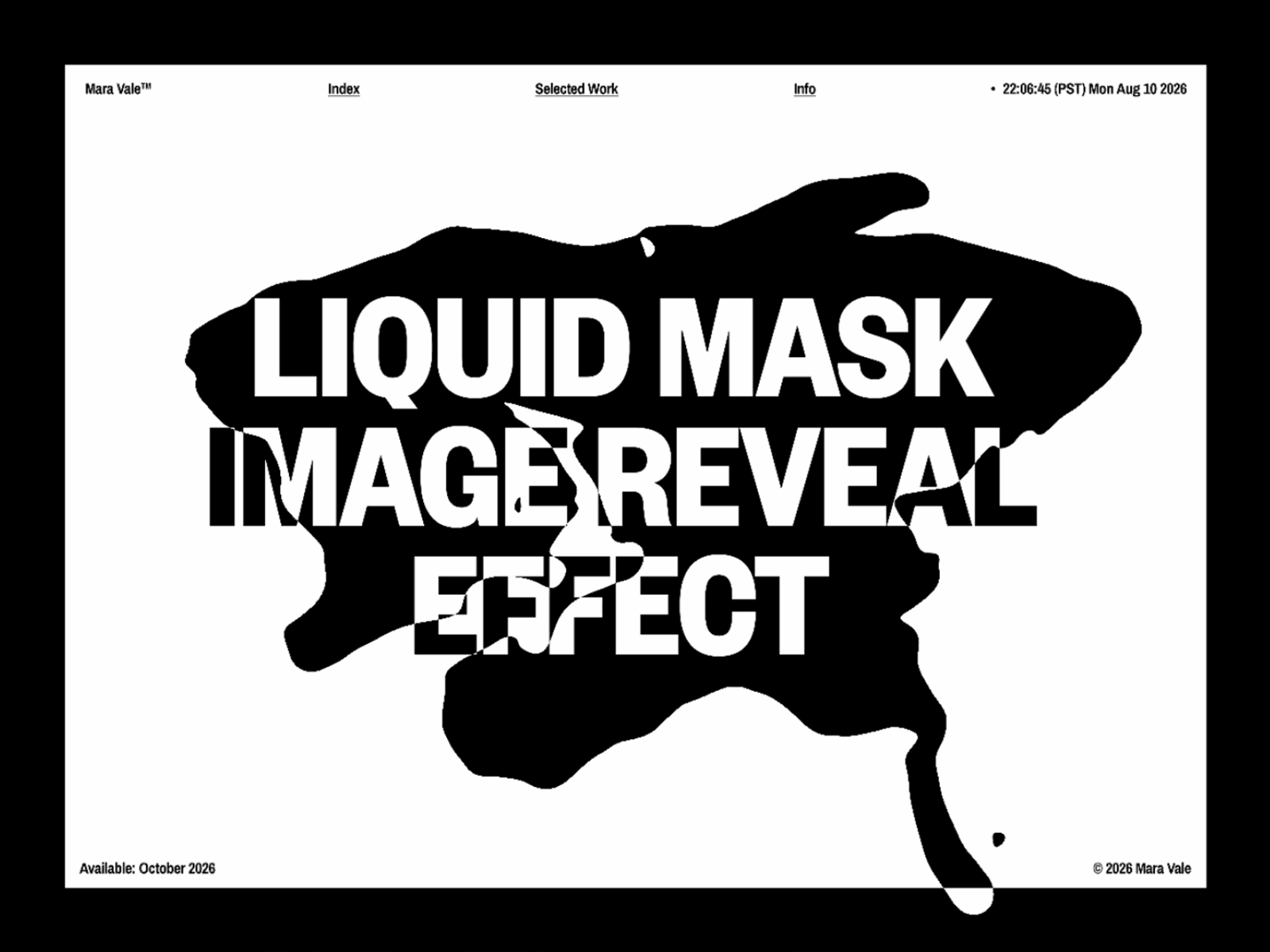
Liquid Chroma Text FX turns your text into a fluid, reactive surface that warps and ripples as the cursor moves across it.
How it works Text near the pointer bends and displaces in smooth, wave-like motion, pulled along by your mouse's movement. A chromatic fringe rides along the distortion, splitting the edges into faint red/blue/green streaks as it stretches — then everything eases back into place once the cursor moves away.
Controls
Strength — how strongly the text bends and distorts around the pointer
Radius — how far the pointer's influence reaches
Chroma — amount of color separation around distorted edges
RGB Fringe — intensity of the RGB fringe effect
Smoothing — how fluidly the distortion follows pointer movement
Quality — rendering resolution (Auto / High / Medium / Low)
Layout — text alignment, sizing/fit mode, padding, and max lines
Hint — optional "Move across the text" prompt for users
Behavior The live WebGL effect runs in Preview and on your published site. In static/export contexts or if WebGL isn't available, it gracefully falls back to a clean rendered version of the text. Fully accessible with proper ARIA labeling and hidden screen-reader text.
Refund Policy This is a digital component, so all sales are final. Once delivered, it cannot be returned, exchanged, or refunded. Please review the details and demo before purchasing.

Liquid Chroma Text FX turns your text into a fluid, reactive surface that warps and ripples as the cursor moves across it.
How it works Text near the pointer bends and displaces in smooth, wave-like motion, pulled along by your mouse's movement. A chromatic fringe rides along the distortion, splitting the edges into faint red/blue/green streaks as it stretches — then everything eases back into place once the cursor moves away.
Controls
Strength — how strongly the text bends and distorts around the pointer
Radius — how far the pointer's influence reaches
Chroma — amount of color separation around distorted edges
RGB Fringe — intensity of the RGB fringe effect
Smoothing — how fluidly the distortion follows pointer movement
Quality — rendering resolution (Auto / High / Medium / Low)
Layout — text alignment, sizing/fit mode, padding, and max lines
Hint — optional "Move across the text" prompt for users
Behavior The live WebGL effect runs in Preview and on your published site. In static/export contexts or if WebGL isn't available, it gracefully falls back to a clean rendered version of the text. Fully accessible with proper ARIA labeling and hidden screen-reader text.
Refund Policy This is a digital component, so all sales are final. Once delivered, it cannot be returned, exchanged, or refunded. Please review the details and demo before purchasing.