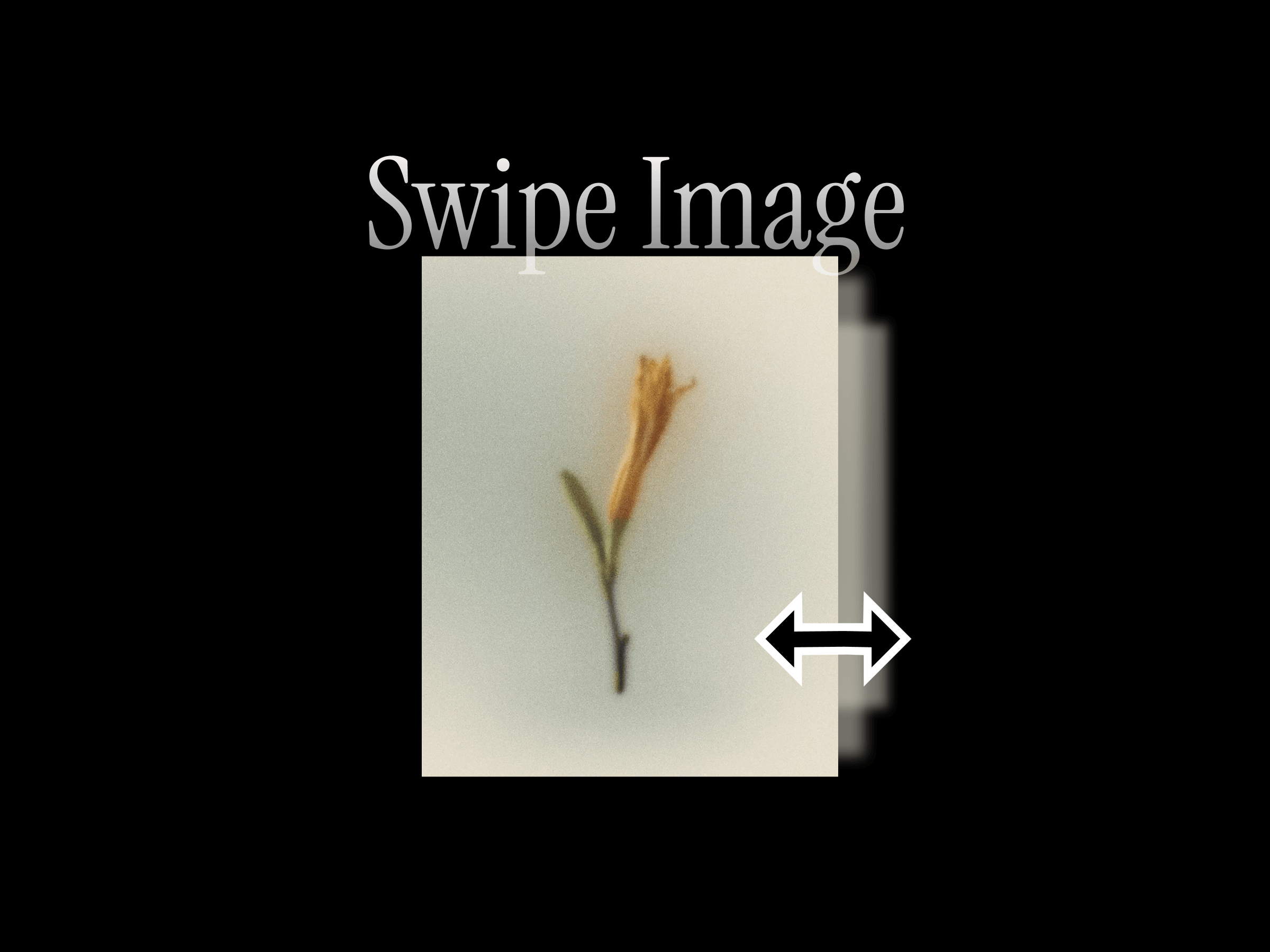
Pixel Image Reveal turns any image into an eye-catching reveal animation. As the effect runs, your image assembles itself out of a wave of randomized pixel blocks
Built entirely in raw WebGL with a custom GLSL shader, it runs buttery-smooth and adds no external libraries to your site. The render loop automatically pauses when the component scrolls out of view, so you can place dozens of them on a page without hurting performance.
Controls
Image
Trigger — Scroll / On Enter / Hover
Direction — Top / Bottom / Left / Right
Scroll Start — where the reveal begins (% down the viewport) (Scroll only)
Scroll End — where the reveal completes (% down the viewport) (Scroll only)
Fit — Cover / Contain
Pixel Size
Pixel Color
Wave Spread
Duration
How to use
Drag the component onto your canvas.
Drop in your image.
Pick a trigger and direction.
For Scroll, set Scroll Start / Scroll End to time the reveal; for On Enter / Hover, set the Duration.
Tweak pixel size, color, and wave spread to taste, then hit Preview to see it live
Features
3 triggers — Scroll (reveals as it moves through the viewport), On Enter (plays once when it enters the screen), and Hover (image stays visible while the pixel wave sweeps across).
4 directions — Sweep the wave from the Top, Bottom, Left, or Right.
Precise scroll timing — Dial in exactly where the reveal starts and finishes within the viewport with Scroll Start / Scroll End, so it completes while the image is comfortably in view.
Fully customizable — Pixel size, pixel color, wave spread, and animation duration.
Cover or Contain fit, just like a normal image.
Performance-first — GPU-accelerated WebGL, viewport-aware pausing, capped device-pixel-ratio.
Zero dependencies
Refund Policy
Due to the nature of digital products, all sales are final. Once purchased, this template is non-refundable. Please make sure it fits your needs before completing the checkout.
Support: hi@alicorak.com

Pixel Image Reveal turns any image into an eye-catching reveal animation. As the effect runs, your image assembles itself out of a wave of randomized pixel blocks
Built entirely in raw WebGL with a custom GLSL shader, it runs buttery-smooth and adds no external libraries to your site. The render loop automatically pauses when the component scrolls out of view, so you can place dozens of them on a page without hurting performance.
Controls
Image
Trigger — Scroll / On Enter / Hover
Direction — Top / Bottom / Left / Right
Scroll Start — where the reveal begins (% down the viewport) (Scroll only)
Scroll End — where the reveal completes (% down the viewport) (Scroll only)
Fit — Cover / Contain
Pixel Size
Pixel Color
Wave Spread
Duration
How to use
Drag the component onto your canvas.
Drop in your image.
Pick a trigger and direction.
For Scroll, set Scroll Start / Scroll End to time the reveal; for On Enter / Hover, set the Duration.
Tweak pixel size, color, and wave spread to taste, then hit Preview to see it live
Features
3 triggers — Scroll (reveals as it moves through the viewport), On Enter (plays once when it enters the screen), and Hover (image stays visible while the pixel wave sweeps across).
4 directions — Sweep the wave from the Top, Bottom, Left, or Right.
Precise scroll timing — Dial in exactly where the reveal starts and finishes within the viewport with Scroll Start / Scroll End, so it completes while the image is comfortably in view.
Fully customizable — Pixel size, pixel color, wave spread, and animation duration.
Cover or Contain fit, just like a normal image.
Performance-first — GPU-accelerated WebGL, viewport-aware pausing, capped device-pixel-ratio.
Zero dependencies
Refund Policy
Due to the nature of digital products, all sales are final. Once purchased, this template is non-refundable. Please make sure it fits your needs before completing the checkout.
Support: hi@alicorak.com