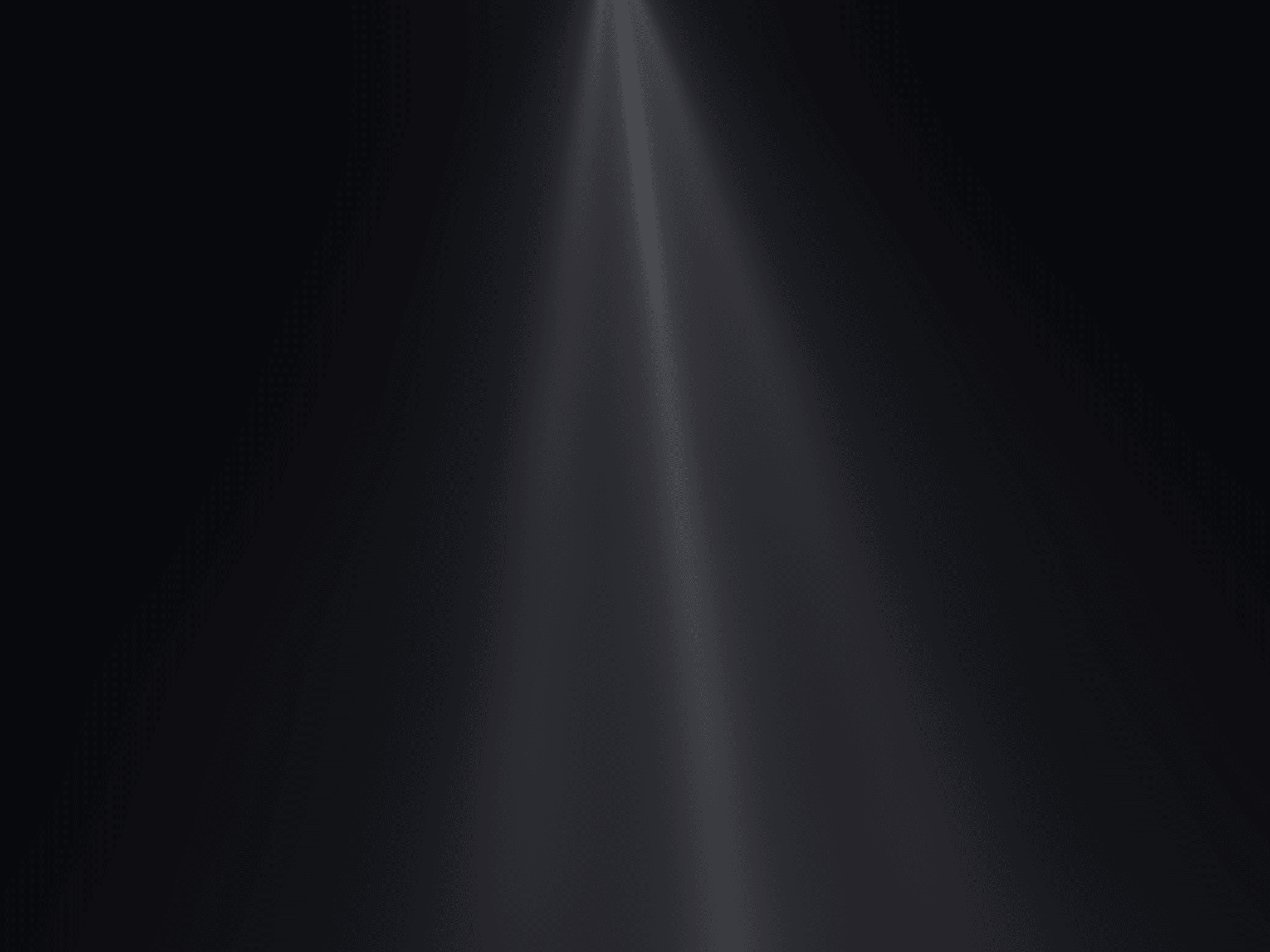
Preview component Create cinematic volumetric light rays with soft movement, natural depth, and atmospheric glow. Rays Mixer simulates animated beams of light that spill across your layout, making it perfect for hero sections, product launches, portfolios, and immersive landing pages.
Choose from multiple ray presets and origin points, then fine-tune the animation, color, intensity, and interaction to match your design.
How to use
Drop the component into your layout and resize it to cover the desired area. Select a preset, choose where the rays originate, and customize the ray color and background.
Adjust the animation using speed, intensity, spread, length, tilt, fade, saturation, distortion, and noise. You can also enable pulsing, mouse interaction, and choose the rendering quality for the right balance between visuals and performance.
Features
Cinematic animated light rays
Multiple ray presets
Configurable ray origin positions
Custom ray and background colors
Adjustable animation speed
Intensity, spread, and length controls
Tilt, fade, and saturation adjustments
Organic distortion and noise
Optional pulsing animation
Optional cursor-following interaction
Adjustable mouse influence
Opacity control
Low, balanced, and high quality rendering modes
Works as a section, frame, or full-page background
Responsive across desktop, tablet, and mobile
No setup or coding required
Refund Policy:
Due to the nature of digital products, all sales are final. Once purchased, this component is non-refundable. Please make sure it fits your needs before completing the checkout.
Support: hi@alicorak.com

Preview component Create cinematic volumetric light rays with soft movement, natural depth, and atmospheric glow. Rays Mixer simulates animated beams of light that spill across your layout, making it perfect for hero sections, product launches, portfolios, and immersive landing pages.
Choose from multiple ray presets and origin points, then fine-tune the animation, color, intensity, and interaction to match your design.
How to use
Drop the component into your layout and resize it to cover the desired area. Select a preset, choose where the rays originate, and customize the ray color and background.
Adjust the animation using speed, intensity, spread, length, tilt, fade, saturation, distortion, and noise. You can also enable pulsing, mouse interaction, and choose the rendering quality for the right balance between visuals and performance.
Features
Cinematic animated light rays
Multiple ray presets
Configurable ray origin positions
Custom ray and background colors
Adjustable animation speed
Intensity, spread, and length controls
Tilt, fade, and saturation adjustments
Organic distortion and noise
Optional pulsing animation
Optional cursor-following interaction
Adjustable mouse influence
Opacity control
Low, balanced, and high quality rendering modes
Works as a section, frame, or full-page background
Responsive across desktop, tablet, and mobile
No setup or coding required
Refund Policy:
Due to the nature of digital products, all sales are final. Once purchased, this component is non-refundable. Please make sure it fits your needs before completing the checkout.
Support: hi@alicorak.com
 Ali Çorak


