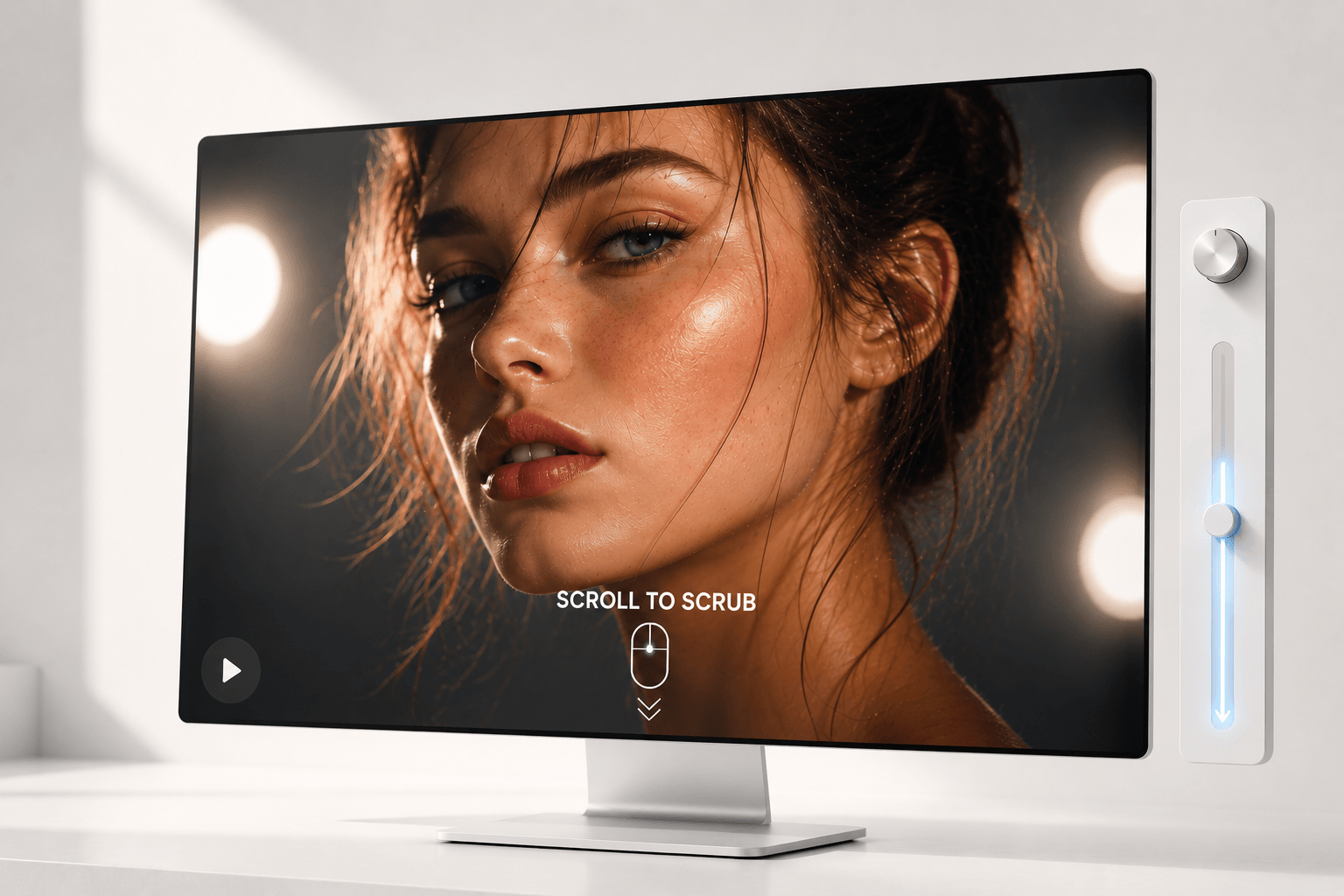
Use cases include hardware product teardowns, interactive software UI walkthroughs, step-by-step feature reveals, dynamic scroll-triggered background headers, and cinematic storytelling.
For physical product launches, render a high-quality 3D video of the product rotating or exploding into its components. As the visitor scrolls, the product visually unpacks itself in sync with text descriptions.
For interactive software tutorials, record a flawless walkthrough of the app’s user interface. Use the component’s scroll-scrub feature so that the app interface clicks and types along with the user’s scroll pace.
For long-form journalism, agency portfolios, or storytelling, use the component to hold a static hero frame. The background video subtly scrubs forward, matching the emotional tone and pacing of the article. If the user scrolls back up, the video perfectly rewinds.
Ideas for usage include the sticky split-screen: set the video width to 50% and stick it to the right side of the screen. On the left side, create a tall track of text blocks. As the user scrolls through the text, the video on the right scrubs through a visual demonstration of what they are reading.
Set the Living Hero component to fill the width and viewport height, and enable auto-play for a cinematic background.
Upload a video with a logo or product reveal, set the ‘Idle Image’ to the start frame, and make the site appear empty until the user scrolls.
Requirements:
- Re-encode your video with a free tool like HandBrake, setting the ‘Keyframe Interval’ to 1 to ensure smooth playback and prevent lag or freezing.
- Use the following file formats: .mp4, .webm, or .mov.

Use cases include hardware product teardowns, interactive software UI walkthroughs, step-by-step feature reveals, dynamic scroll-triggered background headers, and cinematic storytelling.
For physical product launches, render a high-quality 3D video of the product rotating or exploding into its components. As the visitor scrolls, the product visually unpacks itself in sync with text descriptions.
For interactive software tutorials, record a flawless walkthrough of the app’s user interface. Use the component’s scroll-scrub feature so that the app interface clicks and types along with the user’s scroll pace.
For long-form journalism, agency portfolios, or storytelling, use the component to hold a static hero frame. The background video subtly scrubs forward, matching the emotional tone and pacing of the article. If the user scrolls back up, the video perfectly rewinds.
Ideas for usage include the sticky split-screen: set the video width to 50% and stick it to the right side of the screen. On the left side, create a tall track of text blocks. As the user scrolls through the text, the video on the right scrubs through a visual demonstration of what they are reading.
Set the Living Hero component to fill the width and viewport height, and enable auto-play for a cinematic background.
Upload a video with a logo or product reveal, set the ‘Idle Image’ to the start frame, and make the site appear empty until the user scrolls.
Requirements:
- Re-encode your video with a free tool like HandBrake, setting the ‘Keyframe Interval’ to 1 to ensure smooth playback and prevent lag or freezing.
- Use the following file formats: .mp4, .webm, or .mov.
 Ankur pareek