Build a clearer form without replacing Framer Forms
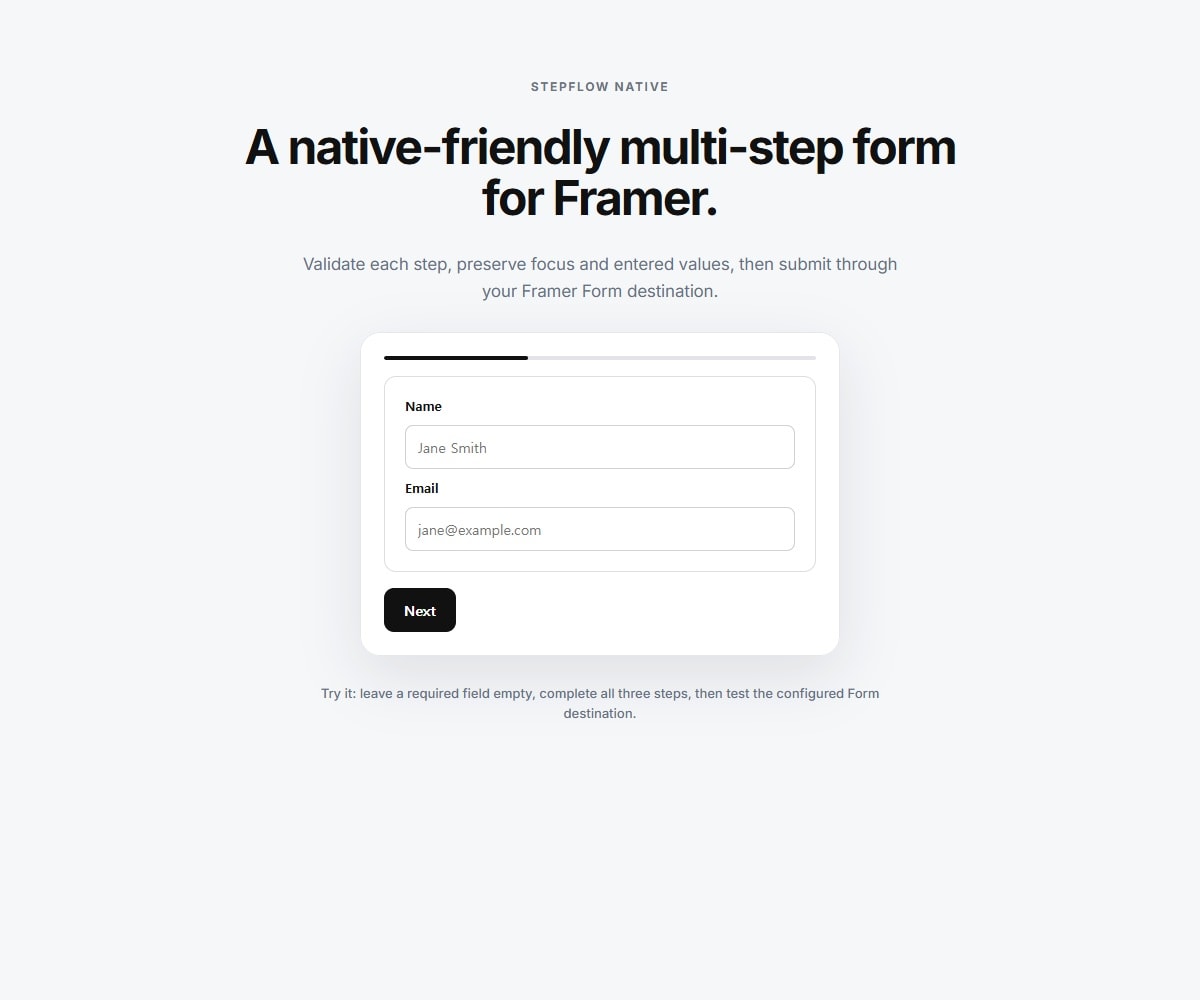
StepFlow Native turns a long Framer Native Form into a focused step-by-step flow. Keep Framer's Email, Google Sheets, Webhook, spam-protection, and rate-limiting workflow while StepFlow handles navigation, progress, validation, focus, and motion.
- Starter Form: drop it inside a Native Form and get a ready-to-use three-step contact flow with no Frames to connect.
- Connected Frames: connect 2–8 of your own Framer Frames when you want complete visual and content control.
- Preserves every mounted step and its field values for one complete Native Form submission.
- Requires no detach/unlink workflow and no DOM layer-naming convention.
- Includes required-field blocking, invalid-field focus, keyboard-friendly navigation, and an aria-live step announcement.
- Supports bar, dots, or no progress indicator and fade, slide, or no motion.
- Automatically removes nonessential motion when visitors prefer reduced motion.
- Lead capture and quote requests
- Client intake and applications
- Onboarding and signup flows
- Surveys, bookings, and contact forms
1. Add a Framer Native Form and configure Send To.
2. Place StepFlow Native inside that Form.
3. Use the built-in Starter Form, or switch to Connected Frames and add 2–8 Frames to Steps.
- StepFlow Native manages the multi-step experience; Framer Native Form manages submission destinations and spam protection.
- Configure Email, Google Sheets, or Webhook on the parent Native Form before publishing.
- In Connected Frames mode, use native Framer form fields inside the connected Frames.

Build a clearer form without replacing Framer Forms
StepFlow Native turns a long Framer Native Form into a focused step-by-step flow. Keep Framer's Email, Google Sheets, Webhook, spam-protection, and rate-limiting workflow while StepFlow handles navigation, progress, validation, focus, and motion.
- Starter Form: drop it inside a Native Form and get a ready-to-use three-step contact flow with no Frames to connect.
- Connected Frames: connect 2–8 of your own Framer Frames when you want complete visual and content control.
- Preserves every mounted step and its field values for one complete Native Form submission.
- Requires no detach/unlink workflow and no DOM layer-naming convention.
- Includes required-field blocking, invalid-field focus, keyboard-friendly navigation, and an aria-live step announcement.
- Supports bar, dots, or no progress indicator and fade, slide, or no motion.
- Automatically removes nonessential motion when visitors prefer reduced motion.
- Lead capture and quote requests
- Client intake and applications
- Onboarding and signup flows
- Surveys, bookings, and contact forms
1. Add a Framer Native Form and configure Send To.
2. Place StepFlow Native inside that Form.
3. Use the built-in Starter Form, or switch to Connected Frames and add 2–8 Frames to Steps.
- StepFlow Native manages the multi-step experience; Framer Native Form manages submission destinations and spam protection.
- Configure Email, Google Sheets, or Webhook on the parent Native Form before publishing.
- In Connected Frames mode, use native Framer form fields inside the connected Frames.
 knokknokD


