Axle

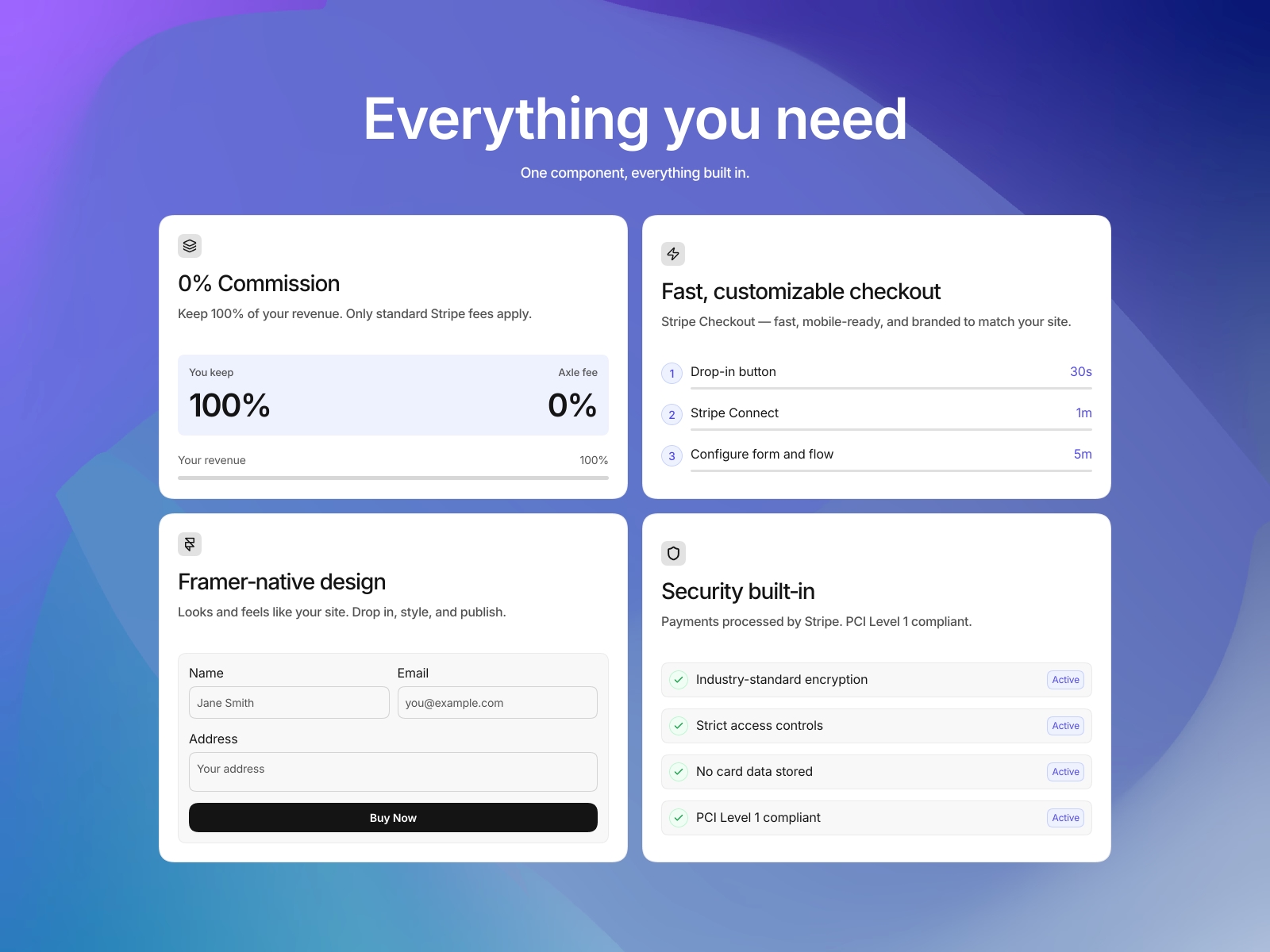
Add Stripe checkout to your Framer site without code. Connect your Stripe account, drag in a payment button, and manage transactions from the Axle dashboard. Supports one-time and subscription payments.
About this Plugin
Axle connects Stripe to your Framer site so you can accept payments directly — no custom code needed.
How it works
1. Sign up and connect your Stripe account
2. Drag a checkout button onto your page
3. Publish — your site is ready to accept payments
The plugin handles the setup automatically. It adds the necessary script to your site and configures the checkout button to work with your Stripe account.
What you can do
- Accept one-time payments and subscriptions
- Customize button text, price, and currency from Framer's property controls
- Track transactions and manage connected domains from the Axle dashboard (app.withaxle.com)
- Get email notifications for new payments
Requirements
- A free Axle account (sign up from the plugin)
- A Stripe account (connect during setup)
Support
Visit docs.withaxle.com for documentation or contact support@withaxle.com for help.
Changelog
No changes/impact for the end user; resubmitted with an internal-level fix.
Details
 AxlePay