FrameReview
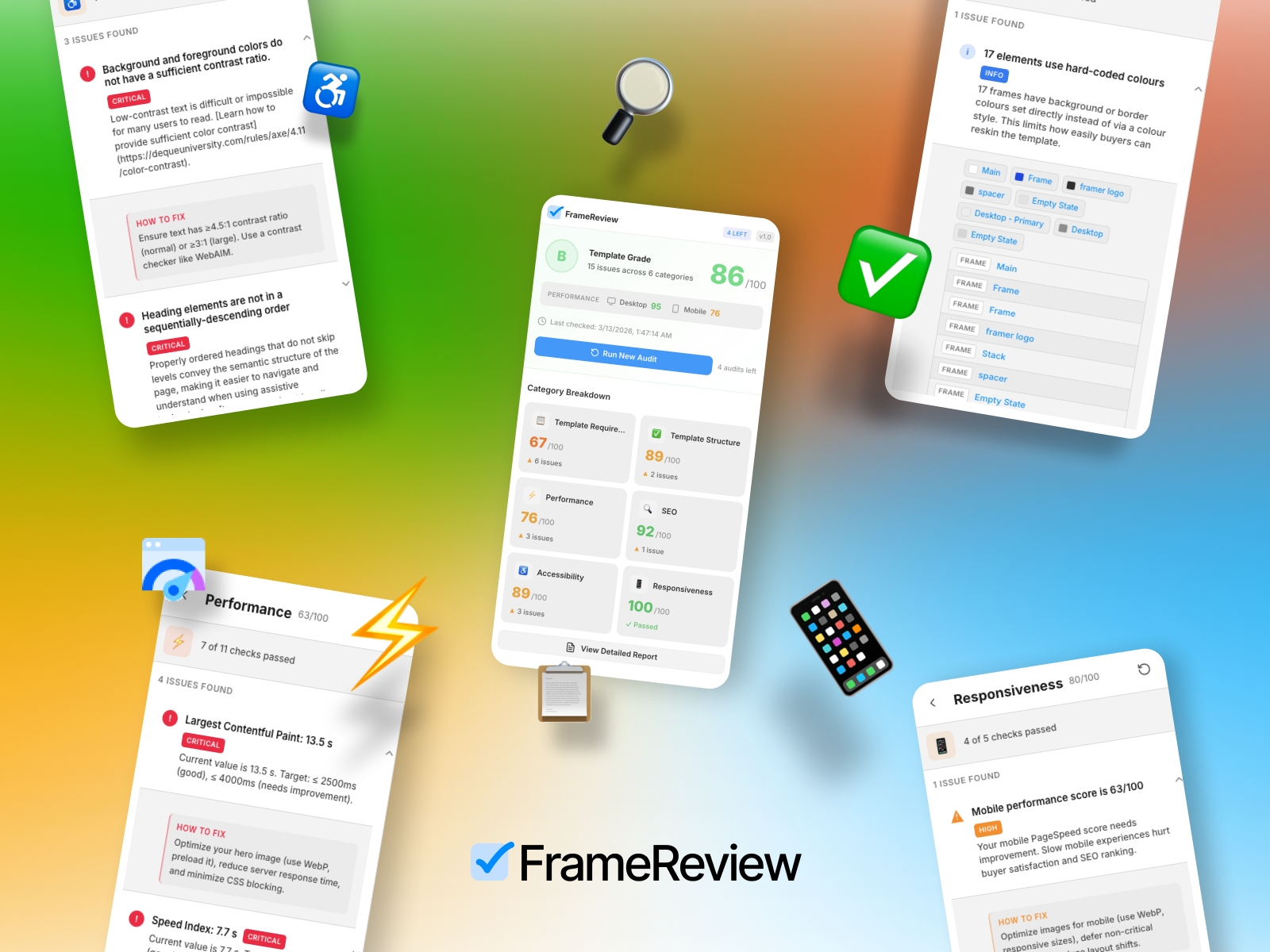
Frame Review is a Framer plugin that helps template creators prepare their work for the Framer Marketplace. It checks your project against official requirements, performance, SEO, accessibility, and responsiveness. First 5 audits are FREE!
About this plugin 🎛️
1. Template Requirement audit: Uses the official Framer Template Requirements to check for:
Placeholder text (lorem ipsum, sample text)
Placeholder or broken links
Default project names
Required pages (Home, Terms, Privacy)
Color and text style usage
Custom code issues
Favicon and meta tags
Other common rejection reasons
2. Template Structure audit checks:
Layer naming (e.g., avoiding "Frame 1", "Rectangle 2")
Color and text style usage
Component structure
Custom code usage
3. Performance audit: Uses Google PageSpeed Insights to check:
Core Web Vitals (LCP, FID, CLS)
Image optimization (WebP, responsive images)
Render-blocking resources
Other performance metrics
4. SEO audit checks:
Page titles and meta descriptions
Open Graph tags
Mobile-friendliness
Crawlability
5. Accessibility audit checks:
WCAG-related issues
Alt text on images
Color contrast
Focus and keyboard navigation
6. Responsiveness audit checks:
Breakpoints (desktop, tablet, mobile)
Mobile performance score
Layout behavior across screen sizes
Key Features ✨
Overall score & grade – Single score (0–100) and letter grade (A–D)
Category breakdown – Per-category scores and issue counts
Detailed report – Filter by severity (errors, warnings, info)
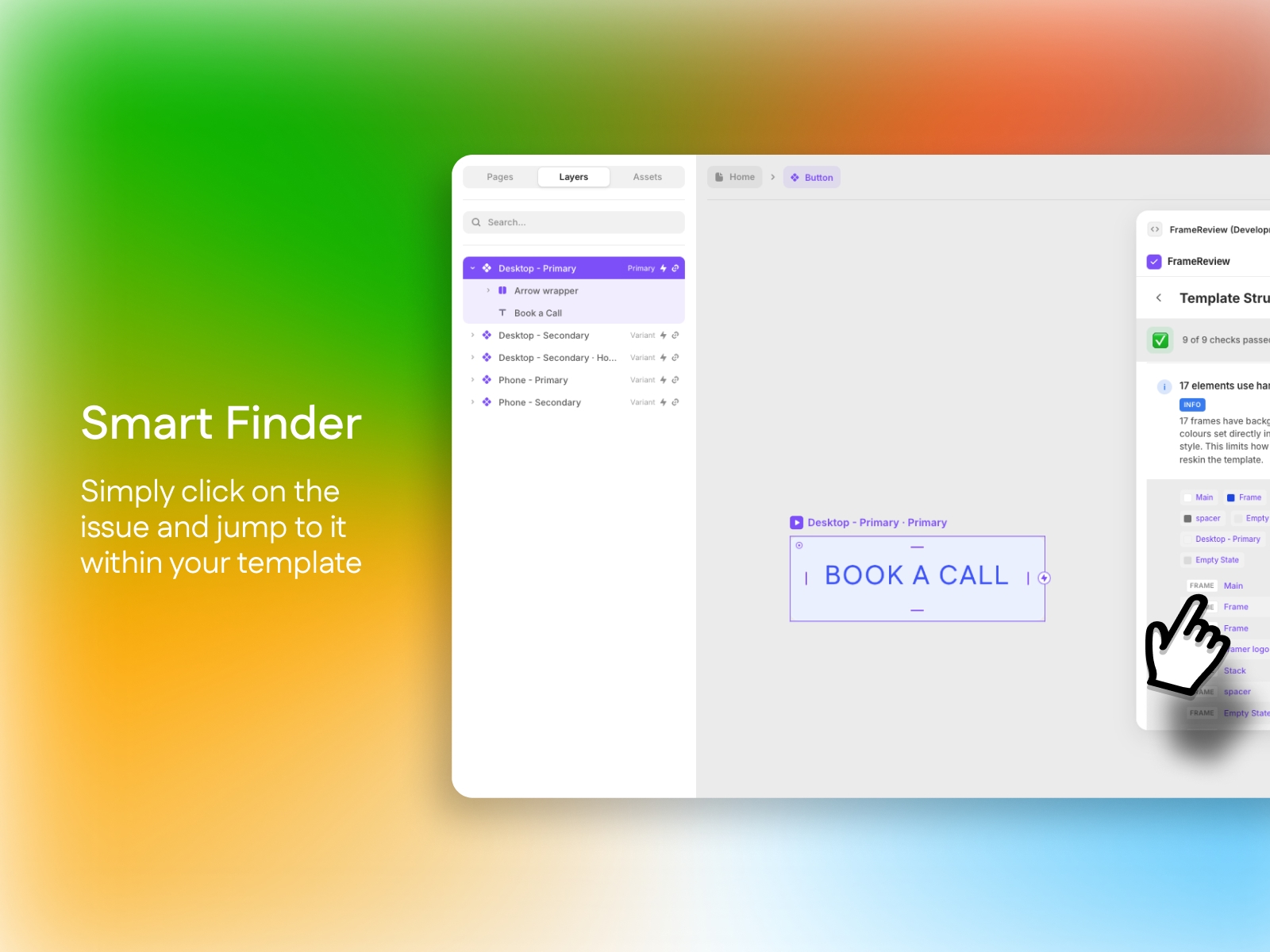
Smart Finder – Click issues to select and zoom to layers on the canvas
Actionable fixes – Each issue includes a “How to fix” section
CSV export (Pro) – Export results for sharing or tracking
Rerun audits – Full or per-category reruns
Key Benefits
Avoid rejections – Catch issues before submitting to the Marketplace
Save time – One-click audits instead of manual checks
Smart Finder – Click-to-jump to problematic layers
Stay compliant – aligned with official Framer requirements
Improve quality – Performance, SEO, and accessibility insights
Perfect for 🔥
Framer template creators selling on the Marketplace
Designers and agencies building Framer templates
Anyone who wants to validate templates before submission
Questions❓
If you have any questions or need clarification, feel free to reach out before completing your order. hello@8ighty8.studio
Follow me on X @8ighty8studio
Changelog
Here is the license key you can use to test the Pro tier: fr4m3r-cr34t0r5I also made small adjustments to the Basic tier UX: users now get five free audits to test the plugin, following a prompt to upgrade after those are used. I enabled dark mode support
Details
 8ighty8.studio