Image Compressor
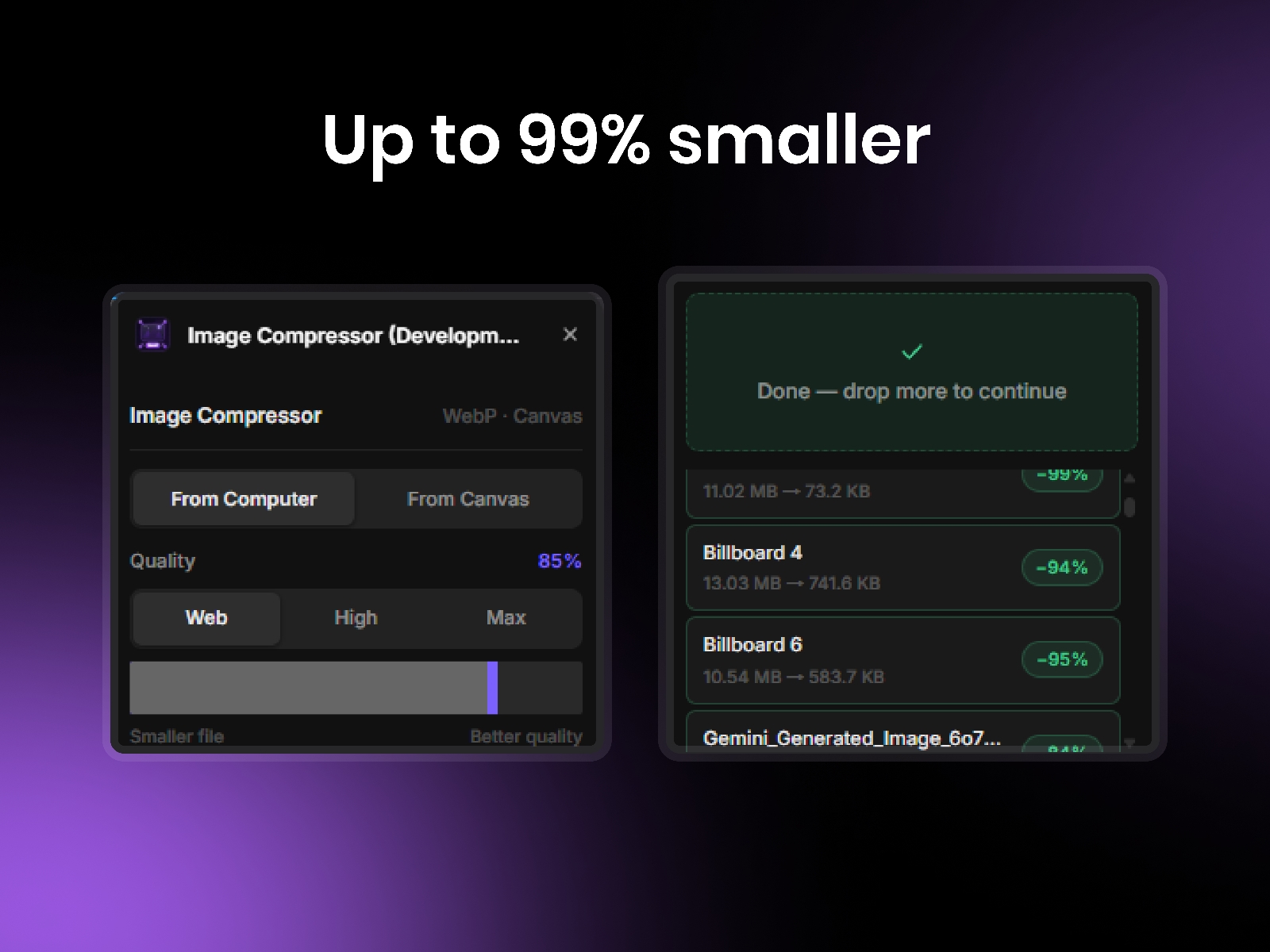
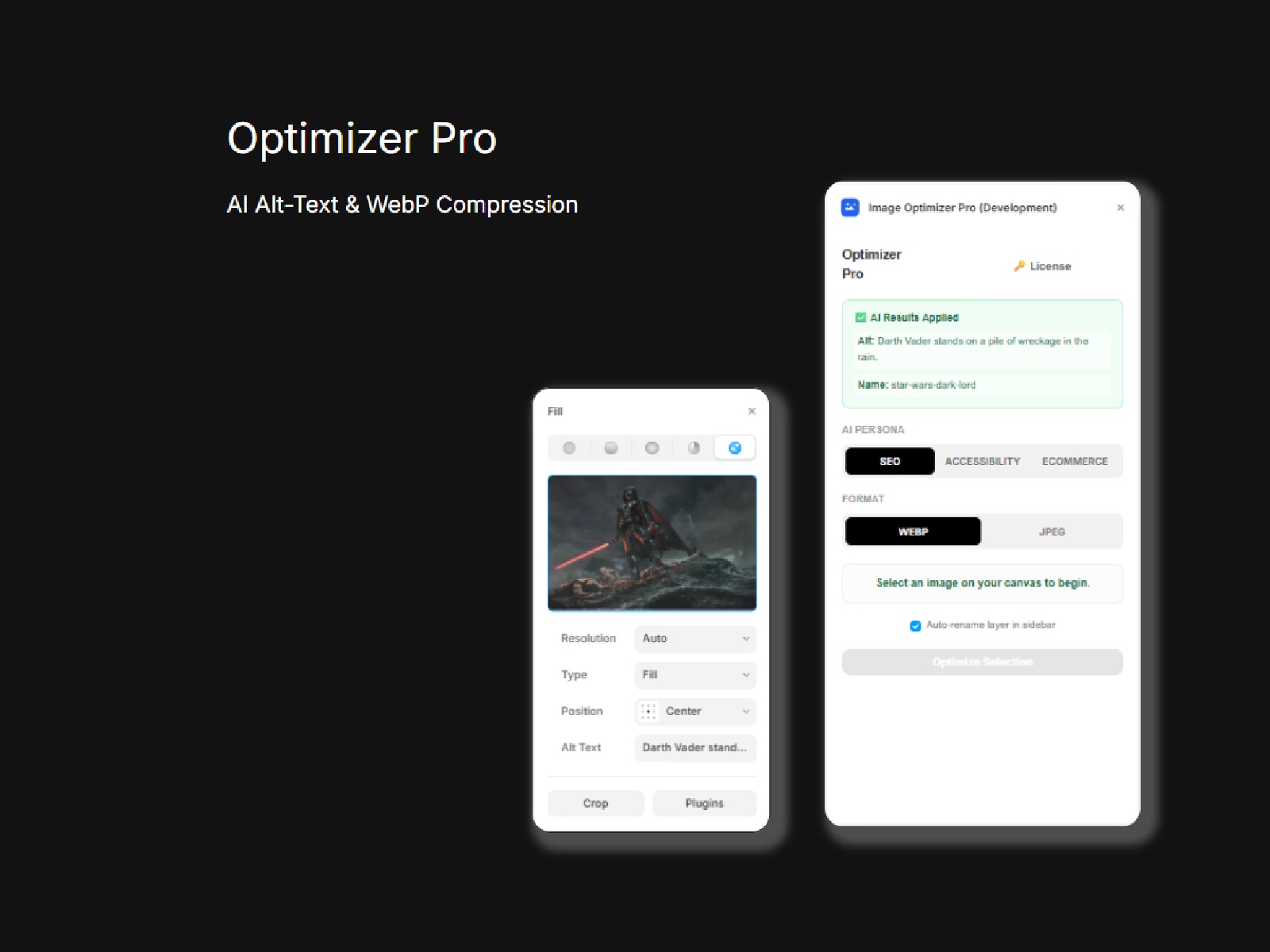
Compress images to WebP and add them to your canvas — without leaving Framer. Import from your computer or select existing canvas images and replace them in place. Batch process 50+ images at once. 100% local, nothing uploaded.
Image Compressor — WebP compression, built for Framer.
Compress images to WebP and add them directly to your canvas — without leaving Framer, without uploading anything, without slowing down your workflow.
About this Plugin
Image Compressor is the only Framer plugin that compresses both new images and existing canvas images to WebP — the modern format built for fast-loading websites. Whether you're importing fresh assets or cleaning up an existing project, everything happens locally in your browser. Your files never leave your machine.
What makes it different
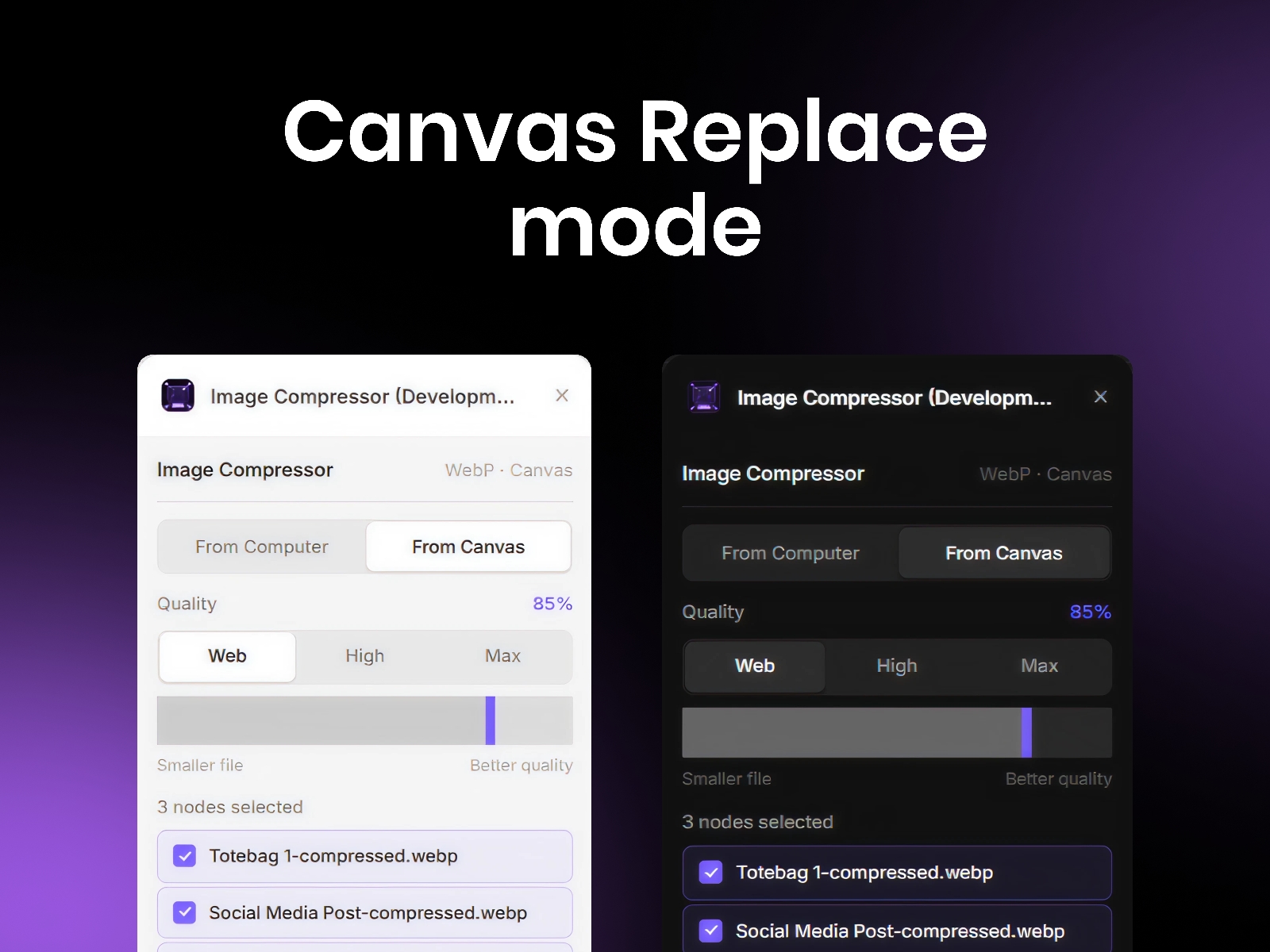
Most compression tools only handle new uploads. Image Compressor goes further — switch to Canvas Mode, select any images already on your Framer canvas, and compress and replace them in place. One click. No re-importing, no layer disruption, no manual swapping.
Key Features
WebP Output — converts all images to WebP, the format browsers love and Google rewards.
Canvas Replace Mode — select existing canvas images and compress them directly in place.
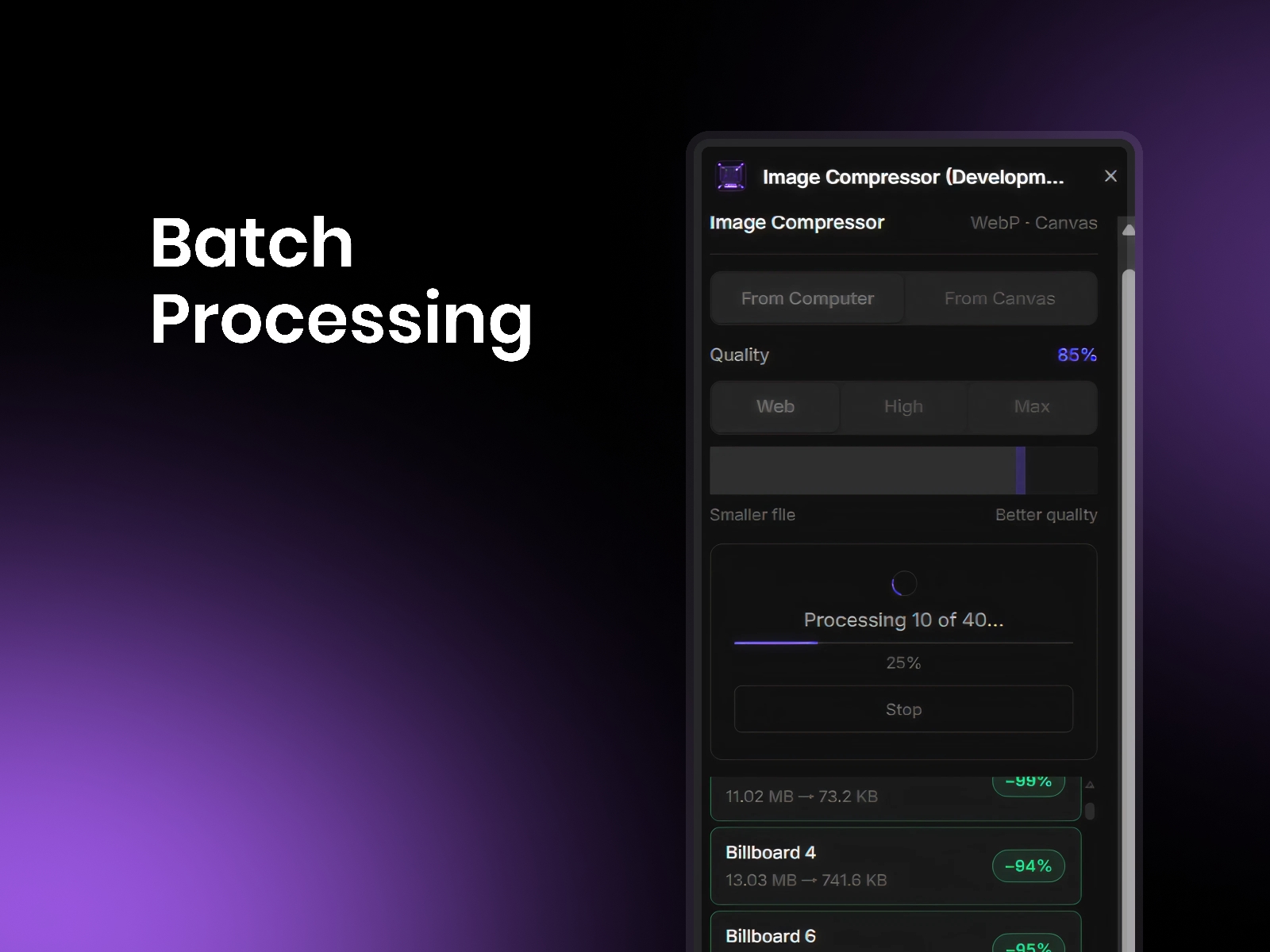
Bulk Processing — compress and replace 20, 30, 50 images at once with a single click.
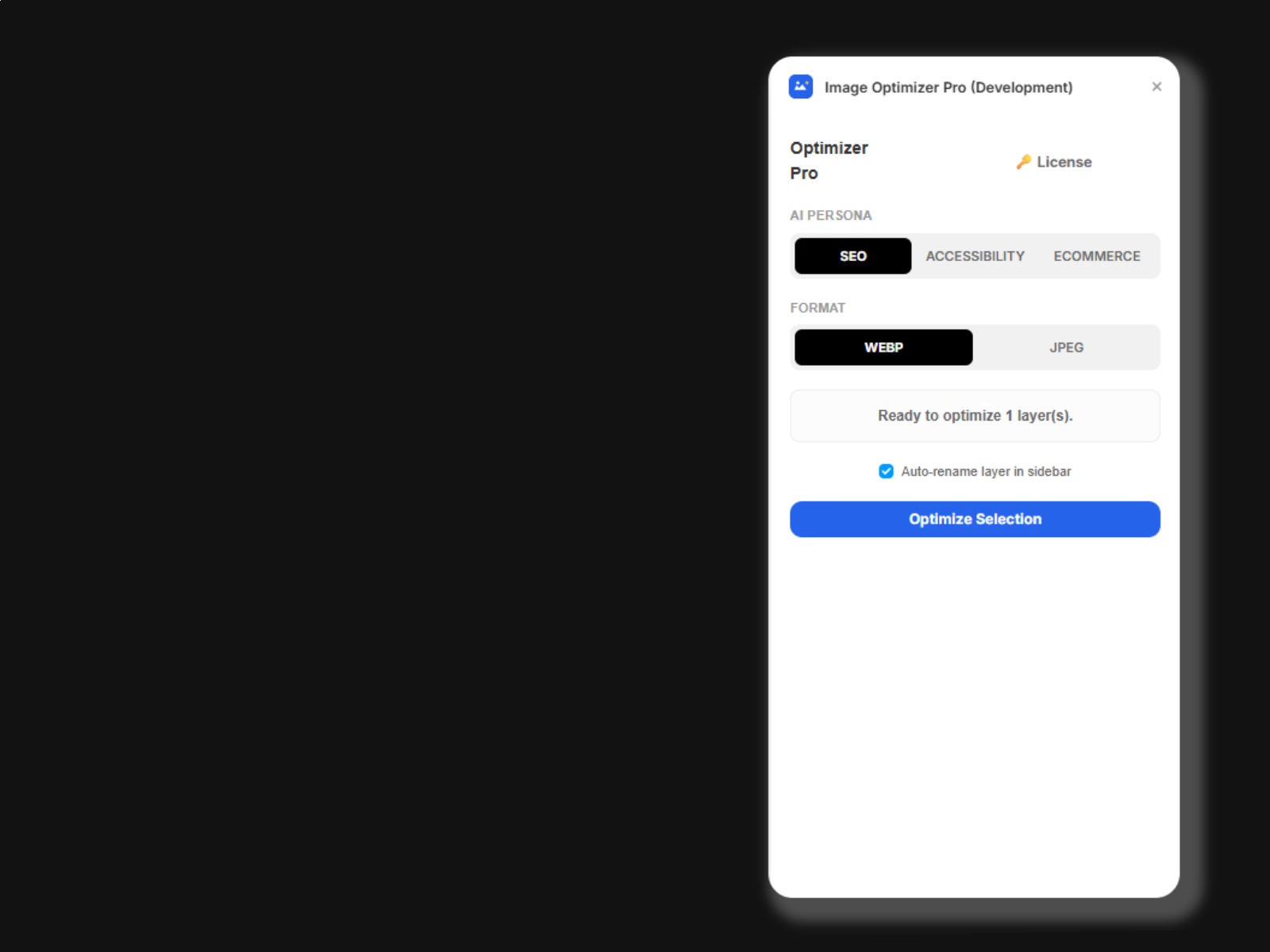
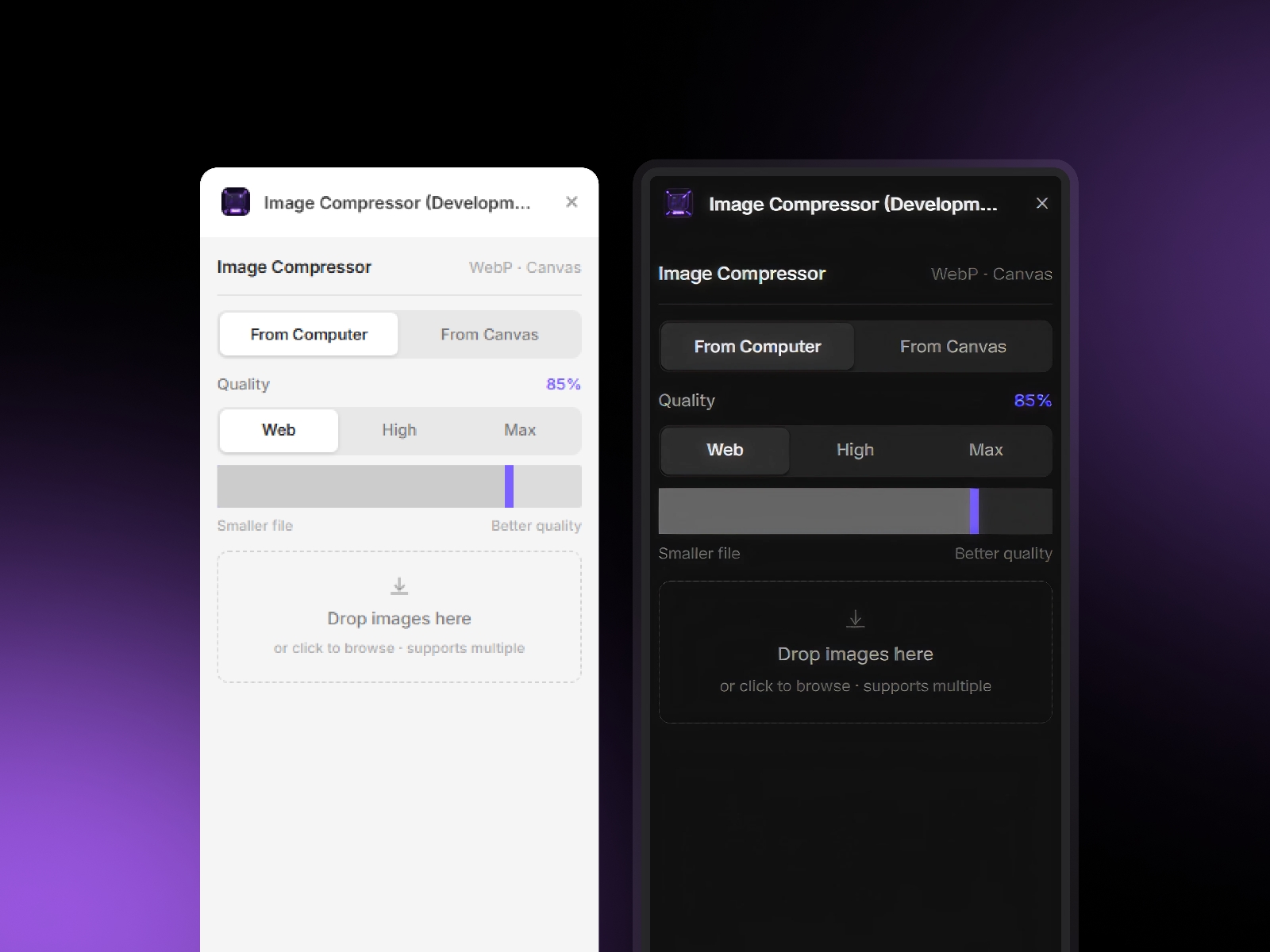
Quality Control — choose Web (85%), High (95%), Max (100%) or dial in a custom quality level.
100% Local — all compression runs in your browser, nothing uploaded, nothing stored.
Real-time Progress — live progress bar per image, cancel anytime mid-batch.
Framer-native UI — light and dark mode, built to feel like part of Framer itself
Who is it for
Framer Designers — keep your canvas clean without ever touching an external tool
Developers — ship lighter pages without rebuilding your asset pipeline
Agencies & Freelancers — optimize entire client projects in minutes, not hours.
Stop re-importing. Stop switching tools. Compress, replace, and ship — all from inside Framer.
Review Instructions:
Open the plugin in a Framer project with at least one page open.
From Computer mode: drop any image into the drop zone — it should compress and appear on the canvas as a WebP file.
From Canvas mode: place an image on the canvas, select it, switch to From Canvas tab — the image should appear in the list automatically. Hit Compress & replace.
Test bulk: select multiple images on canvas and compress all at once.
Test light/dark: switch your OS theme to verify both modes render correctly.
Changelog
Version 2 — Full resubmission addressing all rejection feedback.
Added light and dark mode support (auto-detects system preference)
Added From Canvas mode — select existing canvas images and compress & replace in place
Added bulk canvas selection support
Polished UI to align with Framer's design language
Redesigned marketplace visuals
Updated plugin icon
Fixed theme detection to follow Framer's app theme instead of system theme
Details
 Melvin John