Pressmaster Collections

Connect your Pressmaster CMS to Framer and sync articles directly into managed collections. Configure field mappings once, and the plugin automatically keeps your content up to date with every sync.
Pressmaster Collections
Seamlessly sync your https://pressmaster.ai content with Framer's managed collections
Features:
One-click sync — Import articles from Pressmaster directly into Framer
Field mapping — Choose which fields to include and customize their names
Auto-sync — Once configured, collections sync automatically on each plugin open
Secure authentication — API key stored securely in plugin data
How to use:
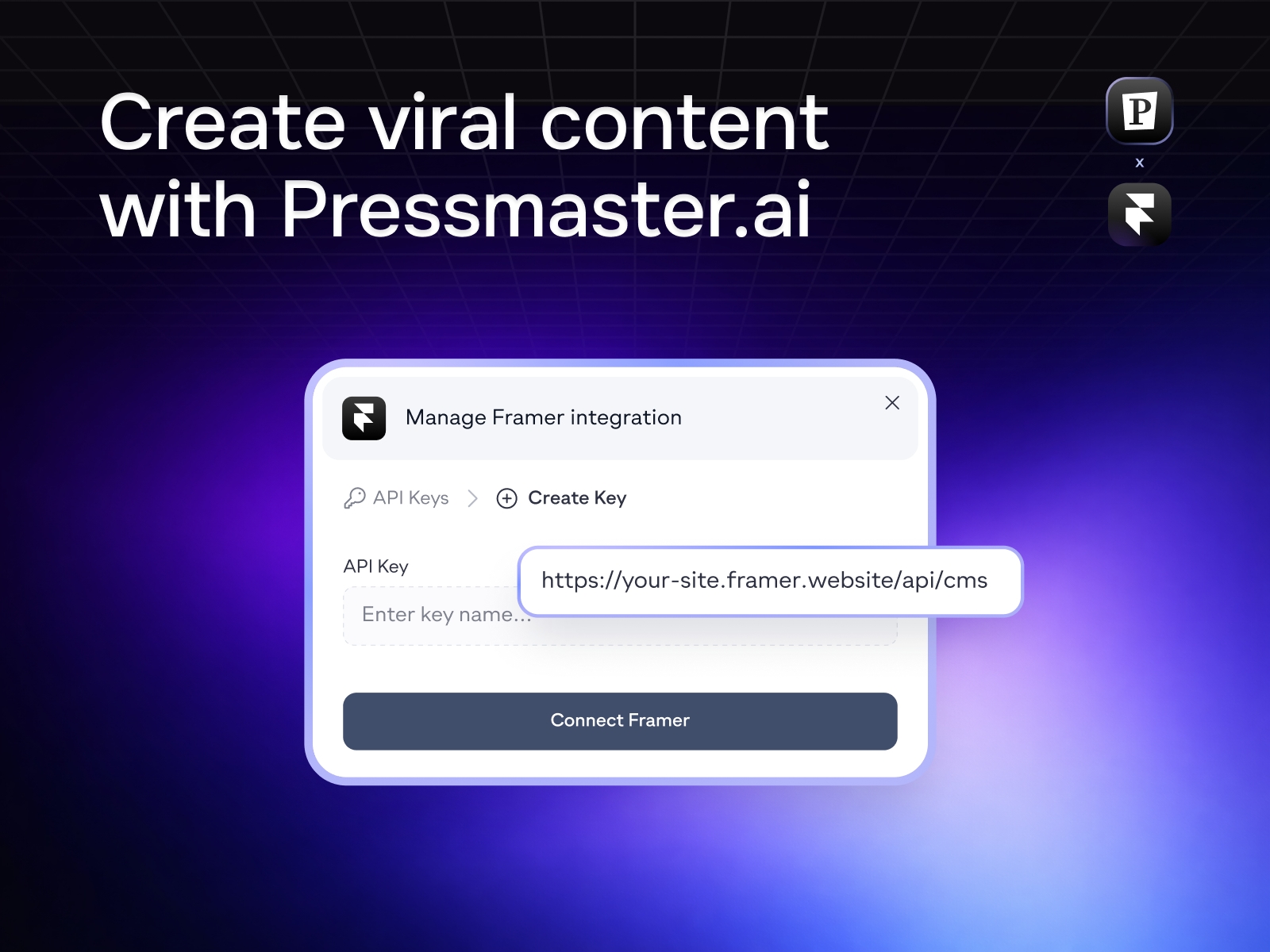
Get your API key from your https://pressmaster.ai account
Create a new managed collection in Framer
Select "Pressmaster Collections" as the data source
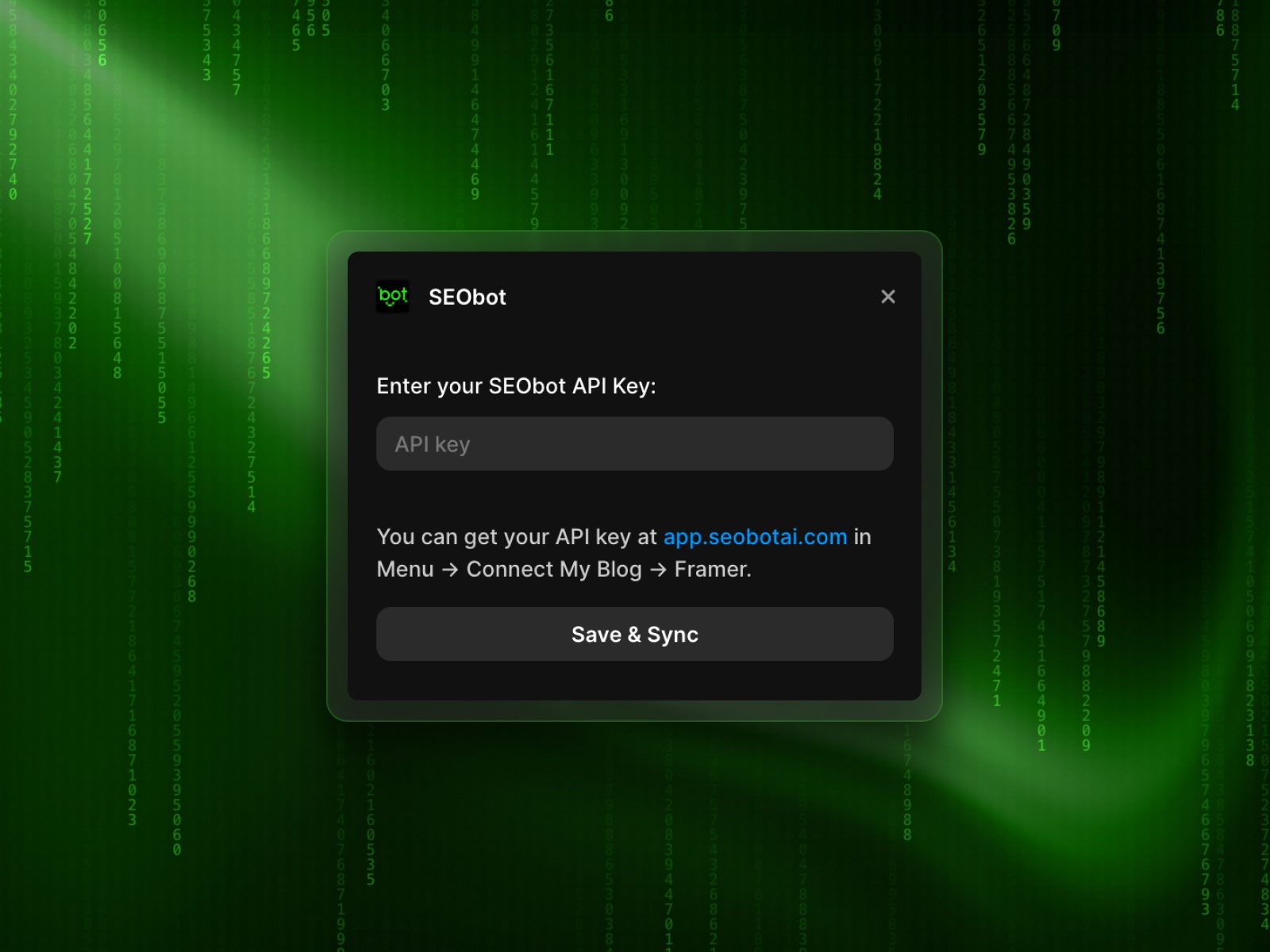
Enter your Pressmaster API key
Choose a content type (Articles)
Configure field mappings and select a slug field
Click Import to sync your content
Supported content types:
Articles
For help or feature requests, contact us at support@pressmaster.ai
Changelog
The item ID is now always taken from the id field instead of the slug field, which resolves the issue with overly long IDs when title is selected as the slug.
Automatic numbering for duplicate slugs has been added (-2, -3, -4, etc.).
Restrictions have been added to limit which fields can be selected as a slug.
A link to the Pressmaster platform has been added to the API key enter screen.
Details
 Yaroslav Zakharov