Sideconvo Voice & Chat Agent
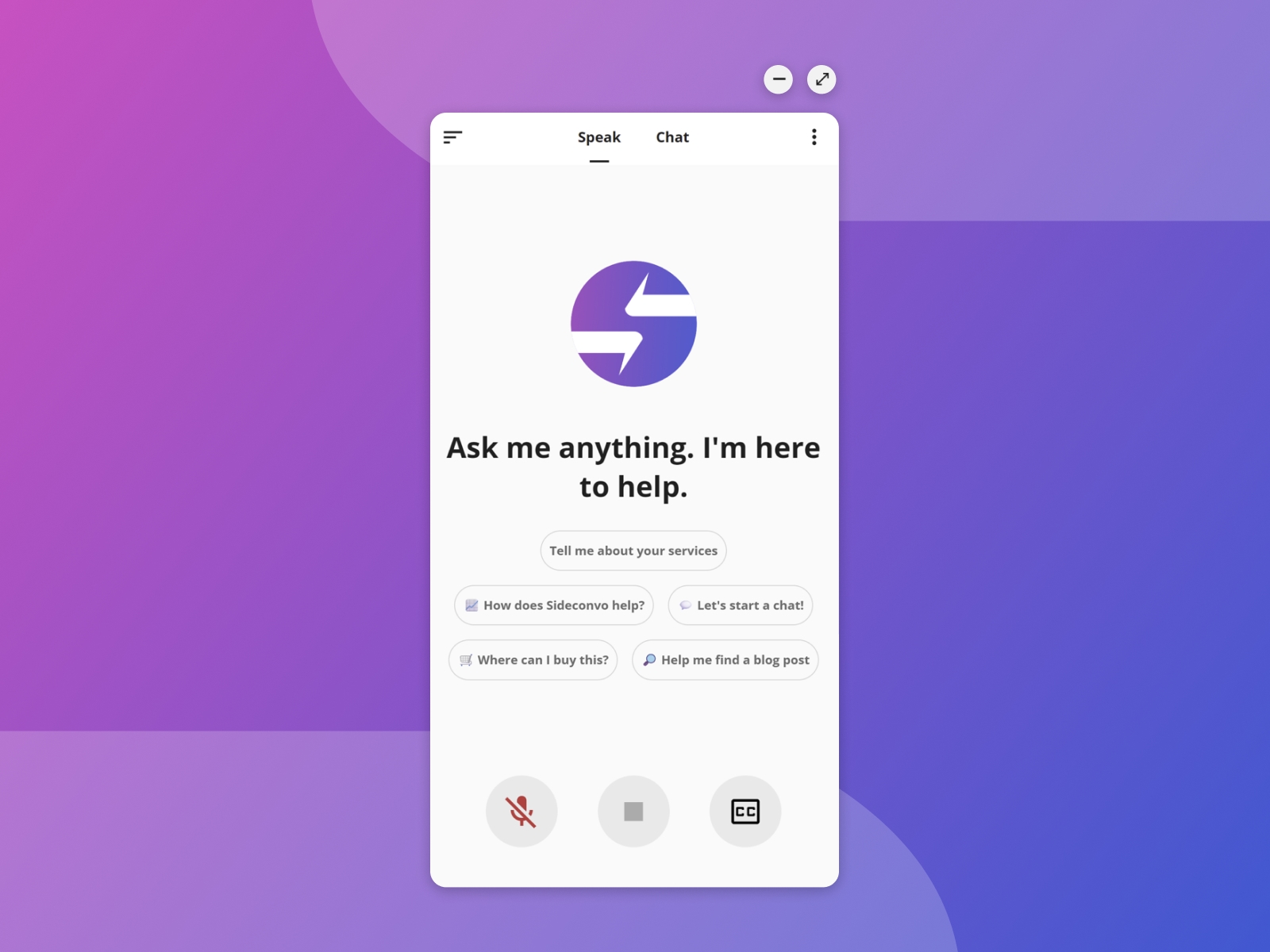
The easiest way to add AI voice capabilities to Framer. Simply paste your Site ID to insert a fully customizable conversational agent. Features 24/7 support, voice-to-text interaction, and seamless design integration.
About this Plugin
Sideconvo plugin for Framer is the easiest way to add AI voice capabilities to your Framer site.
Sideconvo automatically discovers your website's content and reads your uploaded documents to create an intelligent agent that visitors can talk to—not just chat with.Fluent in any language, it guides visitors, answers questions, and drives conversions 24/7 using seamless voice and text interactions.
✨ Key Features:
🎙️ Voice & Text Interaction: The first seamless experience where visitors can talk to your site and hear it answer back. Perfect for accessibility and high-touch sales.
🧠 Instant Knowledge Base: SideConvo crawls your website URLs and reads your uploaded PDFs to become an expert on your product in minutes.
🎨 Custom Personality: Toggle your agent’s tone from "Professional Consultant" to "Playful Helper" to match your brand voice.
📊 "Missed Answers" Intelligence: Our dashboard highlights exactly what the AI didn't know, helping you identify content gaps and improve your sales pitch instantly.
How to get started:
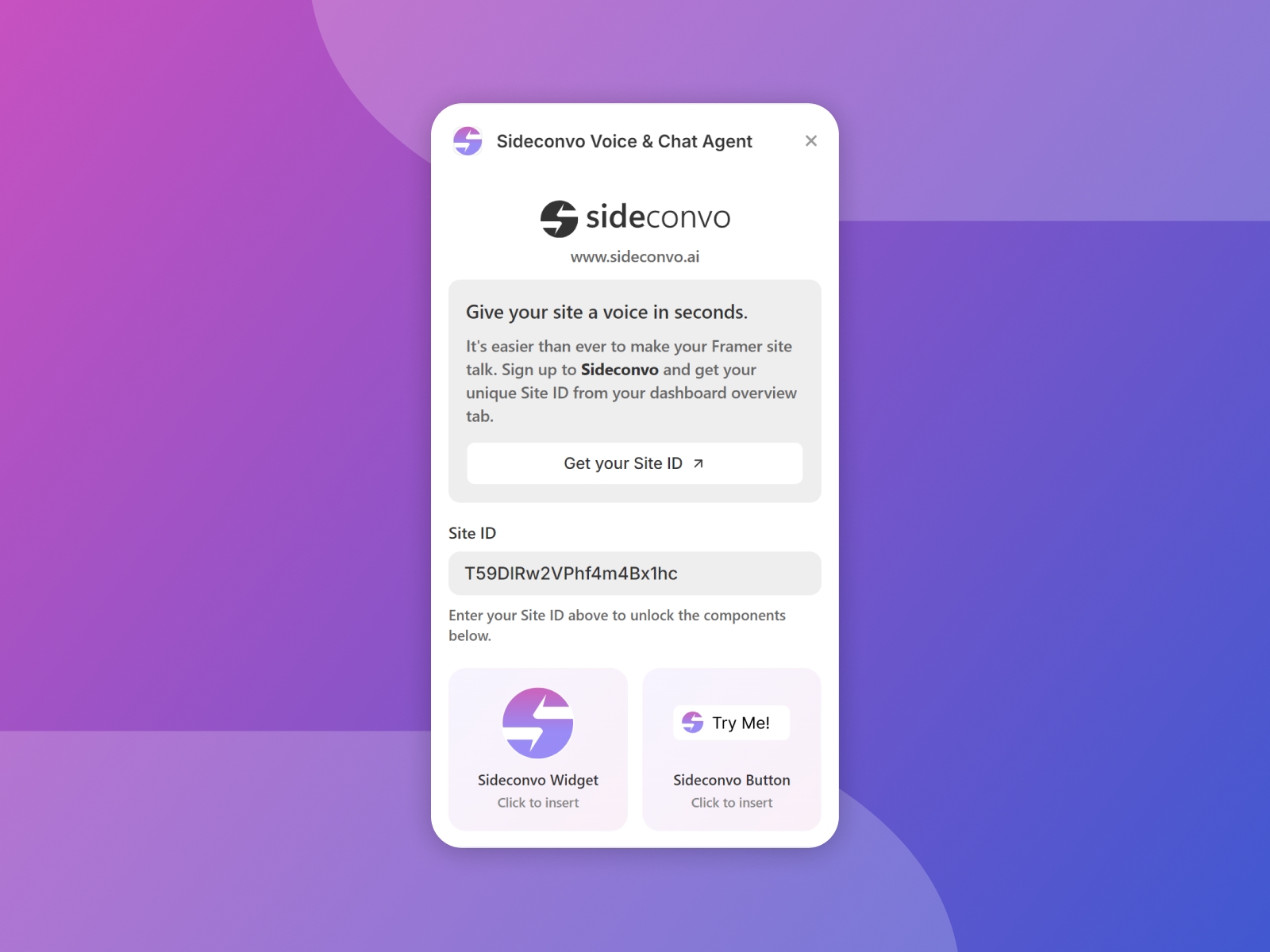
Install & Open: Run the Sideconvo plugin in your project.
Get your ID: Click "Get Site ID" inside the plugin to sign up on Sideconvo.ai and add your site
Locate and copy Site ID from the overview tab of your dashboard
Unlock Components: Paste your unique Site ID into the plugin window.
Insert: Choose between the Floating Widget (bottom corner) or the Custom Button (place anywhere).
Publish: Your AI agent is now live and ready to talk!
Please note the following:
The Sideconvo agent will only work after you publish your site on the same domain you have added to your account on sideconvo.ai.
The button will appear in preview mode but will not be functional.
The widget will only appear and function after you publish your site.
Changelog
Minor Visual Fix
Details
 Sideconvo .