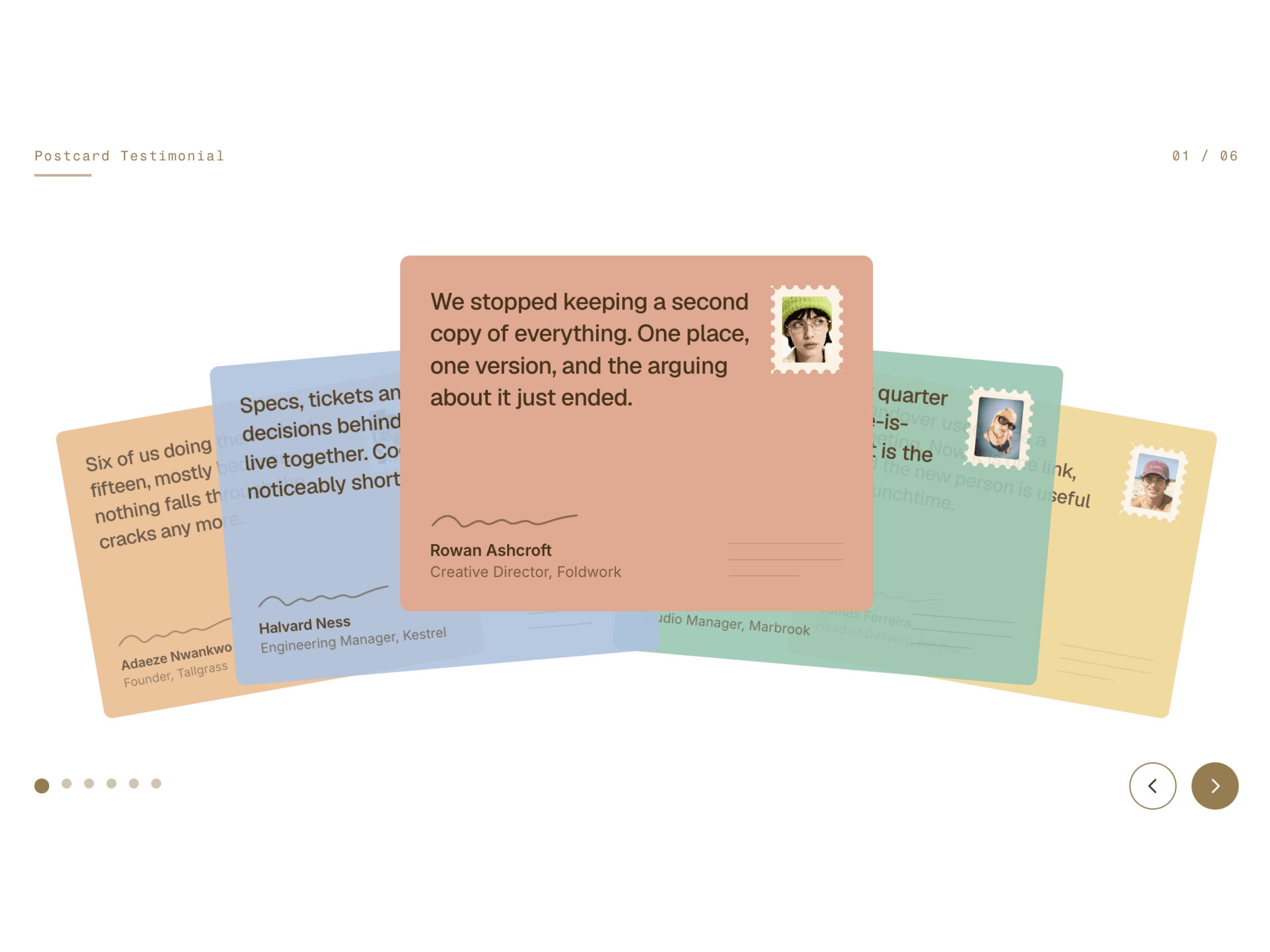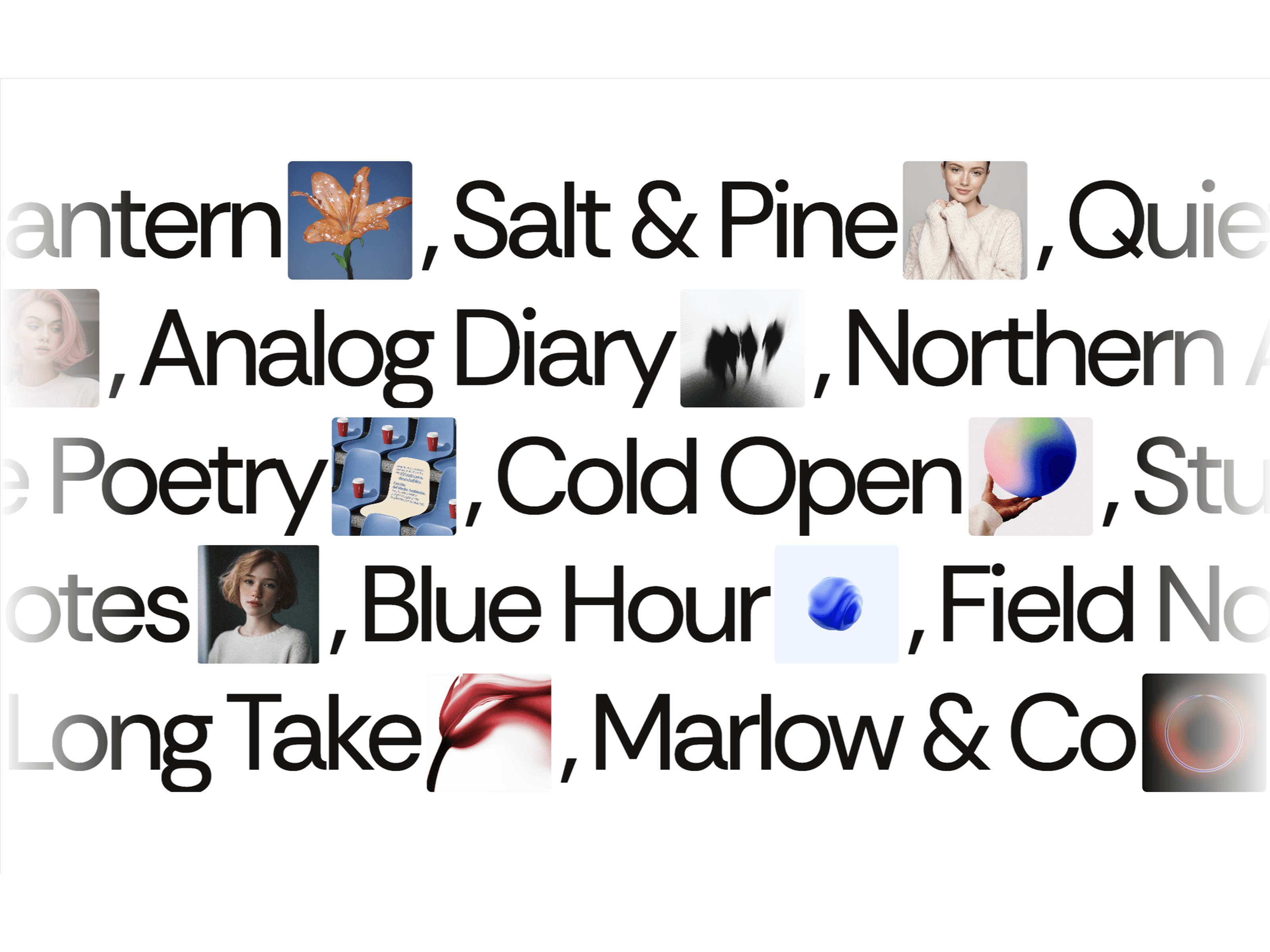
CMS Swell Carousel is a smooth, interactive image carousel for Framer that creates a dynamic fisheye-style effect. Cards naturally swell toward the center and taper toward the edges, creating a fluid, immersive gallery with continuous scrolling, drag interaction, wheel navigation, and autoplay.
Each card can be connected individually to a Framer CMS page or any URL using the CMS Link control. This makes it easy to create clickable project, portfolio, case study, product, or collection showcases.
Swell Effect — Cards expand toward the center and smoothly shrink toward the edges.
Infinite Scrolling — Create a continuously moving image carousel.
Center Focus — Automatically emphasize the cards near the center.
Custom Card Size — Adjust card width and aspect ratio.
Edge Scale — Control how small cards become at the edges.
Spread — Adjust the width and intensity of the swell effect.
Overlap — Create tighter card arrangements.
Connect each card to a different Framer CMS page.
Use the CMS Link control for individual cards.
Link cards to projects, case studies, products, portfolios, or any URL.
Choose whether links open in the same tab or a new tab.
Autoplay — Keep the carousel moving automatically.
Direction Control — Move the carousel left or right.
Drag Interaction — Drag cards freely with smooth momentum.
Wheel Navigation — Navigate using mouse or trackpad scrolling.
Wheel Smoothing — Control the softness of wheel movement.
Pause on Hover — Pause autoplay while hovering over the carousel.
Control images, CMS links, new-tab behavior, card width, aspect ratio, edge scale, spread, overlap, background color, corner radius, autoplay, speed, direction, pause on hover, drag, momentum, wheel navigation, wheel sensitivity, and wheel smoothing.
Creative Portfolios · Design Studios · Agencies · Photography · Fashion · Architecture · Case Studies and Many More.

CMS Swell Carousel is a smooth, interactive image carousel for Framer that creates a dynamic fisheye-style effect. Cards naturally swell toward the center and taper toward the edges, creating a fluid, immersive gallery with continuous scrolling, drag interaction, wheel navigation, and autoplay.
Each card can be connected individually to a Framer CMS page or any URL using the CMS Link control. This makes it easy to create clickable project, portfolio, case study, product, or collection showcases.
Swell Effect — Cards expand toward the center and smoothly shrink toward the edges.
Infinite Scrolling — Create a continuously moving image carousel.
Center Focus — Automatically emphasize the cards near the center.
Custom Card Size — Adjust card width and aspect ratio.
Edge Scale — Control how small cards become at the edges.
Spread — Adjust the width and intensity of the swell effect.
Overlap — Create tighter card arrangements.
Connect each card to a different Framer CMS page.
Use the CMS Link control for individual cards.
Link cards to projects, case studies, products, portfolios, or any URL.
Choose whether links open in the same tab or a new tab.
Autoplay — Keep the carousel moving automatically.
Direction Control — Move the carousel left or right.
Drag Interaction — Drag cards freely with smooth momentum.
Wheel Navigation — Navigate using mouse or trackpad scrolling.
Wheel Smoothing — Control the softness of wheel movement.
Pause on Hover — Pause autoplay while hovering over the carousel.
Control images, CMS links, new-tab behavior, card width, aspect ratio, edge scale, spread, overlap, background color, corner radius, autoplay, speed, direction, pause on hover, drag, momentum, wheel navigation, wheel sensitivity, and wheel smoothing.
Creative Portfolios · Design Studios · Agencies · Photography · Fashion · Architecture · Case Studies and Many More.