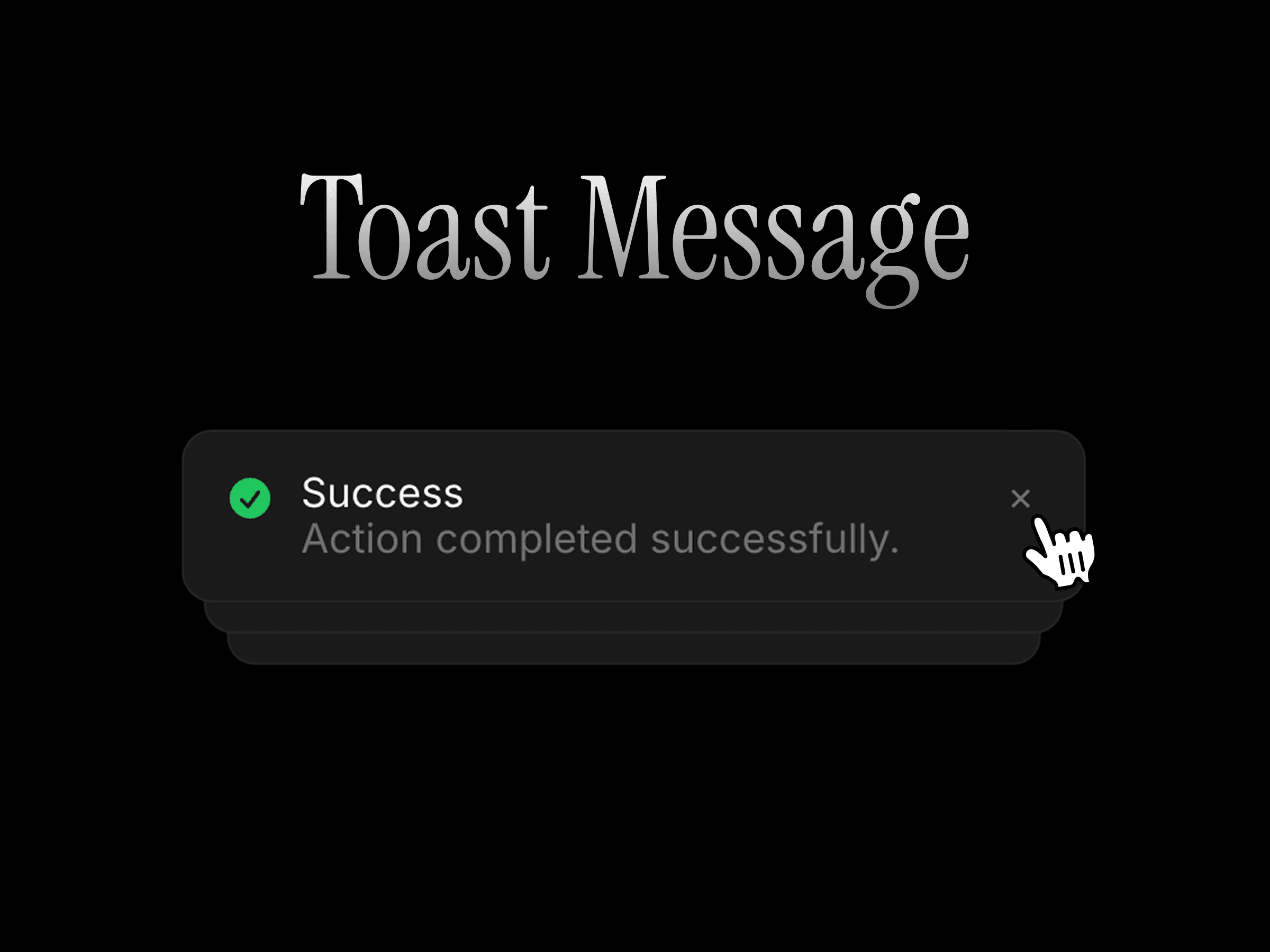
Display beautiful, customizable toast notifications anywhere on your Framer site. Smart Toast lets you trigger success messages, warnings, errors, or custom notifications from any button or link—without nesting components or writing code.
Configure how notifications appear, stack, queue, and behave, then fully customize their appearance, typography, and motion to match your design system.
How to use
Drop the component onto your page and set a trigger link (for example, #toast). Assign the same link to any button or frame to display the notification.
Choose a toast type, customize the title and message, then configure its position, duration, queue behavior, and interactions. Finally, style the notification using the built-in appearance, typography, and motion presets.
Features
Trigger notifications from any link or button
Success, error, warning, info, and custom toast types
Custom title and message
Optional persistent notifications
Optional action button
Multiple screen positions
Configurable visible toast limit
Queue management for multiple notifications
Newest-first ordering
Duplicate handling options
Adjustable display duration
Pause timer on hover
Expand notifications on hover
Optional always-expanded mode
Adjustable stack spacing and scale
Custom appearance, typography, and motion presets
Responsive across desktop, tablet, and mobile
No setup or coding required
Refund Policy:
Due to the nature of digital products, all sales are final. Once purchased, this component is non-refundable. Please make sure it fits your needs before completing the checkout.
Support: hi@alicorak.com

Display beautiful, customizable toast notifications anywhere on your Framer site. Smart Toast lets you trigger success messages, warnings, errors, or custom notifications from any button or link—without nesting components or writing code.
Configure how notifications appear, stack, queue, and behave, then fully customize their appearance, typography, and motion to match your design system.
How to use
Drop the component onto your page and set a trigger link (for example, #toast). Assign the same link to any button or frame to display the notification.
Choose a toast type, customize the title and message, then configure its position, duration, queue behavior, and interactions. Finally, style the notification using the built-in appearance, typography, and motion presets.
Features
Trigger notifications from any link or button
Success, error, warning, info, and custom toast types
Custom title and message
Optional persistent notifications
Optional action button
Multiple screen positions
Configurable visible toast limit
Queue management for multiple notifications
Newest-first ordering
Duplicate handling options
Adjustable display duration
Pause timer on hover
Expand notifications on hover
Optional always-expanded mode
Adjustable stack spacing and scale
Custom appearance, typography, and motion presets
Responsive across desktop, tablet, and mobile
No setup or coding required
Refund Policy:
Due to the nature of digital products, all sales are final. Once purchased, this component is non-refundable. Please make sure it fits your needs before completing the checkout.
Support: hi@alicorak.com
 Ali Çorak


