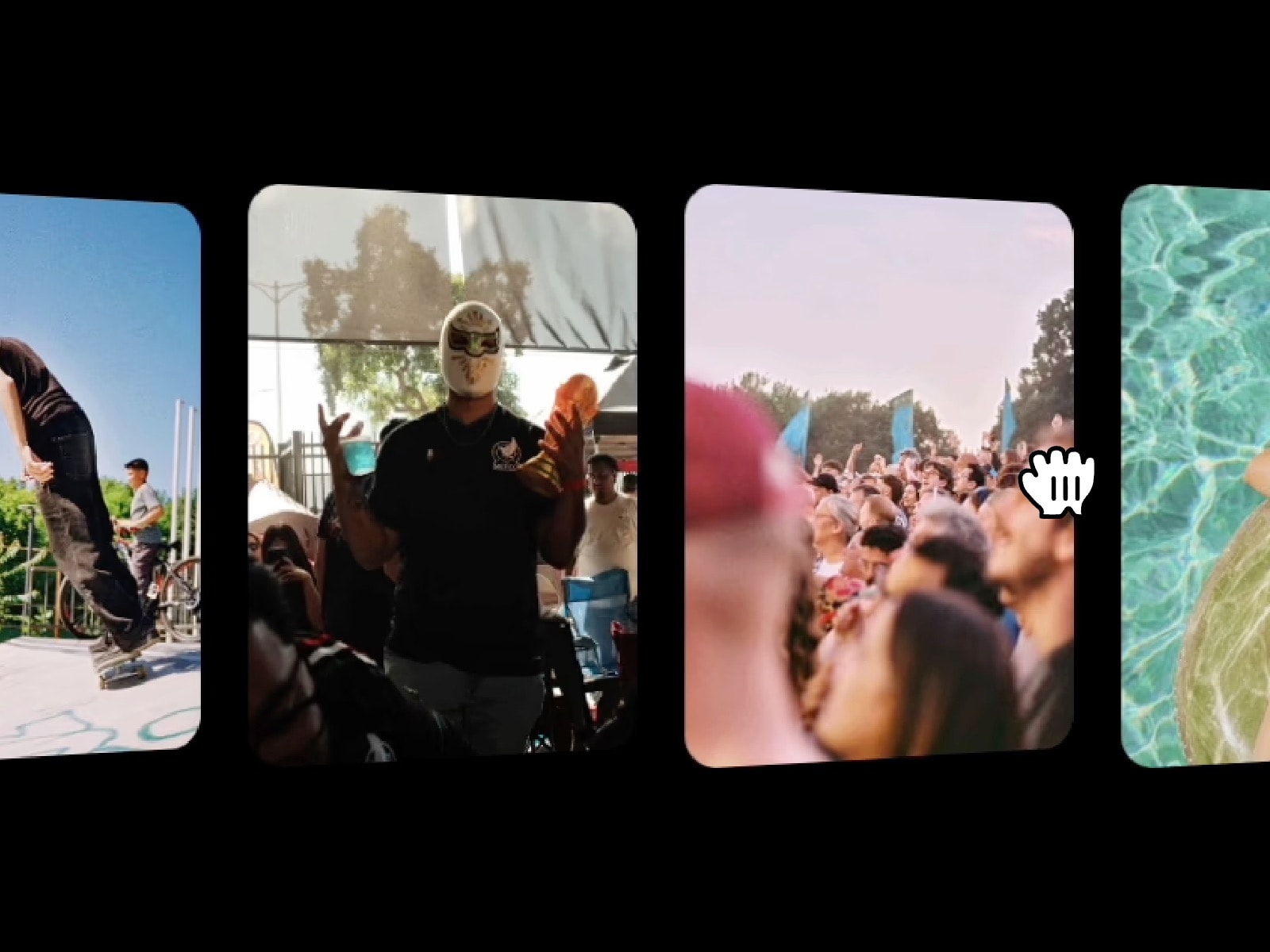
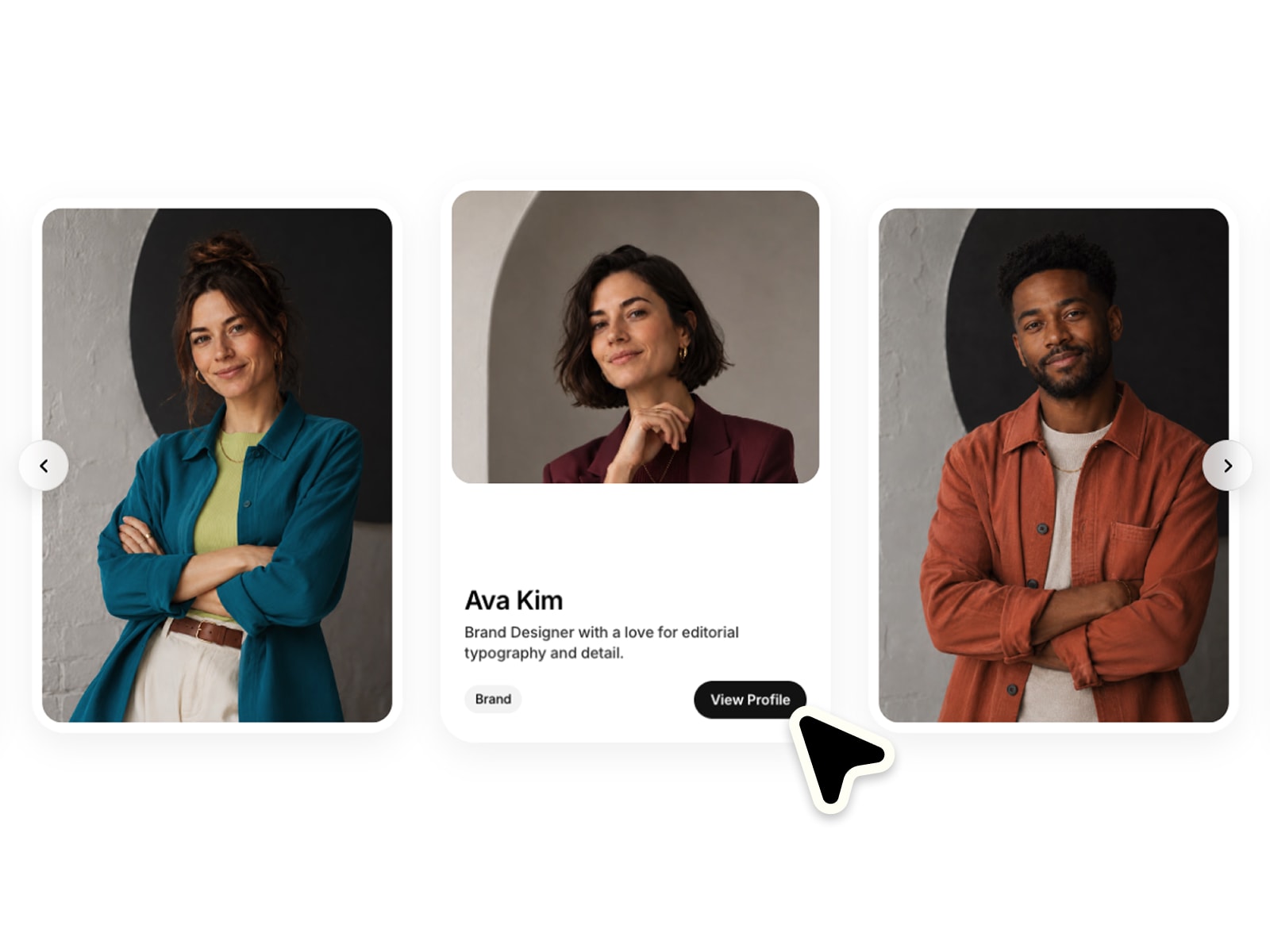
A highly customizable 3D marquee featuring a truly curved layout with arched top and bottom profiles, designed to arrange media along an expansive geometric arc and create seamless, infinite loop movement.
Mathematical cylinder projection logic for non-deforming image curvature across a 3D path.
Dedicated card height and asset gap property controls for flexible configuration.
Dual-axis drag panning with physics-driven momentum for responsive manual navigation.
Integrated auto-rotate switches with directional toggles for structured loop orchestration.
Configurable side edge-fading percentages for seamless layout background integration.
Adjustable perspective depth parameters for granular calibration of visual distortion.
Proportional hover-speed multipliers for interactive deceleration during user active engagement.
UX-optimized property panel hierarchy for frictionless configuration and rapid deployment.
Place the component onto your canvas and add your visual assets via the Images array.
Configure settings to dictate your composition.
Publish your project to take the curve carousel live.
Shape continuous panoramic motion across your interface layout.

A highly customizable 3D marquee featuring a truly curved layout with arched top and bottom profiles, designed to arrange media along an expansive geometric arc and create seamless, infinite loop movement.
Mathematical cylinder projection logic for non-deforming image curvature across a 3D path.
Dedicated card height and asset gap property controls for flexible configuration.
Dual-axis drag panning with physics-driven momentum for responsive manual navigation.
Integrated auto-rotate switches with directional toggles for structured loop orchestration.
Configurable side edge-fading percentages for seamless layout background integration.
Adjustable perspective depth parameters for granular calibration of visual distortion.
Proportional hover-speed multipliers for interactive deceleration during user active engagement.
UX-optimized property panel hierarchy for frictionless configuration and rapid deployment.
Place the component onto your canvas and add your visual assets via the Images array.
Configure settings to dictate your composition.
Publish your project to take the curve carousel live.
Shape continuous panoramic motion across your interface layout.