KnotCMS copies content from Notion or Google Sheets into Framer CMS on your site. Map your fields once, and updates stay in sync — automatically on paid plans.
What this plugin does This plugin opens your KnotCMS dashboard on the web. Setup does not run inside Framer. From the canvas: Start setup (connect a source, map fields, create your first sync) or Open dashboard (manage projects, sync again, change settings). The plugin is a launcher — all real work happens in the browser.
How KnotCMS works
Connect your source — Sign in with Google. Connect Notion or Google Sheets and pick the database or sheet you use today.
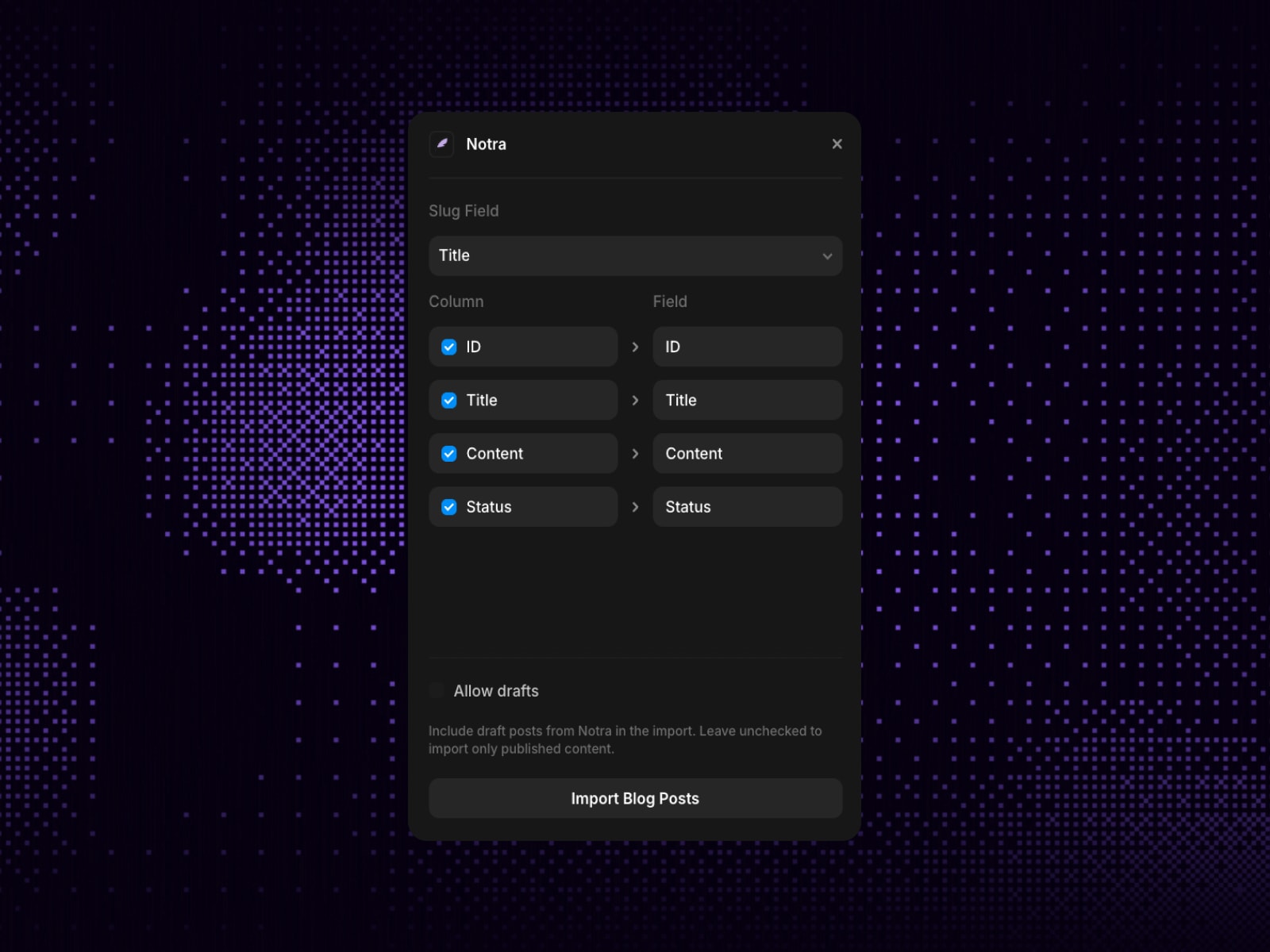
Map fields — Match Notion properties or sheet columns to Framer collection fields: title, slug, image, date, link, body text, and more.
Sync — KnotCMS writes to Framer CMS via the Framer Server API. Manual sync on all plans; auto-sync on paid so edits flow without reopening Framer.
Publish — Optional auto-publish pushes synced changes live.
Who it's for Framer freelancers and agencies with clients in Notion, makers using spreadsheets, and anyone running blogs, changelogs, or marketing pages in CMS — without copy-pasting.
What's included Notion → Framer CMS sync, Google Sheets sync, explicit field mapping, manual sync, auto-sync (paid, webhook-driven), optional auto-publish, web dashboard, and documentation.
Pricing Plugin is free to install. KnotCMS is $9 per Framer project per month. One paid seat = one Framer site + one content source. Requires Google sign-in, Notion OAuth for Notion sources, and a Framer Server API key.
Getting started Open KnotCMS → Start setup → finish the setup wizard in your browser → edit in Notion or Sheets. Use Open dashboard anytime.

KnotCMS copies content from Notion or Google Sheets into Framer CMS on your site. Map your fields once, and updates stay in sync — automatically on paid plans.
What this plugin does This plugin opens your KnotCMS dashboard on the web. Setup does not run inside Framer. From the canvas: Start setup (connect a source, map fields, create your first sync) or Open dashboard (manage projects, sync again, change settings). The plugin is a launcher — all real work happens in the browser.
How KnotCMS works
Connect your source — Sign in with Google. Connect Notion or Google Sheets and pick the database or sheet you use today.
Map fields — Match Notion properties or sheet columns to Framer collection fields: title, slug, image, date, link, body text, and more.
Sync — KnotCMS writes to Framer CMS via the Framer Server API. Manual sync on all plans; auto-sync on paid so edits flow without reopening Framer.
Publish — Optional auto-publish pushes synced changes live.
Who it's for Framer freelancers and agencies with clients in Notion, makers using spreadsheets, and anyone running blogs, changelogs, or marketing pages in CMS — without copy-pasting.
What's included Notion → Framer CMS sync, Google Sheets sync, explicit field mapping, manual sync, auto-sync (paid, webhook-driven), optional auto-publish, web dashboard, and documentation.
Pricing Plugin is free to install. KnotCMS is $9 per Framer project per month. One paid seat = one Framer site + one content source. Requires Google sign-in, Notion OAuth for Notion sources, and a Framer Server API key.
Getting started Open KnotCMS → Start setup → finish the setup wizard in your browser → edit in Notion or Sheets. Use Open dashboard anytime.
 Gururaj J