Auto Publish
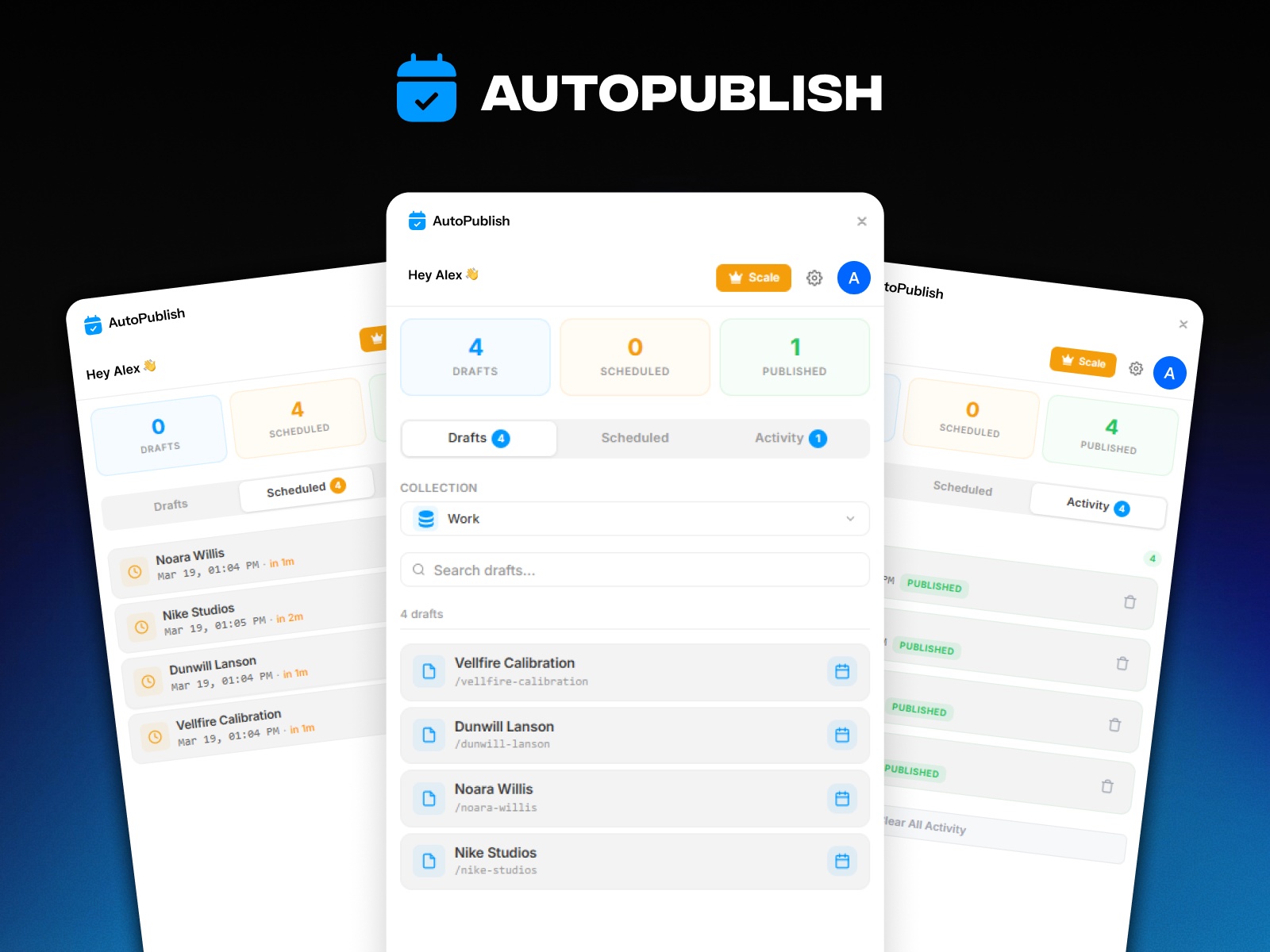
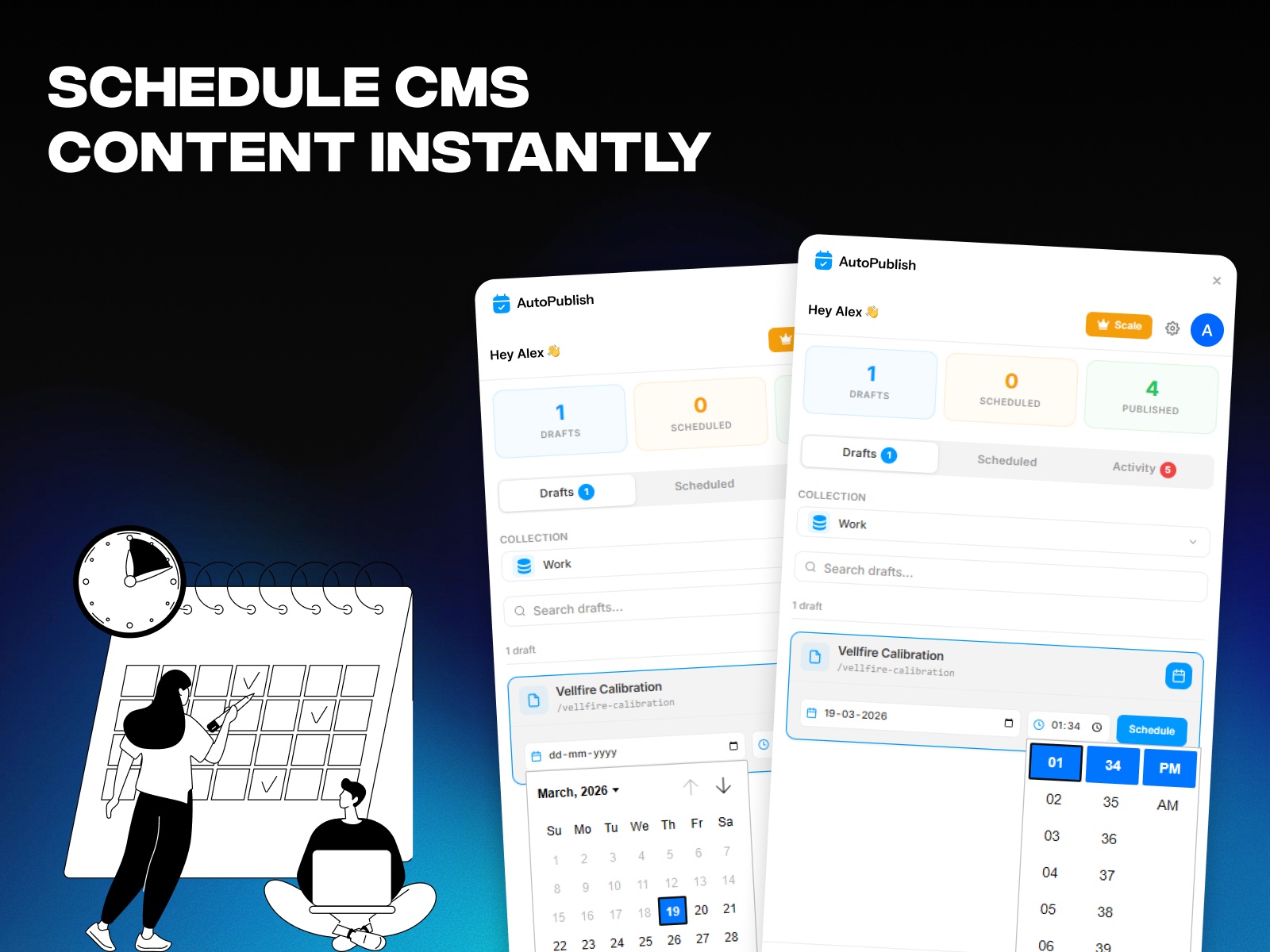
Auto Publish lets you schedule your Framer CMS drafts to go live automatically at any date and time. No more manual publishing - just pick a draft, set a time, and let it publish itself. Track scheduled, published, and failed items all in one place.
About this Plugin
Auto Publish - Schedule Your Framer CMS Drafts
Stop publishing manually. Auto Publish automates your Framer CMS workflow by letting you schedule draft items to go live at the exact date and time you choose.
How It Works
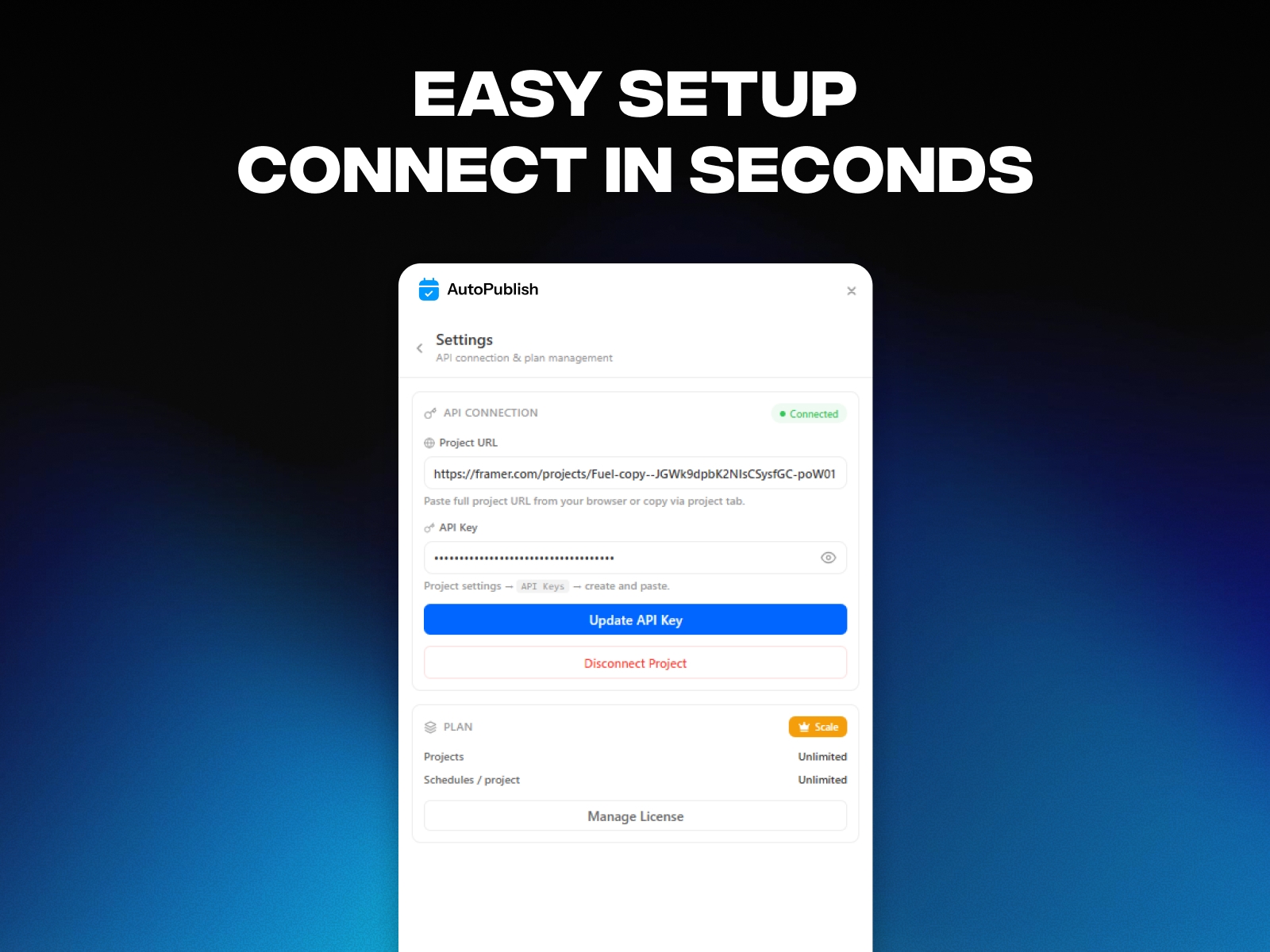
1. Connect your Framer project using your project URL and API token.
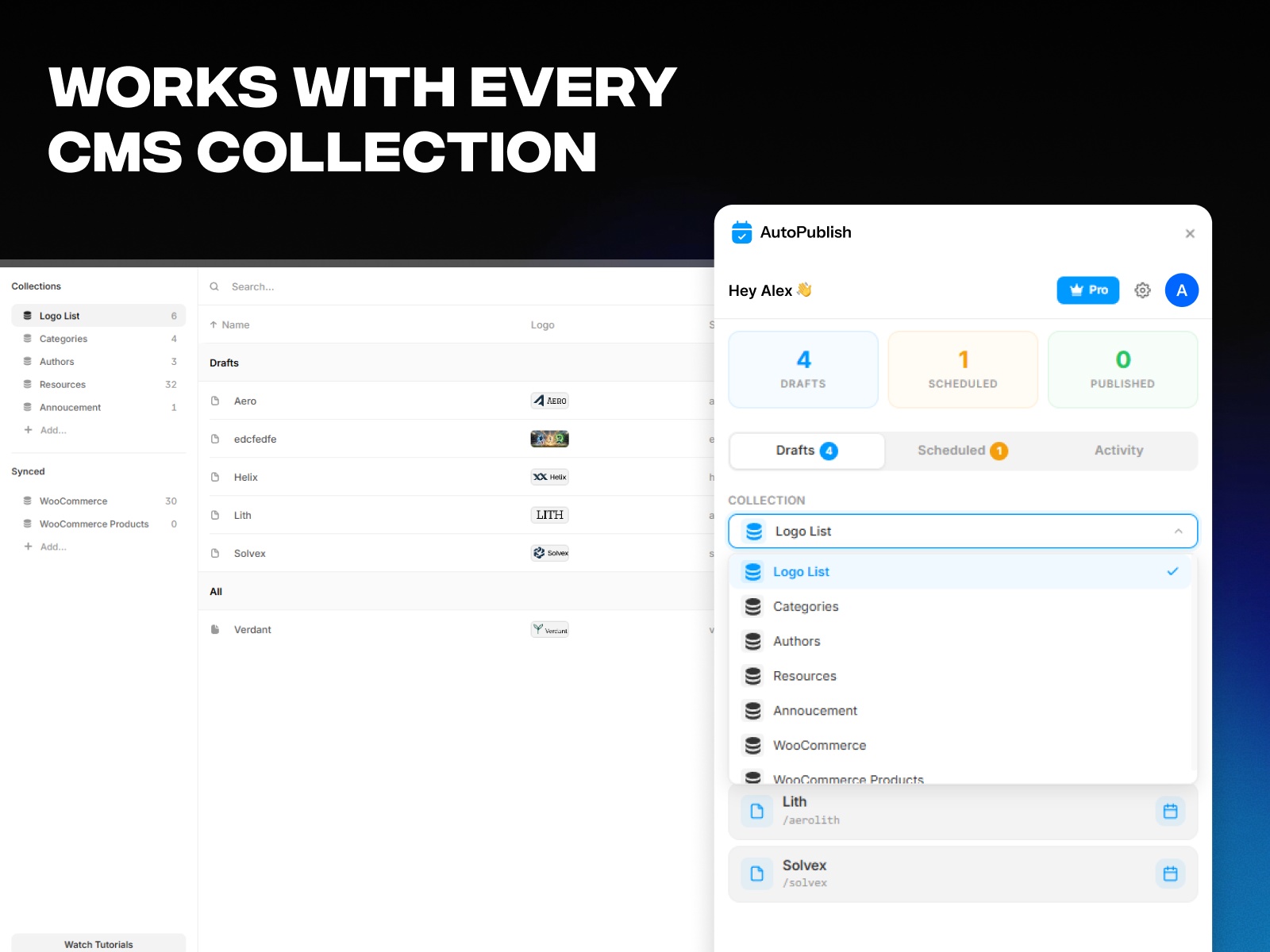
2. Select a CMS collection and browse your drafts.
3. Pick a date and time for any draft, then hit Schedule.
4. Auto Publish handles the rest - your content goes live automatically.
Key Features
Schedule CMS drafts for future publishing
Real-time dashboard with countdowns
Activity log for publish history
Supports multiple CMS collections
Smart search for quick draft access
Perfect For
Bloggers scheduling posts ahead of time
Marketing teams managing editorial calendars
Agencies handling multiple client projects
E-commerce sites with timed product launches
Anyone who wants their Framer CMS content to publish on autopilot
Details
 Framer Geeks