CanvasNotes
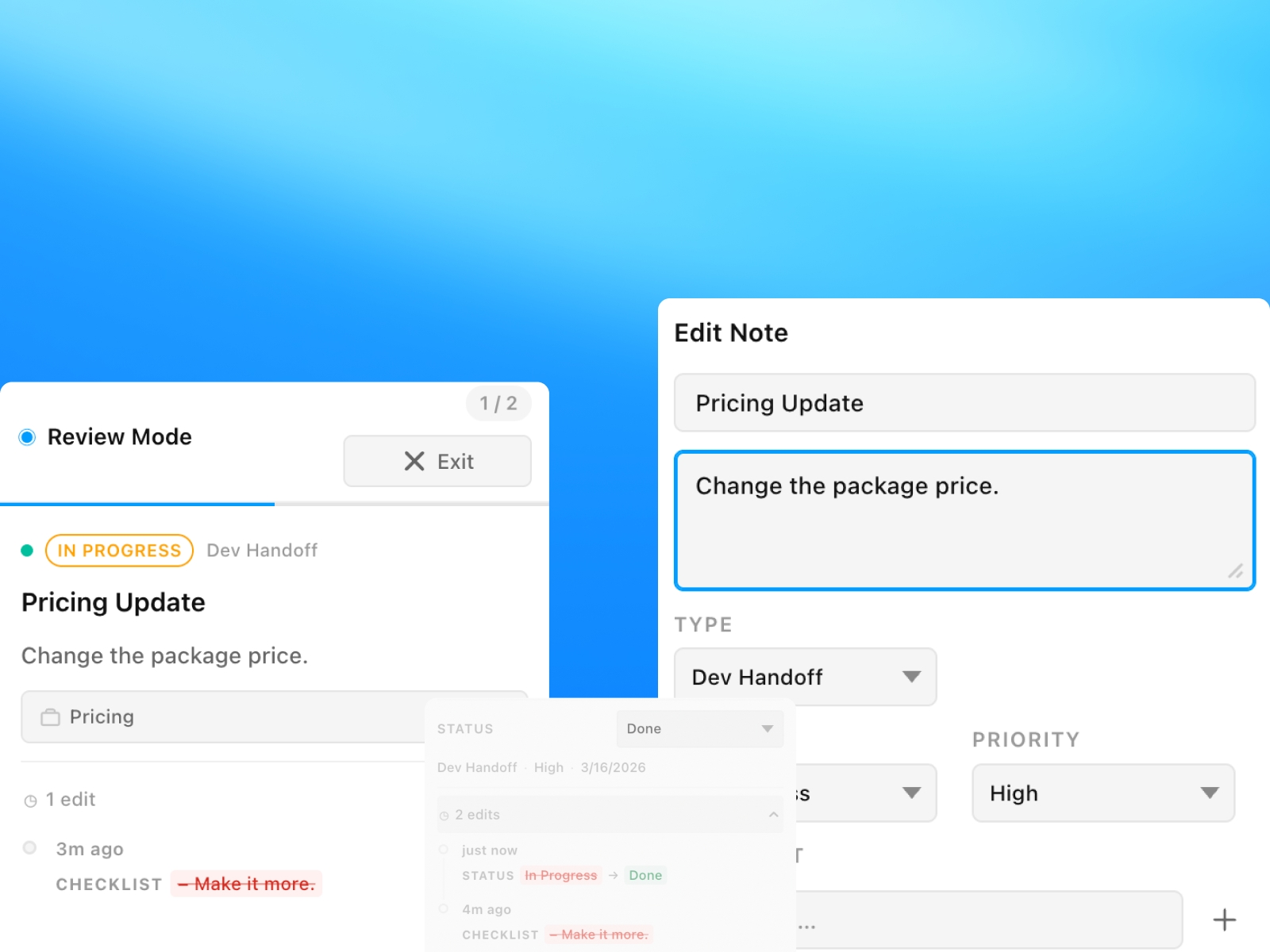
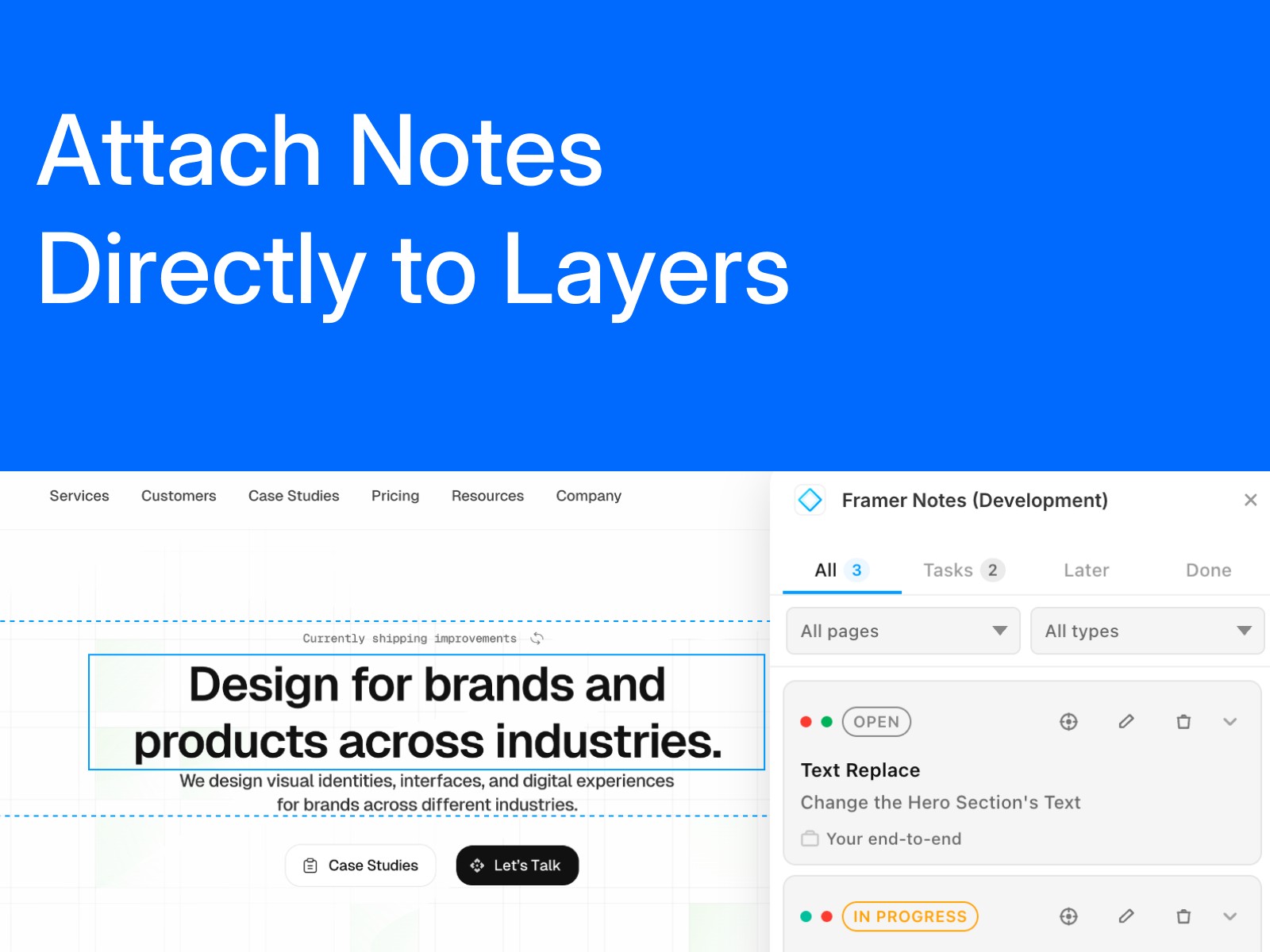
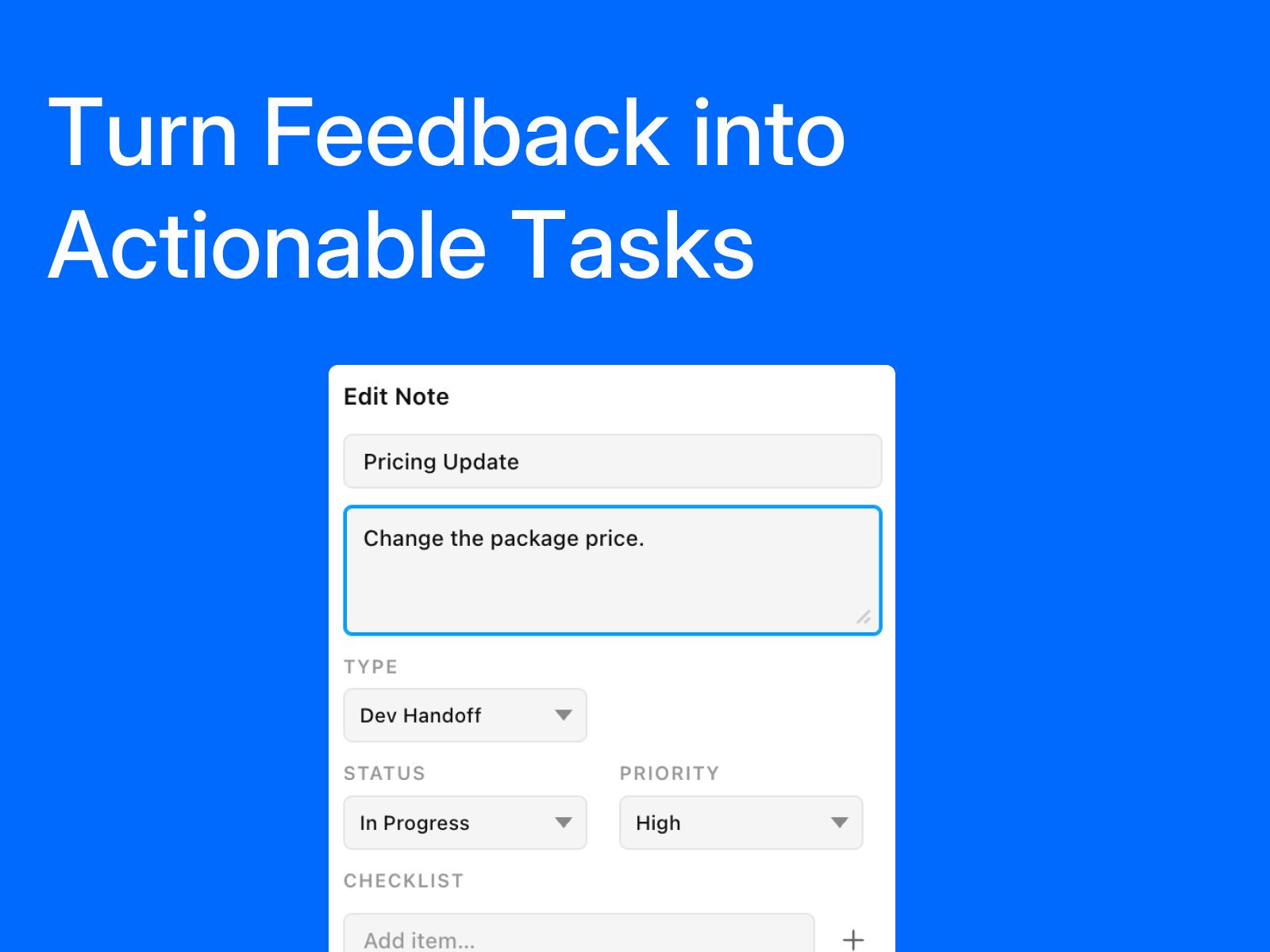
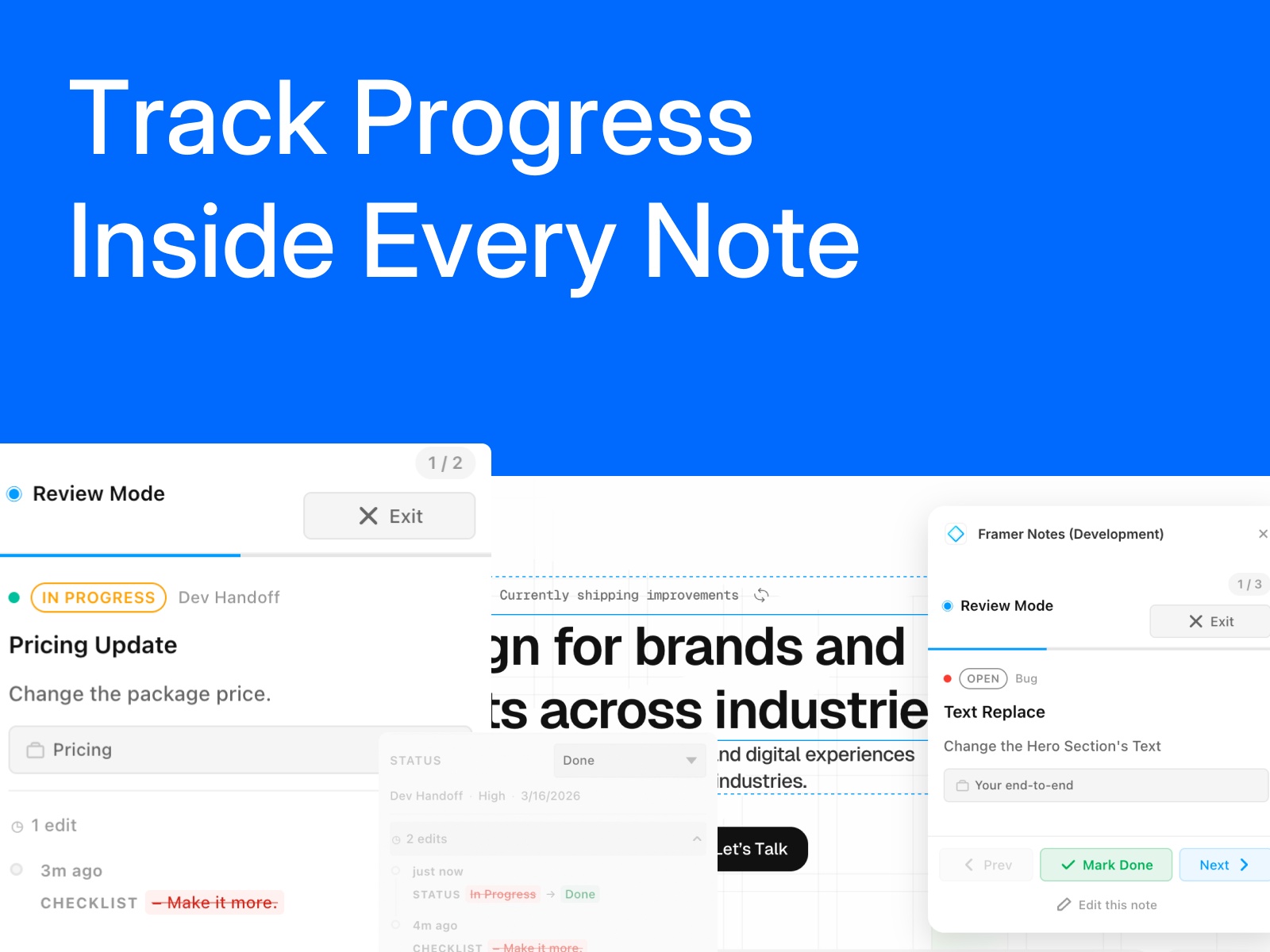
Framer Notes lets you attach notes to layers, organize work with statuses, track checklist progress, and review updates without leaving your project.
About this Plugin
Framer Notes is a lightweight note and task system built for Framer projects. Add notes directly to layers, keep feedback tied to the right element, and turn scattered comments into organized action items.
Use statuses like To Do, In Progress, Later, and Done to manage work clearly. Add checklists inside notes, keep track of changes with edit history, and quickly move through linked notes in Review Mode.
Framer Notes is designed for designers, collaborators, and handoff workflows that need more structure than loose comments, without adding unnecessary complexity.
Key features:
Attach notes to specific layers
Organize work with clear task statuses
Add checklists inside each note
Track updates with edit history
Filter notes by page and type
Review notes quickly in a focused flow
Jump back to the related layer when needed
Changelog
- Renamed the plugin from "Framer Notes" to "CanvasNotes" across the app UI and manifest to avoid using the Framer name in the product branding.
- Updated the pages dropdown to display each page’s `WebPageNode.path` instead of internal page IDs, so pages are now identifiable and selectable from the Framer interface. New notes also use the page path as the page label.
Details
 Floyka Design Studio