CMS Studio
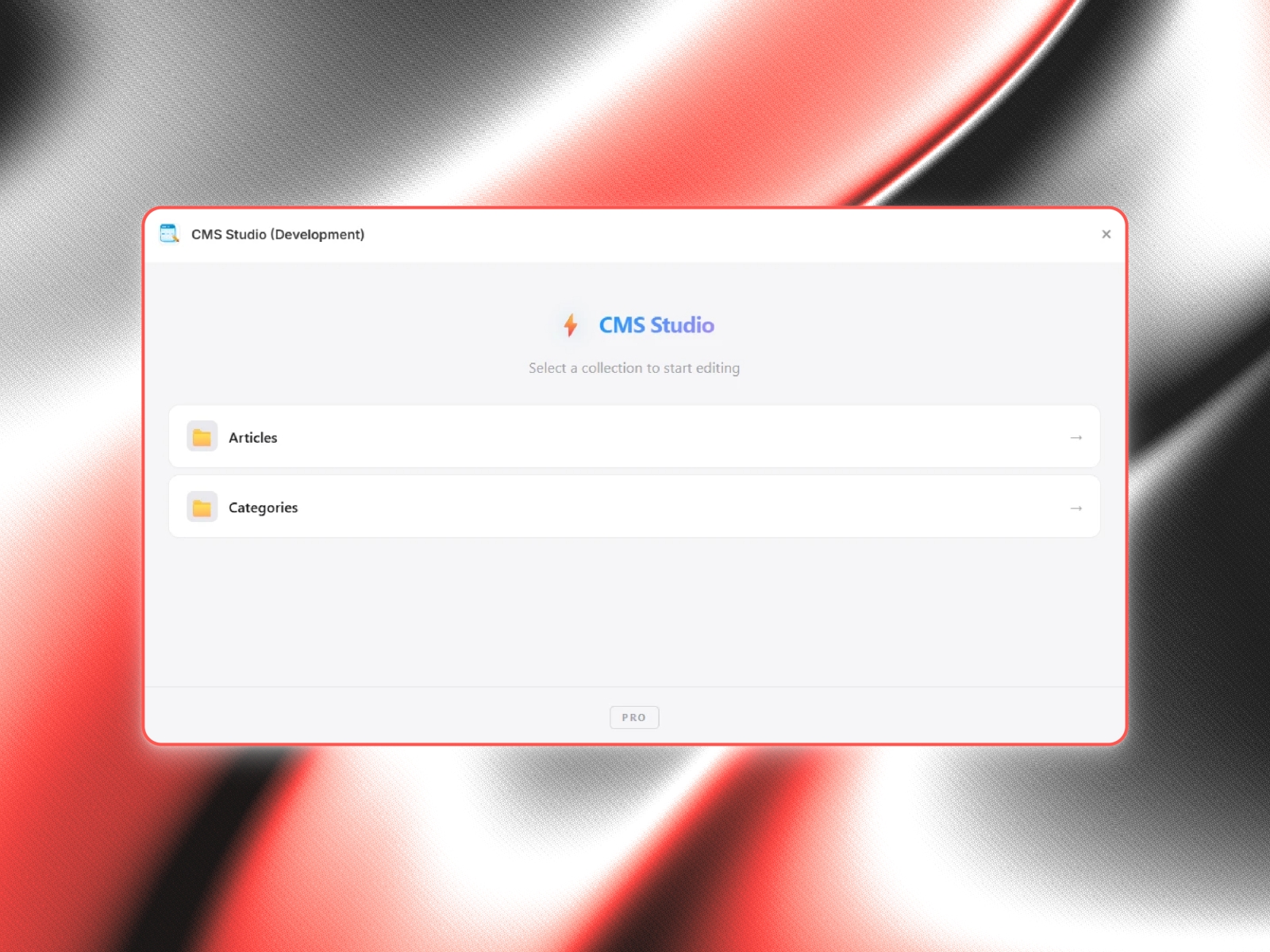
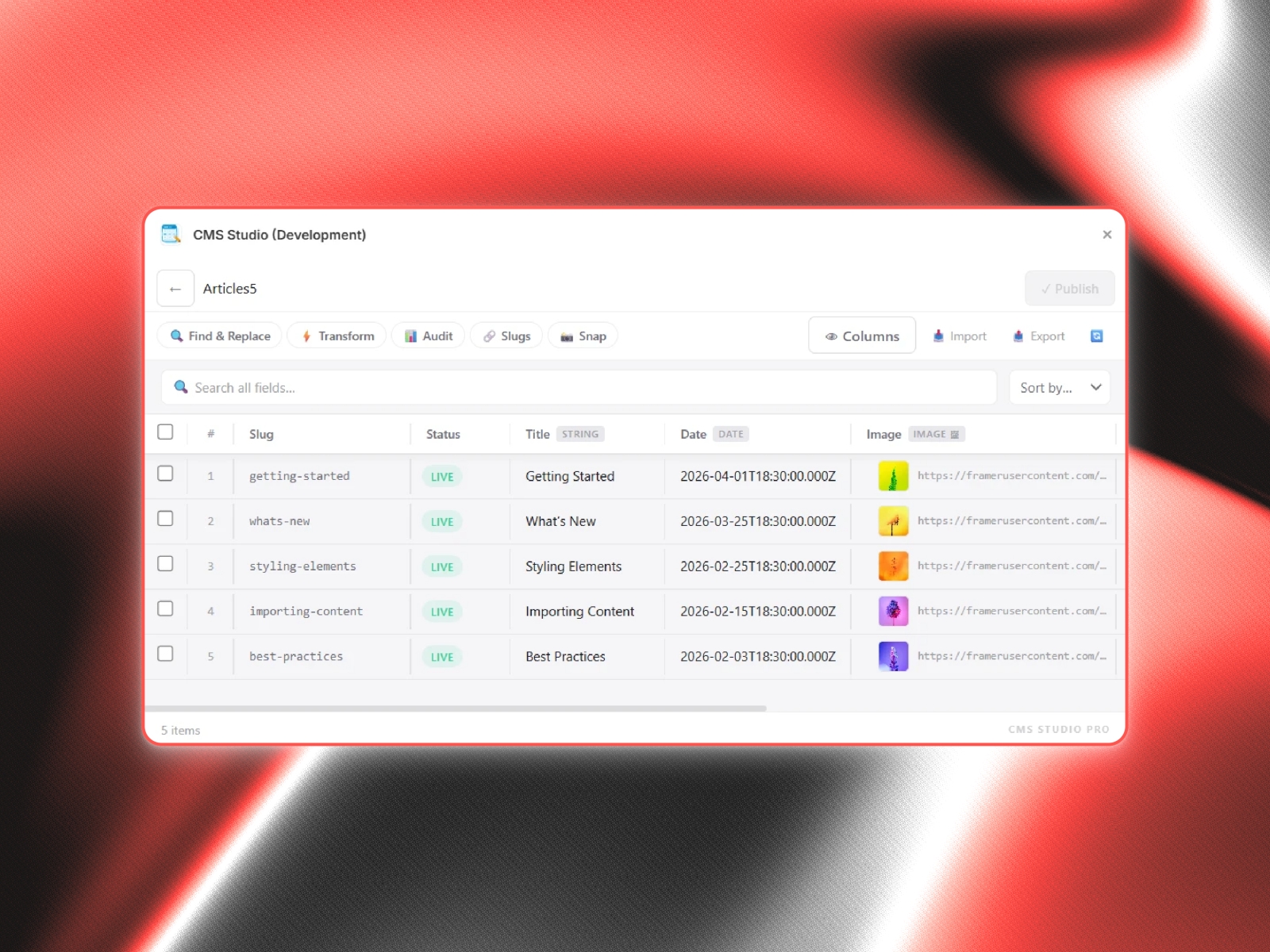
CMS Studio turns your Framer CMS collections into a fast, powerful spreadsheet editor. Inline editing, bulk fill, find & replace, CSV import/export, content audit, snapshots, text transforms, slug tools — everything you need to manage content at scale.
About this Plugin
CMS Studio — Spreadsheet Editor for Framer CMS
Managing Framer CMS content item by item is slow. CMS Studio brings a full spreadsheet interface directly into your Framer plugin panel — so you can edit, bulk-update, audit, and publish your entire collection without ever leaving Framer.
How to Use
open it from the Framer plugin menu.
Select any CMS collection from the picker screen.
Your collection loads as a spreadsheet — every item is a row, every field is a column.
Double-click any cell to edit it inline. Edited cells are marked as drafts.
Use the toolbar to search, filter, sort, or run bulk operations.
When you're done, hit Publish to push all changes to Framer CMS at once.
Features
Inline Spreadsheet Editing
Double-click any cell to edit it directly in the grid
Edited cells show a draft indicator, so you always know what's pending
Read-only fields are visible but clearly locked
Bulk Operations
Select multiple rows and fill a field with the same value across all of them at once
Duplicate selected items with auto-generated unique slugs
Delete multiple items with a single confirmation
Find & Replace
Search across all text fields and slugs
Preview every match before applying
See a before/after diff for each replacement
Text Transforms
Apply UPPERCASE, lowercase, Title Case, Sentence case in bulk
Trim whitespace, or add a prefix/suffix to any string field
Preview all changes before committing
Slug Tools
Edit slugs inline directly from the grid
Auto-generate clean URL-safe slugs from any text field
Preview before/after for every slug that will change
Content Audit
See field completion rates with visual progress bars
Detect empty fields, duplicate slugs, invalid URLs, and duplicate content
Click any issue to jump straight to that item in the grid
Snapshots
Save a named snapshot of your collection before making big changes
Restore any snapshot as a draft and publish when ready
Stores up to 20 snapshots per session
Diff View
Review every pending change in a before/after list before you publish
Catch mistakes before they go live
CSV Import & Export
Export your full collection to CSV in one click
Import CSV back in — headers auto-map to field names
Search, Filter & Sort
Live search filters across all fields and slugs instantly
Sort any column ascending or descending
Column Visibility
Show or hide any field column from the grid
Keeps your workspace clean when working with large collections
Light & Dark Mode
Automatically adapts to Framer's native light or dark theme
Details
 Evixel Studio