
This lesson was released before Agents, Branching, and the CMS update on June 16, 2026. Some UI may differ, but the core concepts still apply.

Benjamin
7:12
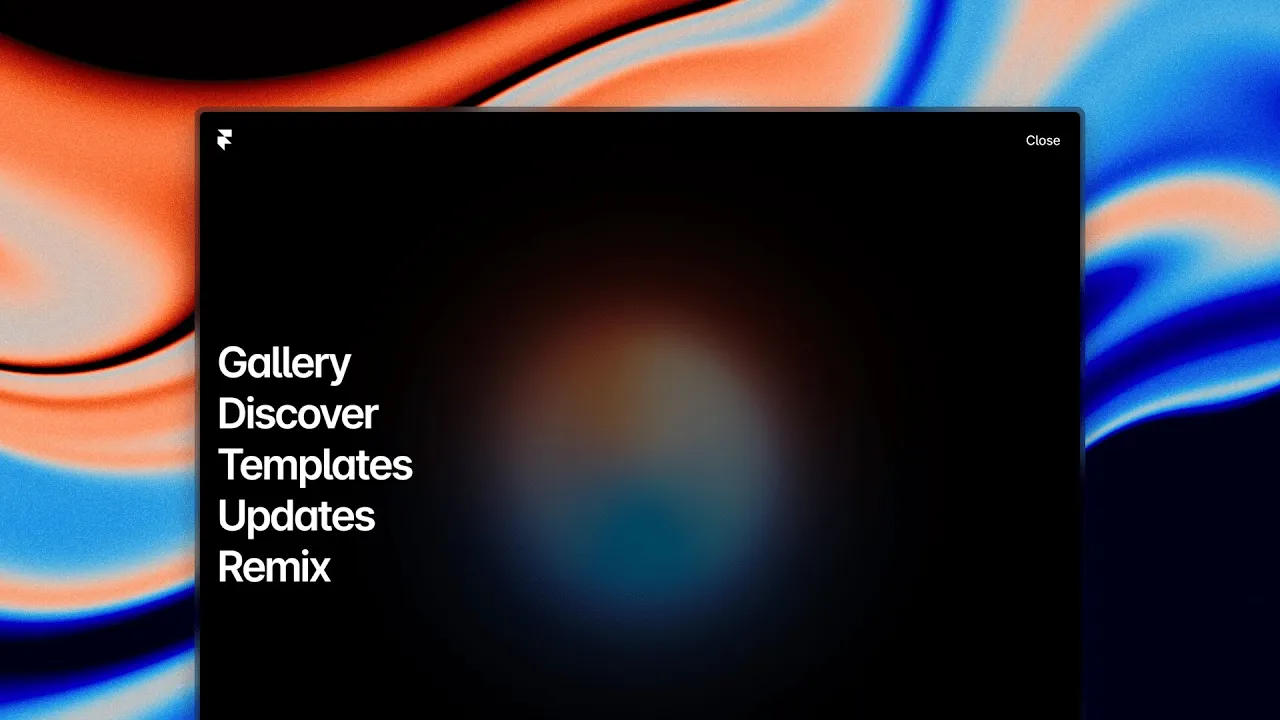
Build a desktop menu with minimum and maximum height
Learn how to build a desktop menu with minimum and maximum height. Build a beautiful desktop navigation bar. You will configure the Component and its Variants, then test the interaction across breakpoints. Keep labels, links, and states clear before you reuse it on your site in Framer.
Lesson details
Build the desktop menu as a Component with closed and open Variants, then set minimum and maximum height so the panel can fit its content without growing beyond the viewport. Put long menu content inside a scrollable area when needed.
Test short and tall browser windows, keyboard navigation, focus order, and links near the bottom of the menu. Keep the close control visible while the content scrolls.
Test the Component with realistic labels, values, and states before reusing it. The default example rarely exposes the wrapping and interaction problems that appear in production content.
Frequently asked questions
How do I build a desktop menu with minimum and maximum height?
Learn how to build a desktop menu with minimum and maximum height. Build a beautiful desktop navigation bar. You will configure the Component and its Variants, then test the interaction across breakpoints. Keep labels, links, and states clear before you reuse it on your site in Framer.
What does this lesson cover?
The lesson covers the settings and steps used to build a desktop menu with minimum and maximum height. See Desktop Navigations. Follow the demonstrated order in your project and review each change on the canvas before moving to the next step.
Should I build this interaction as a Component?
Use a Component when the same interface or interaction appears more than once. Components keep structure and styling consistent, while Variants can represent states such as open, closed, hover, or pressed. Test each state and confirm that instance content still fits across breakpoints.
Will this Component work across breakpoints?
It can, but you should test each Variant and interaction state at wide and narrow widths. Check labels, tap targets, overlays, and content wrapping. Adjust the Component layout or instance content when a state no longer fits the available space.
What should I review after I build a desktop menu with minimum and maximum height?
Review the exact pages and elements changed by the workflow. Confirm that copy, links, accessibility, responsive behavior, and interaction states still work as intended. Use preview for the final check and keep publishing separate from editing so you can fix problems before visitors see the update.
Continue watching
Load more