Take your users on a journey through hyperspace. This infinite 3D tunnel pulls viewers into your content with a mesmerizing warp effect that reacts to their mouse movements.
Interactive Steering Move the mouse to curve the tunnel, giving users the feeling of piloting through a digital wormhole.
Warp Speed Adjust the speed, twist, and length of the tunnel to create everything from a gentle drift to a high-speed jump to lightspeed.
Transparent Background Seamlessly blend the component into your design with transparent background support (disables bloom).
Matrix Mode Choose between Binary, Hex, or Glyph character sets for the particles to match your site's tech aesthetic.
Hero Sections — Use as a full-screen background to create an immersive first impression for tech, space, or futuristic brands.
Loading Screens — Simulate a "warp travel" effect while content loads, keeping users engaged during wait times.
Data Visualization — Represents data streams or information highways efficiently with the Matrix/Hex character modes.
VIDEO PLACEHOLDER: Installation Tutorial
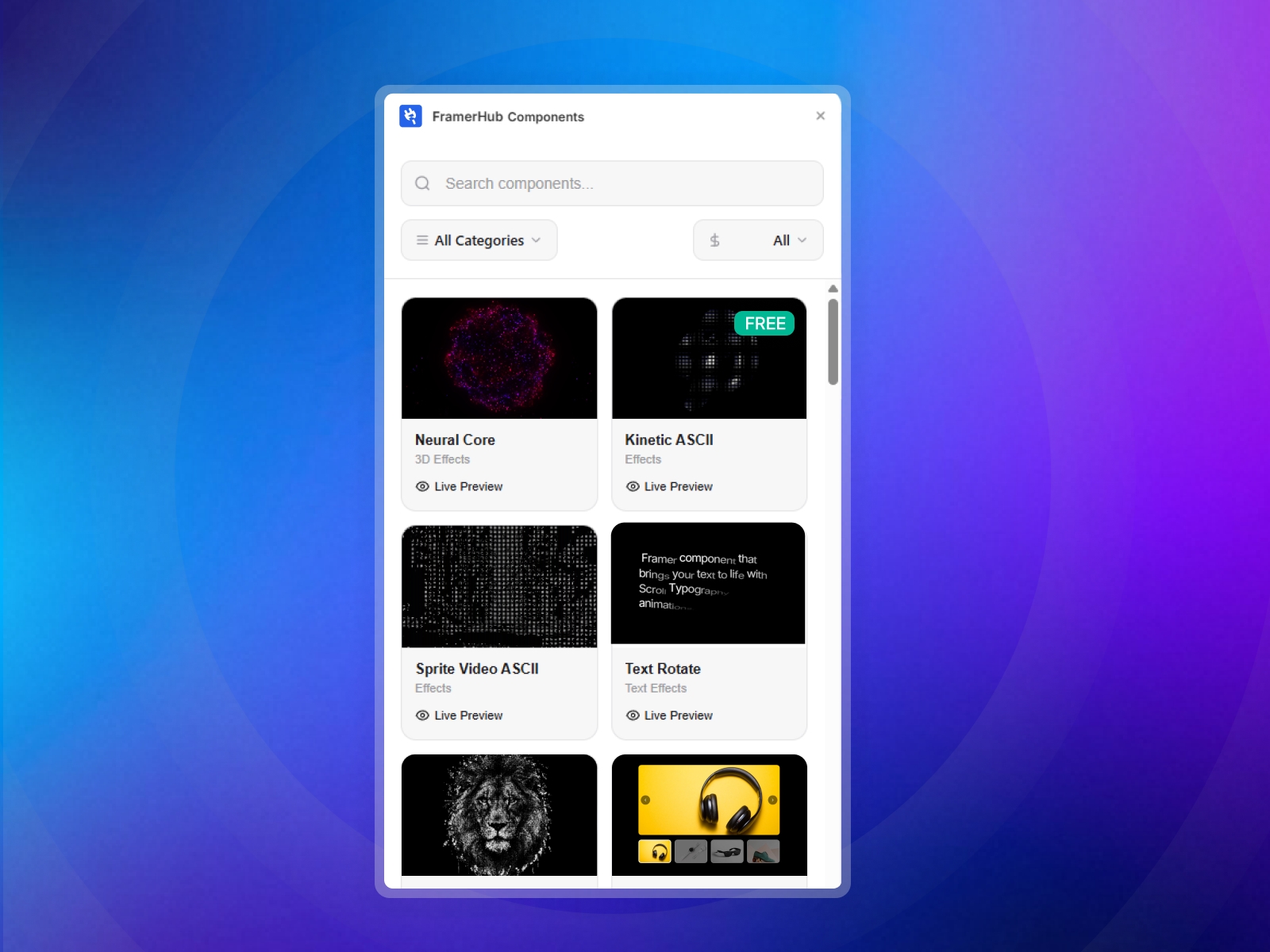
Log in to your account at framerhub.io
Navigate to framerhub.io/dashboard
Find Quantum Tunnel in your Recent Purchases
Click the "Copy" button
Open your Framer project
Paste the component anywhere on your canvas (Cmd/Ctrl + V)
You can fully customize the tunnel's geometry, particles, and animation to match your brand:
Geometry
Radius: Control how wide the tunnel appears.
Length: Adjust how far the tunnel extends into the distance.
Twist: Add a spiral twist for a surreal effect.
Particles
Count: Increase for density, decrease for performance.
Size: Scale the ASCII characters.
Char Set: Switch between Hex, Binary, or Glyphs.
Appearance
Colors: Set distinct Near and Far colors for depth.
Bloom: Adjust the glow intensity (works best on dark backgrounds).
Best Performance — Keep particle count around 10,000–15,000 for desktop. For mobile, the component automatically adjusts, but you can manually lower it if needed.
Color Combinations — High contrast colors (e.g., Neon Blue on Black) work best with the Bloom effect.
Steering Sensitivity — Set steering power to 0 if you want a straight, non-interactive tunnel.
Single Use License — Use in one client project with full commercial rights. No redistribution. 1 license = 1 client.
Due to the nature of our digital products, we are unable to offer refunds, but we're here to assist you with any questions or concerns!
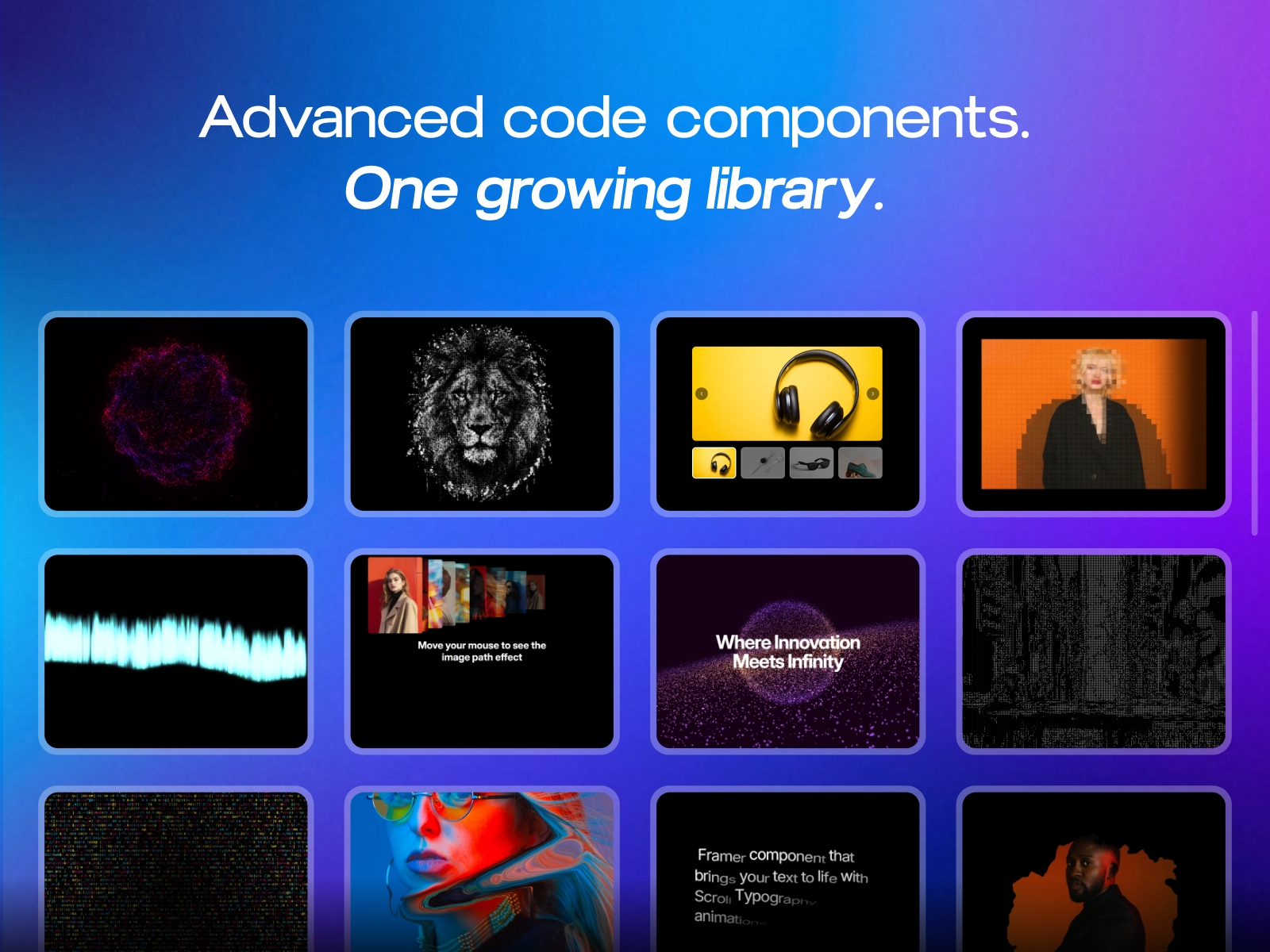
The Quantum Tunnel offers a "wow" factor with zero coding required. It transforms static pages into dynamic journeys, perfect for standing out in the crowded digital space.
 FramerHub.io