This component adds a fully designed, customizable sign-up form to your Framer site. It works with Thenty - a membership & authentication plugin for Framer built by Insert Frame. Before using this component, you'll need a Thenty account & the Thenty plugin. Both are free to start.
In Framer, open the Plugins tab, search for Thenty
Open the plugin & create your Thenty account directly from there - it'll automatically add the required Auth snippet to your site
Copy the component onto your Framer canvas
Double-click into the component to access the property controls
The Form Type is already set to Sign Up. You can switch this to any other form type you need: Log In, Forgot Password, Update Profile, Update Password & Accept Invite
Add your Product ID from the Thenty plugin if you're gating content behind a paid plan - new signups will go straight to checkout
Optional: Set your Redirect page for after signing up
Keep the three required fields: Email, Name & Password
Optionally add custom fields to collect extra data - these get stored as custom attributes in the Thenty plugin
Publish your site & the form is live
Once a user registers, Thenty handles the rest:
Gate pages & content to members only
Show user-specific data like their name or email using Thenty's override library
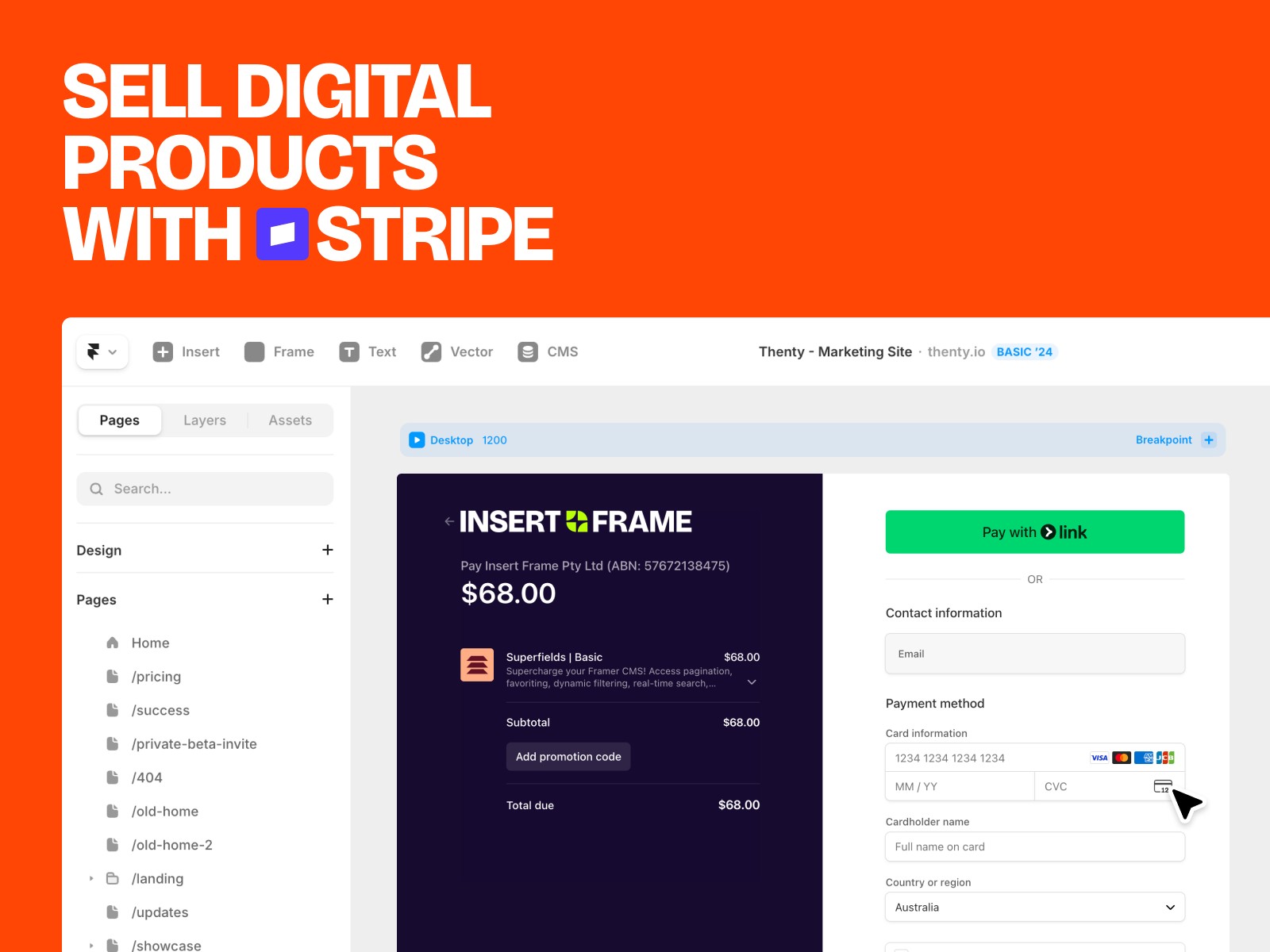
Collect payments via Stripe - set a default product in your Thenty dashboard & new signups go straight to checkout
Trigger Zapier automations on registration - add users to MailerLite, fire Slack notifications, update your CRM, etc.
Enable Google SSO as an alternative sign-up option
 Insert Frame