Assetify - Advanced Assets Manager
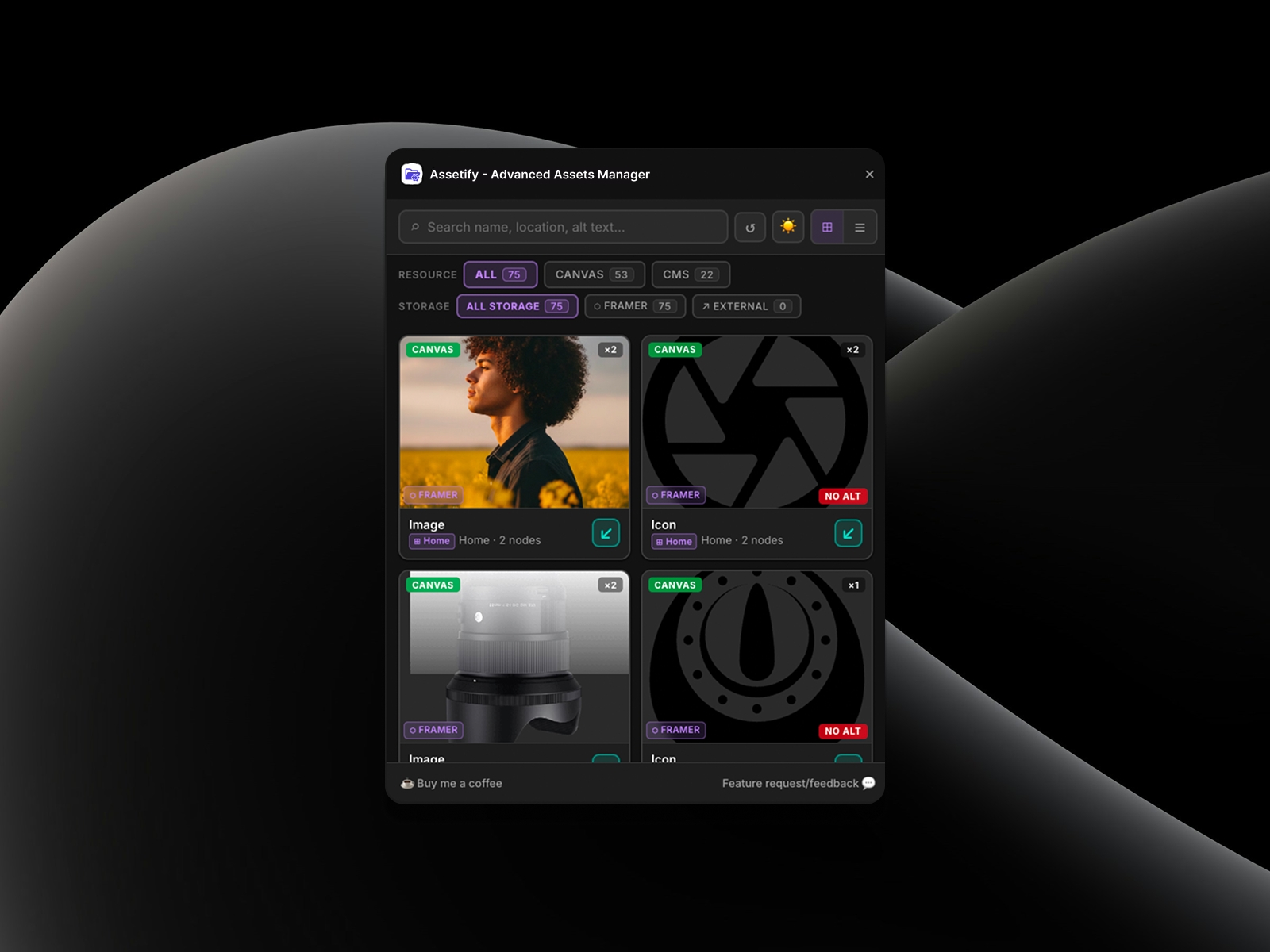
Take full control of your Framer project's media. Easily search, filter, and manage images, videos, and SVGs across Canvas and CMS. Update alt text globally, track node usage, and instantly locate files whether stored in Framer or an external CDN.
About this Plugin
Streamline Your Workflow with Advanced Asset Management
Keeping track of every image, video, and SVG across a complex Framer project can be time-consuming. Asset Manager provides a centralized, powerful hub to view, track, and optimize every media file on your site, giving you total control over your project's storage and SEO.
Key Features:
Global Visibility: Manage all assets in one place, whether they are placed directly on the Canvas or housed within your CMS collections.
Missing Alt-Text Detection: Instantly filter and identify images that are missing alt text, so you know exactly which assets need SEO optimization at a glance.
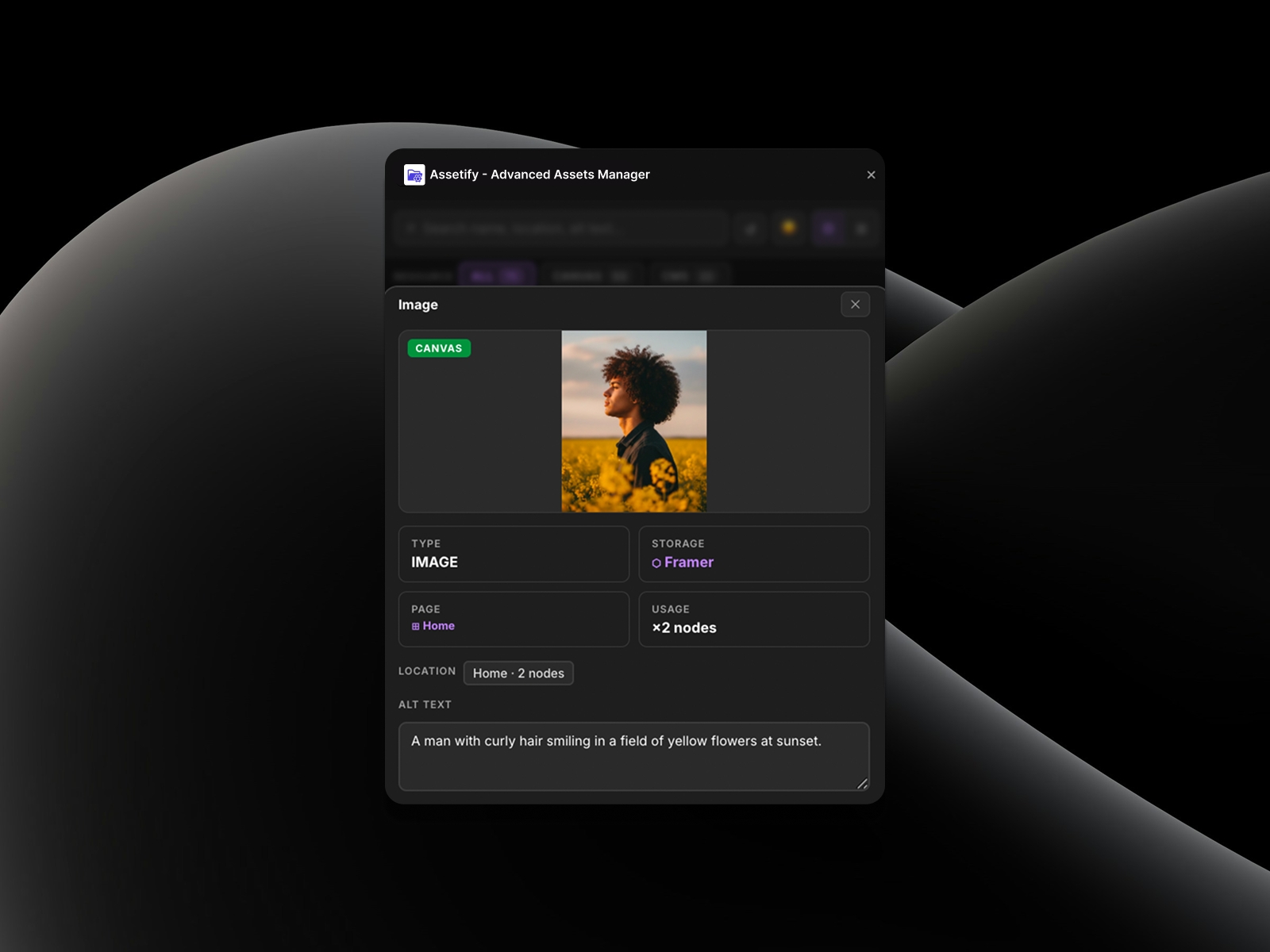
Global Alt Text Updates: Easily add or edit alt text directly from the plugin, and it will automatically update all related instances across your project.
Smart Tracking & Navigation: See exactly how many times an asset is used. Click to navigate directly to specific nodes on your canvas instantly.
Advanced Search & Filtering: Instantly find what you need by searching names, file formats (image, video, SVG), or locations.
Storage Insights: Filter your assets by storage type to easily identify what is hosted on Framer's servers versus external sources like a CDN.
🚀 Upcoming Features:
Drag & Drop Support: Directly pull assets from the plugin onto the canvas.
Bandwidth & Weight Tracker: Simulate and track how much bandwidth your assets are consuming to optimize your project's performance before publishing.
Next-Gen Compression: Automatically convert and compress bulky PNGs or JPGs into WebP/AVIF formats to drastically improve your site's loading speed.
Asset Exporting: Download original or compressed versions of your project assets directly to your local drive with a single click.
Orphaned Asset Cleanup: Automatically detect and bulk-delete unused assets that are taking up unnecessary space in your Framer project.
Duplicate Detection: Spot identical files uploaded multiple times so you can consolidate them into a single asset and keep your storage clean.
Changelog
Fix Submission
Details
 Aghassi