ChatFeatured CMS Sync
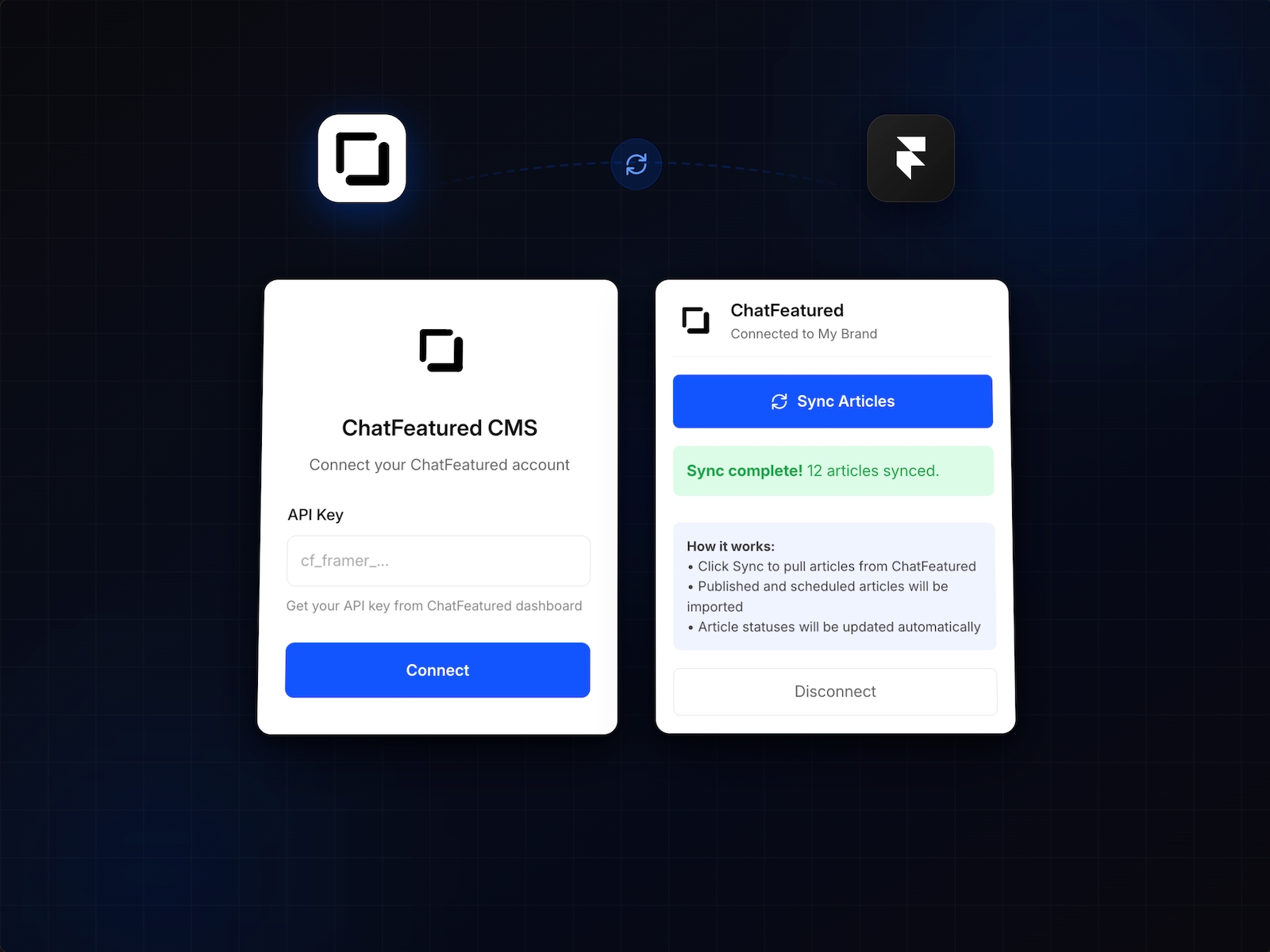
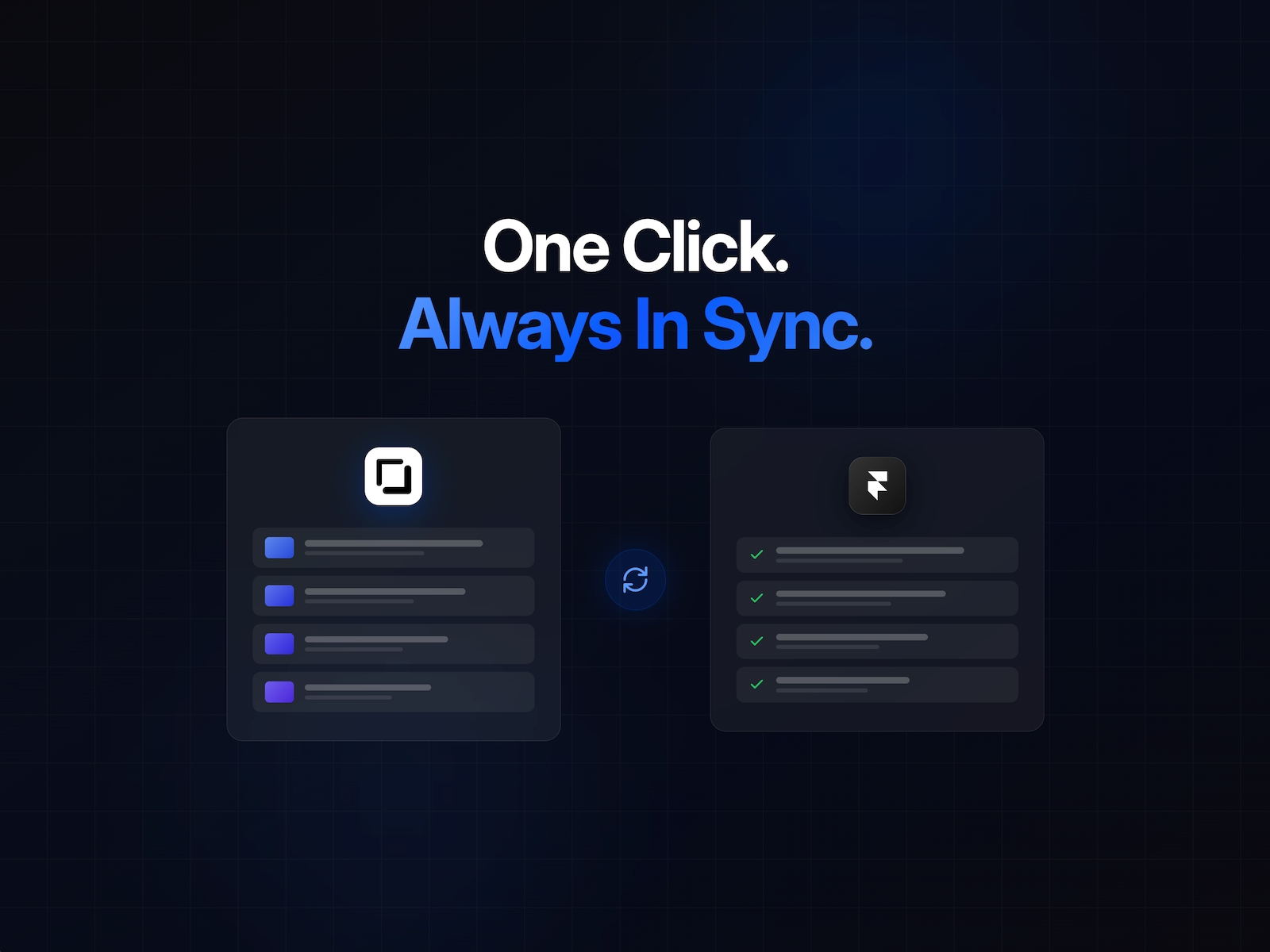
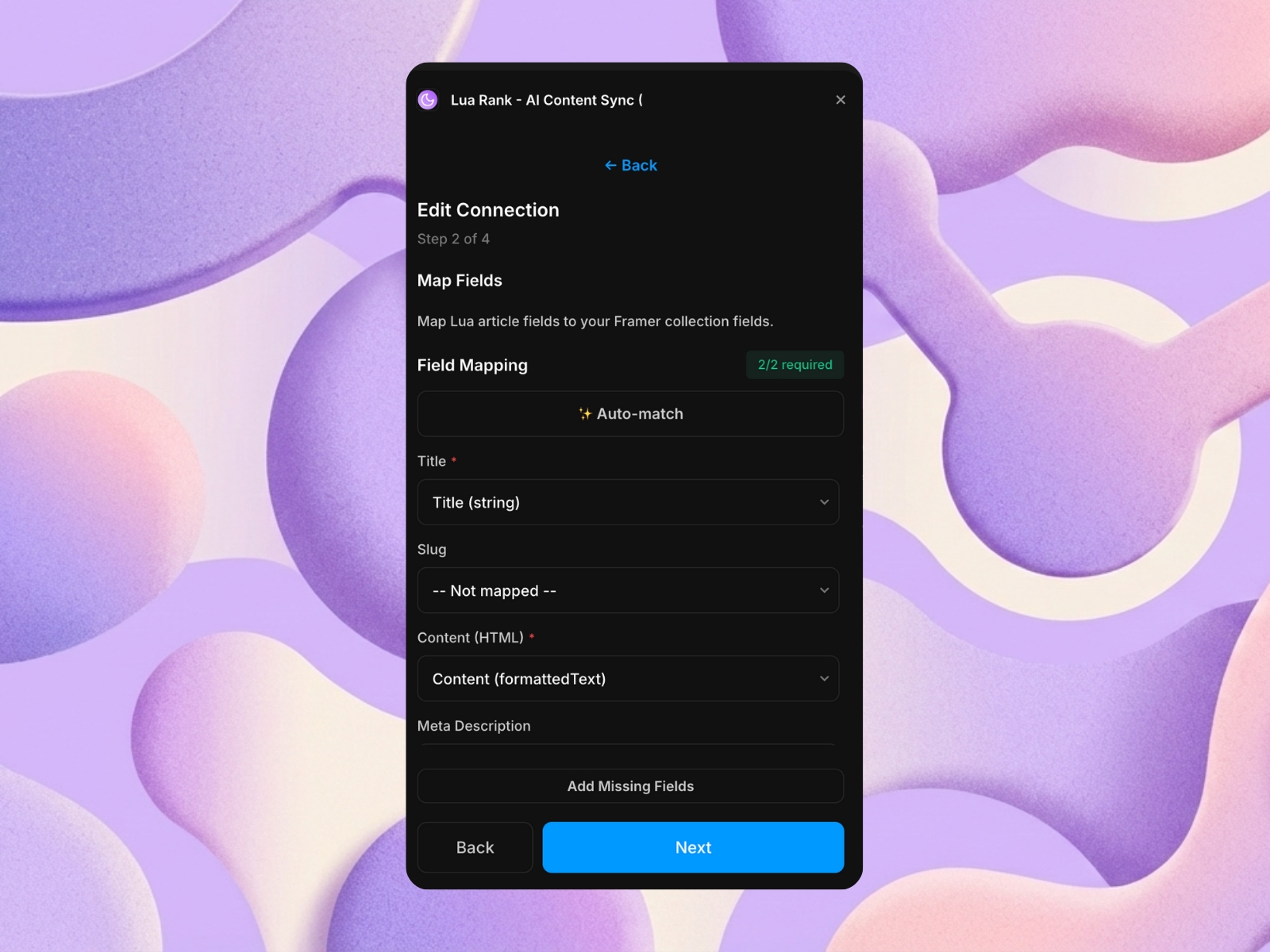
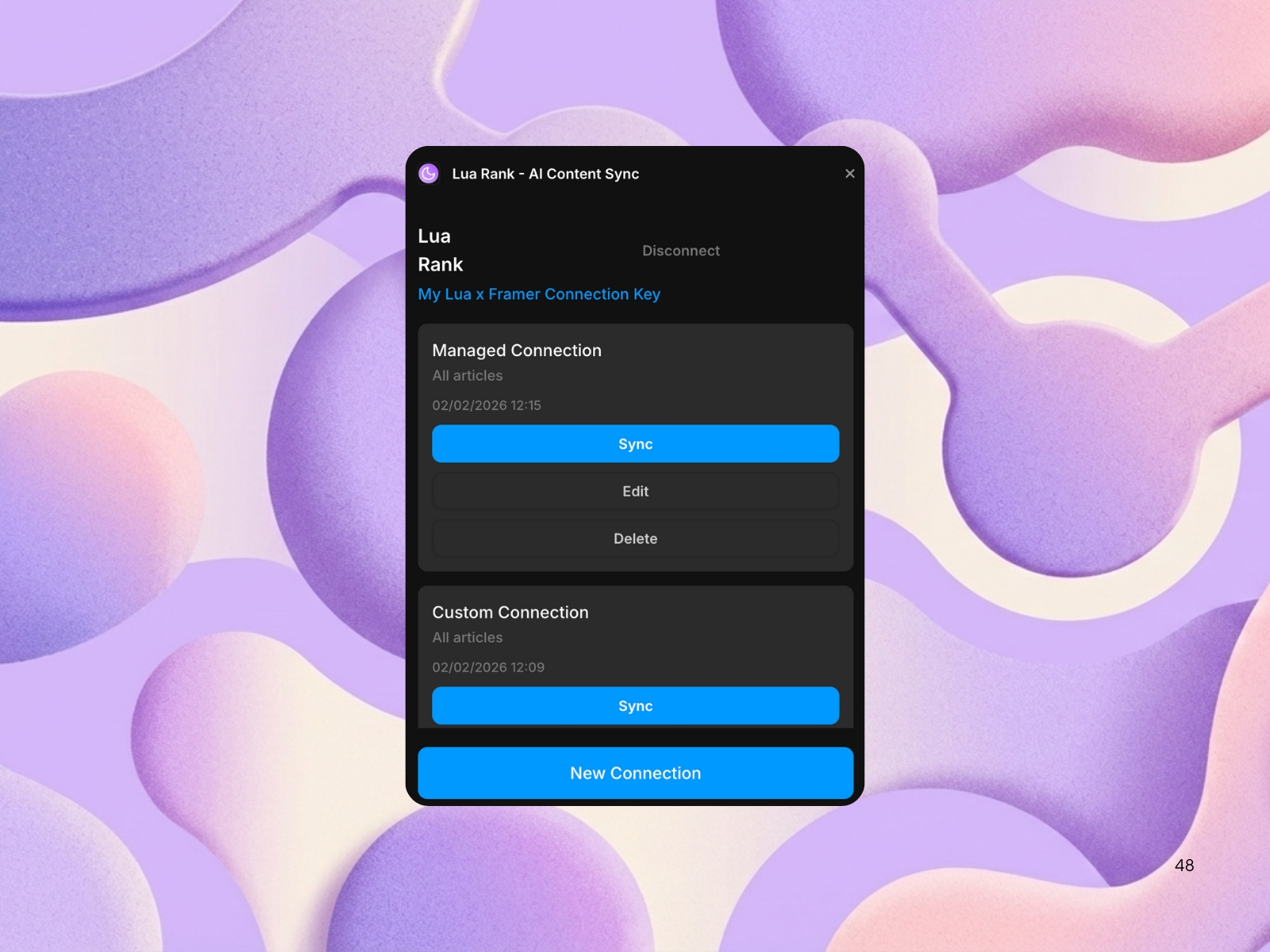
Sync your ChatFeatured articles directly to Framer CMS. Connect your ChatFeatured account with an API key, and the plugin automatically keeps your Framer collection in sync with your published articles, including all custom fields, content, and metadata.
About this Plugin
ChatFeatured tracks how your brand appears across AI-powered search engines and chatbots. Based on those insights, our agent generates optimized content to boost your visibility. This plugin syncs that content straight to your Framer CMS.
What it does
Your ChatFeatured dashboard generates articles tailored to how AI platforms talk about your brand and industry. Instead of copy-pasting into Framer, this plugin pushes everything directly to a managed collection, ready to publish on your site.
What gets synced
- Generated articles and content
- Titles, body text, and metadata
- Custom fields configured in your ChatFeatured account
- Clean URL slugs
Simple workflow
Once connected, just hit sync whenever you've got new content in ChatFeatured. The plugin handles the rest in the background -adding new articles, updating existing ones, and removing anything you've unpublished. No manual data entry, no switching between tabs.
Getting started
1. Add the plugin to a CMS collection in Framer
2. Enter your API key from your ChatFeatured dashboard
3. Sync your content
Find your API key under Integrations in your ChatFeatured account.
Changelog
Addes plugin icon
Details
 Nithiiyan Skhanthan