Fogtrail Sync
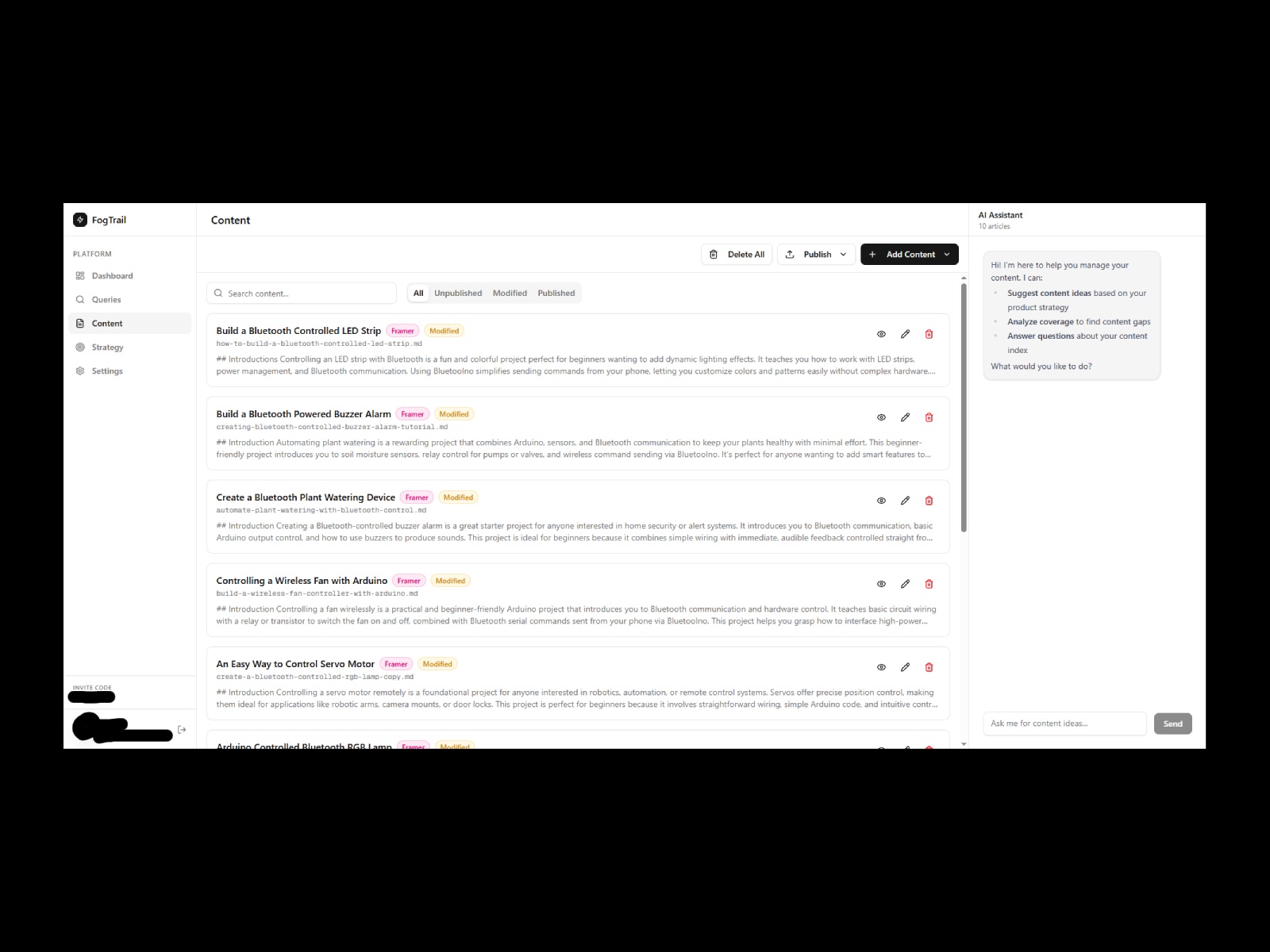
Fogtrail connects your Framer CMS to the Fogtrail AEO platform. Push your blog posts and content to Fogtrail for AI-driven optimization, then pull the improved content back into your Framer CMS collections, without leaving Framer
About this Plugin
Fogtrail helps you get your content cited by AI search engines like Perplexity, ChatGPT, and Grok. This plugin bridges your Framer CMS with the Fogtrail platform so you can optimize your content for answer engine visibility.
What it does:
Push to Fogtrail — Select a CMS collection, map your title and body fields, and send your content to Fogtrail for analysis and optimization. The plugin reads your CMS items, converts rich text to Markdown, preserves all metadata as frontmatter, and uploads everything in batches.
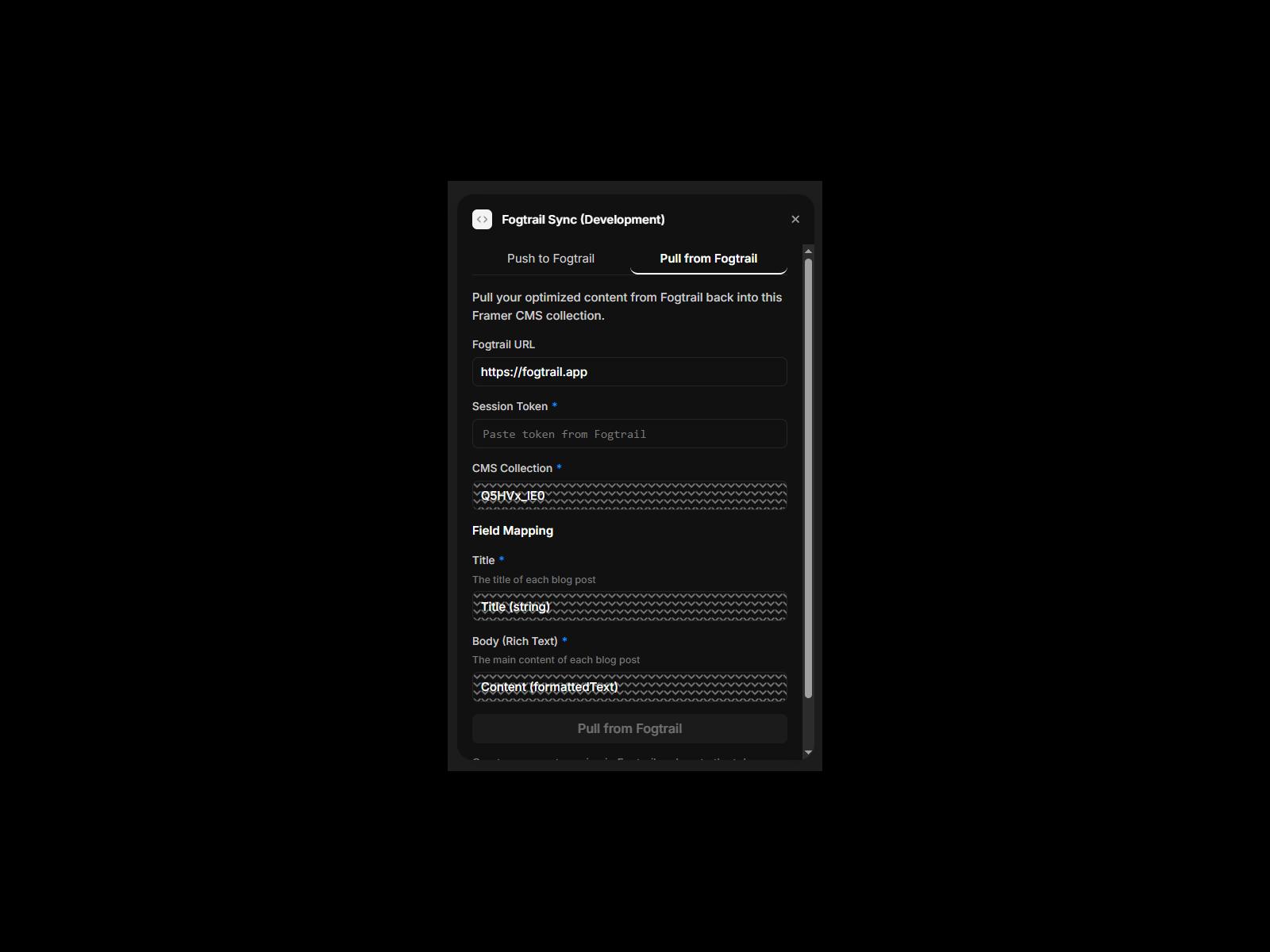
Pull from Fogtrail — After your content has been optimized in Fogtrail, pull the improved versions back into your Framer CMS collection. The plugin matches items by source ID or slug, so existing entries are updated in place rather than duplicated.
How it works:
Open the plugin in Framer
Create an import or export session in your Fogtrail dashboard to get a session token
Paste the token into the plugin
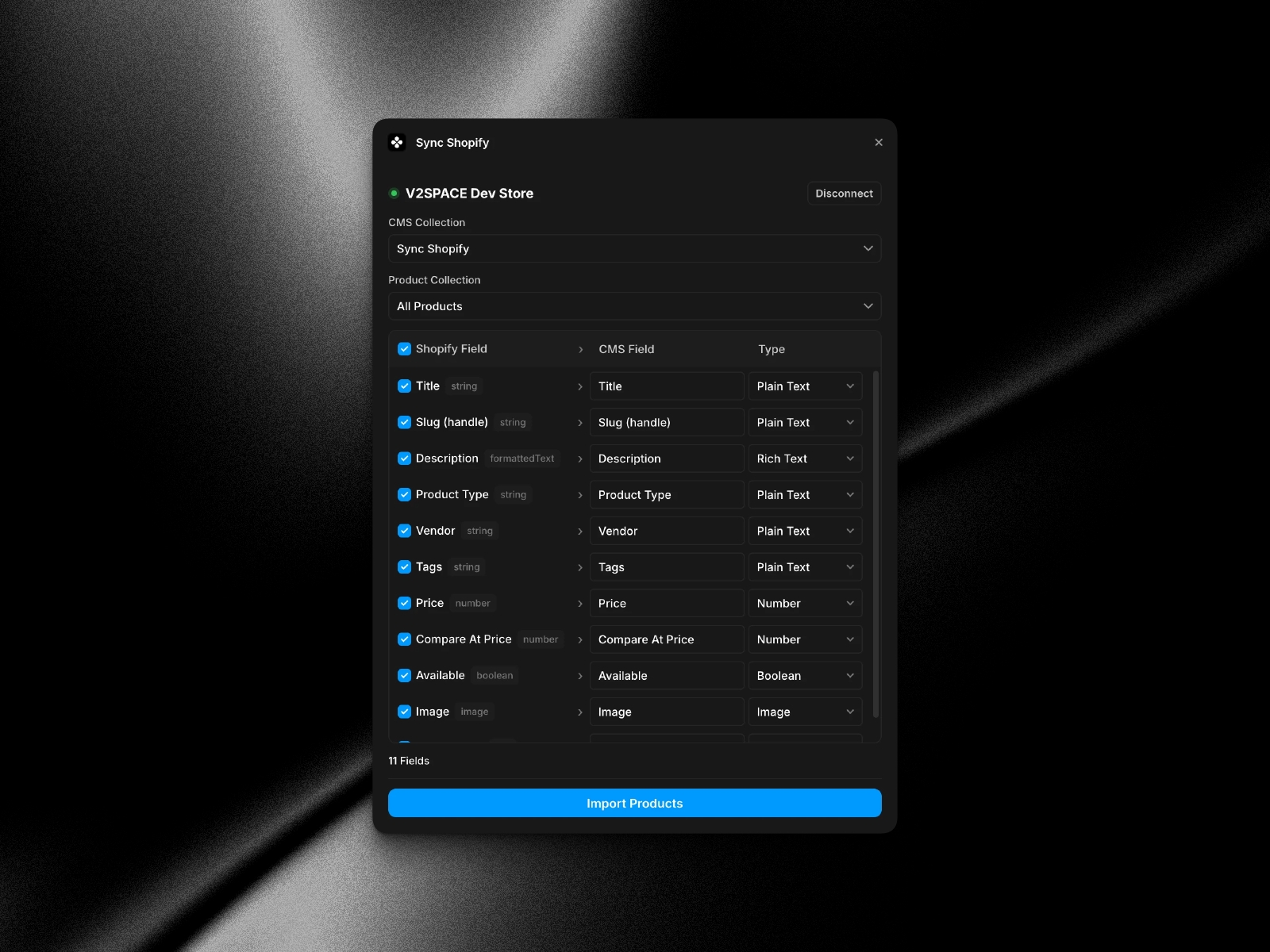
Select the CMS collection and map your title and body fields
Click Push or Pull to sync
The plugin auto-detects common field names (title, name, body, content) and supports any Framer CMS collection structure. All fields beyond title and body are preserved as metadata.
Requirements:
A Fogtrail account (fogtrail.ai)
At least one Framer CMS collection with content
Changelog
Show the collection names in the dropdown list instead of the IDs
Updated icon
Details
 Ming X