Kitful
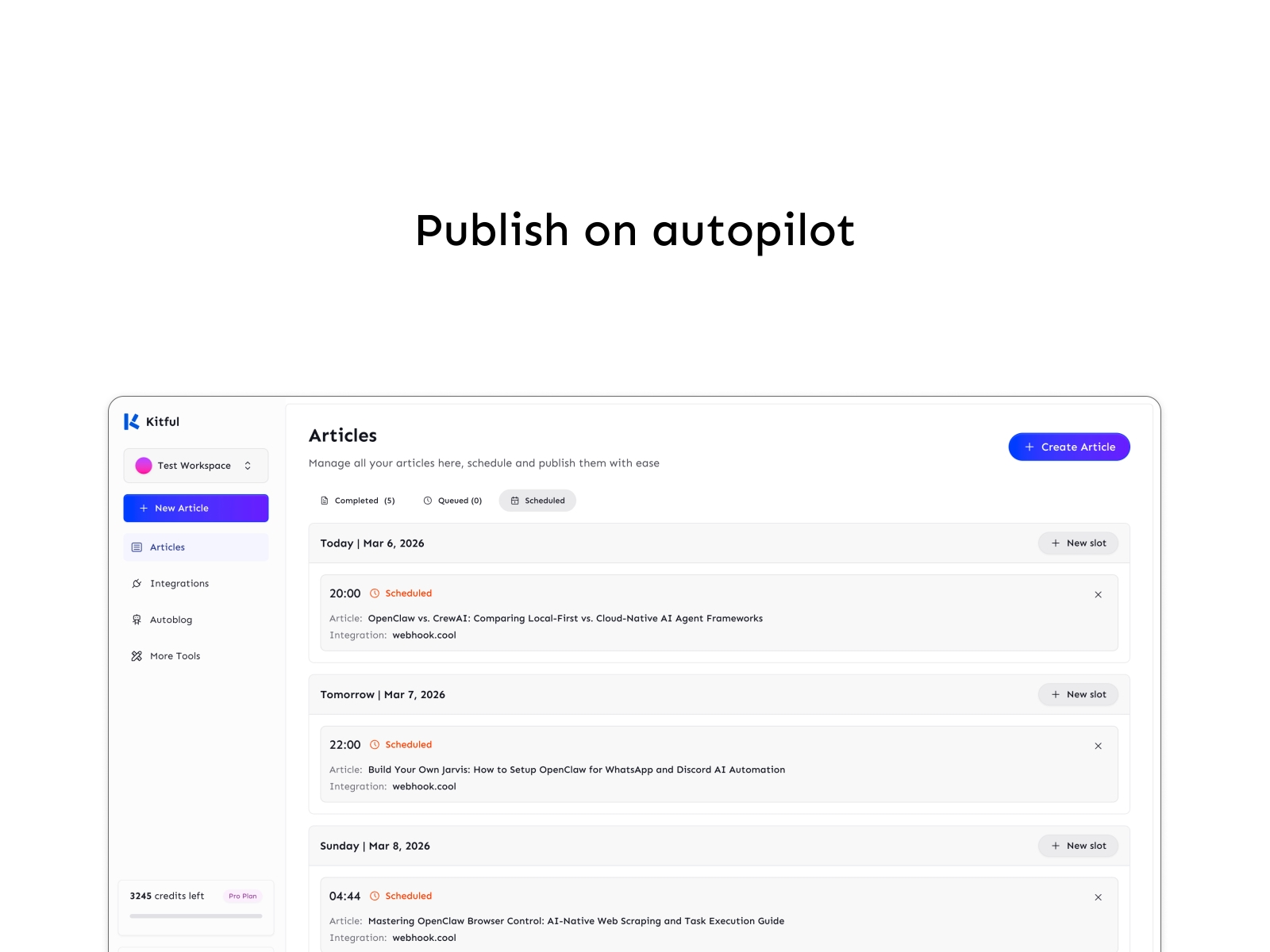
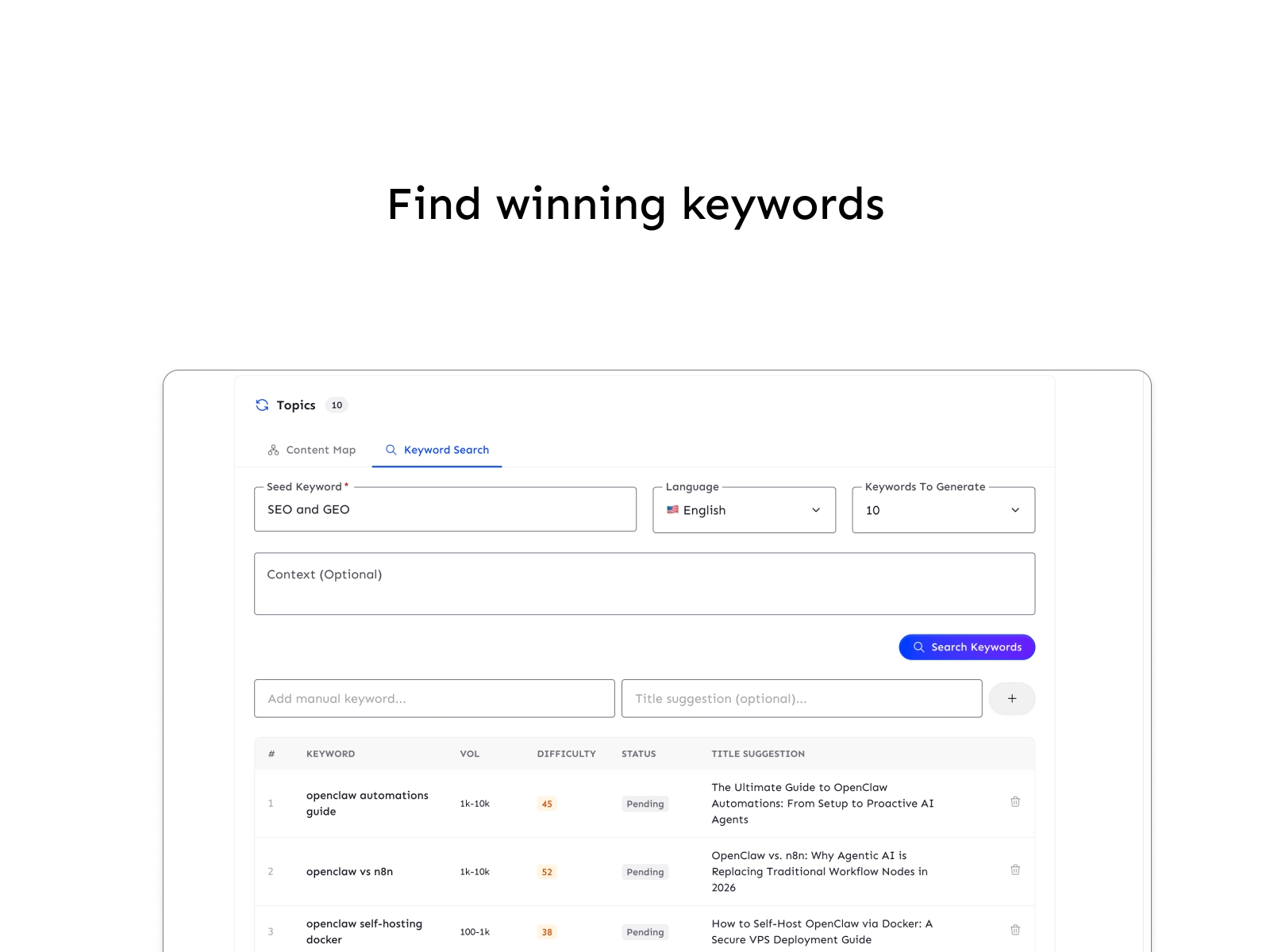
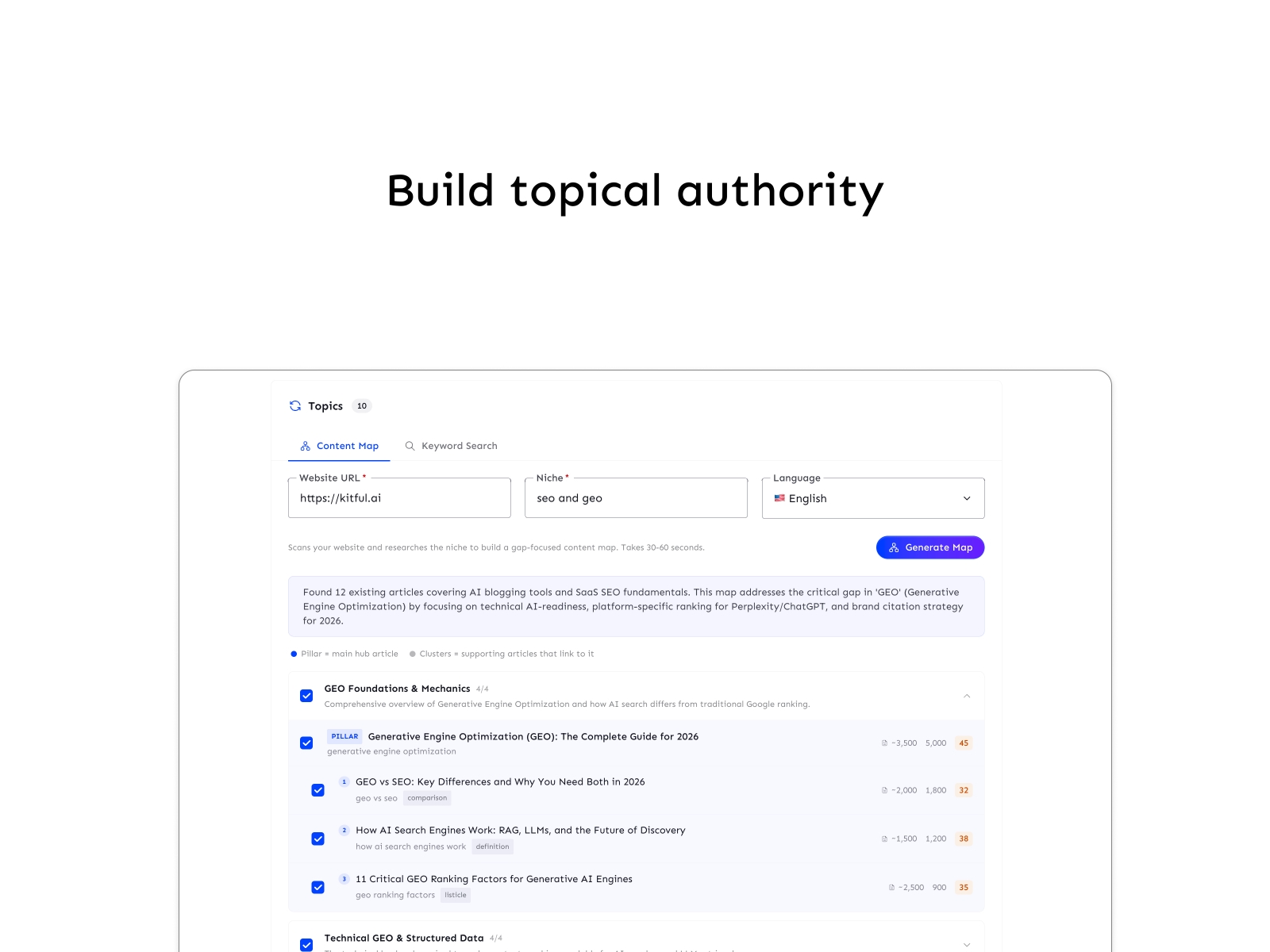
Generate SEO articles optimized for search engines and AI answers. Schedule, auto-publish, and grow your traffic on autopilot.
About this Plugin
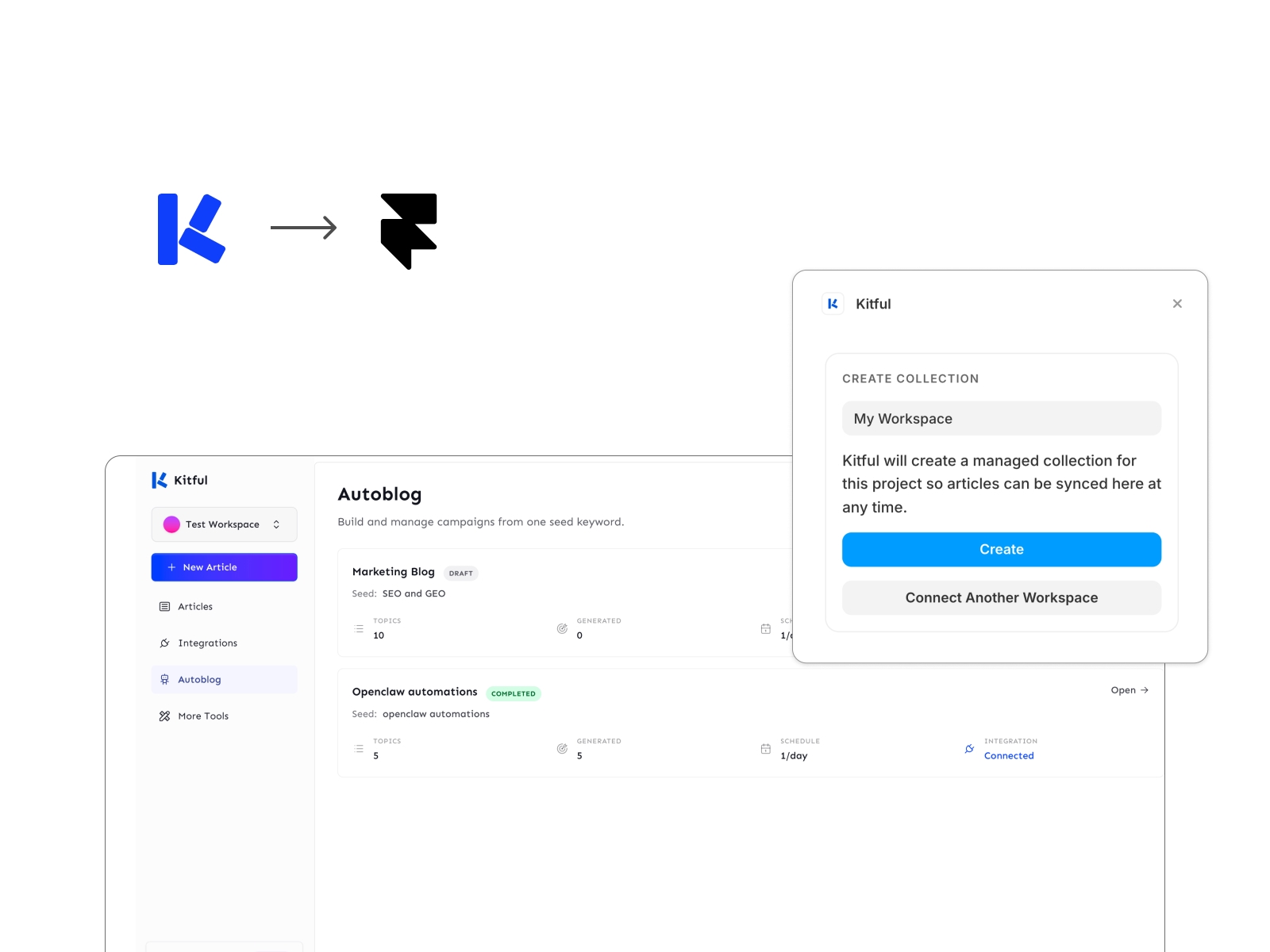
Kitful is your content workspace for researching topics, writing articles, managing drafts, and planning what gets published next. This plugin brings that workflow into Framer CMS, so you can sync structured content from Kitful into managed collections without manual setup or copy-pasting.
Connect a Kitful workspace, create a collection, prepare it once, and sync your articles into Framer whenever you want fresh updates. It’s built for teams and creators who want to manage content in Kitful and ship it through Framer with a cleaner workflow.
What You'll Love
Research, write, organize, and manage content in Kitful
Sync Kitful articles into Framer CMS in a few clicks
Create managed collections with the right content fields automatically
Link different collections to different Kitful workspaces
Switch quickly between previously connected workspaces
Keep article content and metadata structured and ready for publishing
Who It's For
Content teams publishing through Framer
Founders and marketers managing content end to end
Agencies running multiple workspace-to-collection setups
Framer teams that want structured content without manual importing
How It Works
Connect your Framer project to Kitful.
Create a managed collection in Framer.
Prepare the collection with Kitful fields.
Sync your articles into Framer whenever needed.
Check out this plugin docs here.
Changelog
Improved connection reliability and onboarding flow:
- Fixed login/redirect edge cases during plugin connect
- Improved first-time authorization behavior
- Added clearer error handling for connection issues
- Minor UI cleanup in the connect screen
Details
 Ashish Rawat