Mojave Grid
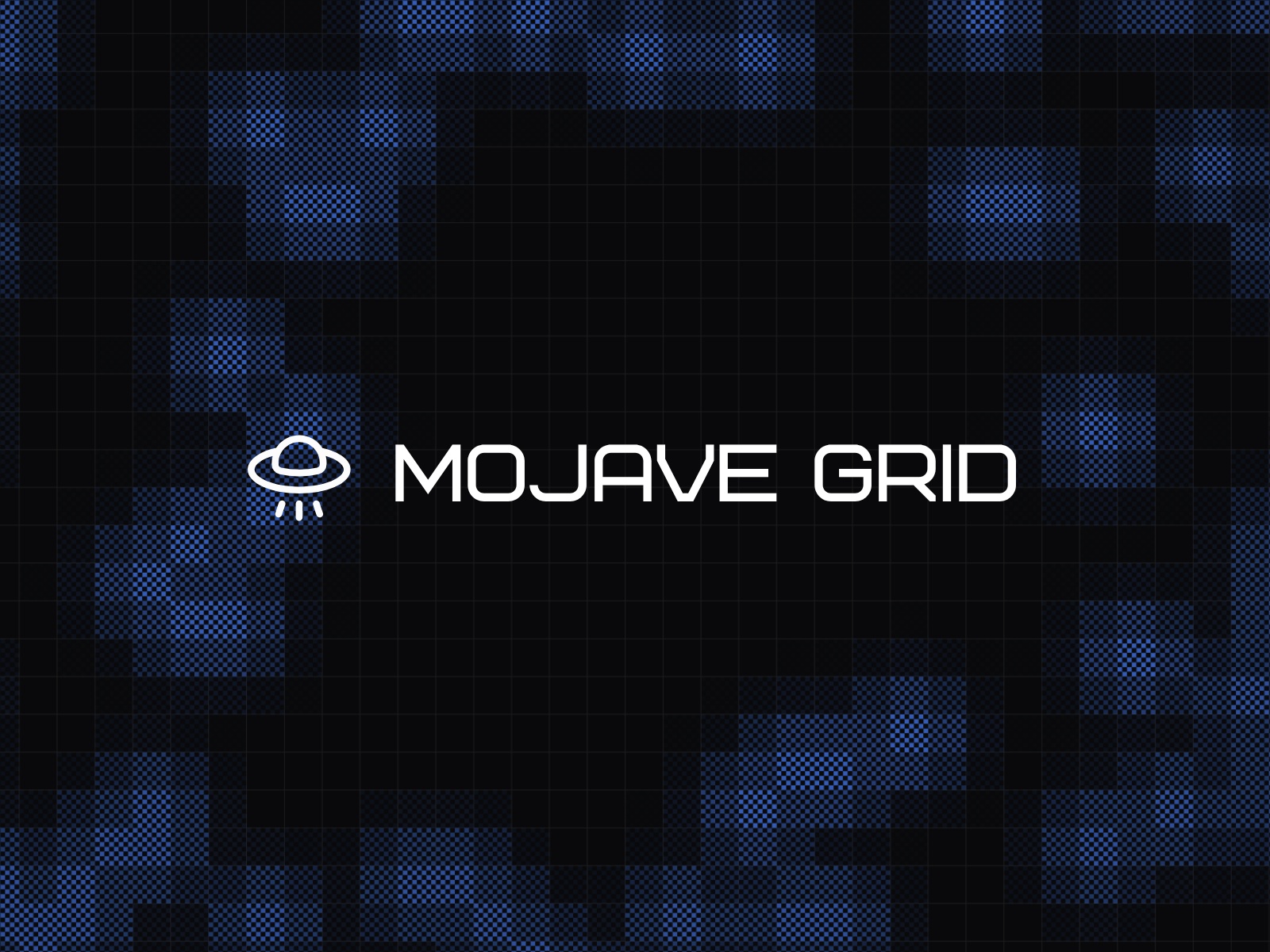
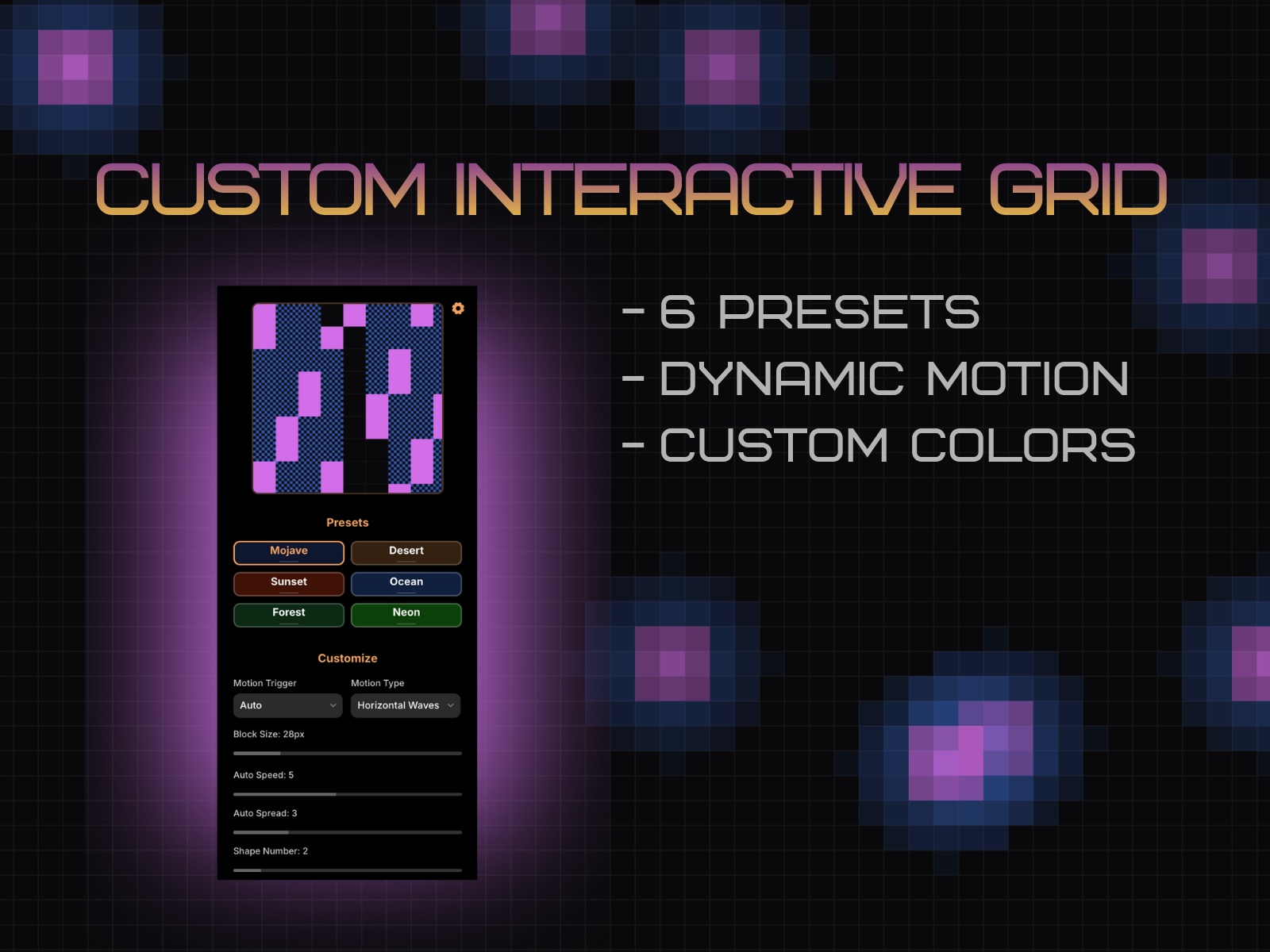
Mojave Grid makes it simple to drop an interactive grid into any page. Use presets or craft your own look—tune color, cell size, and motion in real time, with Hover interactions and Auto modes (Waves, Burst, Flash) that scale smoothly across breakpoints.
$10 - Buy a License
What you get
6 presets: Mojave, Desert, Sunset, Ocean, Forest, Neon
Two motion modes:
Hover — interactive effects that respond to pointer movement
Auto — hands-free Waves (Horizontal/Vertical), Burst, or Flash
Clean, scalable canvas: Renders crisply at any frame size
Performance-aware controls: Tune cell size, speed, and spread
Default size: Intrinsic canvas is 600 × 600. It fills whatever frame you place it in, so resize freely in Framer.
Motion Modes
Hover FX
Standard – classic 3-phase pulse under the cursor
Bubble – soft radial splash with a subtle trail
Persistent – “stamp” cells that stay highlighted as you move
Firework – bursts radiate from your pointer
Hover Speed (0.5 → 3.0): Overall tempo of the hover animation.
Hover Spread (0.1 → 3.0): How far the effect “blooms” from the cursor.
Trail (toggle; Bubble only): Keeps Bubble trails visible even after you stop hovering.
Tip (resetting trails): Switch Hover FX to a different option and back to clear persistent/trail states.
Auto FX
Waves – a moving band sweeps across the grid (Horizontal / Vertical)
Burst – spontaneous pulses across the surface
Flash – synchronized pulses that wash across the grid (global “flash” accents)
Auto Speed (1 → 10, eased): How fast Waves/Burst/Flash evolve.
Auto Spread (0.1 → 5.0):
Waves: band thickness
Burst: density/area of burst events
Flash: pulse strength/coverage
Interactive steering (Waves): Even in Auto mode, pointer movement gently “pulls” the wave toward your cursor—great for subtle, reactive hero sections.
Changelog
Update license purchase link
Details
 Mojave Studio