SVGMaker
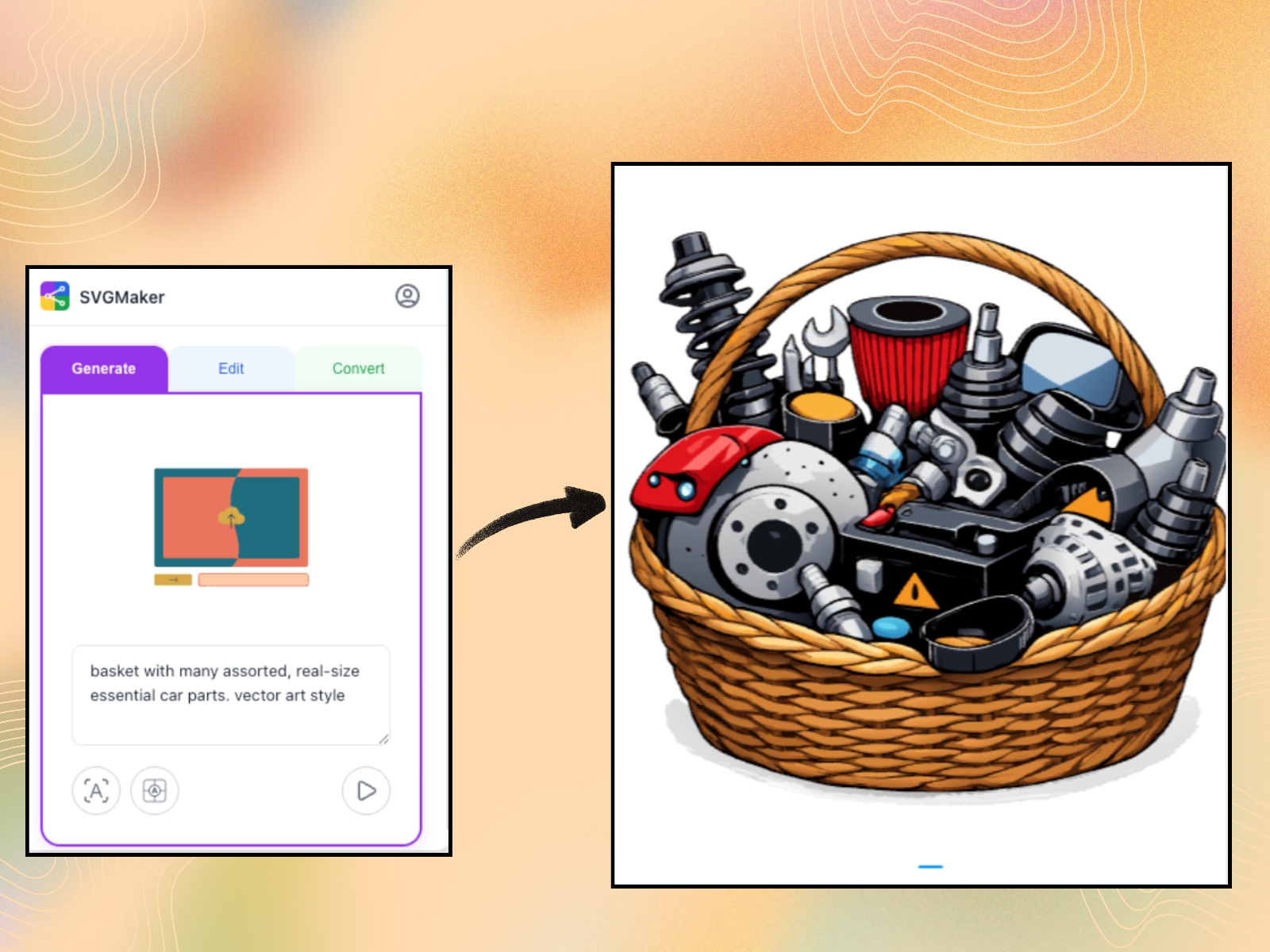
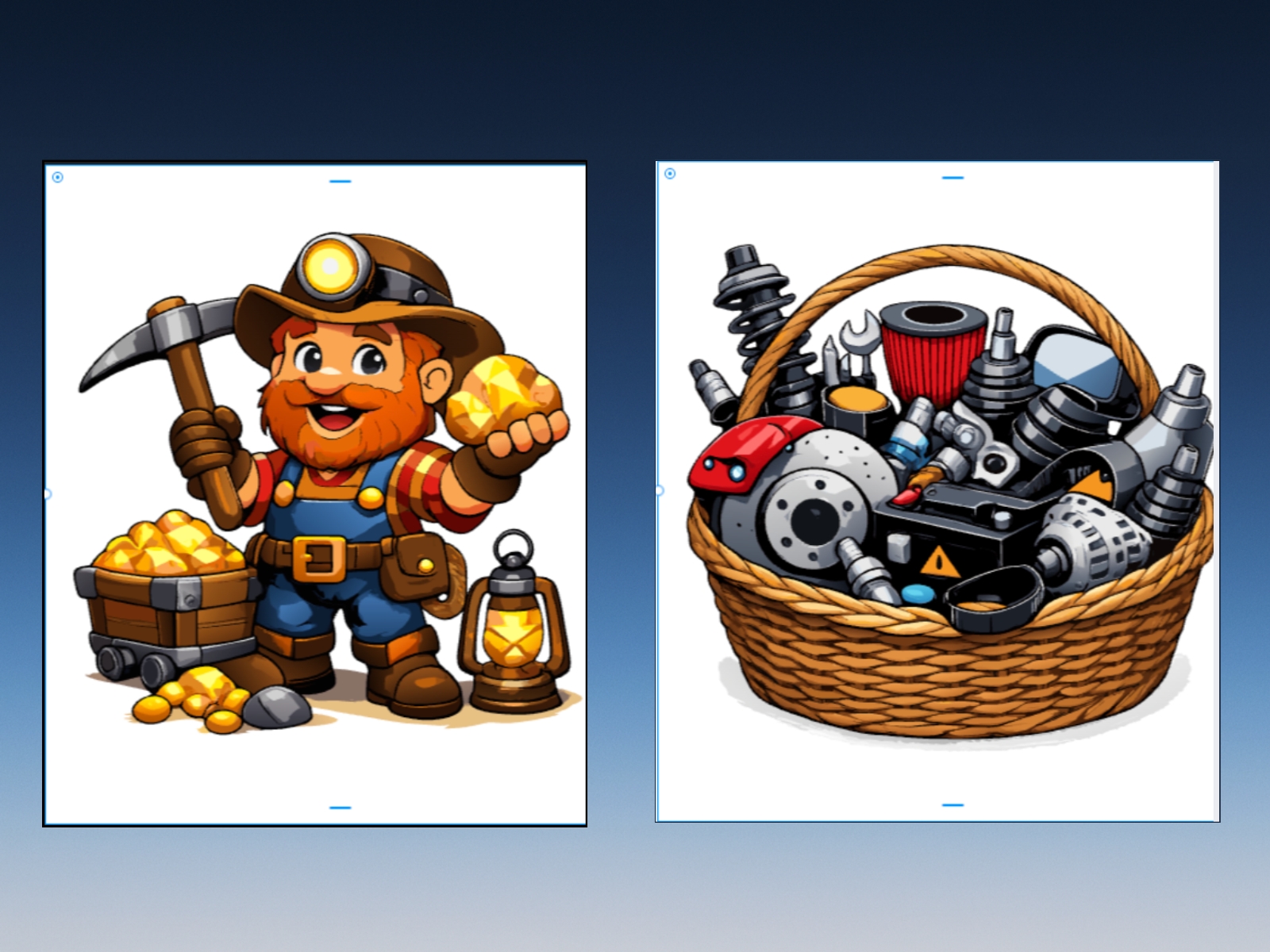
SVGMaker is an AI-powered SVG and vector tool for Framer. Create icons, logos, and illustrations, edit SVG files, and convert PNG to SVG with AI precision. Generate, refine, and export clean, optimized SVG graphics built for fast, scalable websites.
About this Plugin
SVGMaker is an AI-powered SVG generator, vector editor, and PNG-to-SVG converter for Framer. Create icons, logos, illustrations, and web graphics from text prompts or images. Edit SVG files, convert raster images to clean vectors, and export lightweight, optimized SVGs built for fast, scalable websites.
⚡️ Key Features
1. AI SVG Generator – Create clean, scalable SVG icons, logos, and illustrations from text prompts.2. AI SVG Editor – Refine and edit SVG files with fully editable vector paths.3. PNG to SVG Converter – Convert raster images (PNG, JPG, WebP) into crisp, scalable vector graphics.4. SVG Optimizer – Export lightweight SVG files optimized for fast-loading websites.5. Advanced Style Controls – Adjust aspect ratio, layout, and visual style with precision.6. Multiple Export Formats – Export in SVG, PNG, JPG, WebP, PDF, EPS, DXF, and developer-ready formats.7. Built-in SVG Editor – Take full manual control of AI-generated vectors and modify them to match your brand requirements.8. SVG Code Editor – View and edit SVG markup with live preview.9. Developer Workflow Support – Generate, edit, and convert SVGs programmatically via enterprise API integration.
🟣 What You Can Create
Web & App Designers – Lightweight SVG icons and responsive UI graphics.
Framer Website Builders – Optimized vector graphics for fast performance.
Logo Designers – Clean, scalable brand assets in SVG format.
Illustration Creators – Editable web illustrations and hero graphics.
E-commerce & POD Sellers – Scalable designs for digital and print products.
Developers – Production-ready SVGs for modern web interfaces.
7. Content Creators & Marketers – High-quality vector visuals for campaigns and landing pages.
📘 How to Use in Framer
Generate SVGsOpen the Generate tabEnter your text promptSelect aspect ratio and style
Click Generate SVG to add it to your canvas
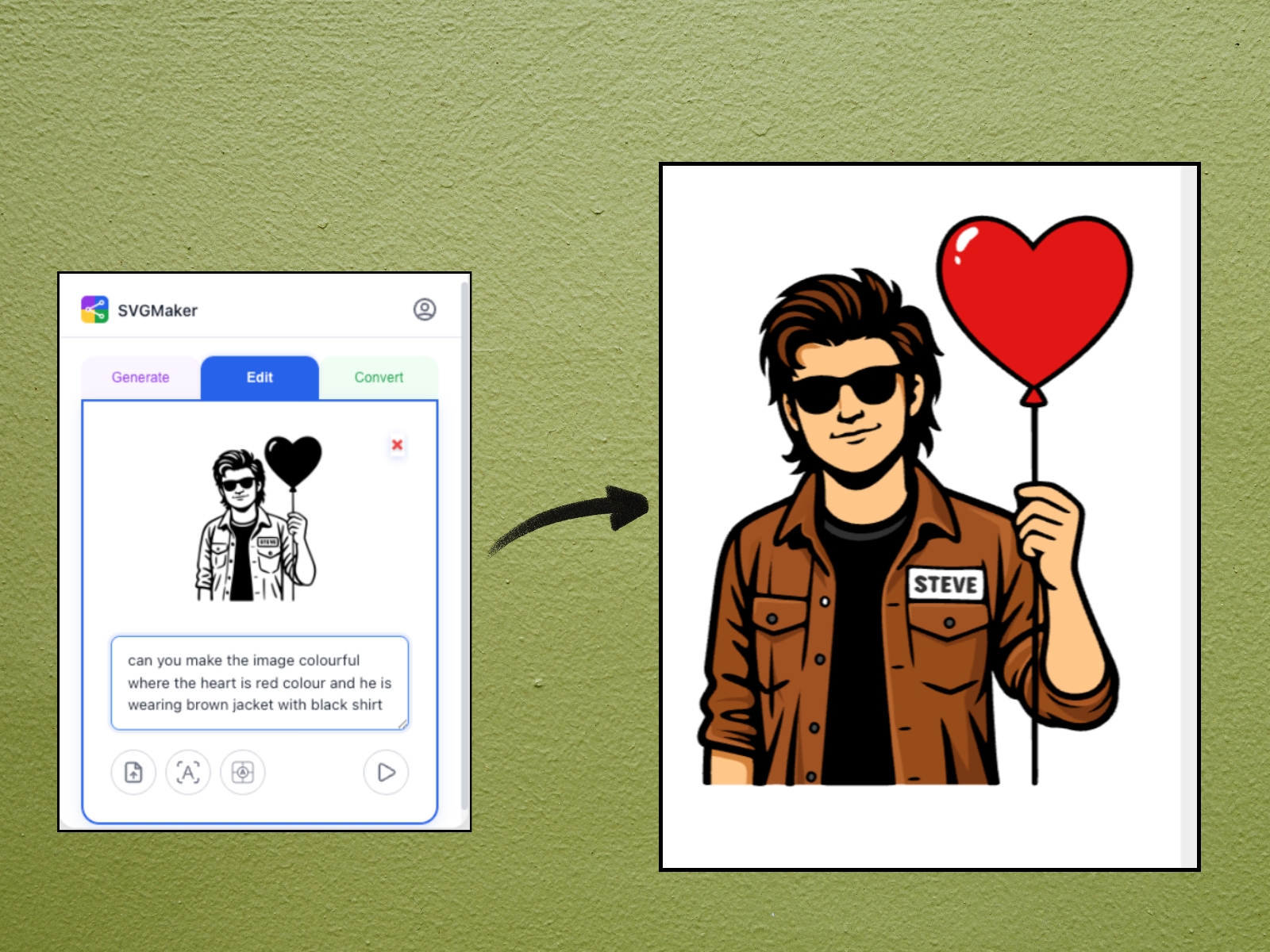
Edit SVG FilesOpen the Edit tabSelect an SVG or upload an imageDescribe changes
Click Edit to refine your vector
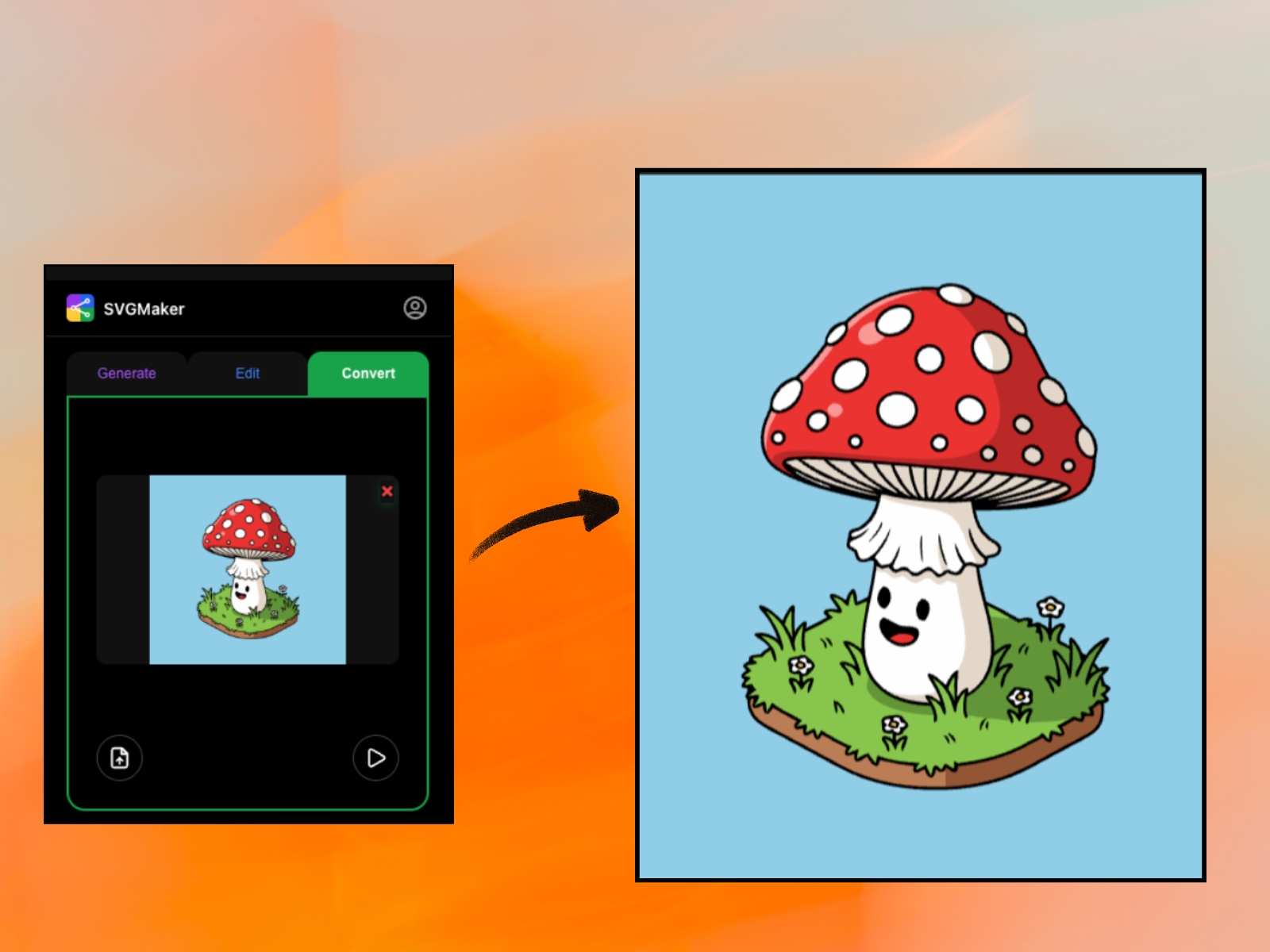
Convert PNG to SVGOpen the Convert tabUpload or select a raster image (PNG/JPG)
Click Convert to SVG
Instantly get a clean, scalable vector
💬 Feedback & Support
Questions, bugs, or feedback? Reach out to info@svgmaker.io
Changelog
Added dark mode support. Plugin UI now adapts to Framer's light and dark editor themes.
Details
 SVGMaker Team