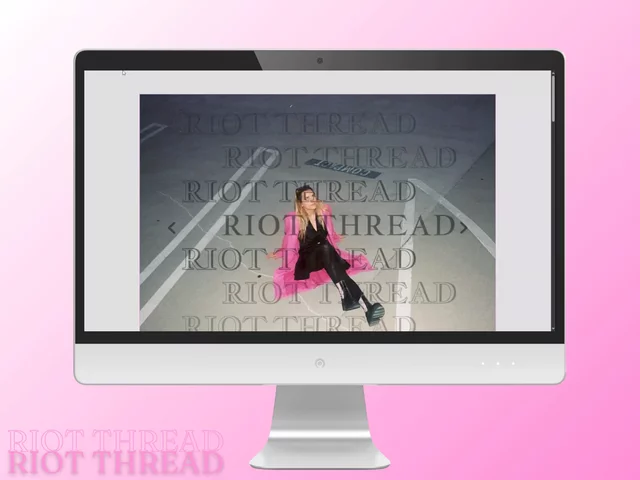
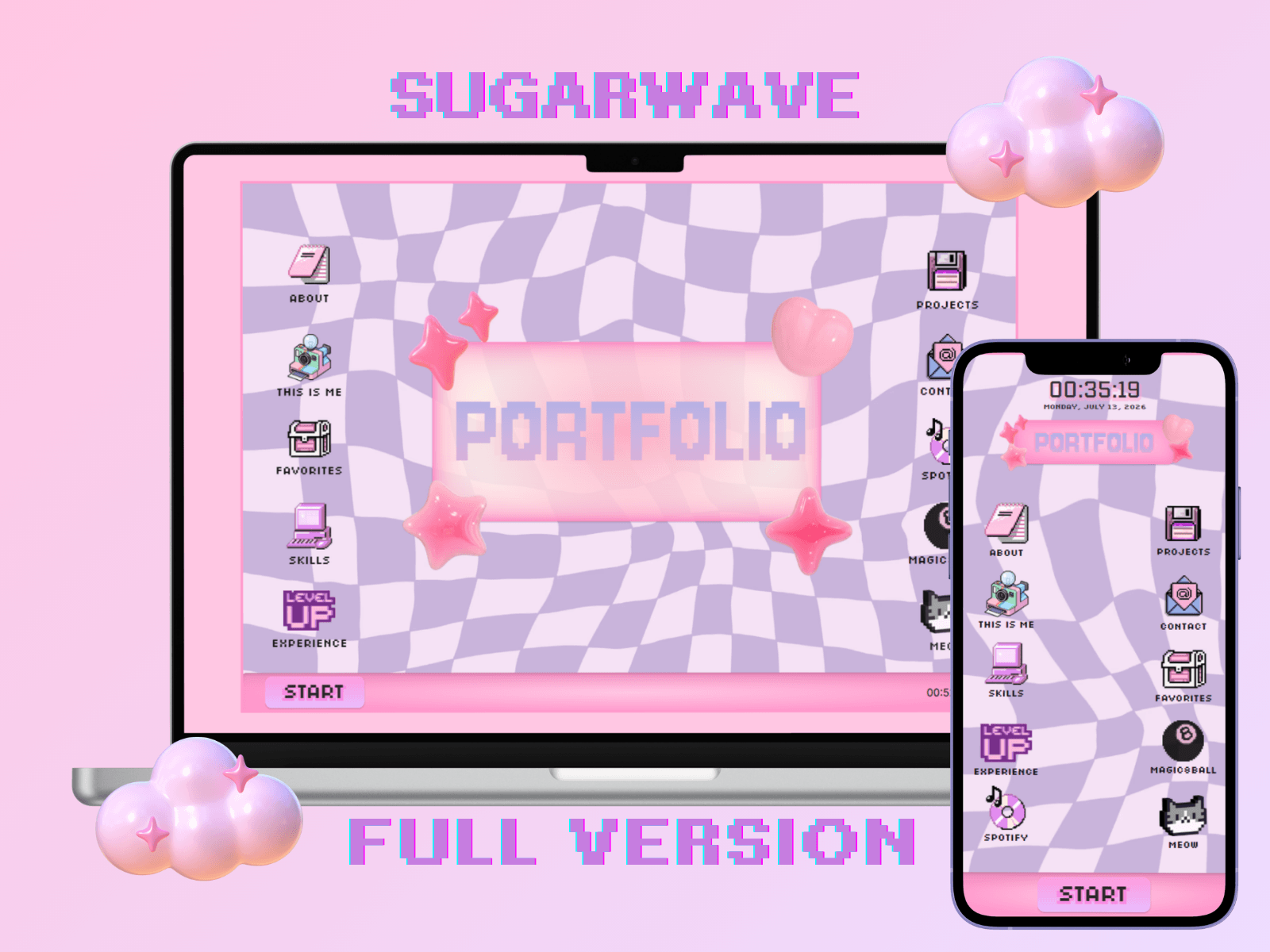
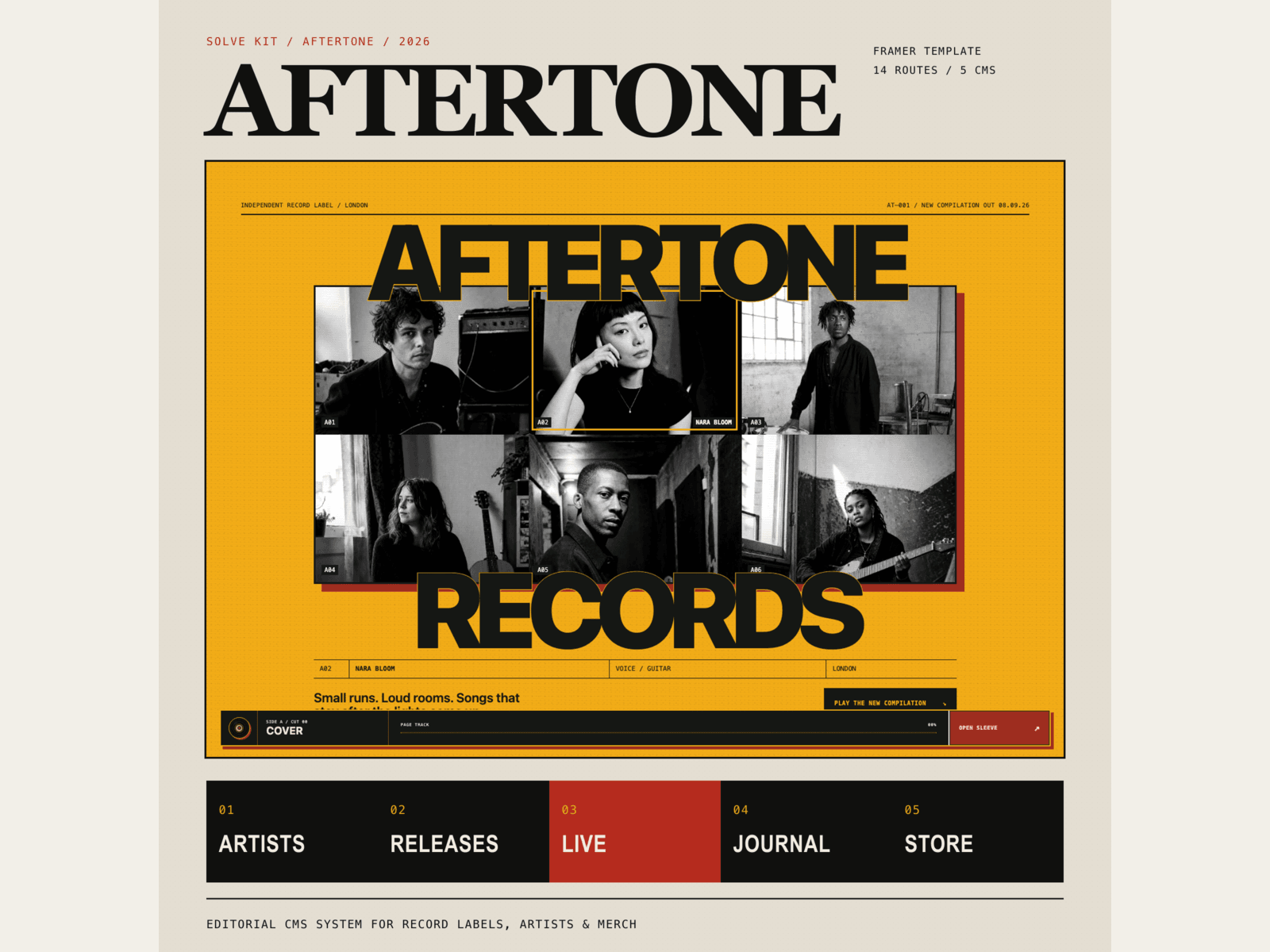
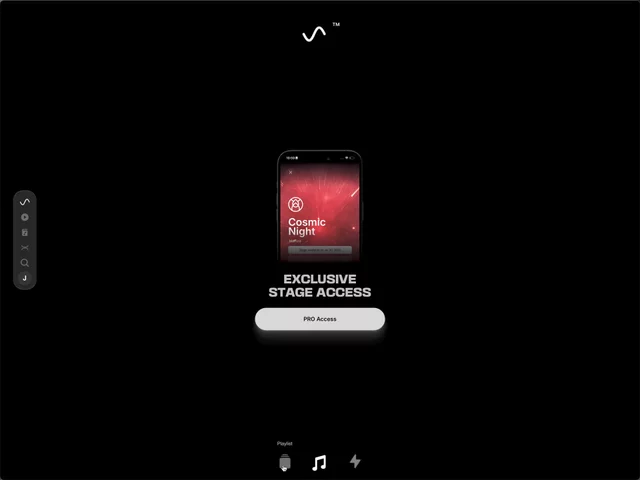
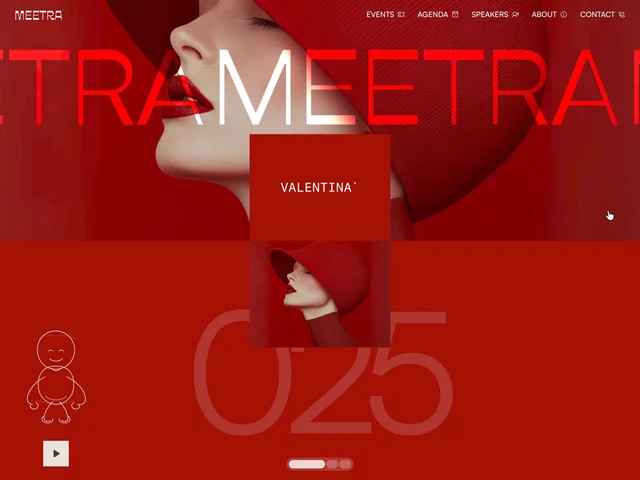
Built for bands and musicians. Drop it in Framer, plug in your content, and go live. Everything's connected to a working CMS: update news, tour dates, and merch without touching code.
Pages: Home, News/News Details, Tour/Tour Details, Products/Product Details, Media, Contact and 404 - all responsive
Features: Video and audio hero section, dropdown navigation menu, text effects, animations, social media links, gallery
CMS Setup: News, Tour, and Products collections - ready to populate with your content
Customization: Fully editable styles - typography, colors, spacing, imagery - adjust easily to your band's vibe
How to Use:
→ Duplicate the template: Open the remix link to copy the project to your workspace in Framer
→ Site settings: Go to Site Settings to update the site title, favicon, and meta description.
→ Edit the content: Most of the content lives directly on the Canvas: click any text, image, or section to select it, then edit or restyle using the right panel. The Hero and Navigation sections are built as reusable component, found in the Assets panel > click to edit, and changes apply across all pages.
→ How to use the CMS: Open the project in Framer, go to the CMS panel (left sidebar, database icon), select the collection, click + New (or "Add Item") to create a new entry, fill in the fields and Save
→ Publish: Once everything looks good, hit Publish and your site is live!
This is a digital product, so no refunds once purchased. For questions or support: babiweb@proton.me

Built for bands and musicians. Drop it in Framer, plug in your content, and go live. Everything's connected to a working CMS: update news, tour dates, and merch without touching code.
Pages: Home, News/News Details, Tour/Tour Details, Products/Product Details, Media, Contact and 404 - all responsive
Features: Video and audio hero section, dropdown navigation menu, text effects, animations, social media links, gallery
CMS Setup: News, Tour, and Products collections - ready to populate with your content
Customization: Fully editable styles - typography, colors, spacing, imagery - adjust easily to your band's vibe
How to Use:
→ Duplicate the template: Open the remix link to copy the project to your workspace in Framer
→ Site settings: Go to Site Settings to update the site title, favicon, and meta description.
→ Edit the content: Most of the content lives directly on the Canvas: click any text, image, or section to select it, then edit or restyle using the right panel. The Hero and Navigation sections are built as reusable component, found in the Assets panel > click to edit, and changes apply across all pages.
→ How to use the CMS: Open the project in Framer, go to the CMS panel (left sidebar, database icon), select the collection, click + New (or "Add Item") to create a new entry, fill in the fields and Save
→ Publish: Once everything looks good, hit Publish and your site is live!
This is a digital product, so no refunds once purchased. For questions or support: babiweb@proton.me
 BabiWeb