About Live GitHub Repo
A live, dual-layout GitHub repo component. Drop in any public repository and choose between a vertical Card for hero blocks or a horizontal Row designed to stack, switched with a single toggle in the property panel.
Pulls real-time stars, forks, open issues, latest release, and primary language straight from the public GitHub API. Refreshes whenever a visitor loads the page, with smart caching to stay within rate limits.
Why use it
Building this yourself means writing the GitHub API integration, handling rate limits, caching responses, designing loading and error states, and making it responsive across breakpoints — easily a full afternoon of work, and you'd still need to do it twice for two layouts. Drop this in instead and ship in 30 seconds.
Static screenshots of repo stats go stale the moment you publish. Live numbers stay accurate forever. Visitors see the real star count, the latest release, the actual activity. That detail signals visitors that the project is alive and maintained, which is exactly what hiring managers, potential clients, and contributors look for in a portfolio.
If you ship real work, your portfolio should show real numbers.
Two layouts, one component
Card
vertical block with a 2-line description and wrapped stats. Perfect as a hero, featured project, or product showcase.
Row
compact horizontal row with truncated description and right-aligned stats. Designed to stack vertically in lists.
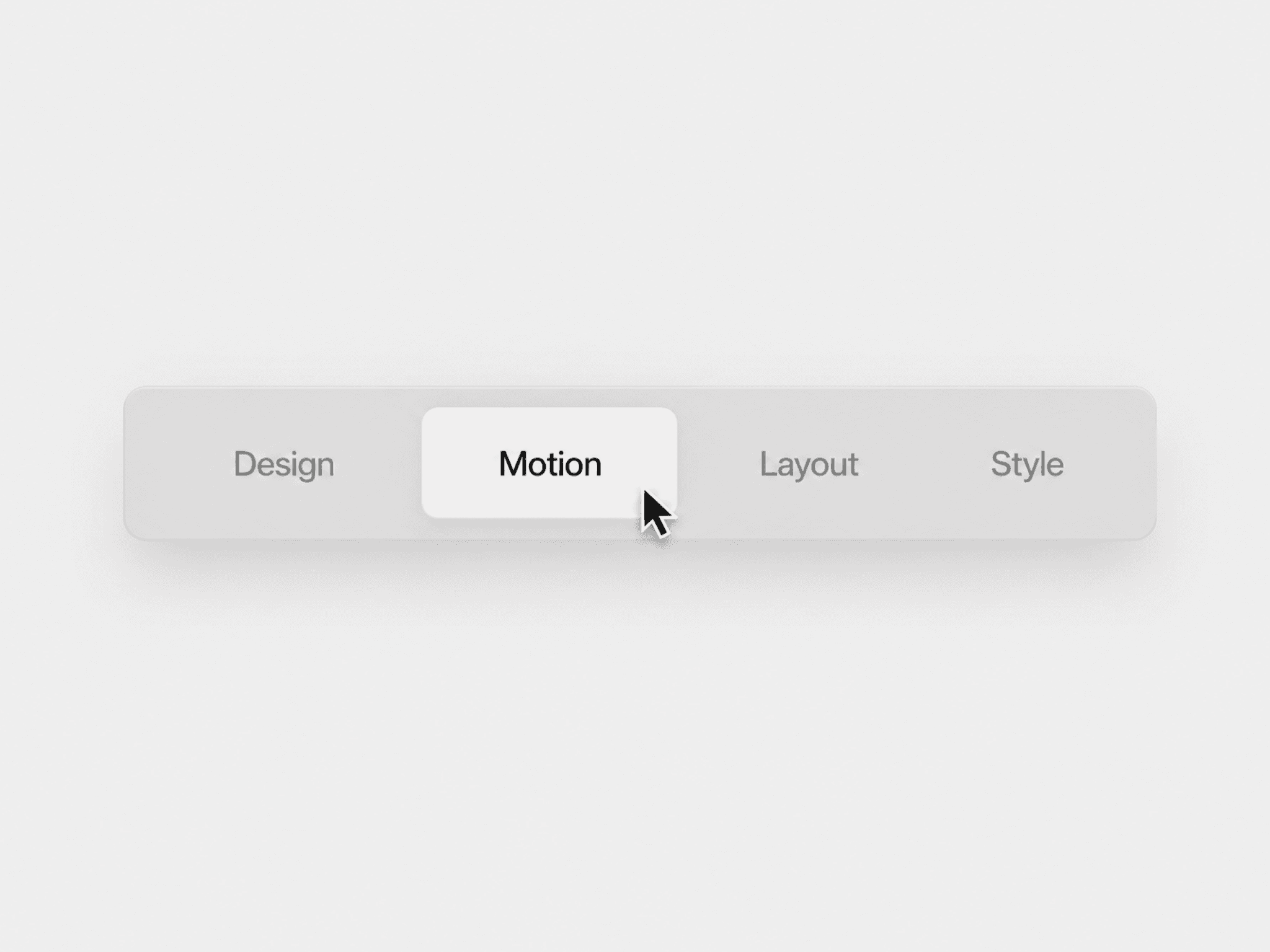
Switch between them with the Layout segmented control. All settings (theme, fonts, colors, padding, stat toggles) carry over.
Features
Live data: stars, forks, open issues, latest release tag, primary language, owner, and "updated X ago" timestamp
Theme presets: Light, Dark, or fully Custom (six color controls)
Full Framer font picker for title, body, and stats — Google Fonts and project fonts supported
Native padding control (T/R/B/L with toggle), adjustable border, radius, gap
Toggle visibility for every stat — show only what you need
Smart responsive behavior on Row: description shrinks fluidly, then horizontal scroll kicks in with soft fade gradients on the active edge
Three states: skeleton loading, friendly error, and success
Smart errors that tell users exactly what went wrong: typo'd repo, rate limit hit, network down, or private repo
Hover state on Row with custom hover background color
Accessibility built-in: dynamic aria-label with full repo summary, aria-busy during load
Performance
Uses GitHub's public REST API (60 requests per hour per visitor IP). A built-in 5-minute localStorage cache keeps repeated views and multiple instances on the same page from burning through the limit. No authentication, no third-party services, no tracking.
How to use
Drop the component on your canvas
Pick a Layout (Card or Row) in the right property panel
Set Repo to owner/name (e.g. vercel/next.js)
Pick a theme preset or customize colors
Toggle which stats to show
Stack multiple Row instances for a list view, or use Card as a featured block
Tips
Use Card for a "Featured Project" hero, Row for an "Open Source Projects" stack
Looks great with 8–12px gap between rows in a Stack frame
Light theme for white backgrounds, Dark theme for dark sections
Description automatically truncates with an ellipsis when space is tight