meetergo
Embed meetergo scheduling directly into your Framer site. Choose from four embed types — inline, popup button, floating button, or sidebar — and customize colors, text, and position. The plugin creates a ready-to-use code component on your canvas.
About meetergo
meetergo is scheduling infrastructure for businesses — manage meeting types, team availability, and booking workflows. With meetergo embeds, visitors book directly on your website without leaving the page.
How the meetergo plugin works
Integrating meetergo with your Framer website takes just a few steps:
1. Open the plugin — Launch meetergo from the Framer plugin panel.
2. Paste your booking URL — Enter your meetergo booking page link.
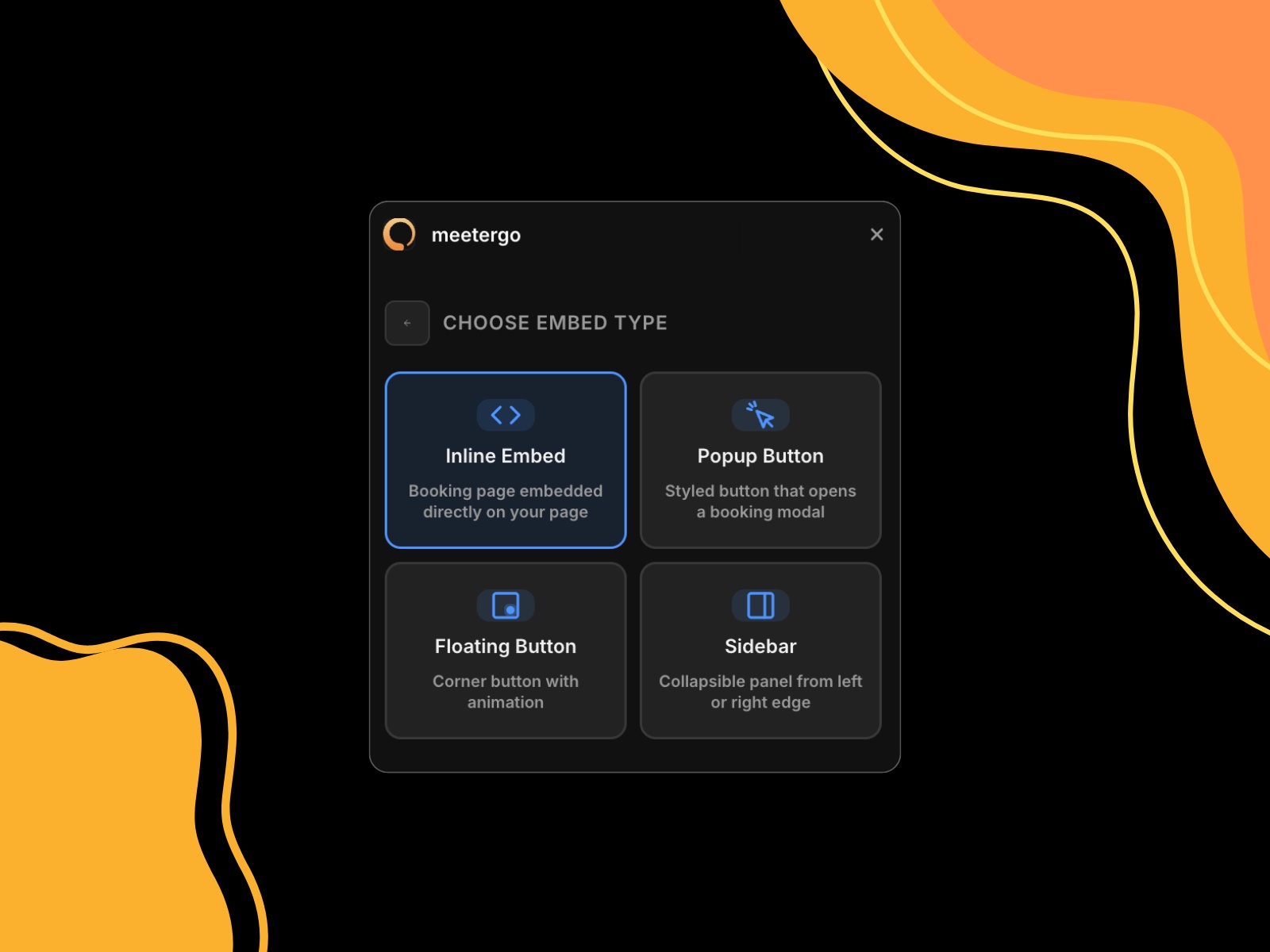
3. Choose an embed type:
Inline Embed — Full booking page rendered directly in your layout
Popup Button — A styled button that opens the booking page in a modal overlay
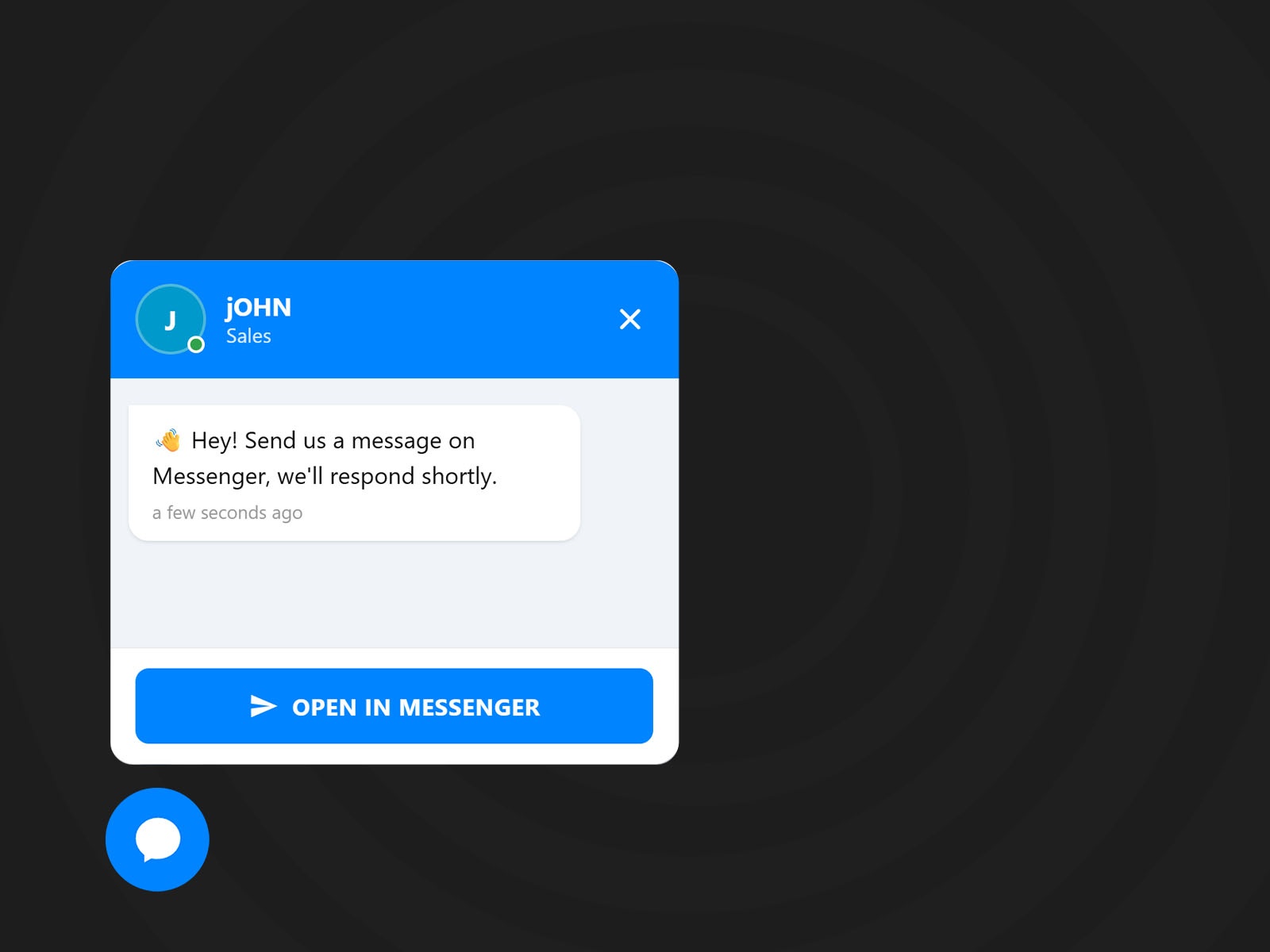
Floating Button — A corner-anchored button with configurable position and animation
Sidebar — A collapsible panel that slides out from the left or right edge
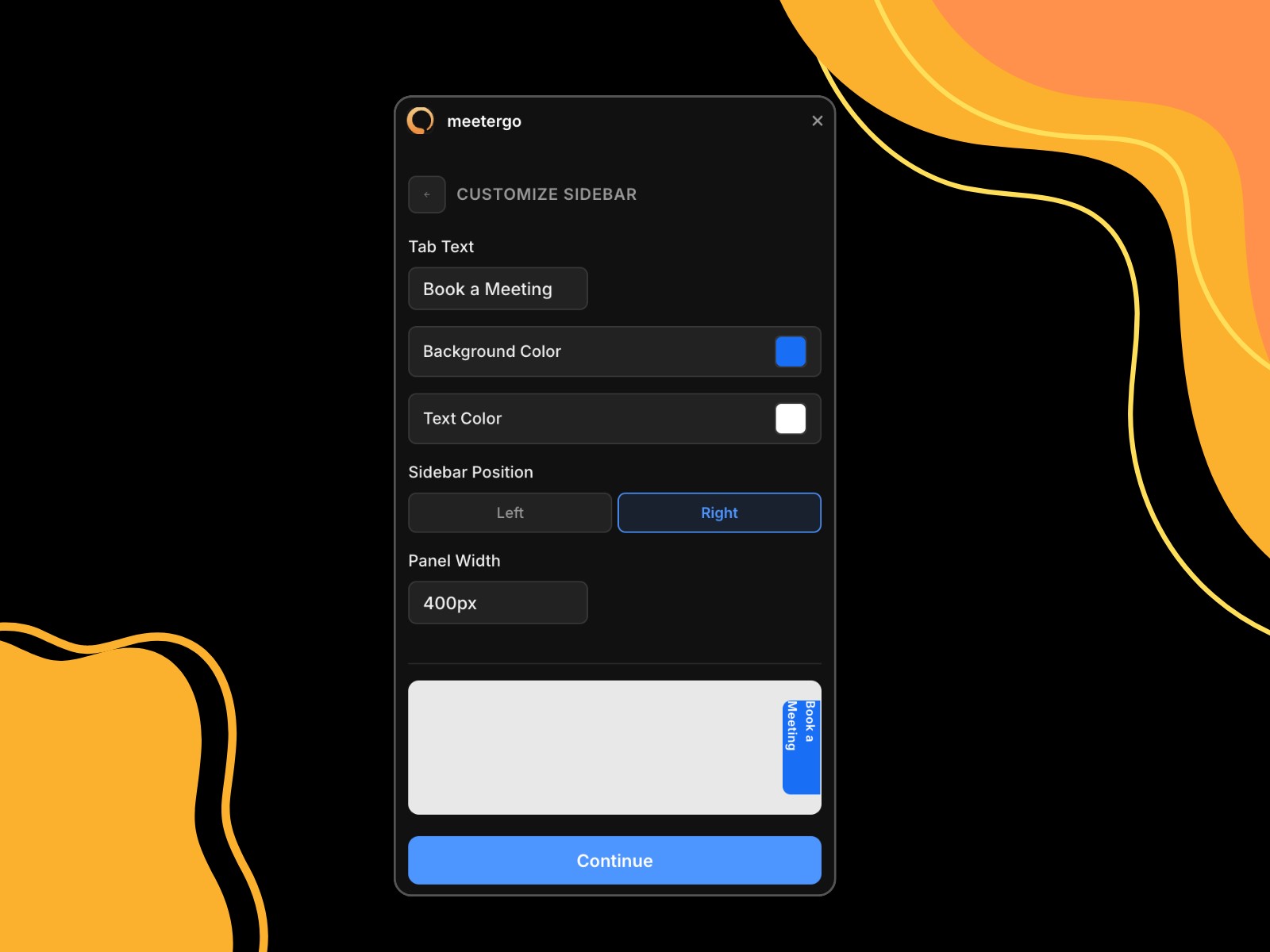
4. Customize — Adjust background color, text color, button text, position, border radius, and animation to match your brand.
5. Insert — Click "Add to Site" and the component is placed on your canvas, ready to go.
Features
Four embed types for different use cases
Full color and text customization
Property controls for post-insertion tweaks
Auto-resizing inline embeds
Works on all devices and viewports
No code required
Changelog
Fixes according to isaac@framer.com email
Details
 Dominik Rapacki