YouTube Sync
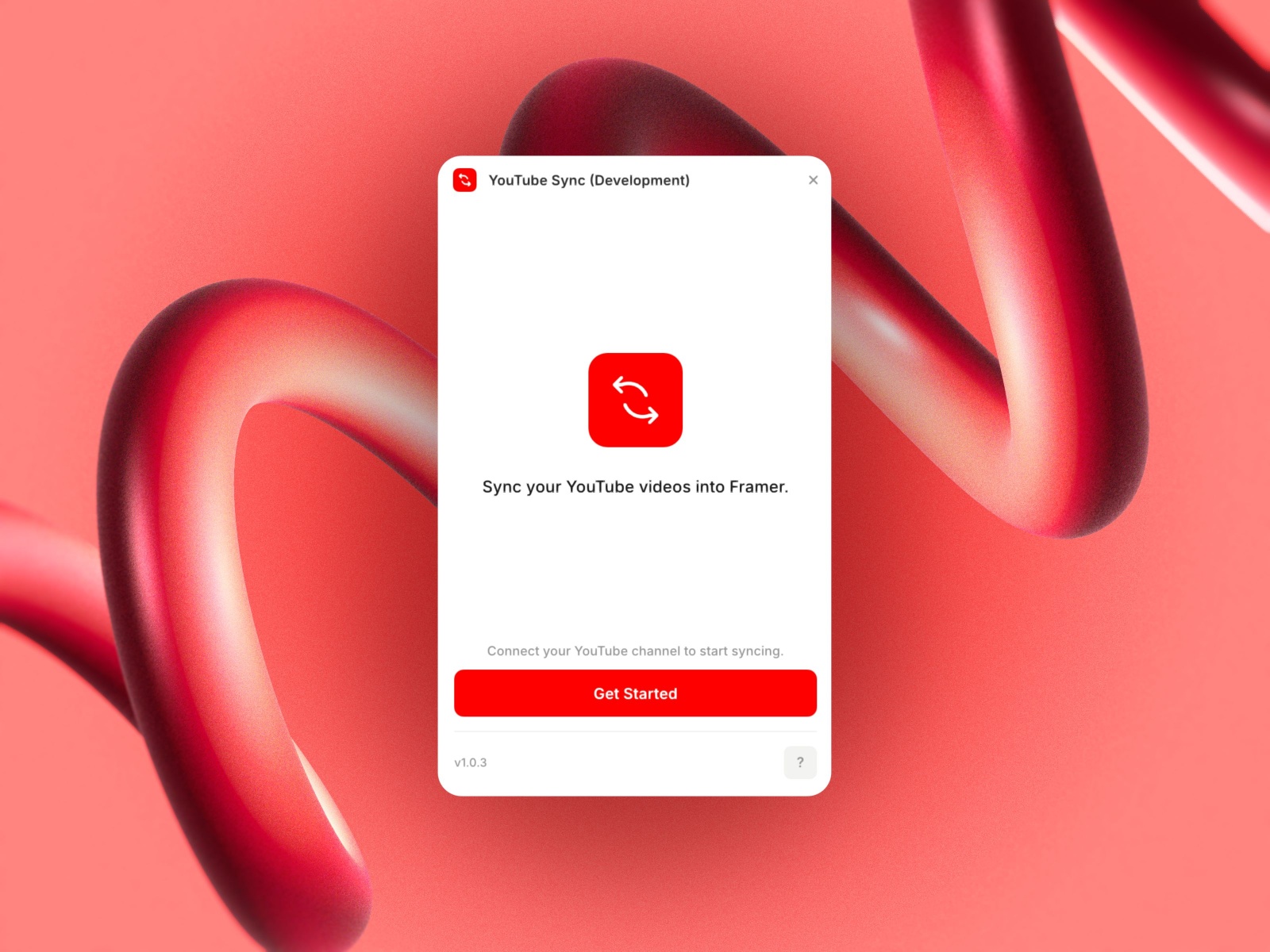
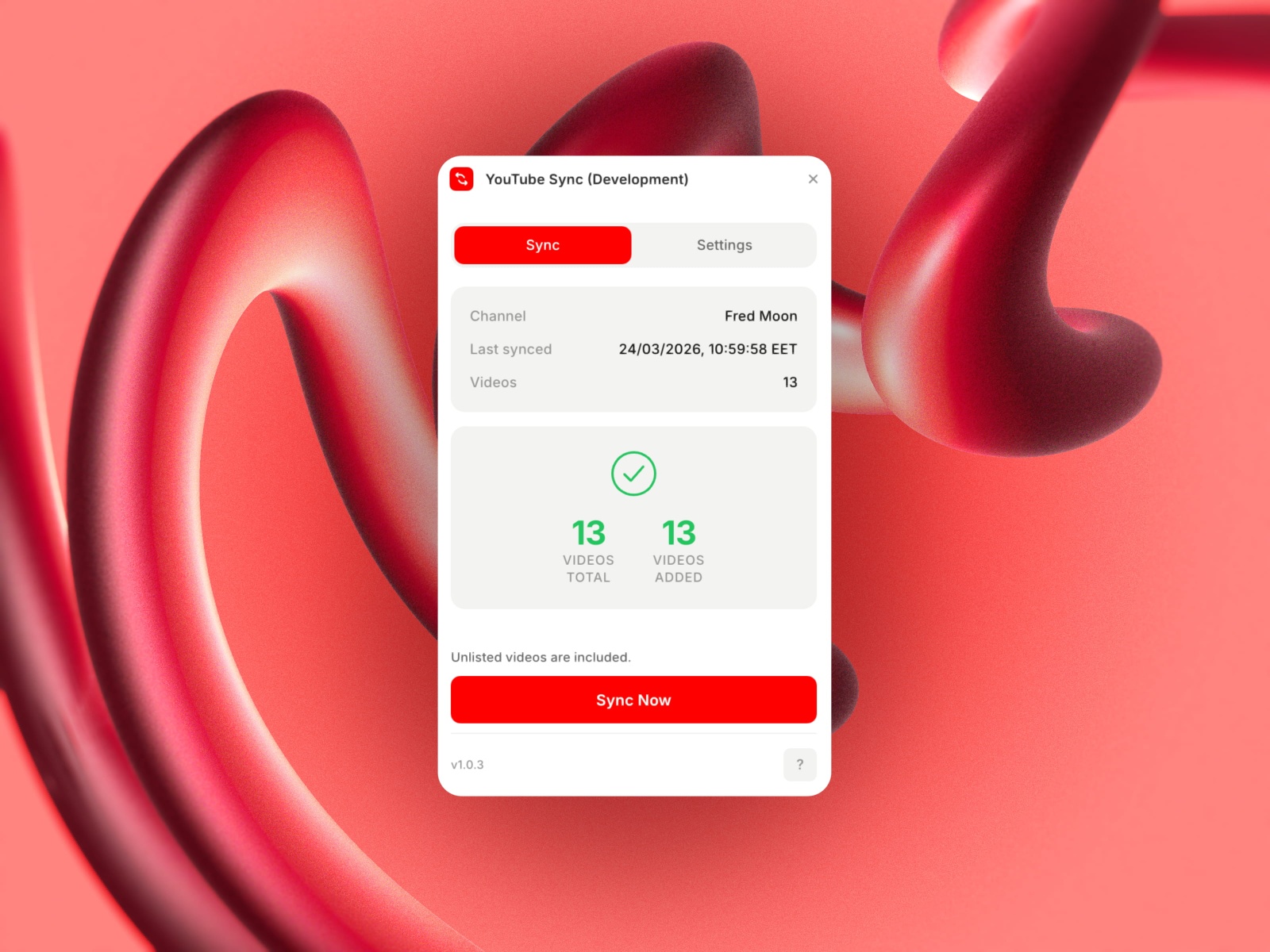
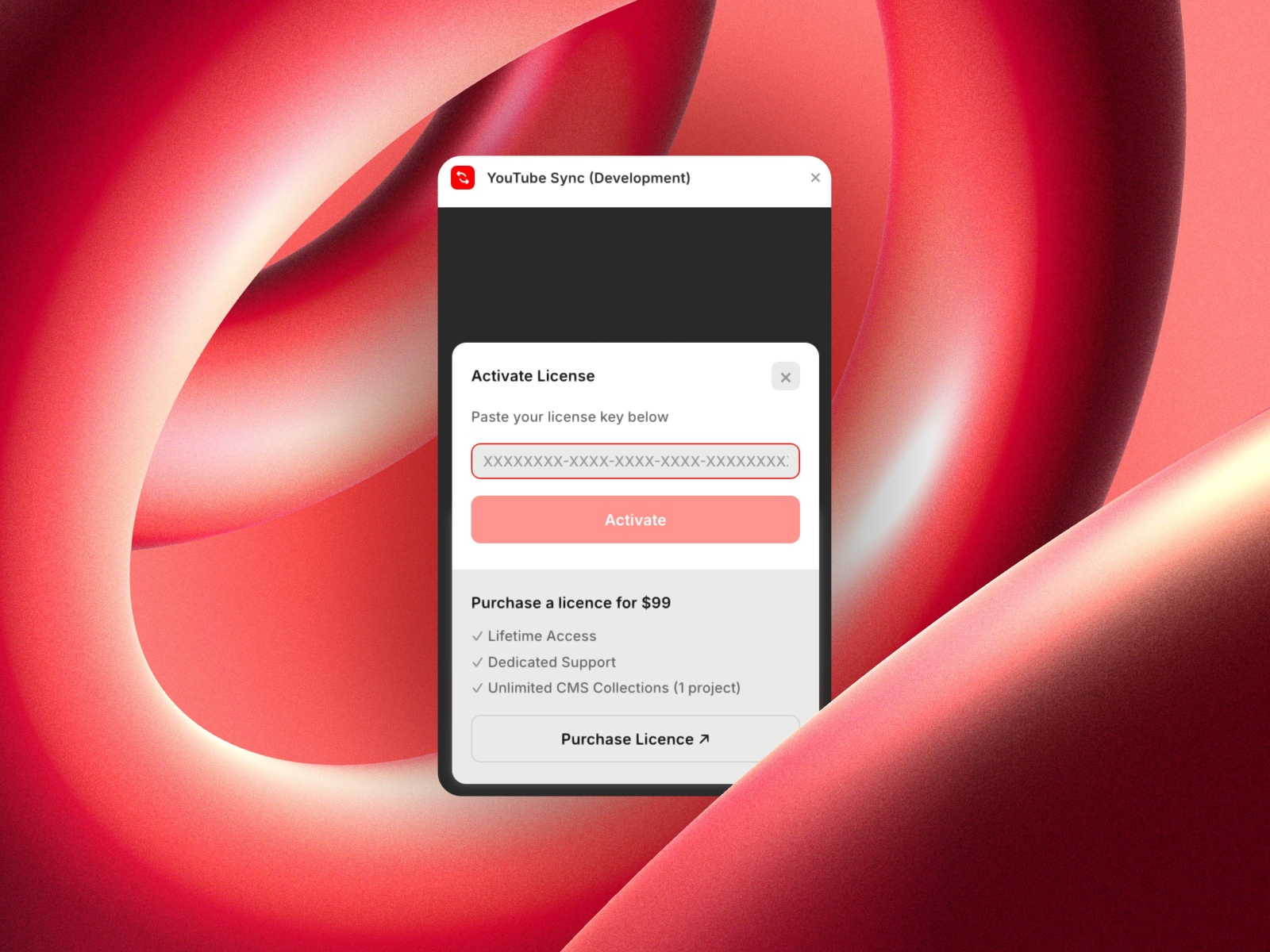
Sync your YouTube channel's videos into a Framer CMS collection. One click, fully automated.
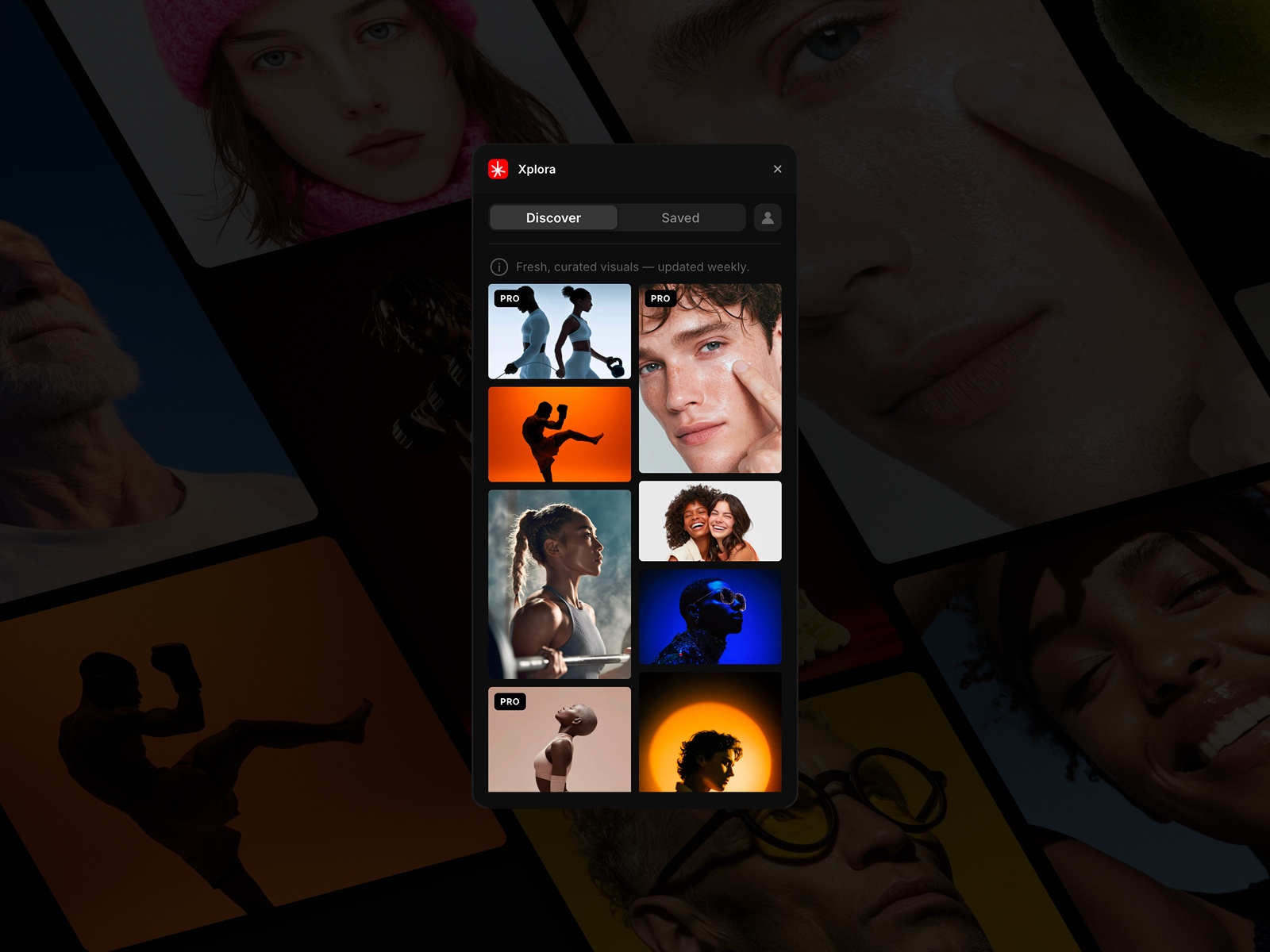
YouTube Sync connects your YouTube channel to a Framer CMS collection and keeps it up to date. Point it at a channel, hit Sync, and your videos appear as structured CMS items, ready to design with.
What it does:
Fetches all public videos from a YouTube channel
Maps video metadata (title, description, thumbnail, publish date, URL) to CMS fields
Supports channels of any size
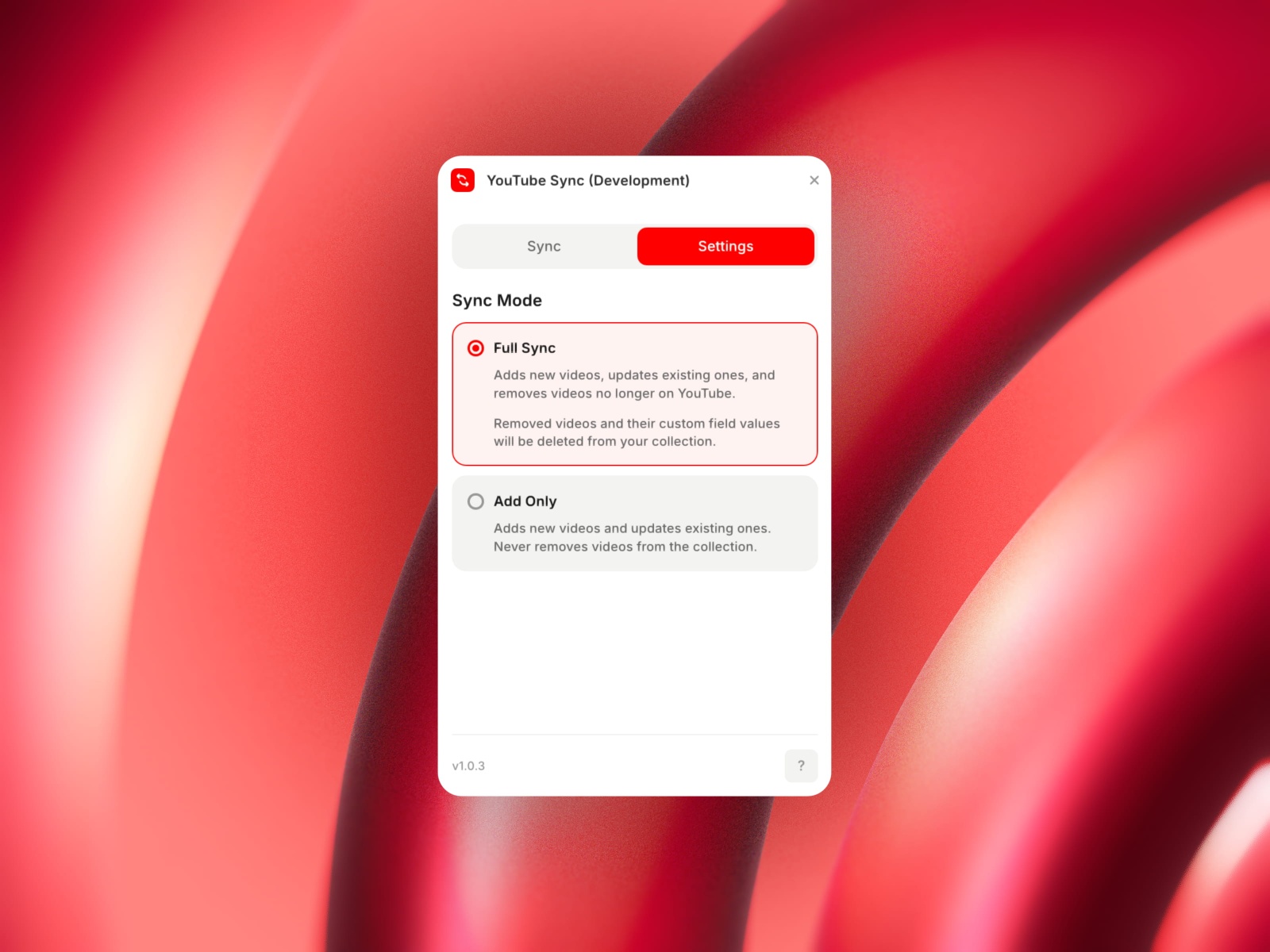
Two sync modes: Full Sync (adds, updates, and removes stale items) or Add Only (never removes)
Preserves any manual edits you make in the CMS across re-syncs
CMS fields created automatically:
Title, Description, Published Date, Thumbnail, Video URL, Video ID
Hidden (boolean, user-editable: the plugin never overwrites it)
Setup takes under two minutes:
Create a free YouTube Data API key in Google Cloud Console
Enter your API key and Channel ID in the plugin
Hit Sync
Pricing
Free: sync up to 5 videos to try it out.
$99 one-time: unlimited videos, lifetime access, dedicated support. One license per Framer project.
Requirements
A YouTube Data API v3 key (free, from Google Cloud Console)
A YouTube Channel ID
A Framer CMS collection
Support
For setup help and troubleshooting, email us at support@framerlabs.com.
Roadmap
add support for Transcripts (requires YouTube OAuth)
option to sync a specific playlist instead of all channel uploads
add more custom user-editable fields
Changelog
first build for marketplace
Details
 Fred Moon