About Depth Cascade
Why it works:
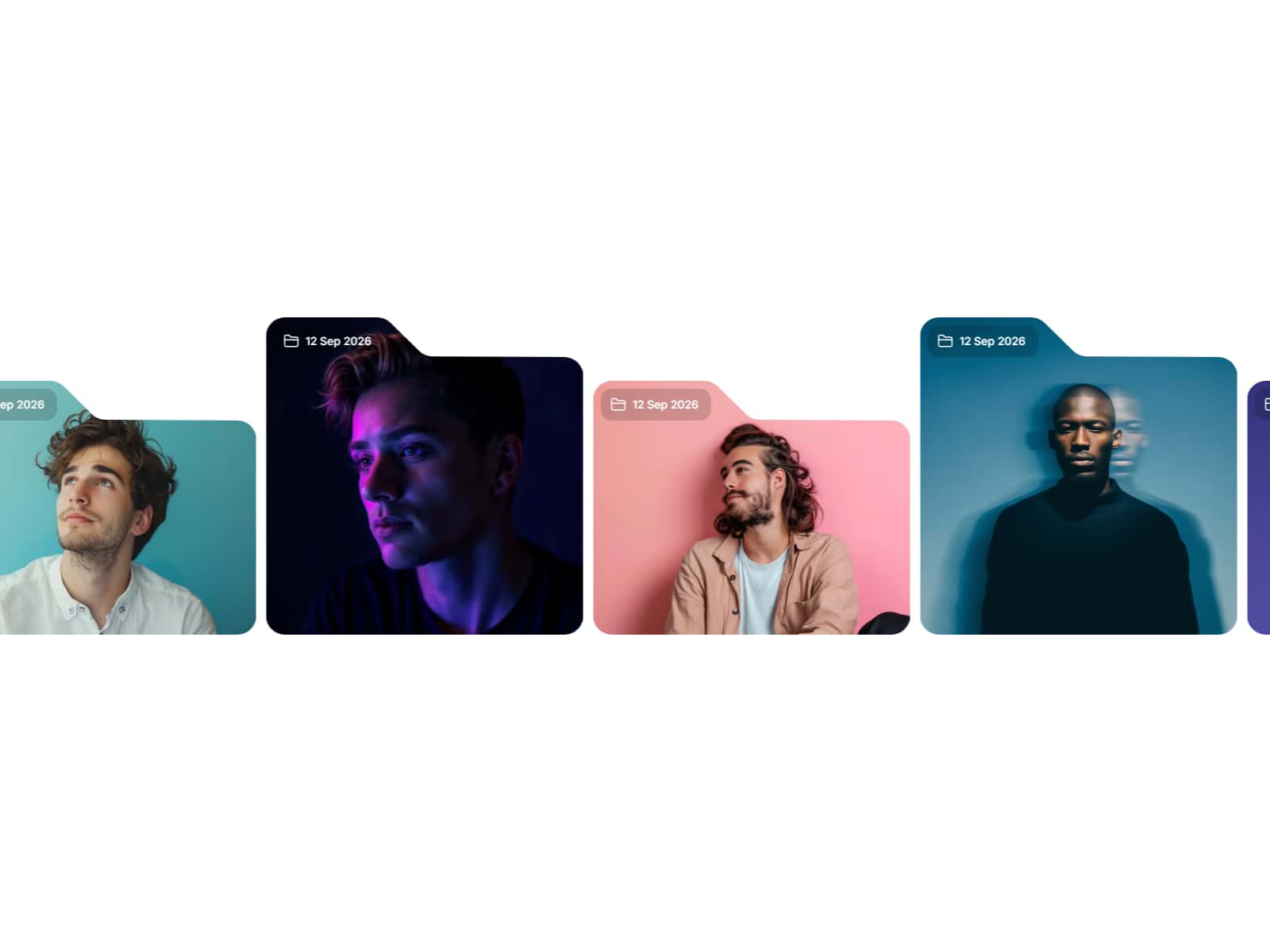
Most carousels move sideways. Cascading cards into depth gives you a focal point that always reads first while showing what's around it as soft context. Each step has a parabolic dip that lifts and tilts the card mid-transit, so changes feel choreographed instead of mechanical.
Under the hood:
- A precomputed slot table maps each integer step to an `(x, y)` position so layout per frame is two memory reads and a lerp, not trig.
- A single offset advances continuously; cards interpolate between adjacent slots with a fractional `t` for fluid motion.
- Scale, opacity, blur, and rotation all derive from a card's "level" (distance from the focused slot), so visual depth stays consistent at any gap or spread.
- A parabolic dip (`t (1 - t) 4`) adds a Z-axis bump and brief fade during transit — the cue that makes the movement feel intentional.
- Cards outside the active depth band are skipped each frame.
- Wheel input nudges the target offset; drag updates it directly with inertia. After release, GSAP snaps to the nearest integer with an eased decay.
- Auto-pauses when scrolled offscreen via `IntersectionObserver`.
Best for:
- Product galleries and case-study reels
- Stream and editorial feeds
- Music albums and video chapters
- Onboarding flows that want a "next up" peek
- Hero sections with rotating featured cards
Controls:
- Cards: array of component instances — design any card in Framer and feed it in
- Orientation: portrait (vertical stack) or landscape (horizontal stack)
- Gap: distance between depth levels along the scroll axis (40–320 px)
- Spread: how far cards fan out across the secondary axis (0–400 px)
- Blur: out-of-focus blur applied to deeper cards (0–8)
- Transition: parabola (animated dip) or none (linear)
- Interactive: enable wheel and drag scrubbing
- Auto Play: auto-advance interval in ms (0 disables)
Built for production:
GSAP handles the inertia tweens and snap easing. The slot table is built once per gap/spread/orientation change, so the per-frame work is constant regardless of how many cards you connect. Pointer events handle drag on both mouse and touch with `touchAction: none` so the gesture doesn't fight page scroll. `IntersectionObserver` pauses autoplay when the component scrolls offscreen.