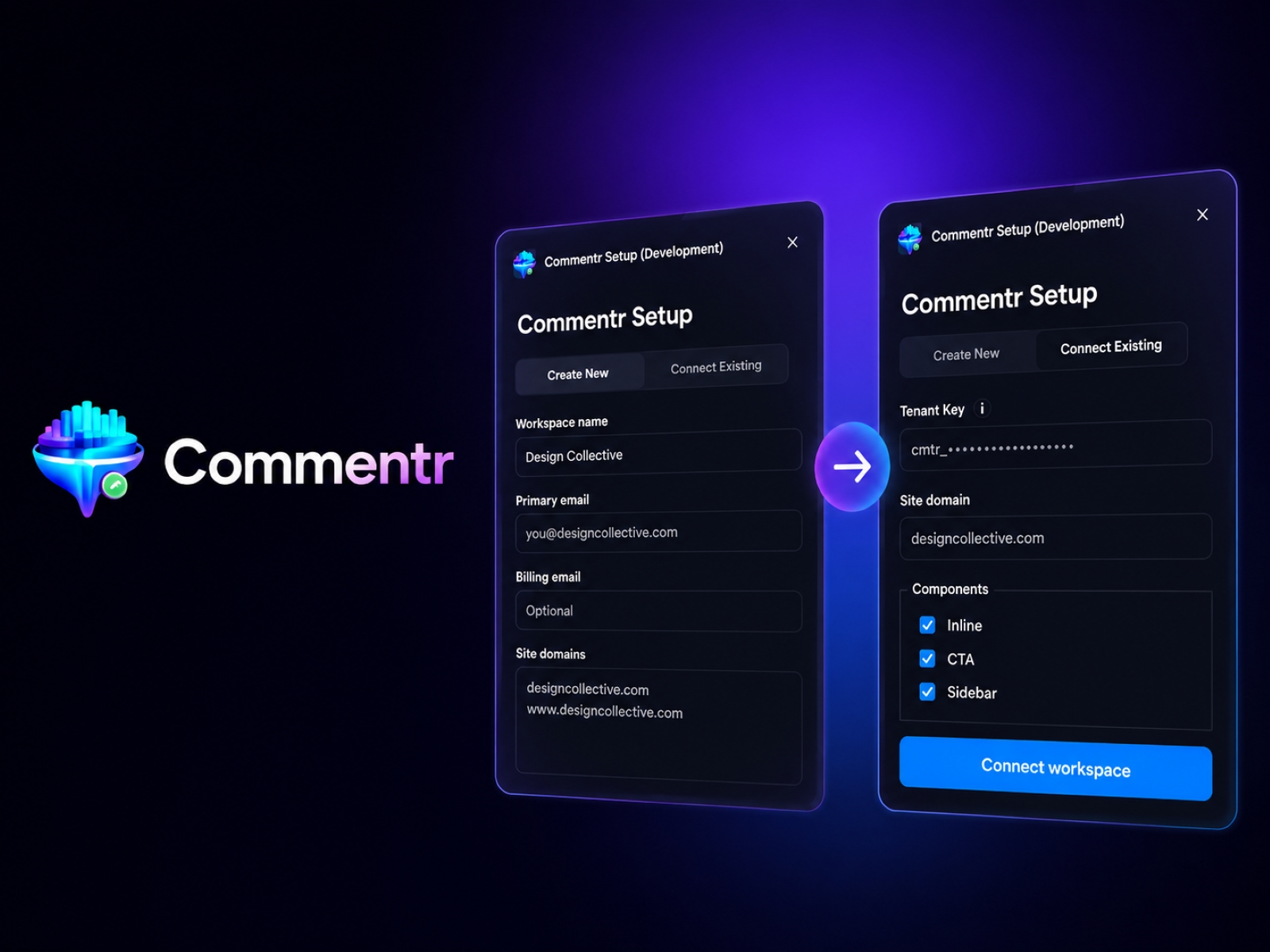
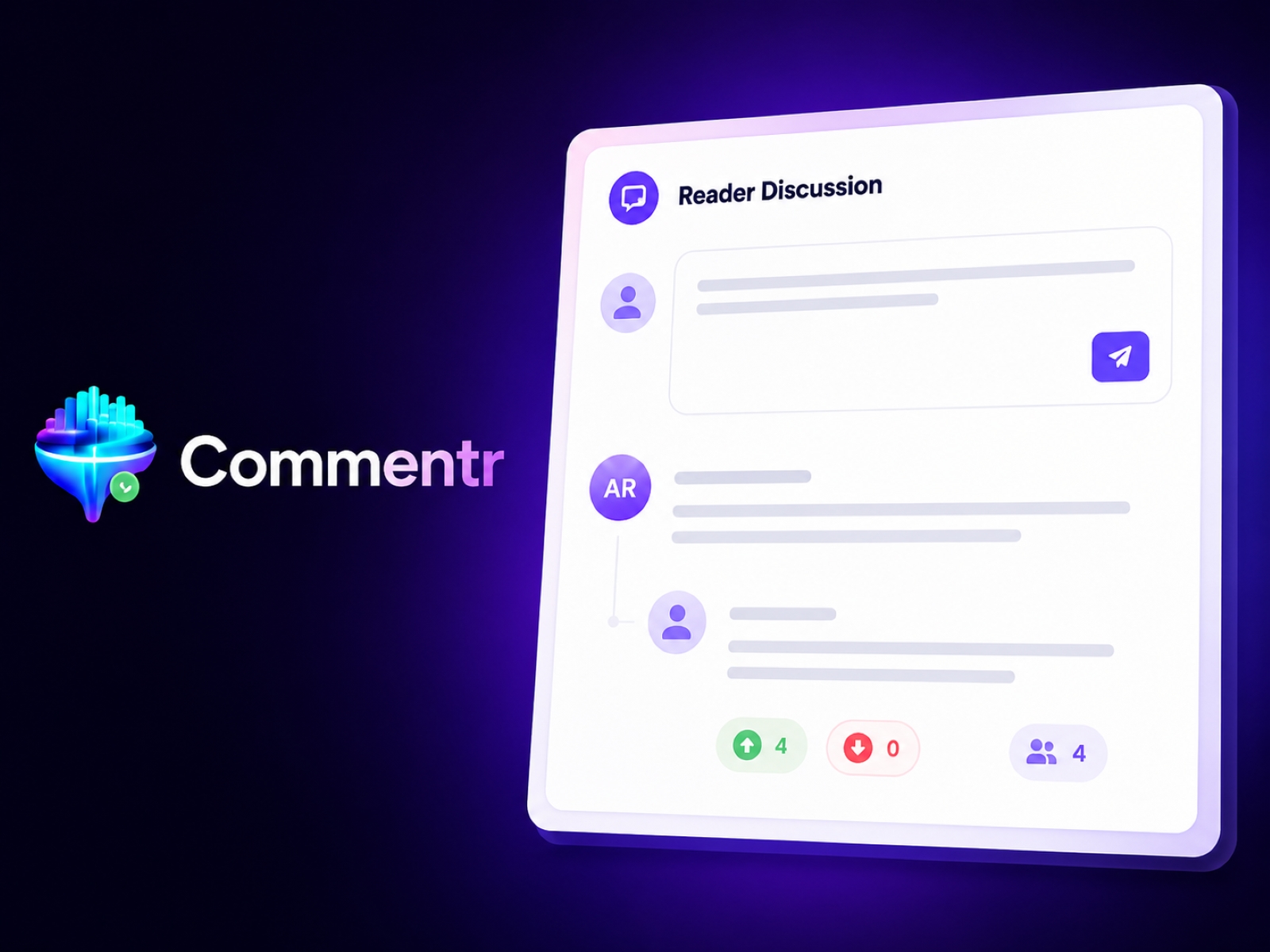
ContentPilot — Editorial CMS Sync
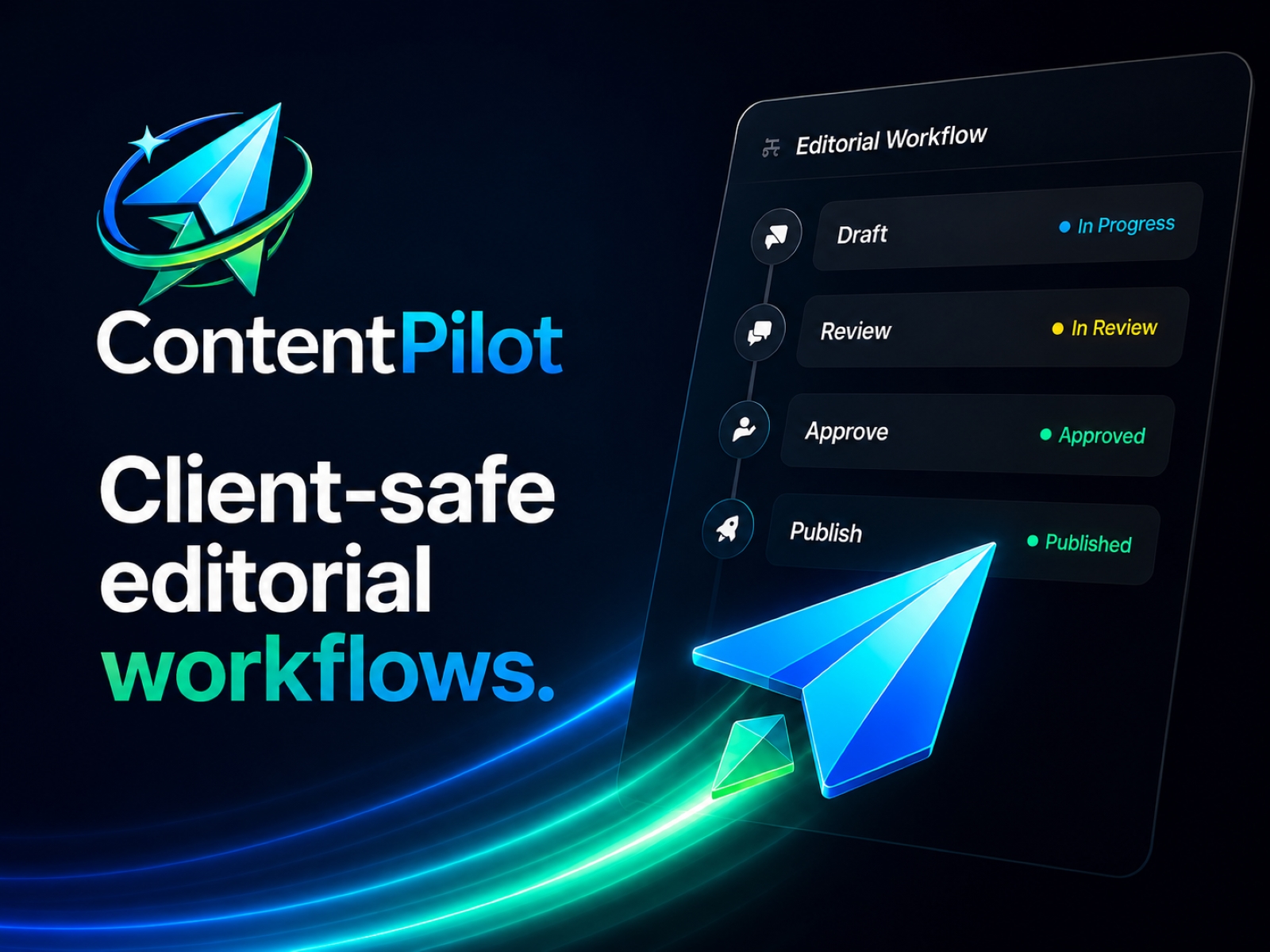
ContentPilot gives agencies, studios, and teams a client-safe editorial workflow for Framer. Draft, review, approve, and sync content to Framer CMS without giving clients direct CMS access.
ContentPilot
ContentPilot gives Framer developers a safer, more structured way to manage editorial content workflows.
Built for freelancers, independent creators, studios, businesses, and development teams of all sizes, ContentPilot adds a complete editorial review and publishing layer on top of Framer CMS.
Instead of giving contributors direct access to your production CMS, ContentPilot creates a dedicated workflow for drafting, reviewing, approving, and publishing content with confidence.
A Better Content Workflow for Framer
Framer makes publishing beautiful websites fast and flexible — but managing collaborative content workflows can become difficult as projects grow.
ContentPilot helps solve that by introducing structured editorial management designed specifically for Framer-powered websites.
Writers, editors, marketers, clients, and stakeholders can collaborate in a focused editorial environment while your Framer CMS stays clean, protected, and production-ready.
Key Features
Client-safe editorial portal
Keep contributors out of the Framer CMS editor while still allowing them to participate in the content process.
Structured publishing workflow
Move content through a clean workflow:
Draft
Review
Approve
Publish
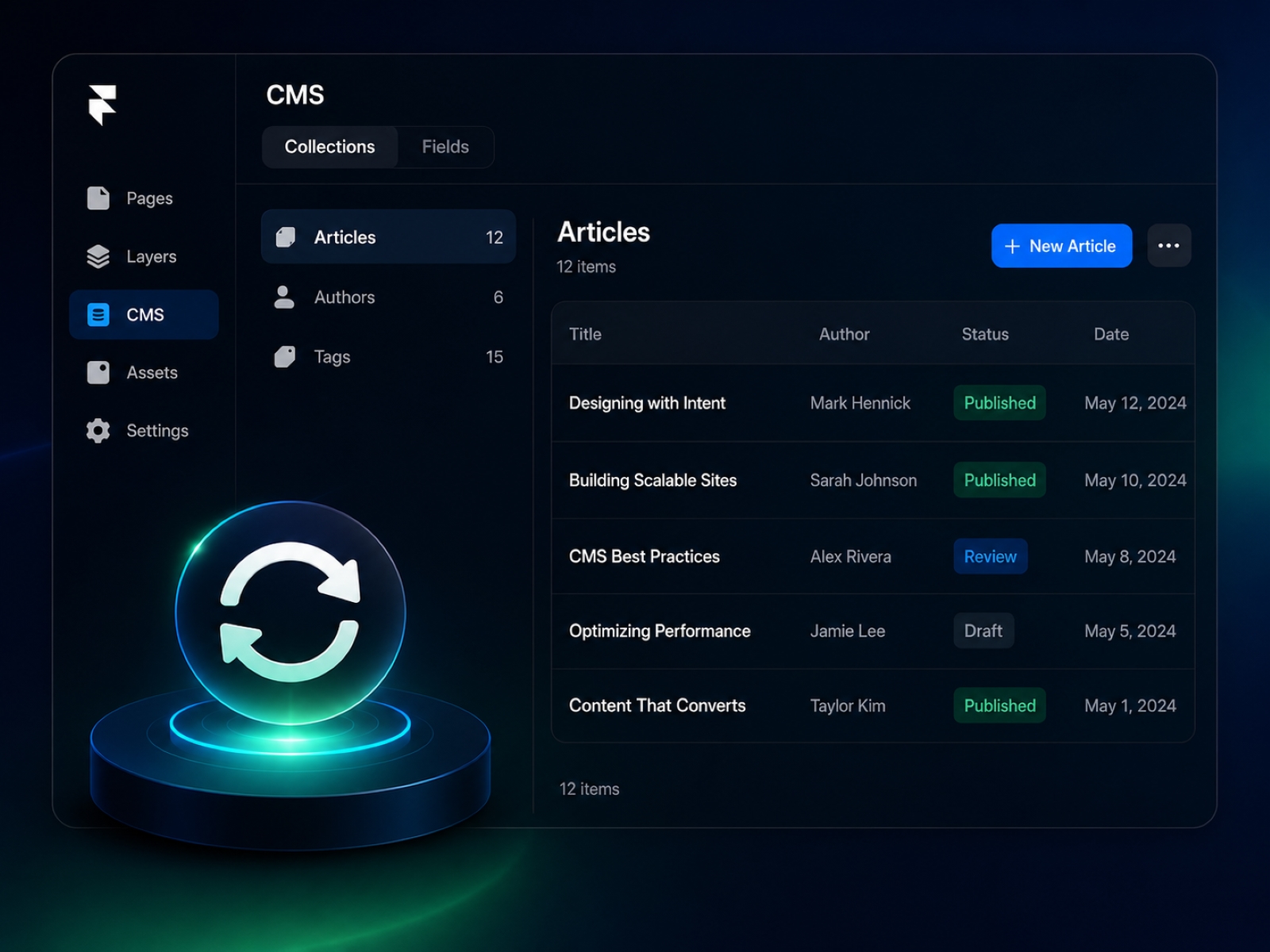
Framer CMS synchronization
Approved content syncs directly into Framer CMS collections.
Flexible publishing models
Choose the content delivery model that works best for your workflow, including API rendering and CMS synchronization paths.
Multi-site support
Manage a single Framer website or scale across multiple projects and workspaces.
Configurable CMS fields
Enable or disable built-in content fields based on your site's structure and editorial needs.
Built Specifically for Framer
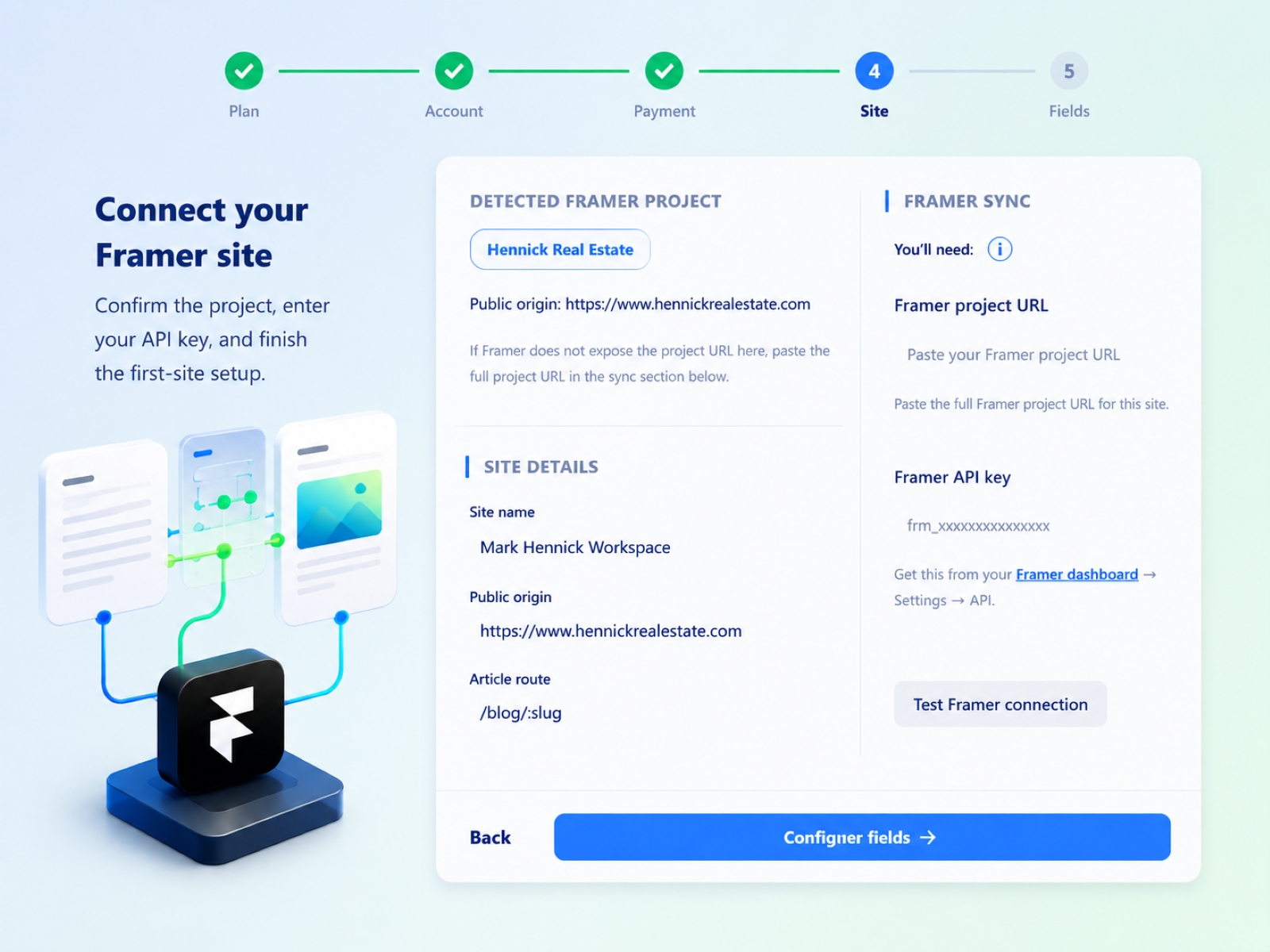
ContentPilot integrates directly into Framer projects and streamlines the onboarding process.
The plugin can automatically detect your Framer project, prefill site information, and guide you through CMS synchronization setup.
Supported synced collections include:
Articles
Authors
Tags
Supported field management includes:
Title
Body content
Cover images
Author information
Publication dates
Article routes and slugs
Simple Setup
Getting started with ContentPilot is fast and straightforward.
Install the ContentPilot plugin in Framer
Connect your ContentPilot workspace
Add your Framer API key
Configure your synced fields
Start managing editorial workflows
Once connected, ContentPilot handles the synchronization between your editorial workflow and Framer CMS.
Designed for Real-World Publishing
ContentPilot is ideal for:
Freelance web developers
Framer professionals
Content creators
Marketing teams
Editorial teams
Businesses managing website content
Studios and collaborative teams
Developers building content-heavy websites
Whether you're publishing blog articles, managing contributors, or building scalable content operations, ContentPilot helps organize the entire workflow.
Reduce Publishing Mistakes
ContentPilot helps reduce common content management issues by separating collaboration from direct production editing.
Benefits include:
Fewer accidental CMS changes
Cleaner review and approval processes
Safer publishing workflows
Better collaboration between contributors
More consistent content governance
Improved client and stakeholder experiences
Modern Editorial Infrastructure for Framer
ContentPilot combines Framer’s design flexibility with the operational structure needed for professional publishing workflows.
From independent developers to growing teams, ContentPilot helps simplify content collaboration while keeping Framer CMS synchronized and organized.
Start Building Smarter Editorial Workflows
Install the ContentPilot plugin and create a more structured, scalable, and client-friendly publishing workflow for your Framer websites.
Changelog
Resolved CORS error
Added light/dark theme support.
Fixed the theme override so users can switch explicitly between light and dark without following the device theme.
Made the “Before you start” callout an amber warning card in both light and dark mode.
Moved the API key/project URL sentence into the card body and kept only the tooltip help text on the tooltip itself.
Details
 Mark Hennick