Flowpoint Analytics
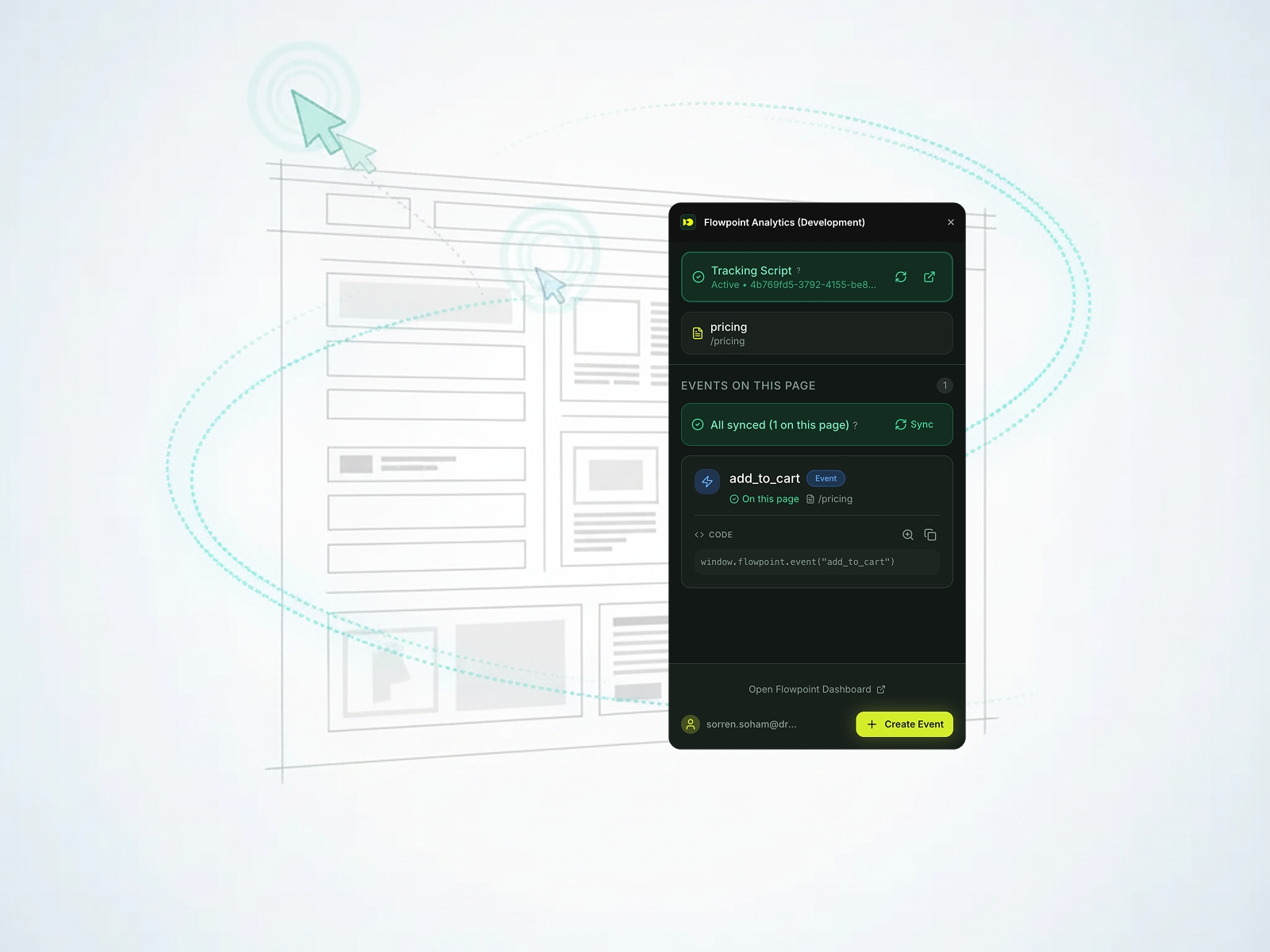
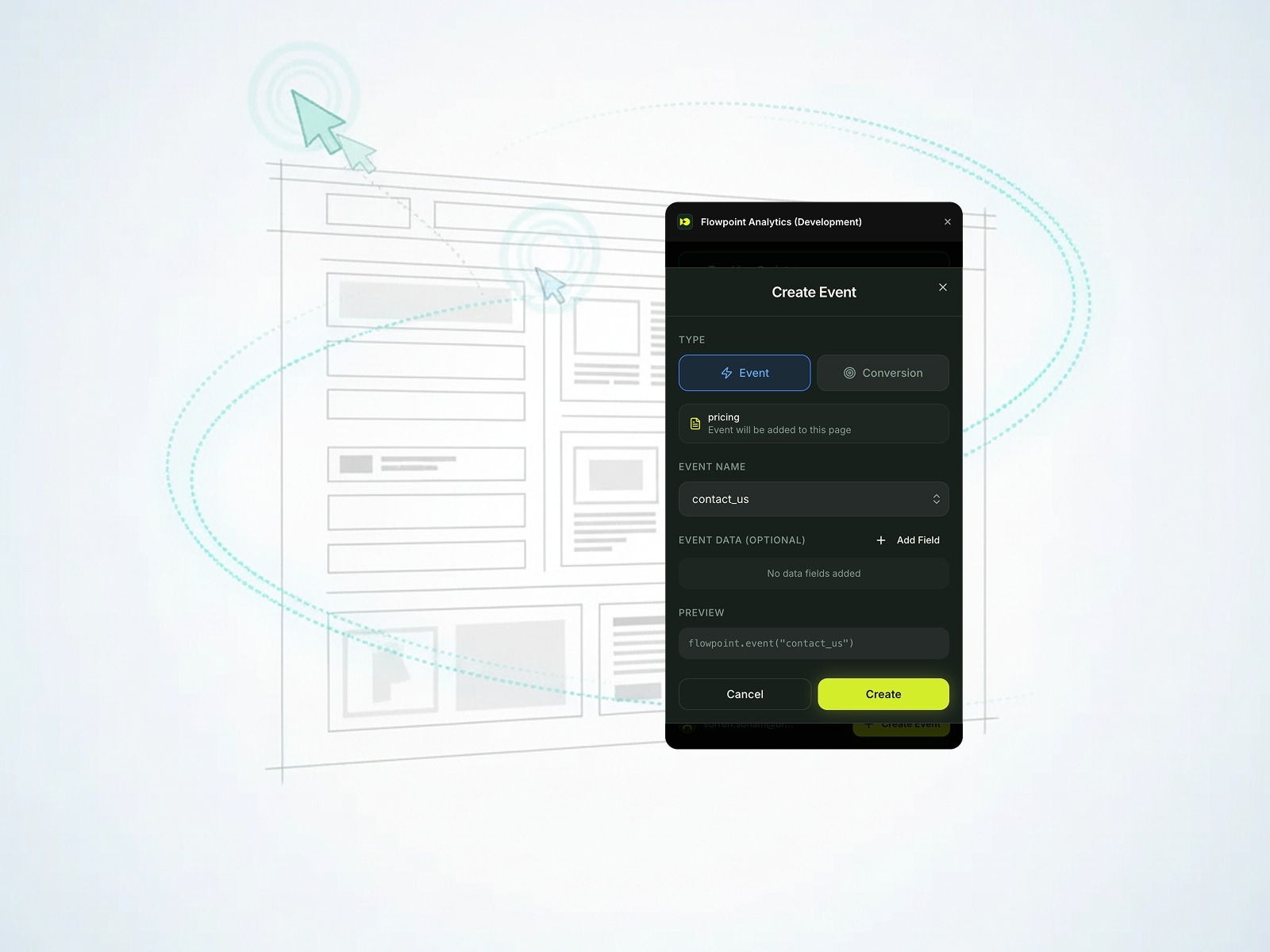
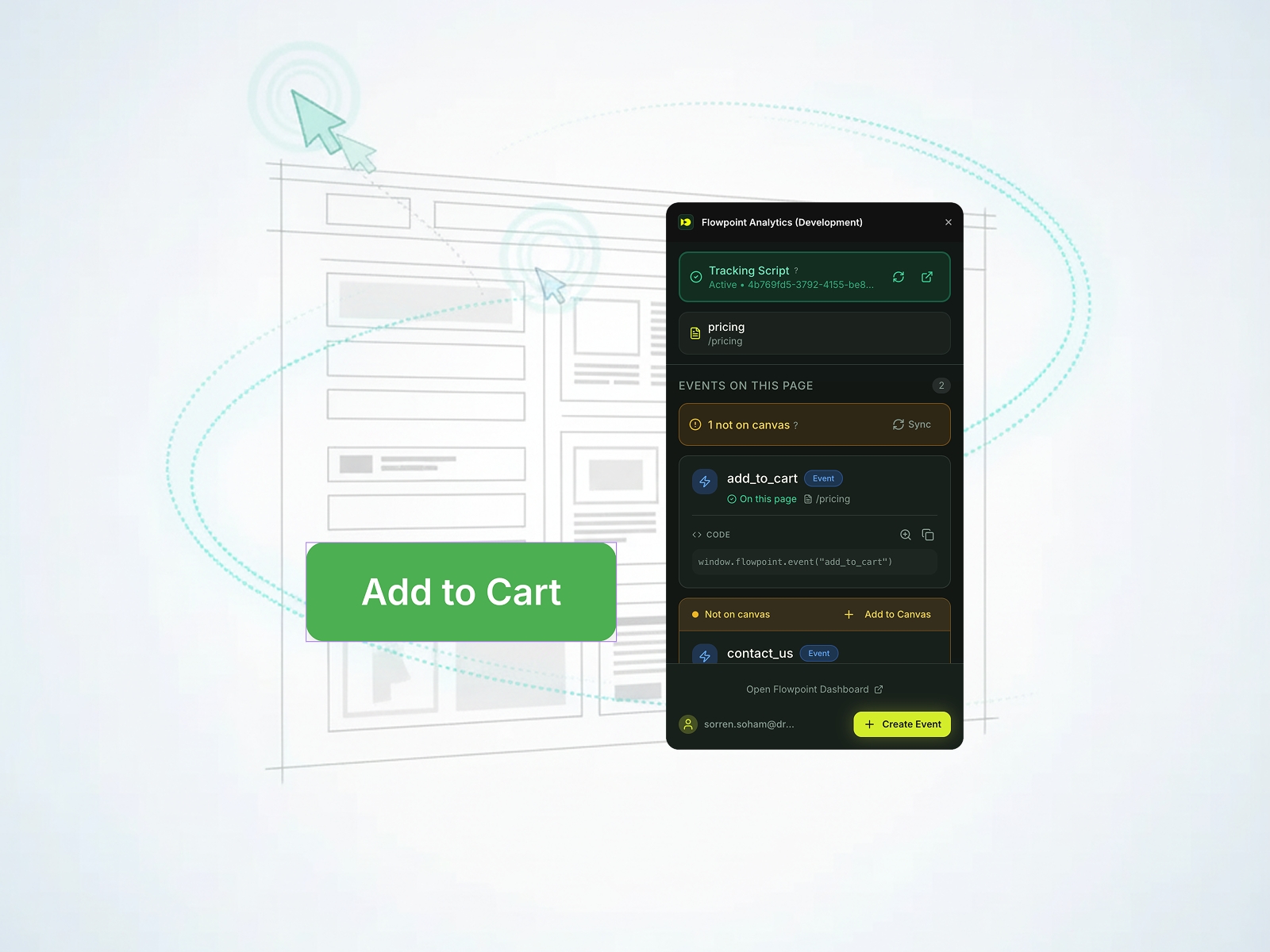
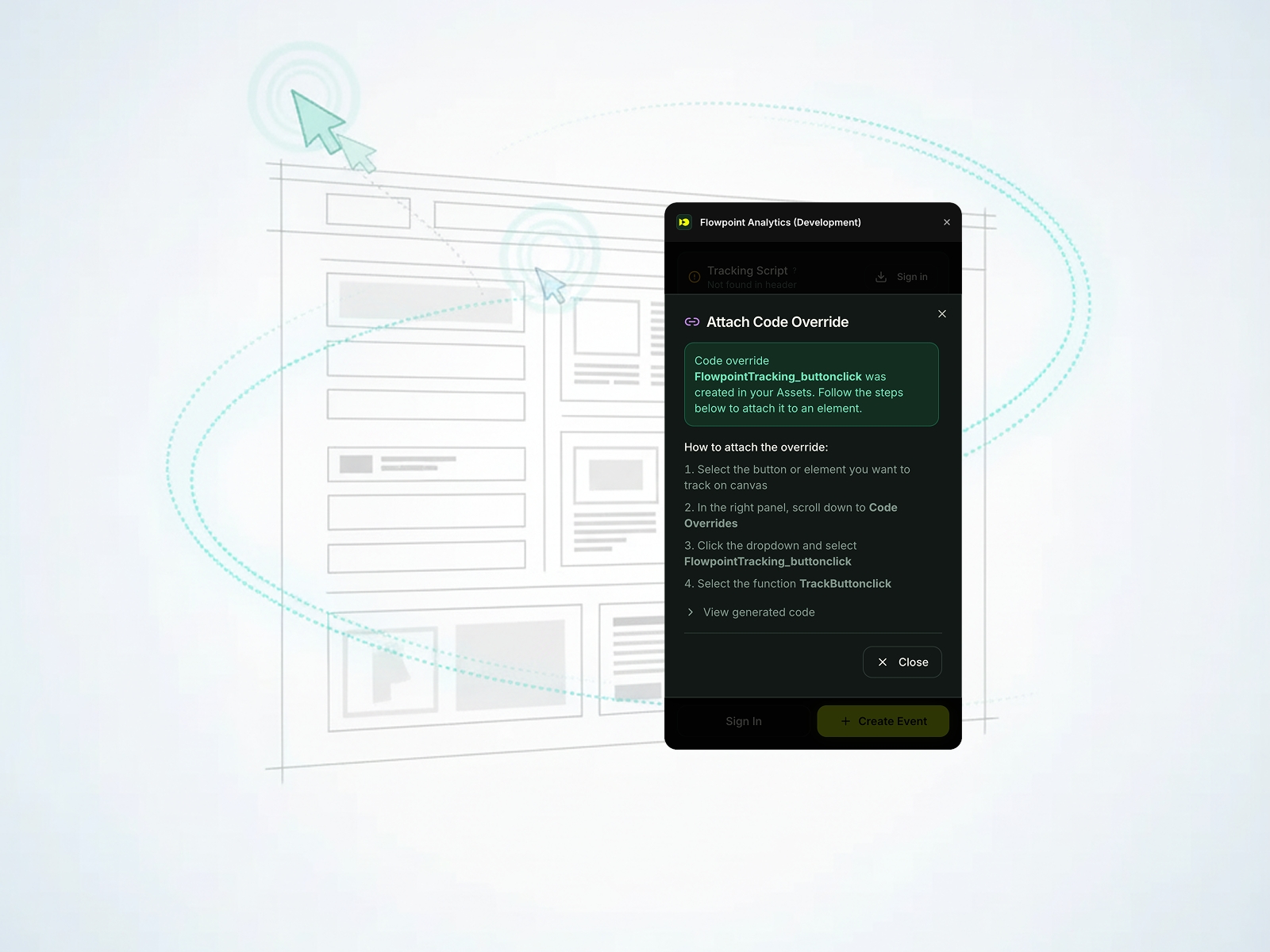
Install Flowpoint Analytics on your Framer site with just one click. Create custom events and track conversions in a few clicks. A native integration that makes adding analytics to your Framer project effortless.
Flowpoint Analytics Plugin for Framer
Add analytics to your Framer website without writing a single line of code. This plugin makes it easy to install Flowpoint and start tracking what matters—no tech skills required.
What this plugin does
A utility tool that helps Framer designers install Flowpoint Analytics and create custom events with just a few clicks. Get your analytics up and running in minutes, not hours.
• One-Click Installation - Add the tracking script directly to your Framer project
• Custom Event Builder - Track button clicks, page views, and form submissions visually
• Automatic Setup - Plugin detects your site and configures everything for you
• Dashboard Access - View your traffic data and share insights with your team
How it works
1. Open the plugin and sign in with your Flowpoint account
2. Click to install the tracking script
3. Create custom events to track buttons, links, and conversions
4. View your data in the Flowpoint dashboard—ready to share with colleagues
Features
✓ Email login (no passwords to remember)
✓ Automatic site detection
✓ One-click script installation
✓ Visual event creation
✓ Works with dark and light themes
✓ Settings persist across sessions
Perfect for
Designers who want to understand their website traffic without diving into code. Get exactly what you need to track visitors, measure conversions, and present clear insights to your team or clients.
Requirements
• A Flowpoint account (free tier available at flowpoint.ai)
• Your Framer site published or with a custom domain
Start tracking your website in minutes. Install the plugin and see what your visitors are doing.
Learn more at www.flowpoint.ai
Changelog
Users can now inject a code file directly into Assets, without needing to create it manually.
The generated code component now benefits from native Framer controls, allowing users to configure the button’s style using Framer’s built-in controls.
Details
 Flowpoint