Framer CMS Scheduler
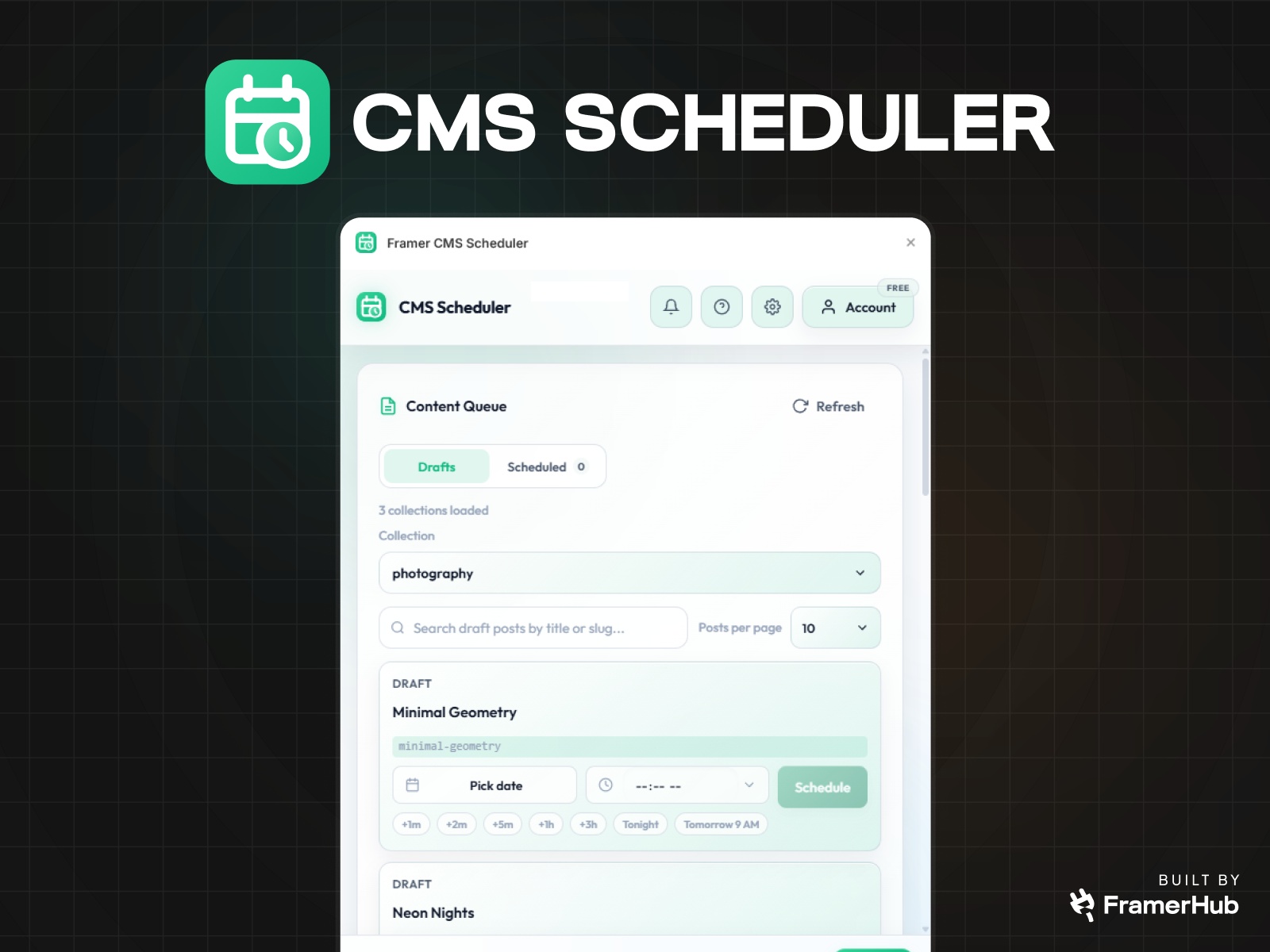
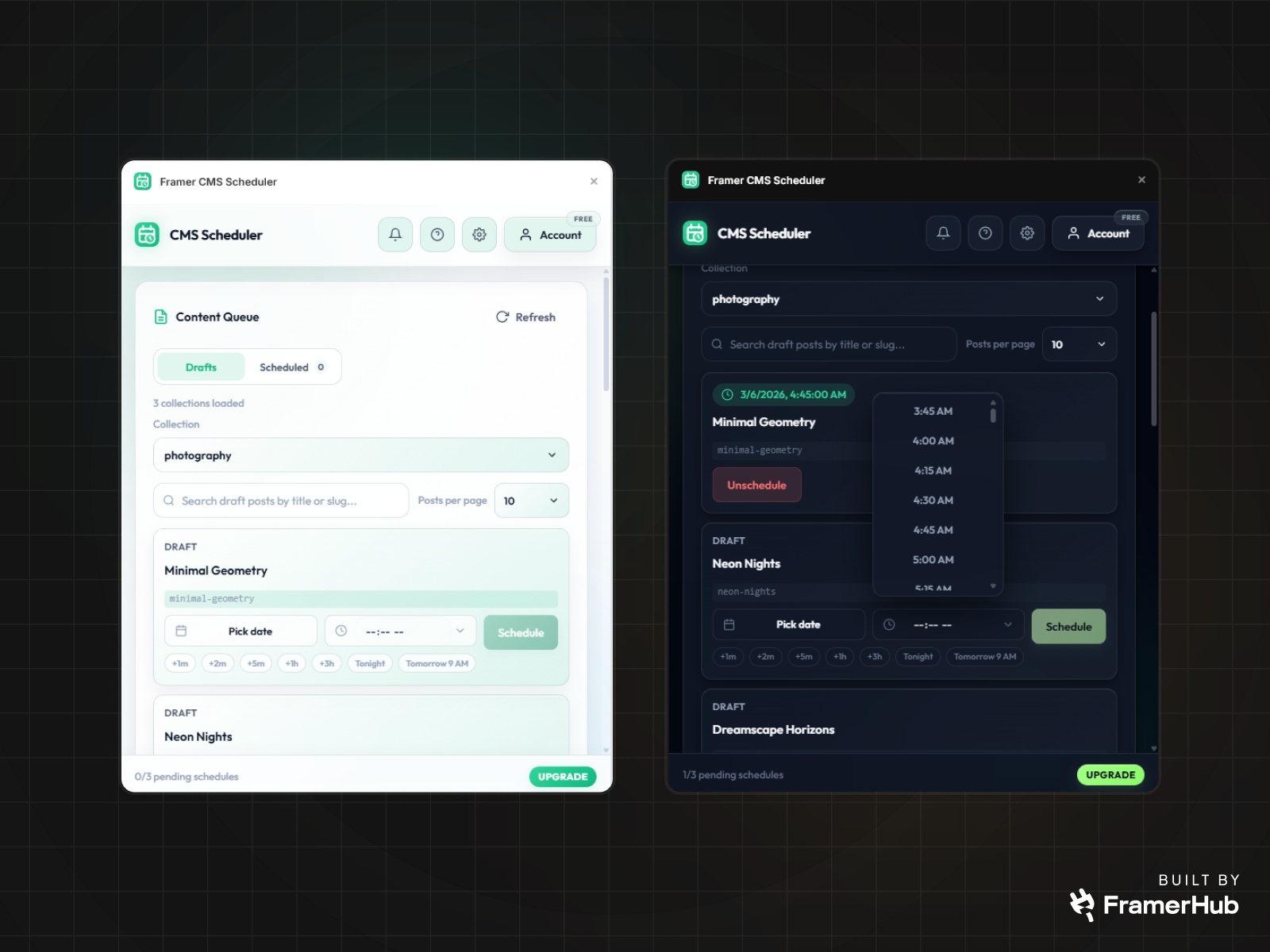
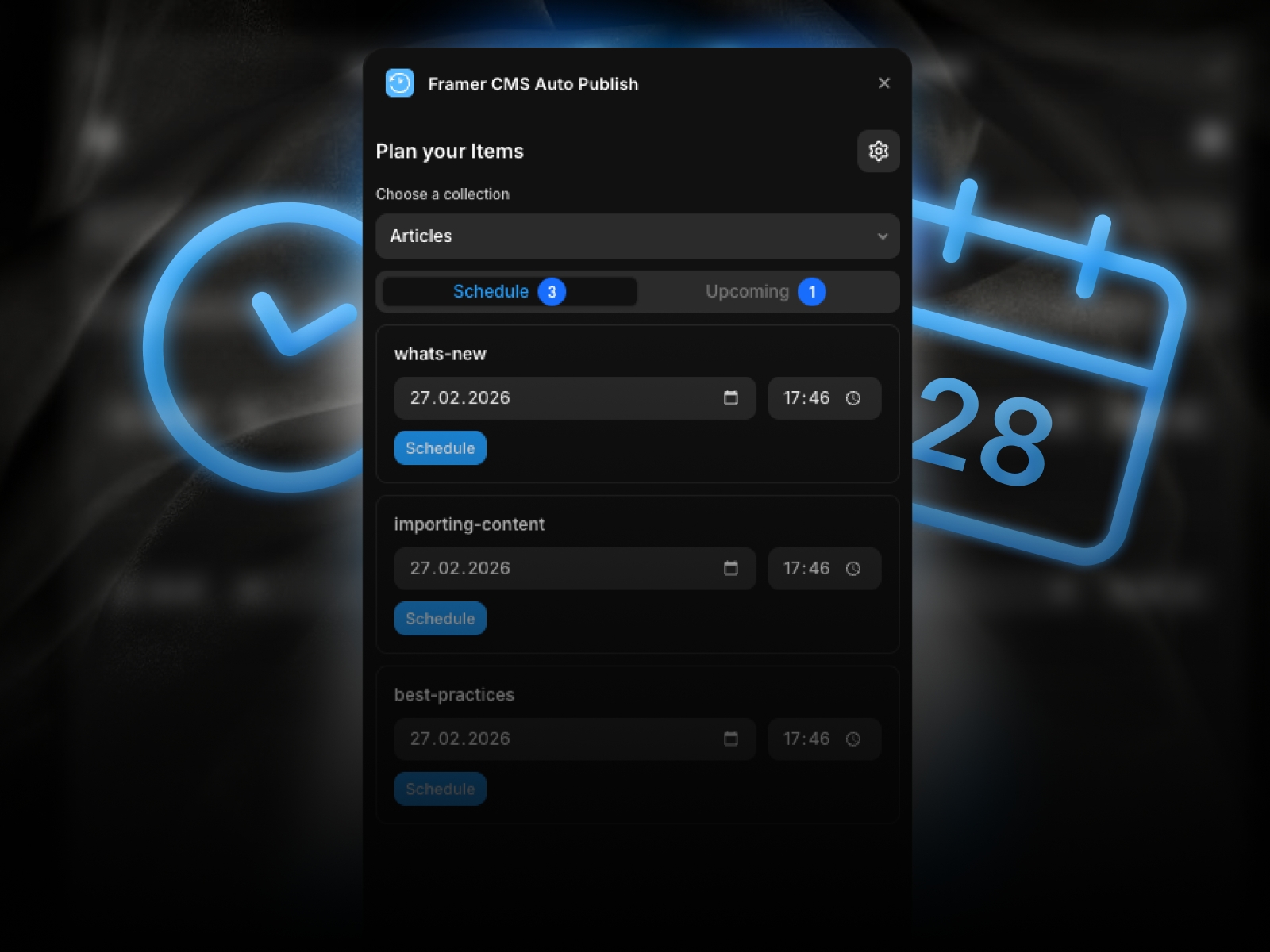
Framer CMS Scheduler helps you publish CMS draft posts on time. Connect a project, choose a collection, schedule one or many drafts, track pending and failed runs, view logs, and manage schedules without leaving Framer.
Publish Framer CMS posts on your schedule
Framer CMS Scheduler is built for teams that already use Framer CMS as their publishing system, but do not want publishing to depend on someone being awake, online, and ready to click Publish at the right time.
If your workflow looks like this:
write in advance
leave content in draft
wait for a launch window
remember to come back and publish manually
this plugin removes the fragile part.
Instead of relying on reminders, timezone math, or last-minute manual publishing, you can schedule draft CMS items ahead of time and let the release happen automatically.
IMPORTANT: Scheduled publish will also push any other unpublished site changes. If you are working on WIP changes, use a separate production project or avoid scheduling until those edits are ready.
Who this is for
Framer CMS Scheduler is a strong fit for:
marketers scheduling campaign posts and launch content
founders shipping announcements without interrupting their day
publishers managing editorial calendars in Framer
freelancers and agencies handling content updates for clients
small teams that want a simple scheduling workflow inside Framer
This is especially useful if your site is content-driven and your publish timing matters.
What problem it solves
Framer makes it easy to manage CMS content, but timed publishing is still an operations problem.
Without a scheduler, teams usually end up doing one of these:
publishing manually at the target time
setting reminders and hoping nothing slips
storing “ready to publish” content in drafts with no release workflow
asking someone on the team to be responsible for the final click
That works until it does not.
A missed publish window can mean:
delayed launches
broken campaign timing
missed newsletters or social tie-ins
unnecessary context switching for your team
Framer CMS Scheduler gives you a reliable timed publishing workflow inside the environment where your content already lives.
Why this plugin is different
This plugin is not trying to be a full editorial planning suite, a project management tool, or a complex content operations platform.
It does one job clearly:
Take draft CMS items in Framer and publish them at the time you choose.
That focus makes it useful for teams who want:
less manual publishing work
less operational risk around launch timing
a lightweight workflow that fits existing Framer projects
visibility into what is scheduled, what ran, and what failed
Key features
Schedule single draft posts
Pick a date and time for any draft CMS item and schedule it to publish later.
Bulk schedule multiple drafts
Select multiple draft items and assign one publish time to the whole batch. Useful for campaign drops, editorial bundles, and coordinated launches.
Works directly with your Framer CMS collections
Connect the current project, load its collections, and schedule from the draft items already inside Framer.
Clear scheduled queue
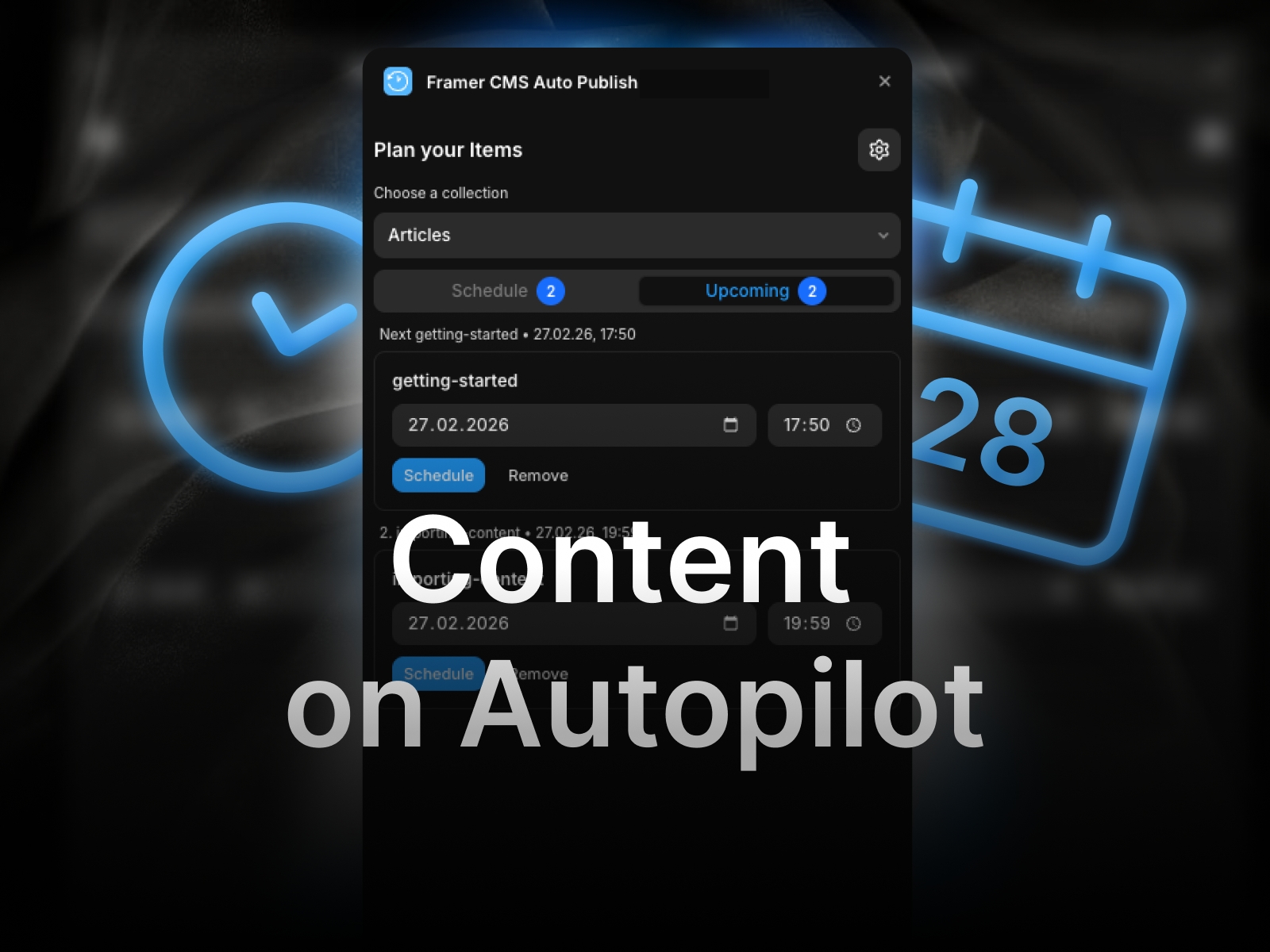
See pending and running schedules in one place so you always know what is lined up.
Failure visibility
If something fails, the plugin shows status and logs so you can understand what happened faster instead of guessing.
Project connection management
Manage connected projects, update API keys, and disconnect projects from inside the plugin.
Built-in plan awareness
The plugin surfaces schedule usage and project limits directly in the interface.
How it works
1. Connect your Framer project
Open Settings, paste your Framer project URL, and add the API key for that project.
2. Load your collections and drafts
The plugin reads your available CMS collections and shows draft items from the selected collection.
3. Choose a publish time
Schedule a single post or select multiple drafts and schedule them together.
4. Let the scheduler handle the release
When the scheduled time arrives, the system processes the queued item, undrafts the target post, and triggers the publish workflow.
5. Track the result
Use the Scheduled view and activity signals to monitor pending items, successful publishes, and failed runs.
What you can do inside the plugin
Sign in with Google or email
Connect the current Framer project
Browse CMS collections
Search draft posts by title or slug
Schedule one draft post
Bulk schedule selected draft posts
View pending schedules by collection
Unschedule pending items before the lock window
Review failed schedules and logs
Delete failed schedules
Manage connected projects and usage
Good use cases
Content marketing
Prepare articles, announcements, or case studies in advance and have them publish on the exact day and time a campaign starts.
Product launches
Queue launch content ahead of time so the site update aligns with the rest of your rollout.
Agency delivery
Schedule client content without needing to log in again at publish time.
Editorial operations
Keep writers and editors working ahead while maintaining predictable release timing.
Operational details that matter
The plugin works with draft CMS items in Framer.
Scheduling supports both single-item and multi-item workflows.
Pending schedules can only be canceled before the lock window.
Failed schedules can be reviewed with logs.
Usage and connected-project limits are surfaced in the plugin.
Framer Server API is currently in open beta, so the underlying platform may continue evolving as Framer expands the API.
Why teams keep it installed
Because the value is simple and immediate:
fewer manual publishing steps
fewer missed launch windows
less dependence on reminders
less context switching back into Framer
more confidence that content goes live when it should
If Framer CMS is already your publishing system, this plugin adds the missing timing layer.
Built for Framer users who publish with intent
Framer CMS Scheduler is for teams that care about timing, want a lightweight workflow, and do not want scheduling to turn into a bigger tool than the problem requires.
Set the time. Queue the drafts. Let the publish happen.
Details
 FramerHub.io