Loading…

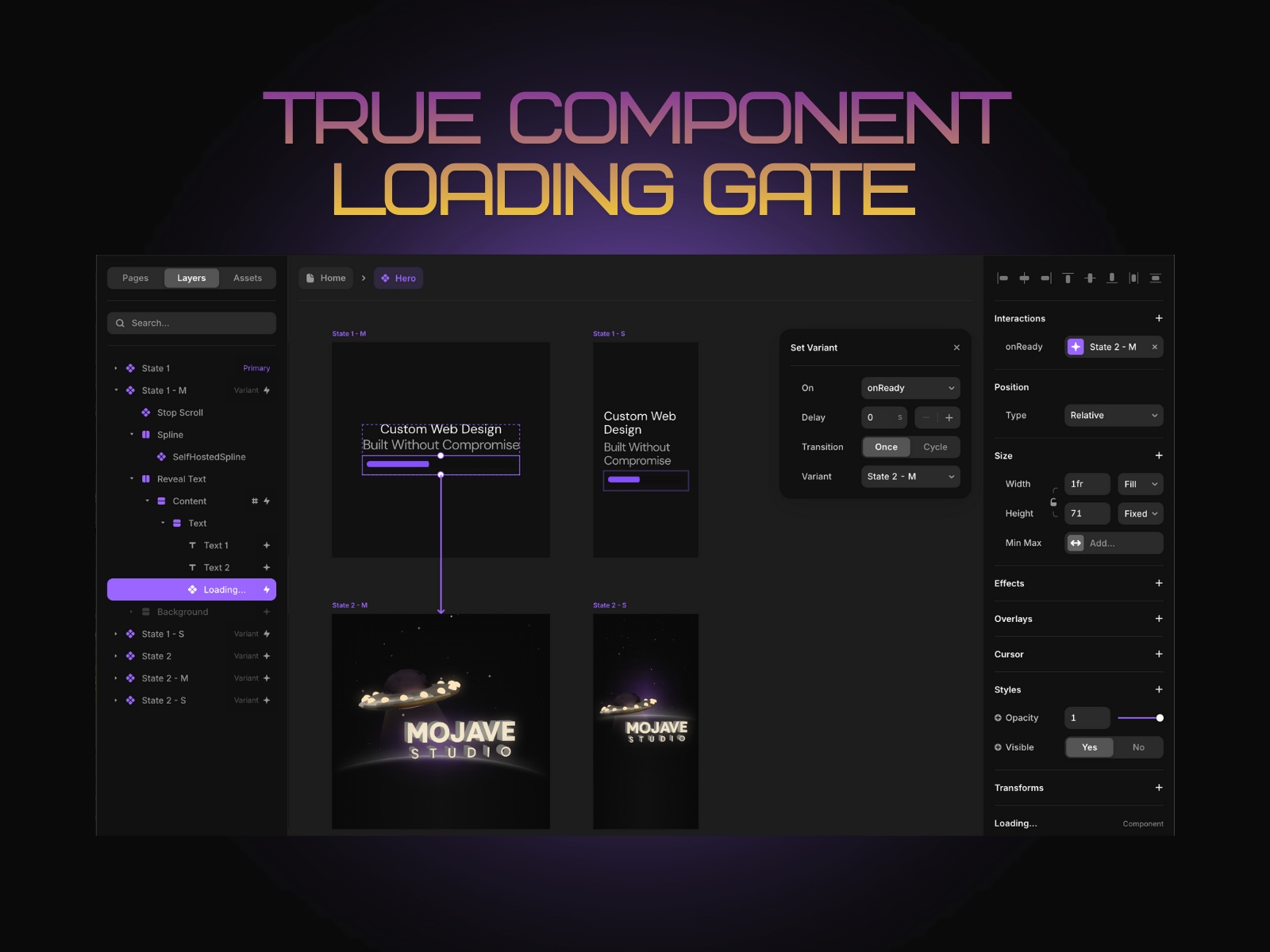
Loading… by Mojave Studio is the only real loading gate for Framer—meaning it can actually hold the reveal until your page (or content) is ready.
$15 - Buy a License
Have an animation you want to play after everything loads? An API call before showing the “real” state? Or a component that should wait until images/CMS/content are fully in before transitioning? Drop in Loading… and it handles the gate—cleanly.
Once your conditions are met (page loaded, minimum time reached, or maximum timeout hit), it transitions to the next component state automatically. No hacks, no fake overlay loaders, no awkward flashes.
How It Works
Add Loading… inside the component you want to control. It becomes the “gate” that decides when the user is allowed to see the final state. You set the rules, and Loading… handles the timing + transition.
Gate Behavior
Loading… can release the gate based on:
Page fully loaded (the “don’t show it until it’s actually ready” mode)
Minimum time (so the transition feels intentional, not like a flicker)
Maximum time / timeout (so users never get stuck if something takes too long)
Use one, or combine them depending on the experience you want.
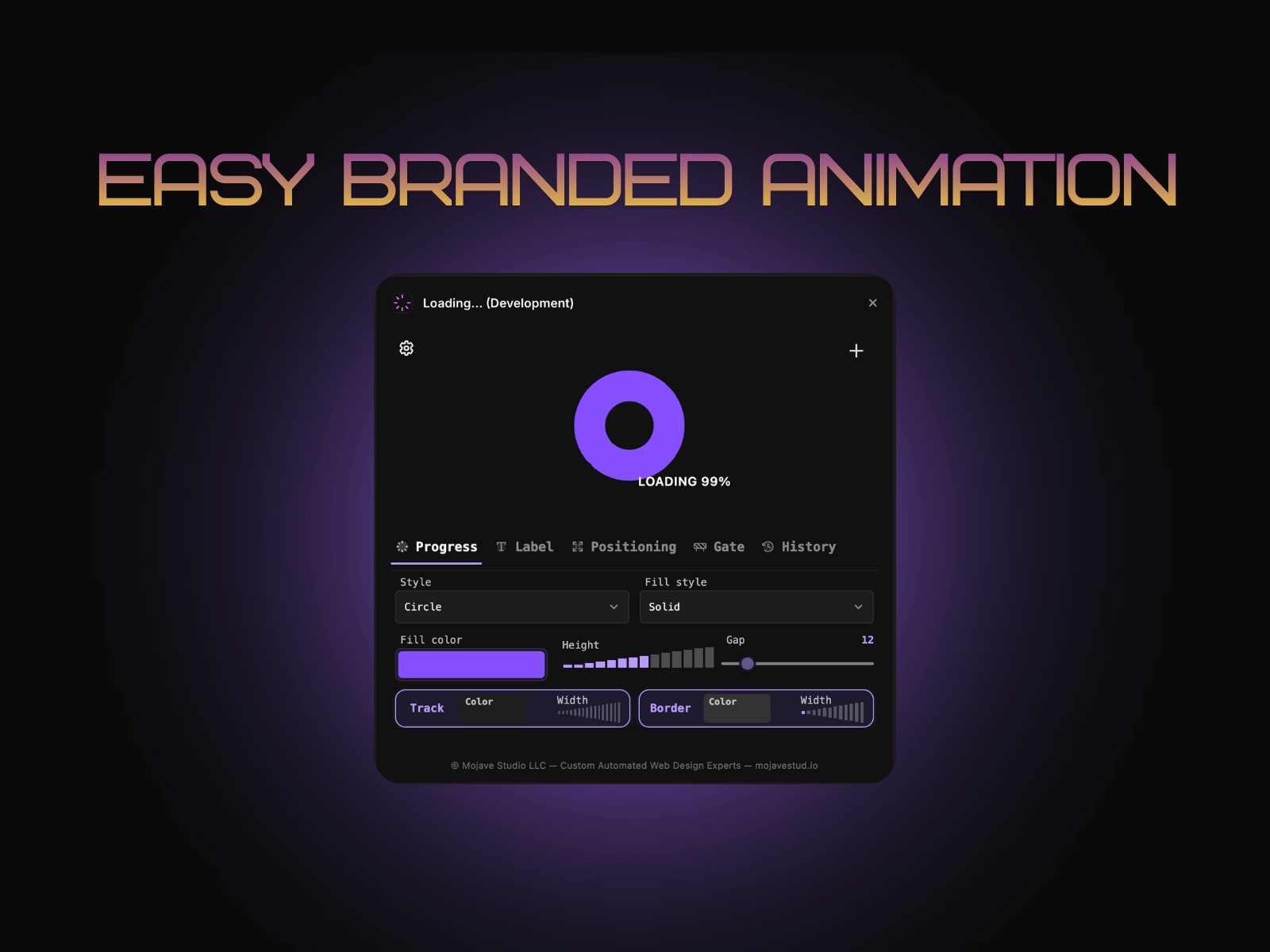
Progress + Style
Pick the vibe and keep it on-brand:
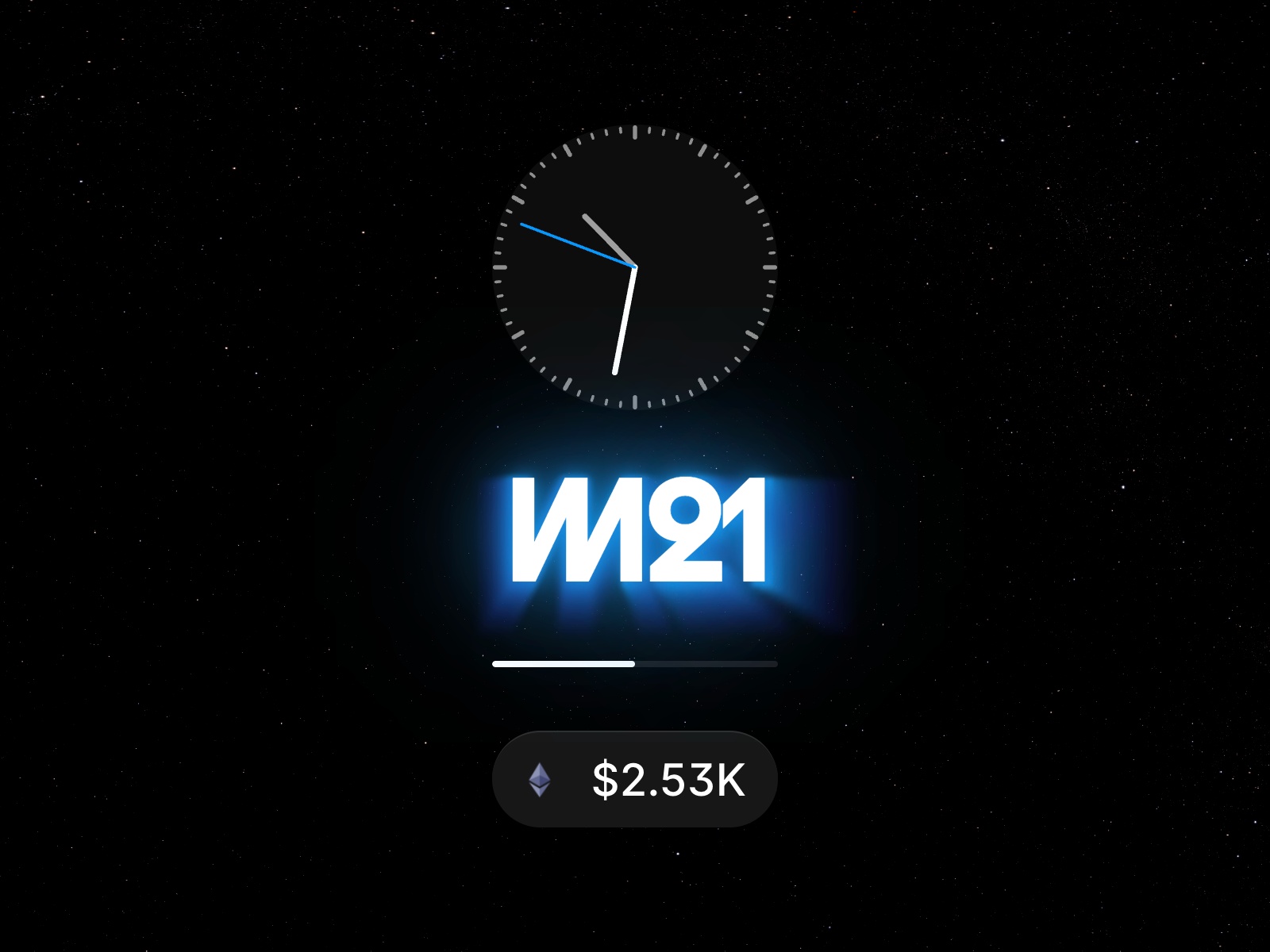
Circle, Bar, or Text loading styles
Tweak the motion + feel so it matches your UI
Optional label support for clearer UX
Changelog
Fix sizing issues
Details
 Mojave Studio