Ribbon Wave
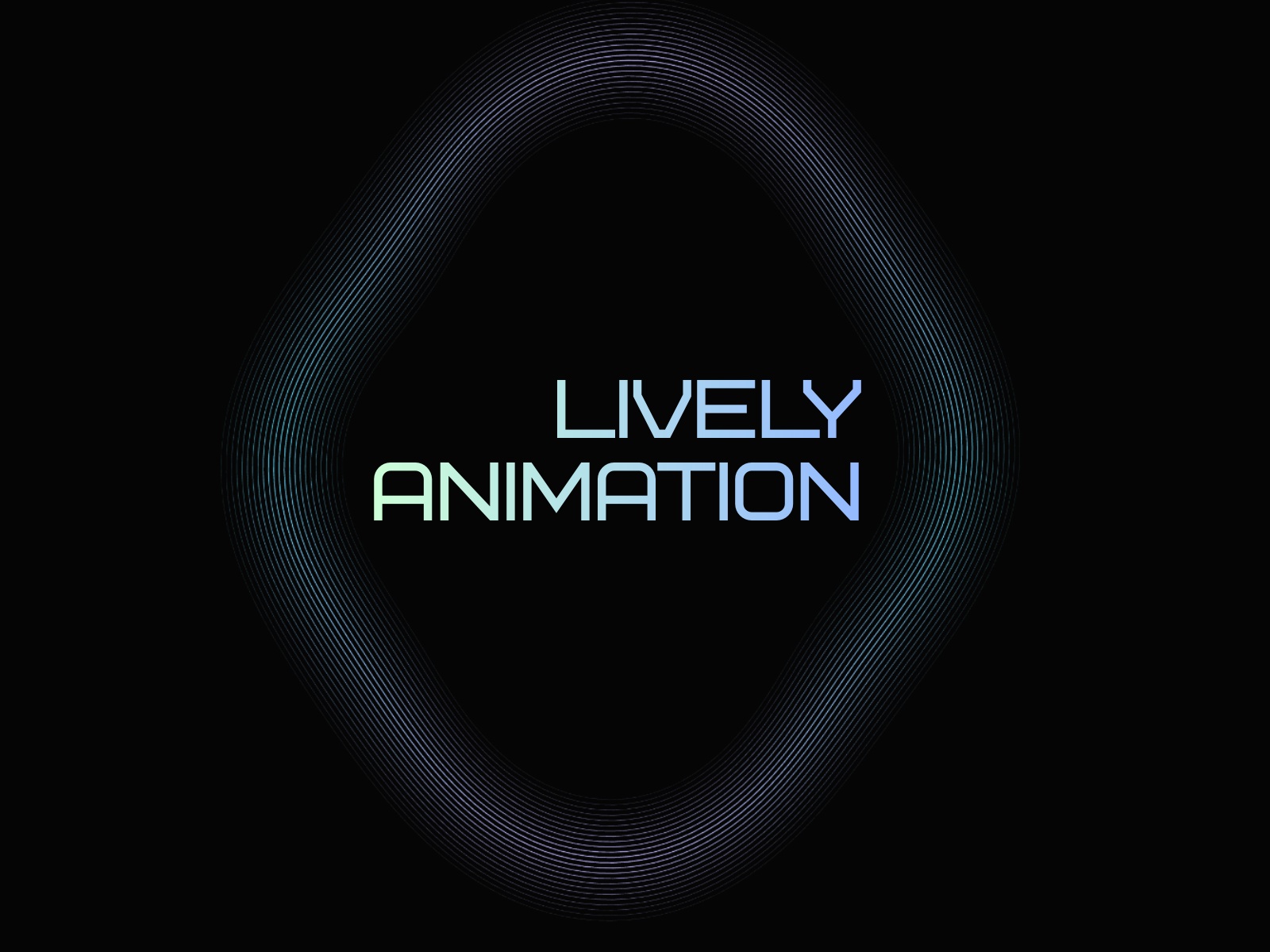
RibbonWave is a lightweight background component for Framer that adds motion, depth, and atmosphere without overpowering your layout. It’s ideal behind heroes, sections, badges, or callouts—anywhere you want subtle movement that feels intentional and polished.
How it works
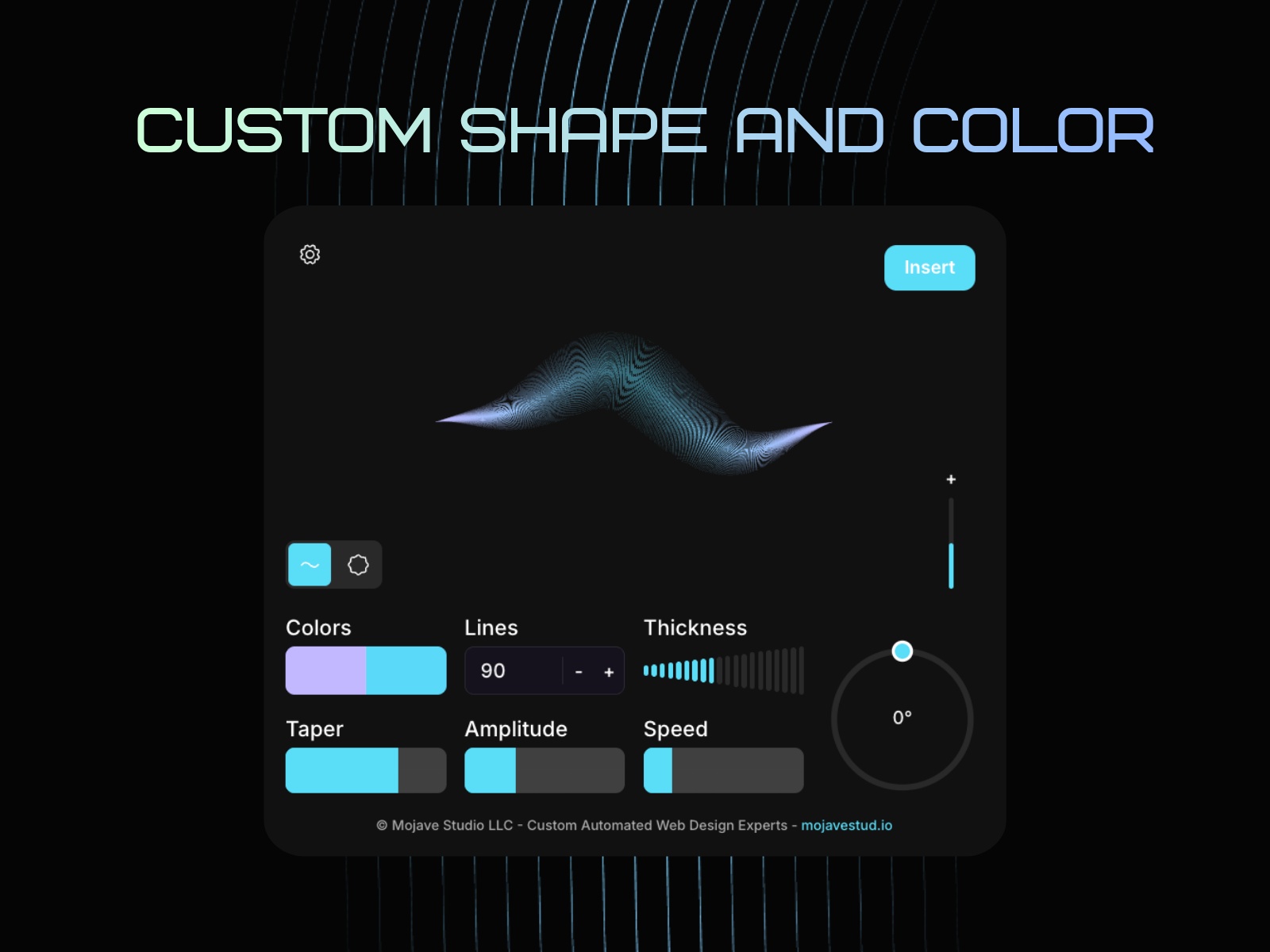
Style the animation in a live preview, then insert it into your canvas with one click.
RibbonWave is added as a transparent background component, so it drops cleanly behind real layouts without forcing design decisions. You control the motion and shape with straightforward settings—line count, amplitude, taper, padding, speed—and see changes instantly as you adjust.
Color is handled through a simple two-color blend. Mix Color A and Color B, rotate the gradient angle, and let the component stay transparent so you can control the final background directly in Framer using a Frame fill, Stack fill, or layers behind it.
Once inserted, it behaves like any other Framer component—easy to resize, reuse, and layer wherever you need motion without redesigning anything.
Changelog
Fixed validation logic and Icon path
Details
 Mojave Studio