Attributer


Capture UTM parameters and other lead source data with each submission of your Framer forms
What is Attributer
Have you ever wished you could see exactly where your leads are coming from (I.e. Google Ads, Facebook Ads, Organic Search, Social Media, etc)?
Well now you can.
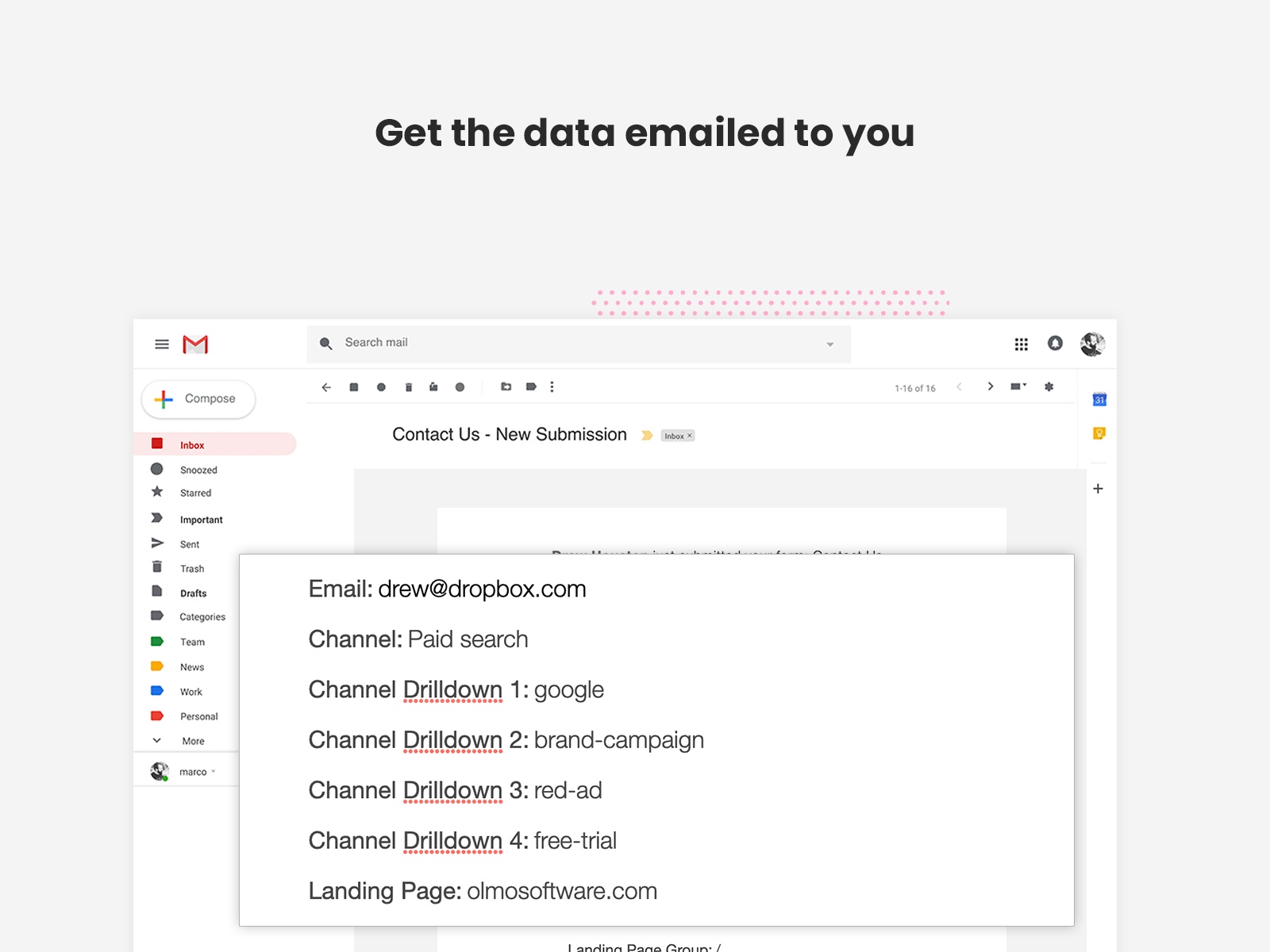
Attributer passes through information on where a lead came from each time someone submits a form on your website.
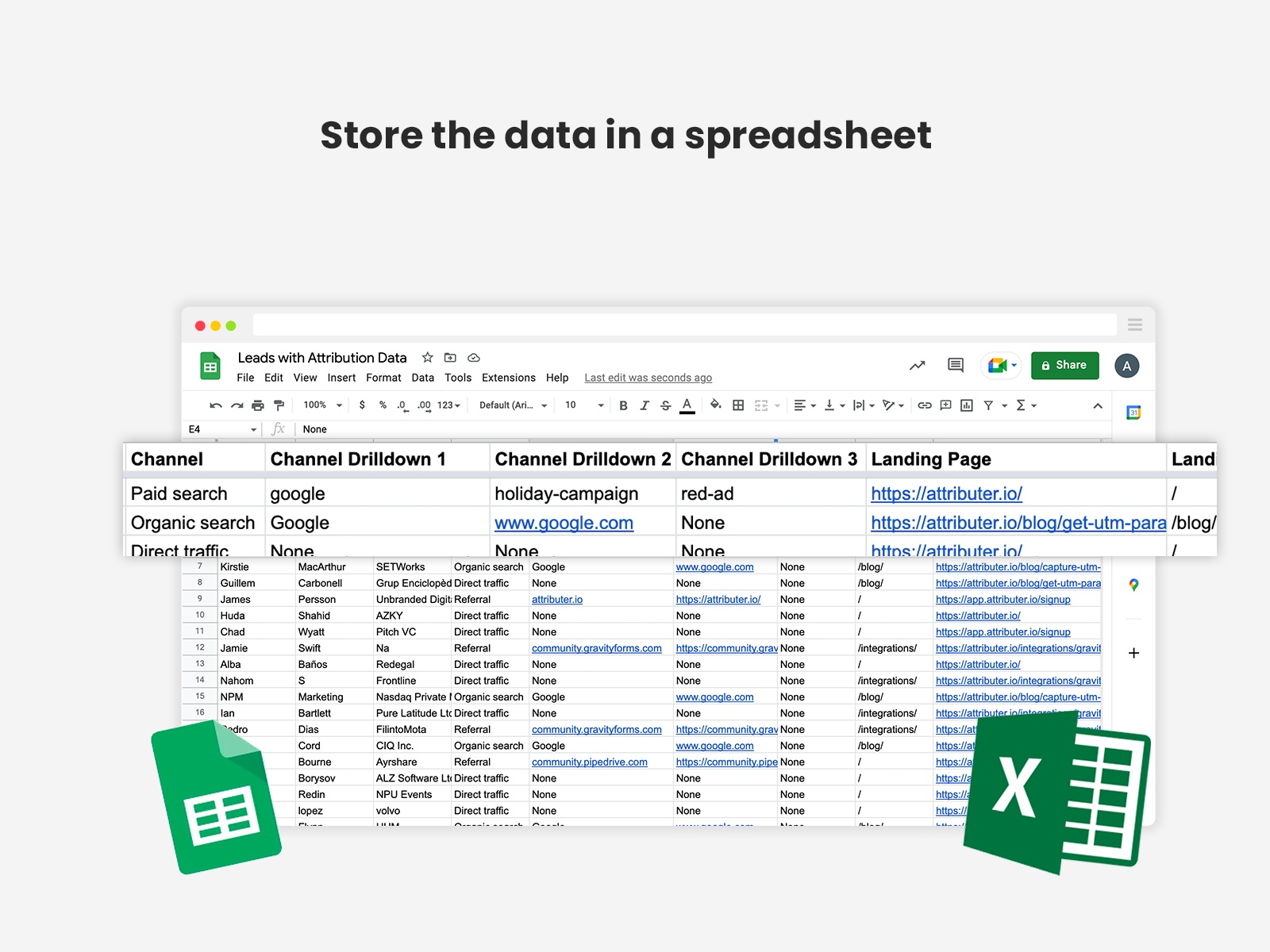
You can then include the data in your email notifications, send it to your CRM, store it in a spreadsheet, and more.
How It Works
Here’s how it works:
Install the Attributer plugin on your Framer website
Attributer tracks where each visitor comes from and stores it (which means they can browse around your site, or even leave and come back later, and Attributer remembers the data)
When the visitor submits a form on your website, Attributer passes UTM parameters and other data through with the form submission.
You can then include the data in your email notifications, send it to your CRM, store it in a spreadsheet, and more.
What data gets captured
Attributer can capture the following data with each form submission:
UTM parameters
Organic referral data (like if a lead came from organic search, what search engine they came from, etc)
Click ID’s (like the GCLID, FBCLID, MSCLKID, and more)
Landing page (the first page they saw on your website)
Form submission page (the page they submitted the form on)
Conversion time (number of days between first visit and form submission)
Visits to conversion (number of times they visited your site before converting)
And more
What you can do with the data
If you send the data to your CRM or analytics tools, you can run reports that tell you things like:
How many leads you've got from your Google Ads campaigns
Which of your Facebook Ad campaigns generated the most customers
How much revenue you've generated from your SEO efforts
And much more.
You can see a series of example reports built using the Attributer data here.
Changelog
Updated plugin icon to be higher contrast for dark mode
Details
 Aaron Beashel