How to integrate with your current site
In this guide, we explain how to integrate Framer with an existing website using multiple domains or a single domain approach.
Option 1: multiple domains
The simplest way to integrate Framer with your existing site is by using multiple subdomains. For example:
Main site:
example.comFramer site:
subdomain.example.com
Steps:
Set your subdomain in the Framer project.
Update your DNS servers to point the subdomain to your Framer site.
Learn more about setting up a custom domain here.
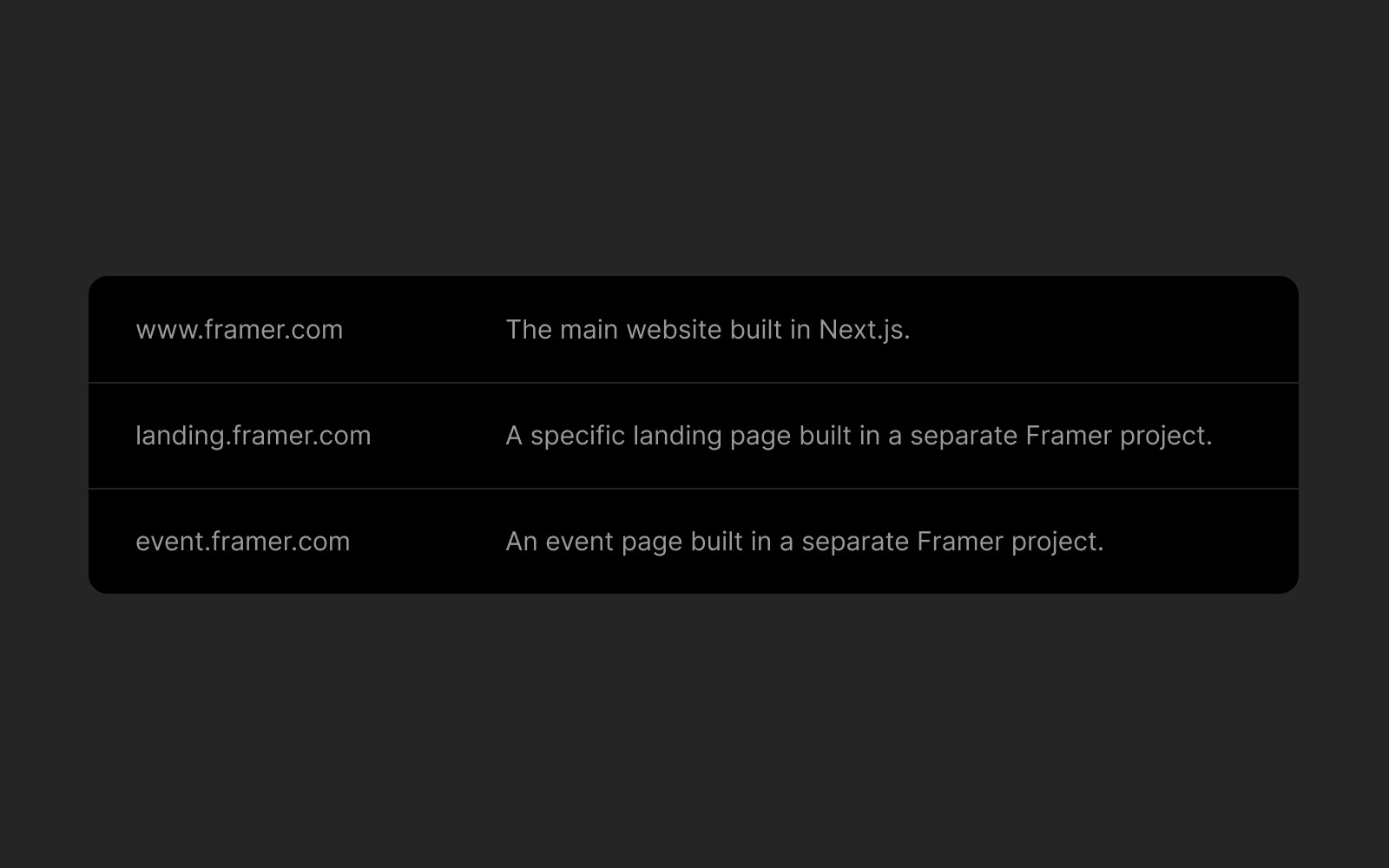
Option 2: single domain (advanced setup)
For complex websites, you can host multiple independent websites under a single domain using an advanced setup called “micro frontends”.
For example:
Main site:
example.comFramer section:
example.com/framer-page
Requirements:
An Enterprise Plan is required.
Use a hosting provider that supports proxy hosting with rewrite rules (e.g., Vercel, Netlify, Cloudflare).
How to set it up:
Choose a hosting provider that offers reverse proxy capabilities.
Define rewrite rules to map paths (
/framer-page) to their respective origins (your Framer site).
Here’s an example of rewrite rules:
Each hosting provider has specific configurations for rewrite rules. Refer to their documentation for implementation details.
Learn more about self-hosting using a reverse proxy here.
If you encounter any issues or need further assistance, feel free to contact Framer's support team through our contact page.
FAQ
What is the simplest way to integrate a Framer site with my existing website?
The simplest way to integrate Framer with your existing site is by using multiple subdomains. For example, your main site could be example.com and your Framer site could be subdomain.example.com. To set this up, set your subdomain in the Framer project and update your DNS servers to point the subdomain to your Framer site.
How can I host a Framer section under a single domain, such as example.com/framer-page?
For complex websites, you can host multiple independent websites under a single domain using an advanced setup called 'micro frontends.' This requires an Enterprise Plan and a hosting provider that supports proxy hosting with rewrite rules (e.g., Vercel, Netlify, Cloudflare). You need to define rewrite rules to map paths (like /framer-page) to their respective origins (your Framer site). Each hosting provider has specific configurations for rewrite rules, so refer to their documentation for implementation details.
What are the requirements for integrating Framer with my site using a reverse proxy?
To integrate Framer with your site using a reverse proxy, you need an Enterprise Plan and a hosting provider that offers reverse proxy capabilities (such as Vercel, Netlify, or Cloudflare). You will also need to define rewrite rules to map specific paths to your Framer site. For further assistance, you can contact Framer's support team through their contact page.
Updated
