How our active DDoS protection works
Learn how Framer safeguards your website during external attacks.
Framer uses advanced protection methods to keep your website online and secure during high-traffic attacks. This article explains how the challenge page works, what happens behind the scenes, and how the new clearance system improves the experience for real visitors.
Website attacks, such as Distributed Denial of Service (DDoS) attacks, are common. During a DDoS attack, an attacker overwhelms your site by loading it from many computers at once, attempting to slow it down or bring it offline.
How Framer protects your site
Framer counters DDoS attacks with rate limiting. This system monitors how frequently pages are loaded by the same group of visitors. When traffic exceeds normal human behavior, Framer flags the traffic as likely automated.
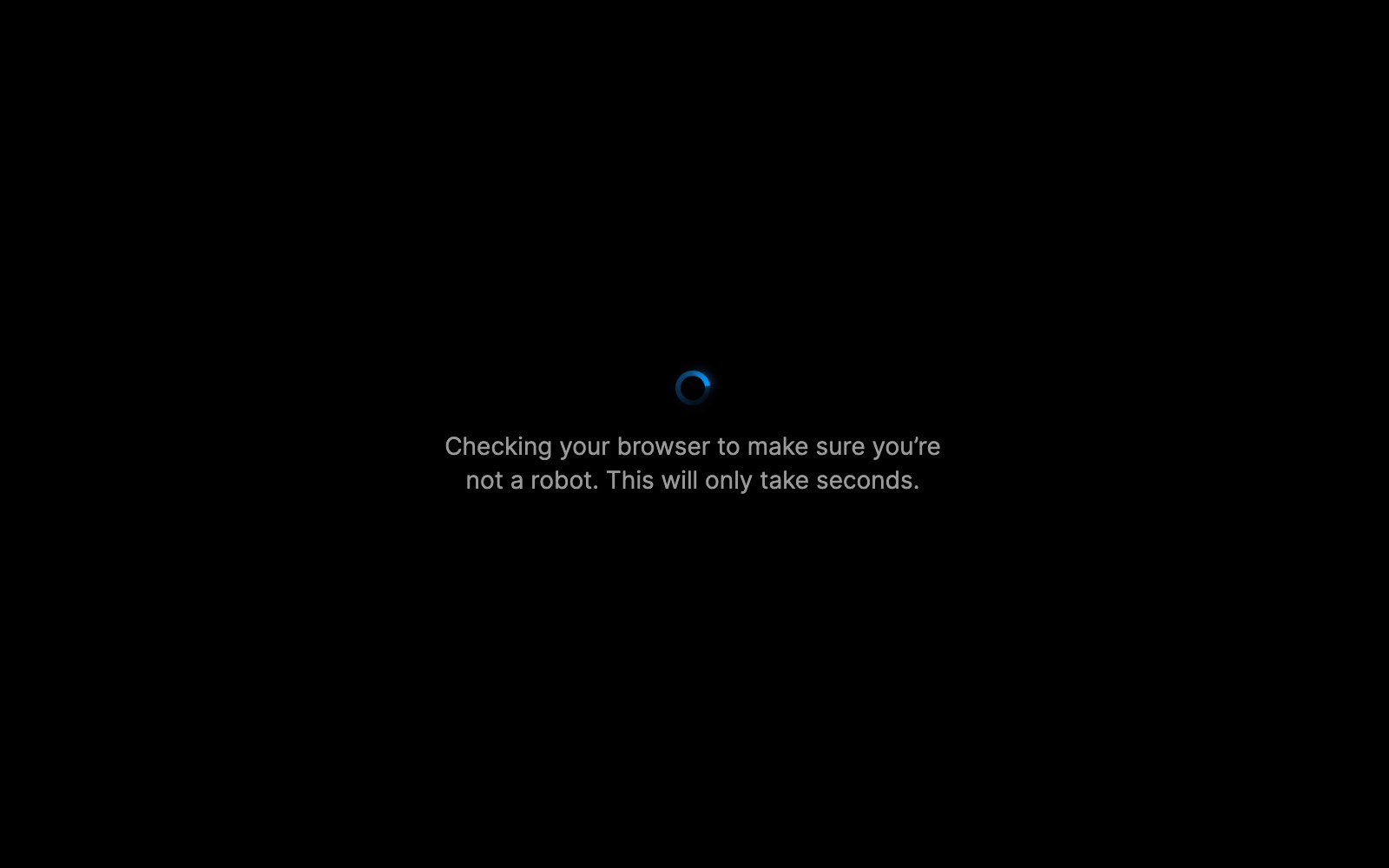
To ensure legitimate visitors aren’t blocked, Framer asks their browser to solve a small CPU-based puzzle in the background. This process usually takes about half a second on a fast computer. Once the puzzle is solved, the visitor is allowed through.
For most visitors, this verification is invisible. Bots sending millions of requests would take years to solve the same puzzles, effectively stopping them while allowing real users to continue browsing.
Clearance
After your browser successfully completes the puzzle, Framer sets a cookie called framer_clearance. This cookie confirms that you’ve solved the puzzle, so you won’t be challenged again while browsing the site.
The clearance cookie is tied to your current session, creating a smoother experience—solve the puzzle once, and you’re good to go for a while.
A few important details:
It’s essential for security. The cookie is strictly necessary during an attack and helps protect the site.
It doesn’t track you. The cookie only proves your browser passed the challenge. It contains no personal data and isn’t used for analytics or advertising.
It expires automatically. The cookie is short-lived and will be removed on its own after a brief period.
Key considerations
Keep the following points in mind while protection is active on your site.
During an attack, your site may return a 429 error code (“too many requests”) and display the challenge page. While this may trigger uptime alerts, your site remains functional and protected. You can adjust your monitoring settings to ignore 429 responses if needed.
Protection is disabled automatically once the attack ends, and the challenge page disappears for all visitors.
SEO is not affected. The 429 status code signals crawlers, such as Googlebot, to retry later. Crawling resumes normally once the attack is over.
FAQ
How does Framer protect my website from DDoS attacks?
Framer uses advanced protection methods, including rate limiting and a challenge page, to secure your website during attacks. Rate limiting monitors how frequently pages are loaded by the same group of visitors. If traffic exceeds normal human behavior, visitors are likely bots and are blocked. Legitimate users may be asked to solve a quick CPU-based puzzle in their browser, which takes about half a second on a fast computer, allowing access once completed.
What happens if a visitor sees a spinner or challenge page on my Framer site?
If a visitor sees a spinner or challenge page, it means your site is under attack and Framer is actively defending it against bots and downtime. The visitor's browser is required to solve a quick CPU-based puzzle in the background. This process is usually invisible to normal users and only takes about half a second on a fast computer.
Will DDoS protection or 429 errors affect my site’s SEO or uptime monitoring?
During an attack, your site may respond with a 429 error code (too many requests) and display a challenge page. This might trigger uptime alarms, but your site remains functional and protected. You can configure your alarm to ignore 429 responses if needed. SEO is not negatively impacted, as the 429 status code signals crawlers like Google’s bot to retry later. Your site will be crawled again once the attack subsides.
Updated
