

Benjamin
4:17
Control Stack layout with variables in Framer
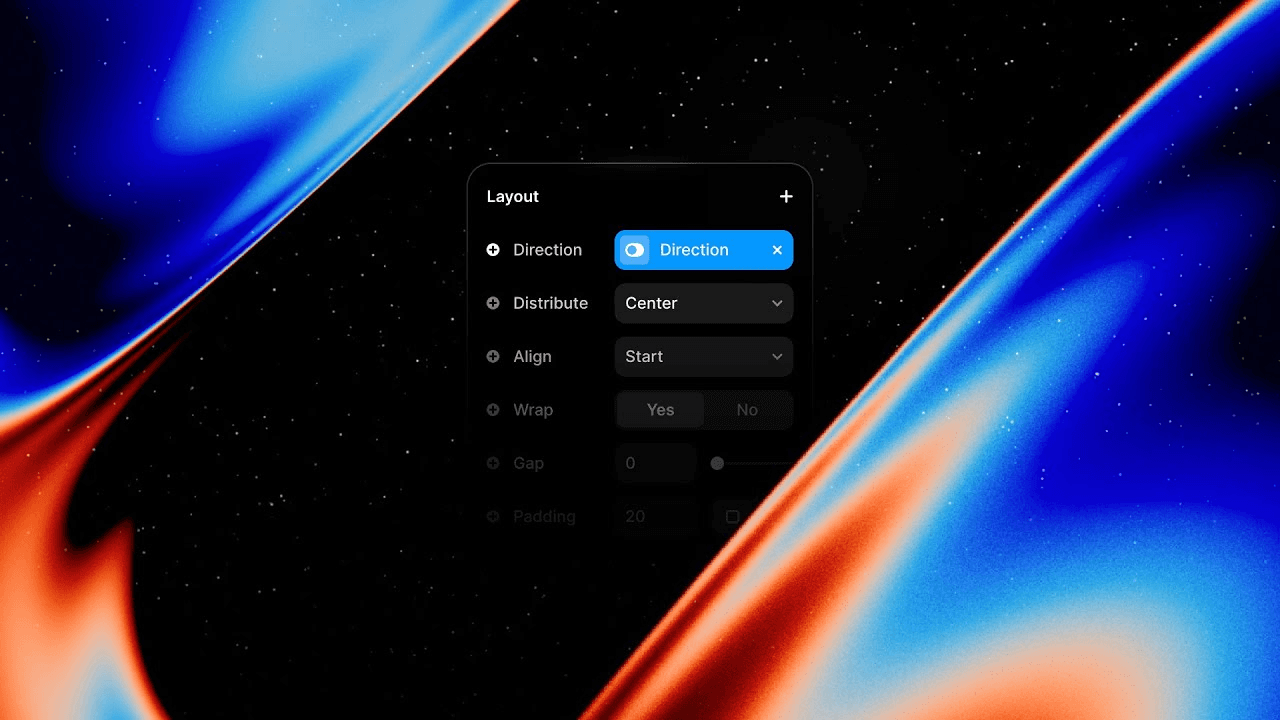
Use variables in Framer to expose Stack properties such as direction, gap, padding, distribution, and alignment as Component controls. This lesson simplifies a responsive navigation by keeping only the open and closed Variants while layout variables handle breakpoint changes. The same controls can also connect responsive layout behavior to CMS-driven content.
Lesson details
In this Framer tutorial, you will learn Stack Variables. We explain a practical workflow, highlight the key settings that affect the result, and show how to apply the technique on real pages for cleaner UX and better site performance.
Frequently asked questions
What are Stack variables in Framer?
Stack variables turn layout properties into reusable Component controls. They can expose direction, gap, padding, distribution, and alignment without creating a separate Variant for every layout combination.
How do Stack variables reduce the number of Variants?
Keep Variants for real interaction states, such as open and closed, then use variables for responsive layout changes. This avoids duplicating Variants only to change direction or spacing.
Which Stack properties can become variables?
The lesson covers properties such as direction and gap, and the workflow also applies to padding, distribution, and alignment where variable controls are available.
Can Stack variables change at different breakpoints?
Yes. Set the variable value on each Component instance or breakpoint so the layout can switch, for example, from horizontal on desktop to vertical on phone.
Can the CMS control Stack layout?
The variable workflow can connect supported layout controls to CMS-driven content. Use it when content needs to select a deliberate layout option, and keep the available choices constrained to safe values.
Continue watching
Load more