
Justin
6:58
Create and organize Vector Sets in Framer
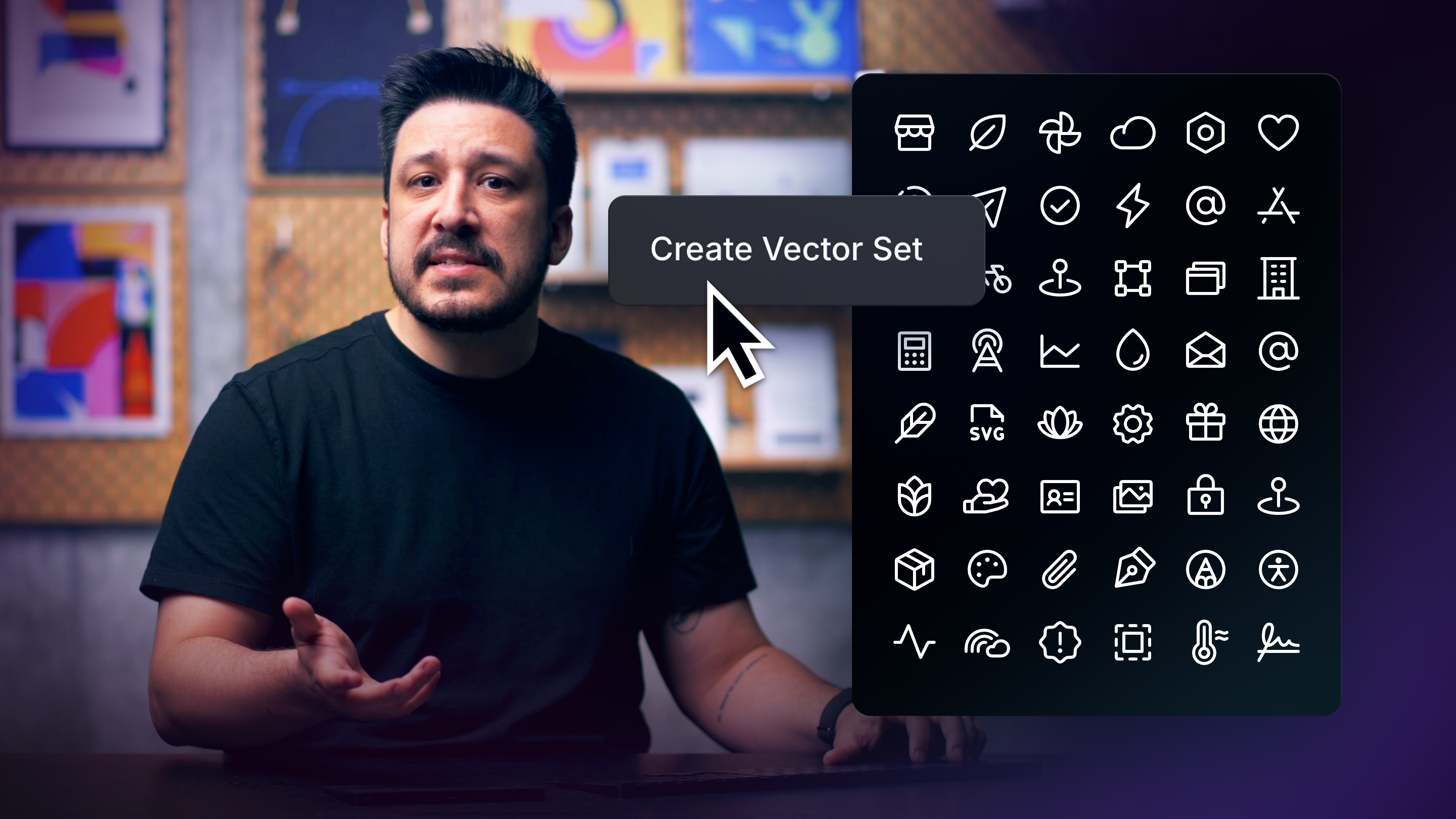
As projects grow, keeping our icons cohesive and organized can become more and more challenging. Loose icons on the canvas can lead to inconsistent size, style, and slow down our workflow. So in this lesson, you will cover how to create cohesive Vector Sets, import external icon libraries, organize everything cleanly, and easily add them to our project.
Lesson details
Group related Vectors into a Vector Set, give every icon a clear name, and keep their view boxes and alignment consistent. Organize sets by purpose rather than by the page where an icon first appears, so the library remains useful as your project grows.
Preview the set in the Assets panel and compare icons at the same rendered size. Fix inconsistent padding, path direction, or layer names before sharing the set or connecting it to CMS content.
Keep the source asset editable and organize it before reuse. Consistent names, dimensions, and visual bounds make later exports, CMS bindings, and shared libraries easier to maintain.
Frequently asked questions
How do I create and organize Vector Sets in Framer?
As projects grow, keeping our icons cohesive and organized can become more and more challenging. Loose icons on the canvas can lead to inconsistent size, style, and slow down our workflow. So in this lesson, you will cover how to create cohesive Vector Sets, import external icon libraries, organize everything cleanly, and easily add them to our project.
What does this lesson cover?
The lesson covers the settings and steps used to create and organize Vector Sets in Framer. You will work with the relevant media or Vector controls while keeping the result editable on the Framer canvas. Follow the demonstrated order in your project and review each change on the canvas before moving to the next step.
Does the result stay editable in Framer?
Yes. The lesson keeps the relevant media, Vector, or asset work available on the Framer canvas. You can adjust sizing, styling, and placement after following the workflow. Check the exported or published result separately because file formats and compression can affect quality outside the canvas.
How should I check this asset on responsive pages?
Place the asset in the layouts where it will appear, then preview each breakpoint. Check crop, scale, resolution, and contrast against nearby content. Keep the source editable in Framer and inspect the exported or published file separately when format or compression affects the result.
What should I review after I create and organize Vector Sets in Framer?
Review the exact pages and elements changed by the workflow. Confirm that copy, links, accessibility, responsive behavior, and interaction states still work as intended. Use preview for the final check and keep publishing separate from editing so you can fix problems before visitors see the update.
Continue watching
Load more