How to set or change your default language
Learn how to define or update the default language for your Framer site.
Your site’s default language helps screen readers and search engines correctly interpret your content. It also defines the base locale used when working with localization.
Set your default language
Framer allows you to define a default language for each project. To set or change it:
Open your project.
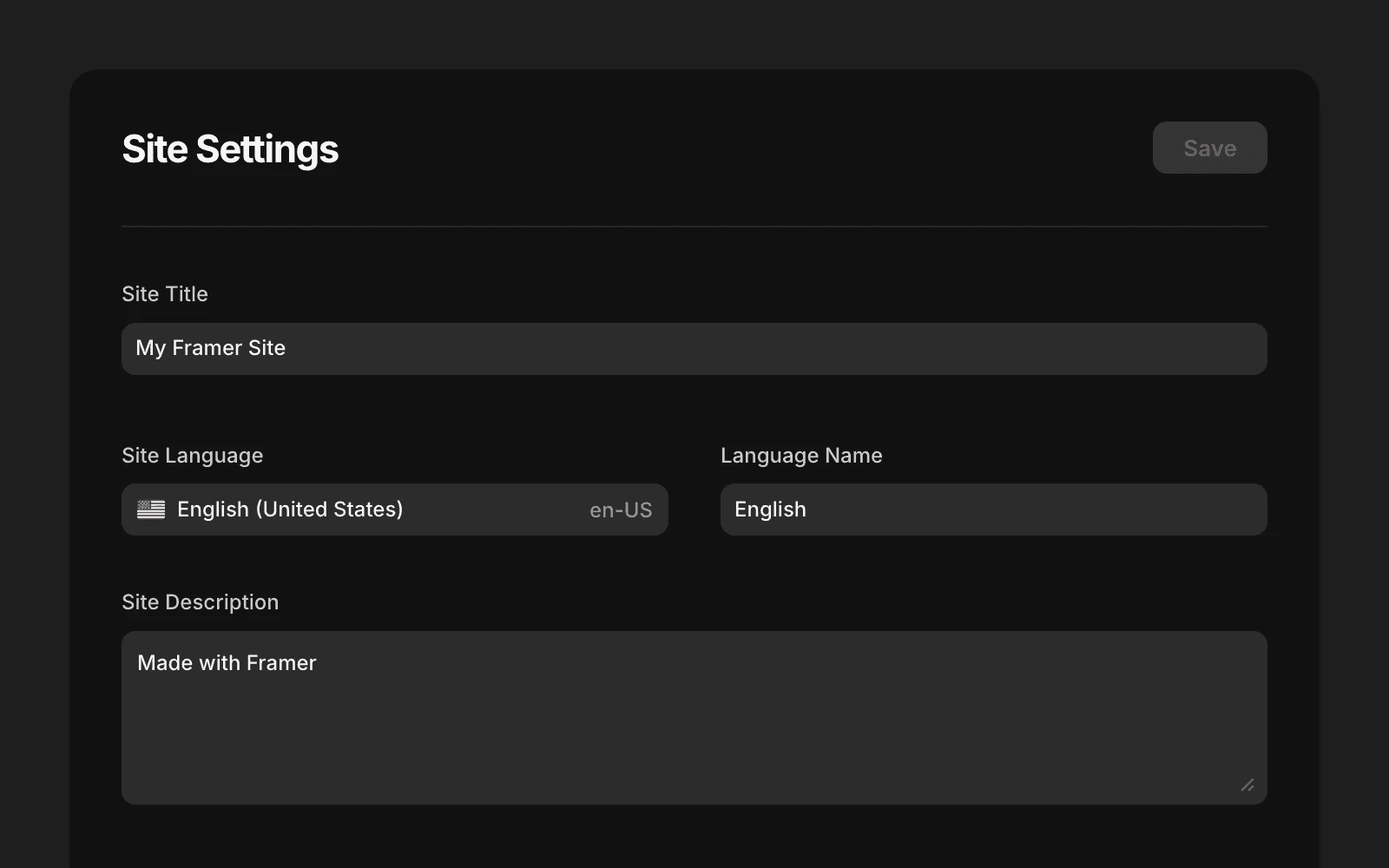
Go to Settings, and find the General tab.
Find the default language option at the top of the page.
Select your preferred language.
Save your changes and publish the site to apply them live.
You can update the default language at any time, even after adding additional locales.
Updated