Opening a project in the desktop app via URL
Learn how to open a shared Framer project in the desktop app using the project URL.
If you’ve been invited to a Framer project and want to open it in the desktop app instead of the browser, you can do so using the project URL.
Open the project in your browser using the link from the email invite.
Copy the project URL from the browser’s address bar.
Open the Framer desktop app.
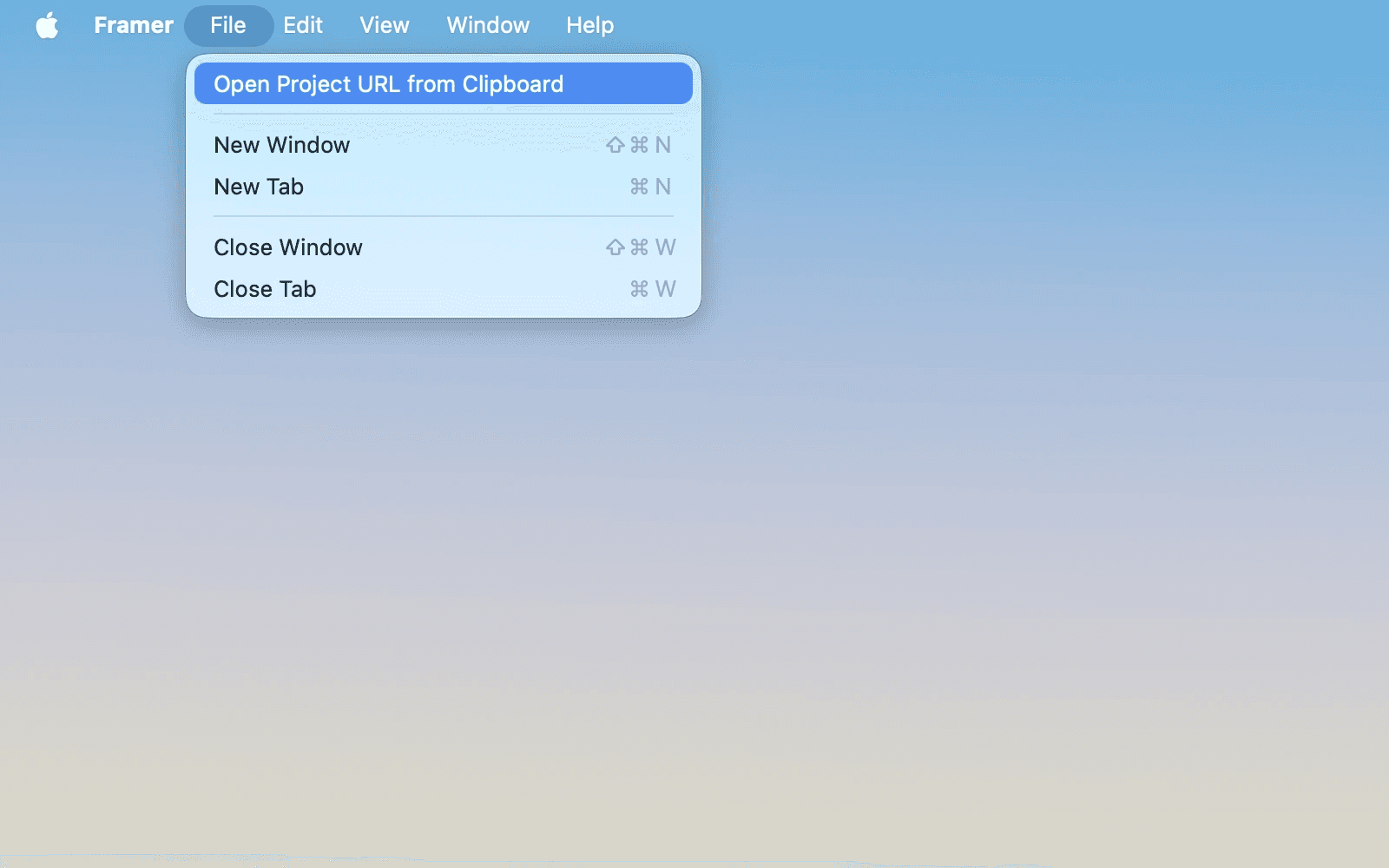
In the desktop app, open the menu:
On Mac, click File in the top-left corner of the app.
On Windows, click the arrow icon in the top-right corner of the app.
Select Open Project URL from Clipboard.
Updated